All draw.io Articles

This page presents draw.io articles. Draw.io creates versatile diagrams. It supports flowcharts and networks. Org charts and more are included. The tool is free online. It offers intuitive web design. Teams collaborate on diagrams directly. Integrations include Google Drive support. Templates and shapes fit all. Privacy ensures secure stored data. Accessibility makes diagrams professional. Articles here deepen draw.io knowledge.

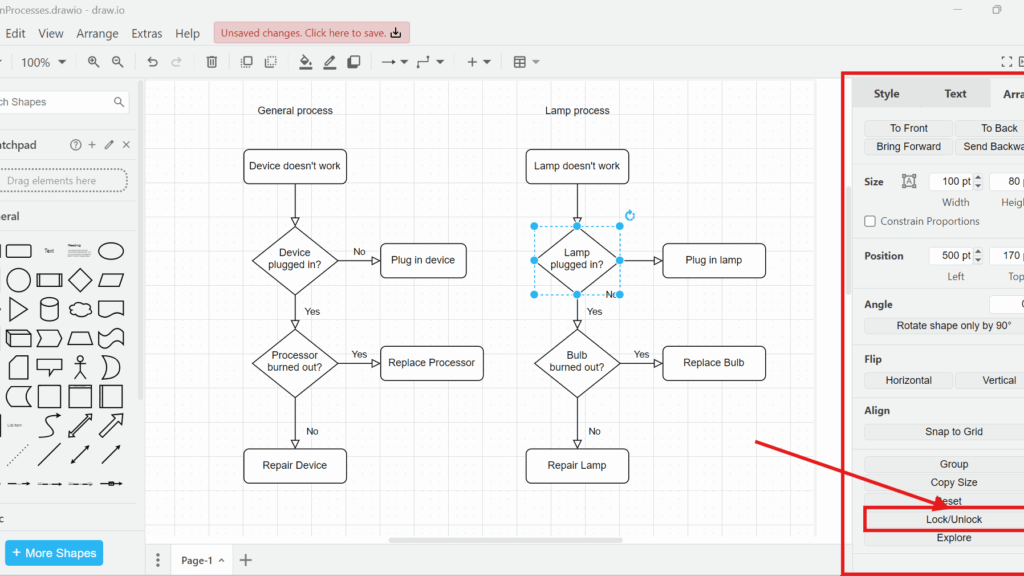
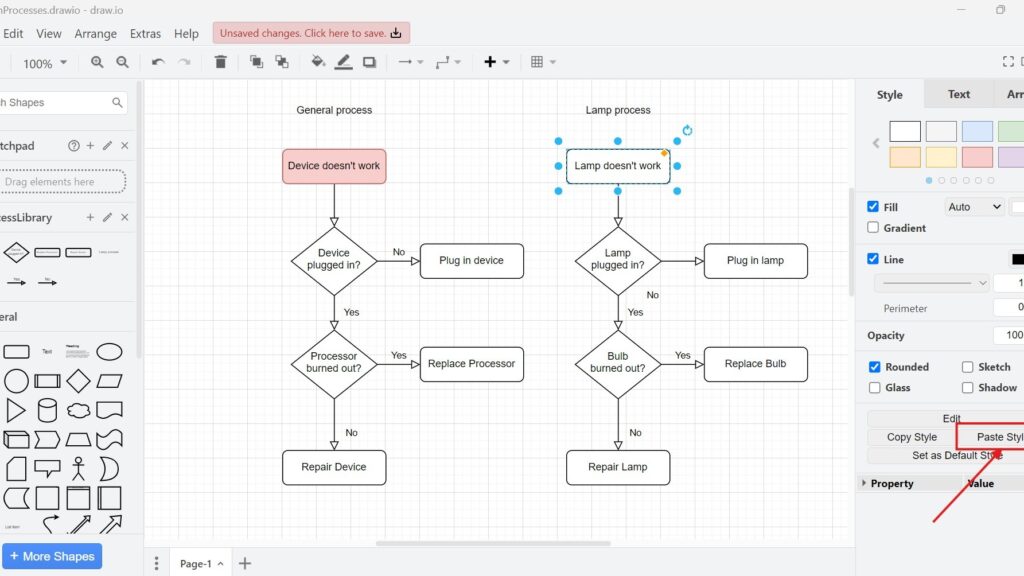
draw.io editor screenshot with two flowcharts (“General process” and “Lamp process”); “Lamp doesn’t work” is selected and “Paste Style” is pointed to by a red arrow.

Mastering Styles in Draw.io

In my experience, managing style in draw.io can transform your diagrams from bland to captivating. It’s not just about aesthetics; it’s about making your visuals clear, professional, and engaging. Let’s dive into the steps and strategies to master style management in draw.io.

Mastering Styles in Draw.io Read More »

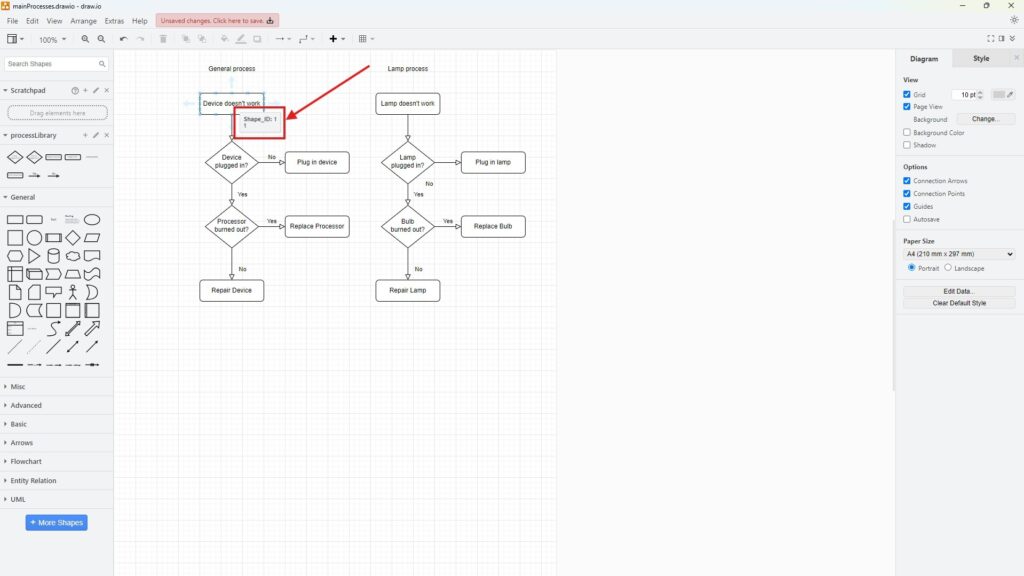
draw.io editor with a red callout highlighting a tooltip reading “Shape_ID: 1” near the “Device doesn’t work” box.

Manage Metadata in Draw.io: A Simple Guide

Metadata is essential for organizing and understanding the details within diagrams. I’ve often found that managing metadata in draw.io can transform how you handle complex projects. Each shape and connector in a diagram can store metadata, or custom properties, which is additional information about those elements. In this post, I’ll explain how to manage metadata effectively and show you a practical business case. By the end, you’ll know how to edit metadata in draw.io and why it matters.

Manage Metadata in Draw.io: A Simple Guide Read More »

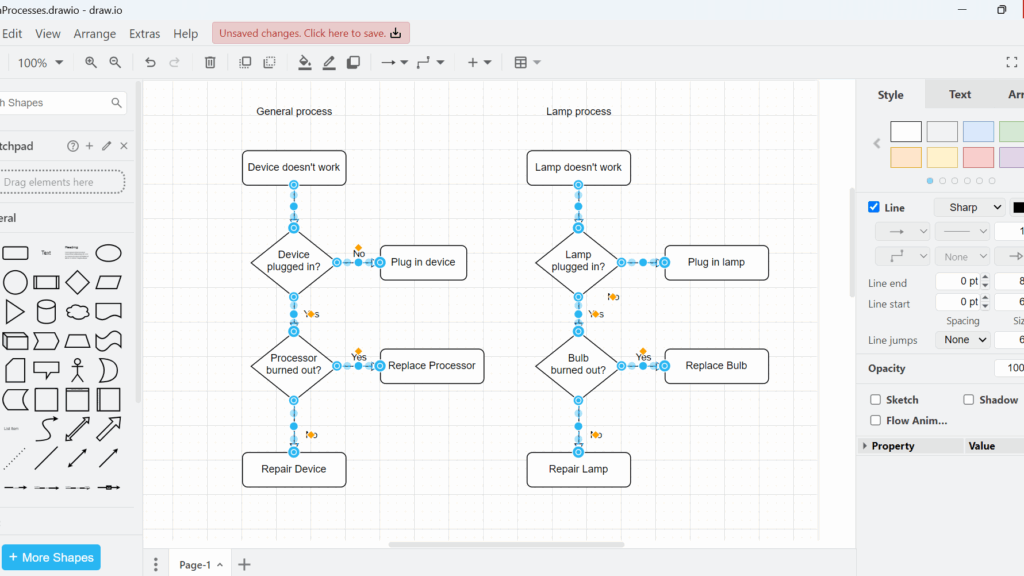
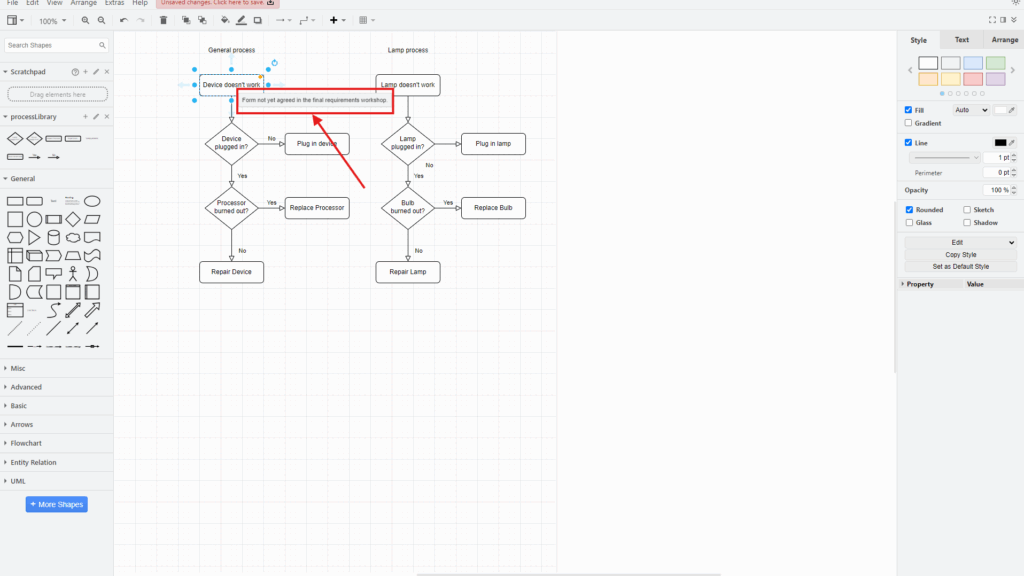
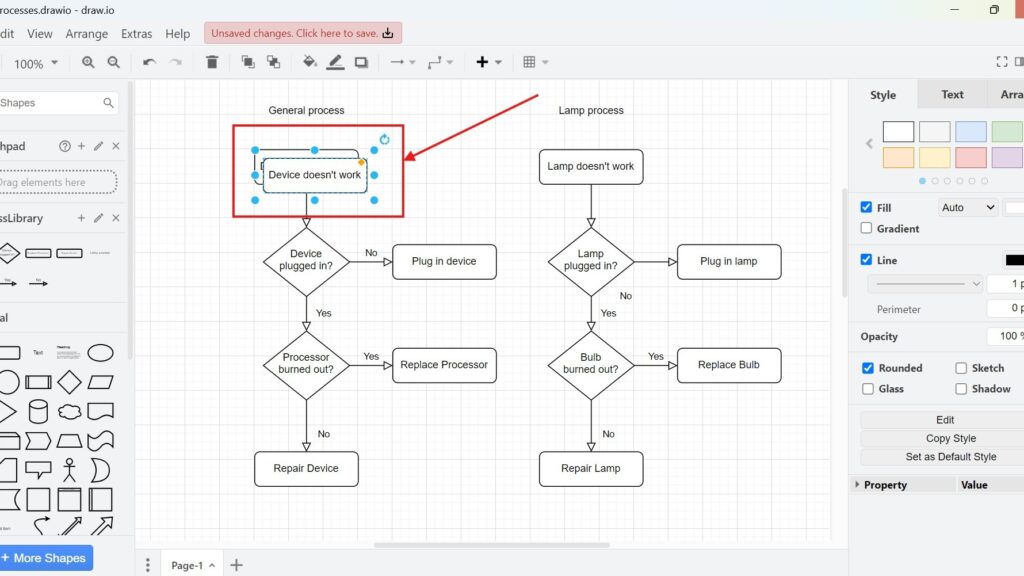
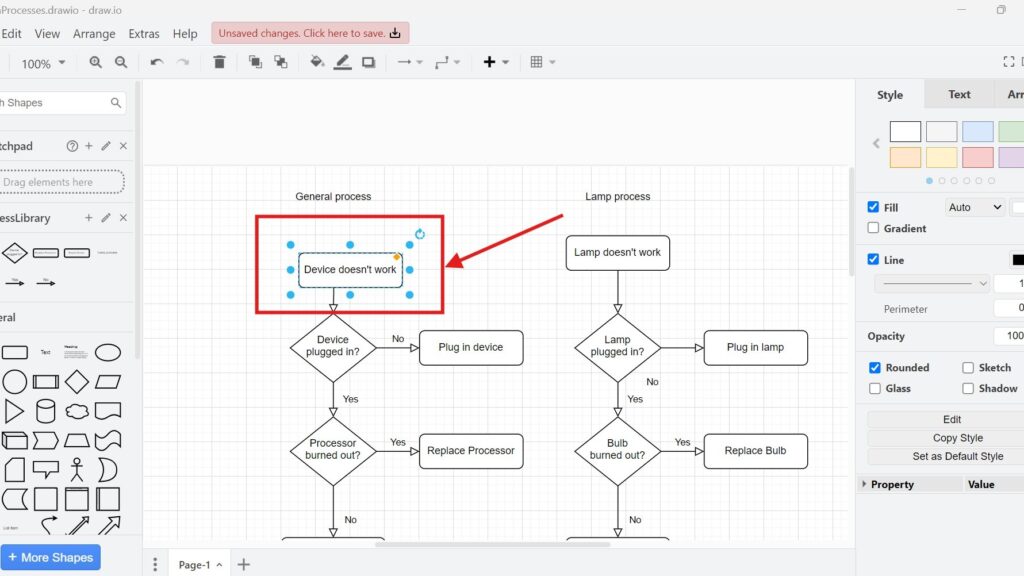
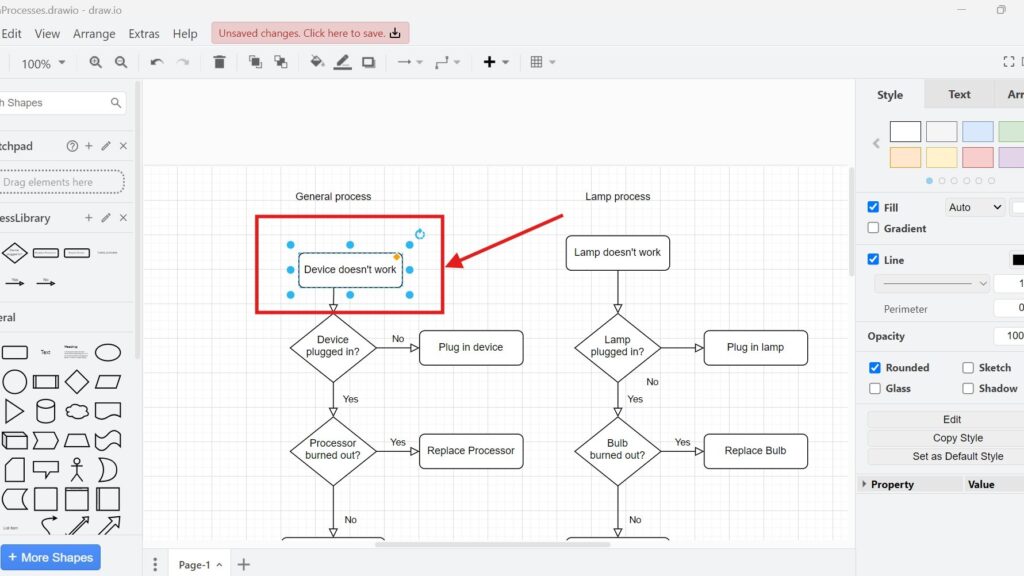
draw.io editor showing two flowcharts; the “Device doesn’t work” box is selected and outlined in red with a red arrow pointing at it.

How to Duplicate in draw.io

Have you ever wondered how to save time when working on diagrams in draw.io? I certainly have. Efficiency is crucial, especially when deadlines loom. One feature I’ve found invaluable is the ability to duplicate elements. It combines copying and pasting into one seamless action. Today, I’ll show you exactly how to duplicate in draw.io and share why it’s such a game-changer.

How to Duplicate in draw.io Read More »
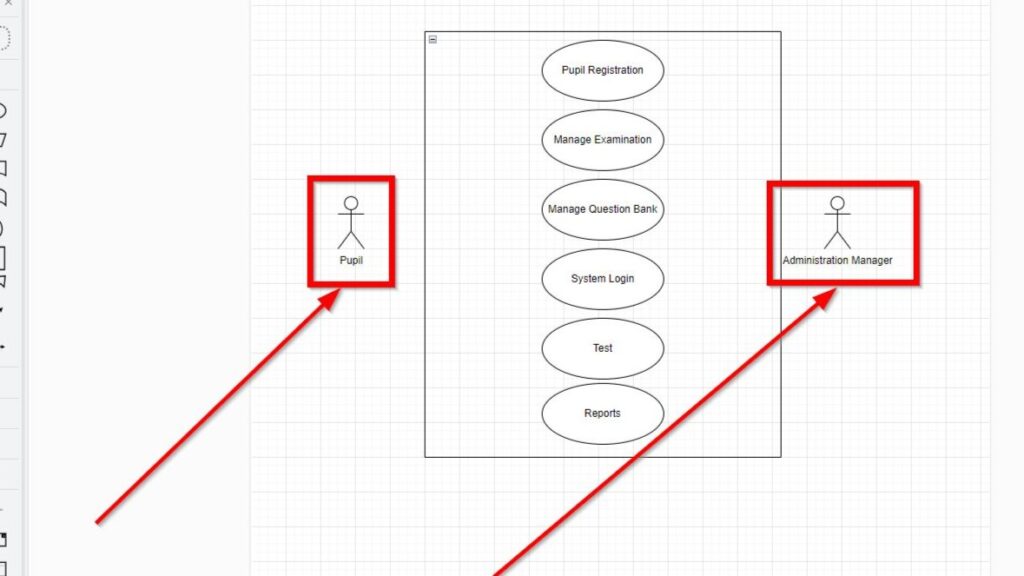
Partial screenshot of a use case diagram with “Pupil” and “Administration Manager” actors highlighted by red boxes and arrows.

Draw UML Use Case Diagrams with draw.io: A Hands-on Example

In software design, visuals help me understand the big picture quickly. When I want to model how users interact with a system, I turn to UML Use Case Diagrams with draw.io. In this post, I’ll walk you through how I create one using draw.io. To make things even more helpful, I’ll explain an example step-by-step. And yes, I’ll also show you what is the execution unit and why it matters in modeling systems.

Draw UML Use Case Diagrams with draw.io: A Hands-on Example Read More »

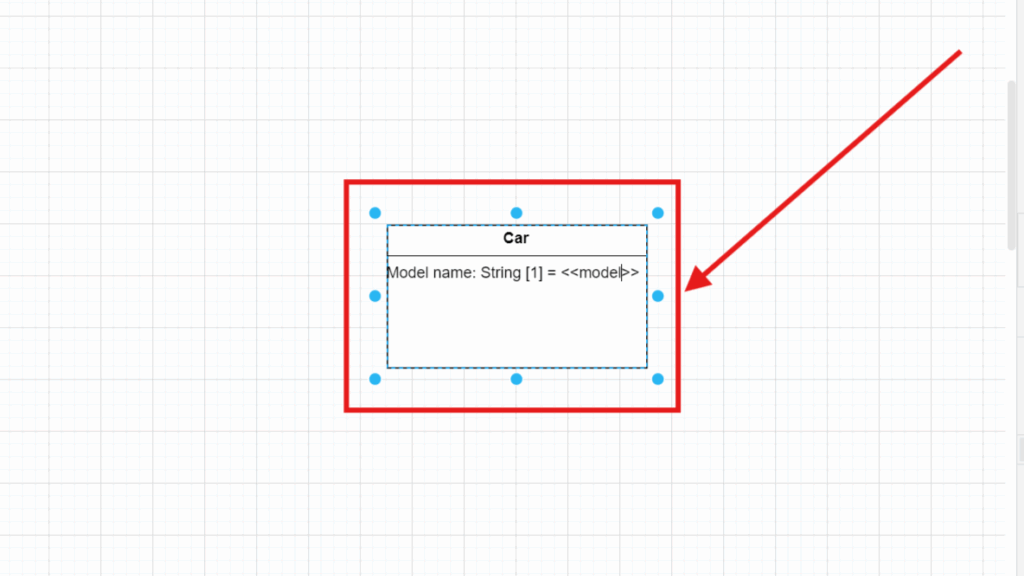
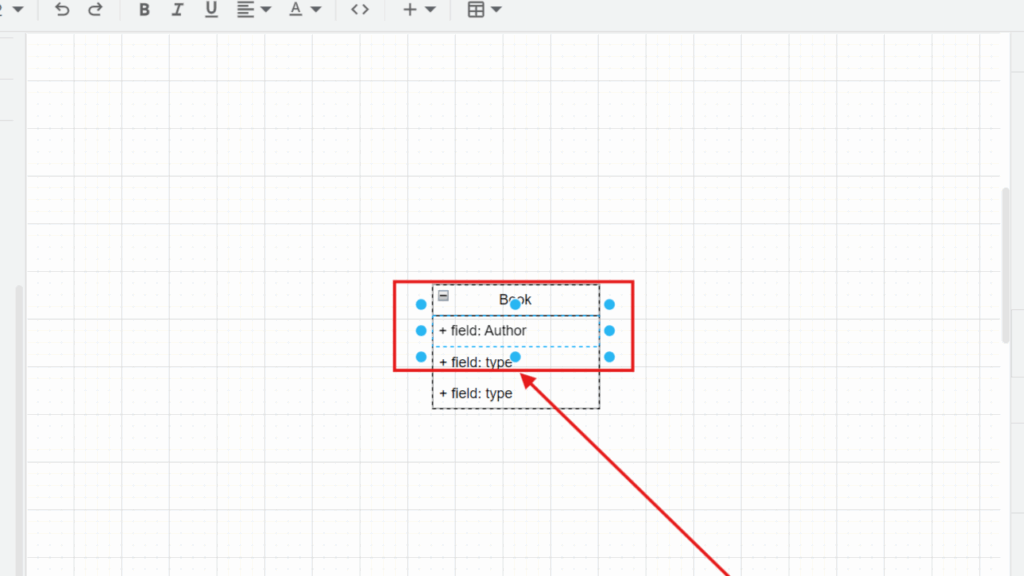
Selected “Book” box showing lines like “+ field: Author” and “+ field: type,” highlighted by a red frame and arrow.

Model UML Class Attributes in draw.io

Have you ever wondered how to visualize complex systems? UML diagrams make it easy to represent structures, especially when you want to show class attributes. In this article, I’ll walk you through modeling UML class attributes in draw.io step by step. By the end, you’ll be able to create clean and organized diagrams that bring clarity to your designs.

Model UML Class Attributes in draw.io Read More »

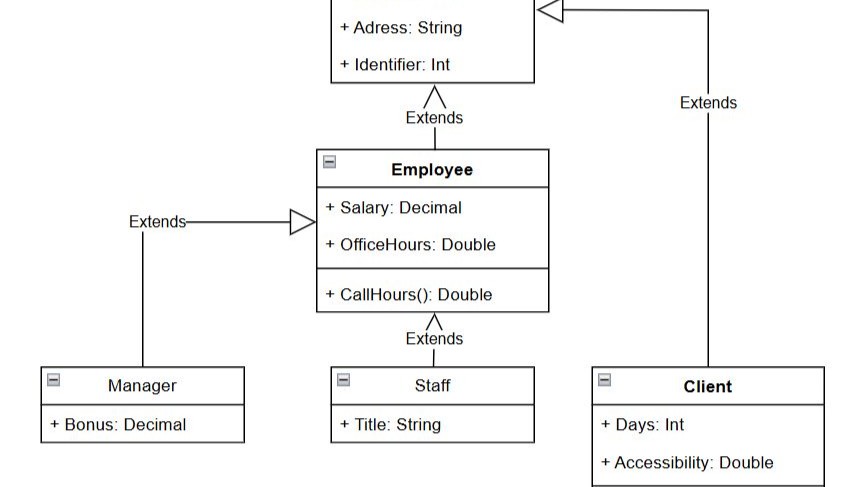
Box labeled “Person” highlighted with a red rectangle and a red arrow pointing to it.

Model UML Classes in draw.io

Modeling UML classes helps me understand complex systems. It structures information and makes relationships between objects clear. When I want a simple and effective tool for this, I use draw.io. It’s free, accessible, and perfect for creating UML diagrams. In this article, I’ll walk through UML classes, introduce draw.io, explain why it’s great for UML modeling, and guide you step-by-step to model UML classes in draw.io.

Model UML Classes in draw.io Read More »

Scroll to Top
WordPress Cookie Plugin by Real Cookie Banner