All draw.io Articles

This page presents draw.io articles. Draw.io creates versatile diagrams. It supports flowcharts and networks. Org charts and more are included. The tool is free online. It offers intuitive web design. Teams collaborate on diagrams directly. Integrations include Google Drive support. Templates and shapes fit all. Privacy ensures secure stored data. Accessibility makes diagrams professional. Articles here deepen draw.io knowledge.

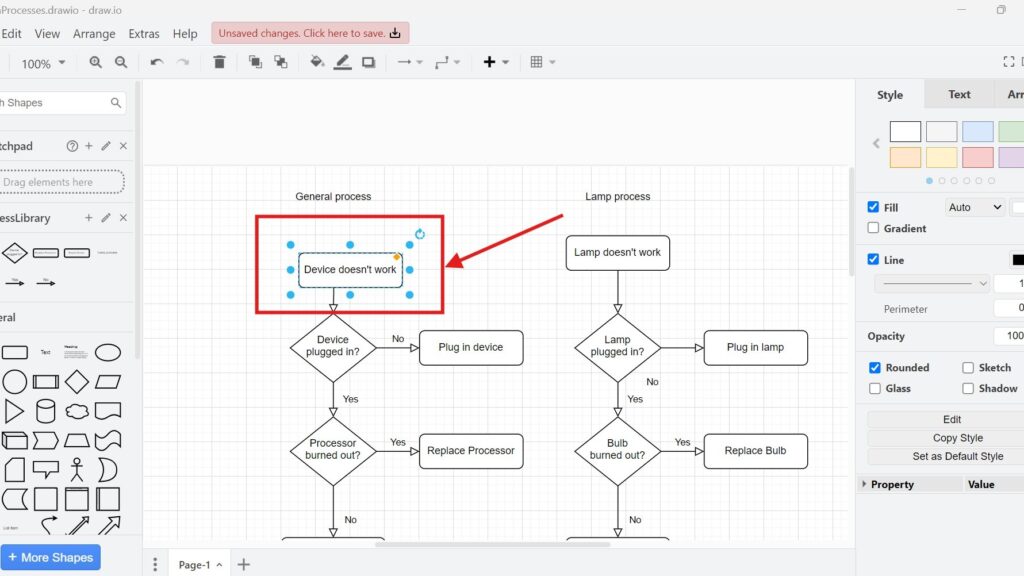
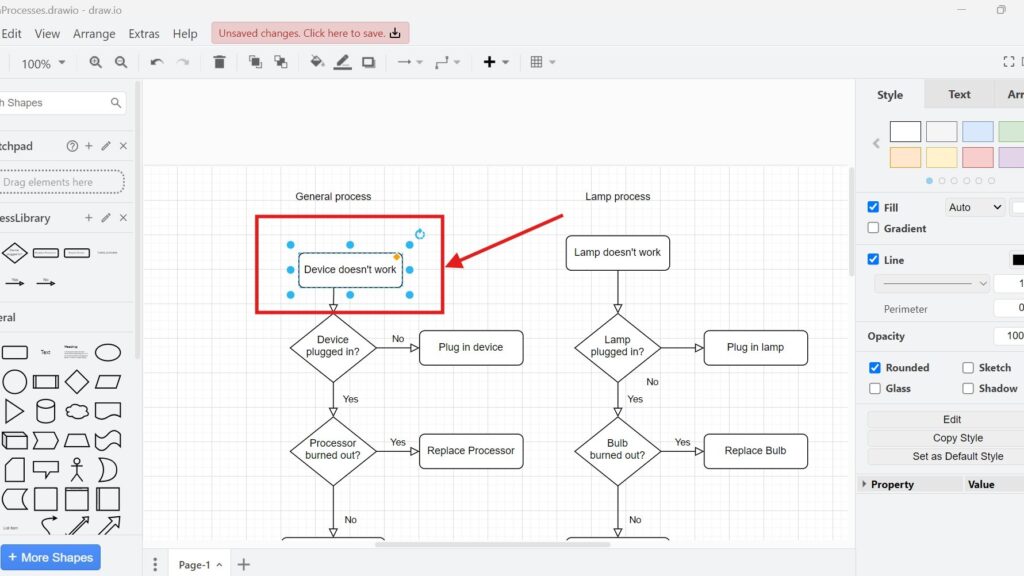
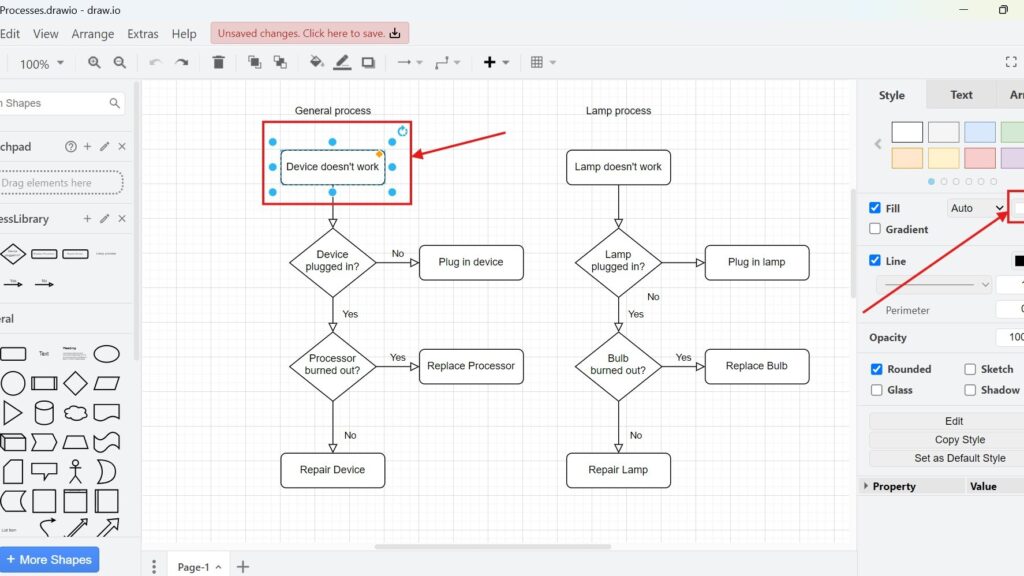
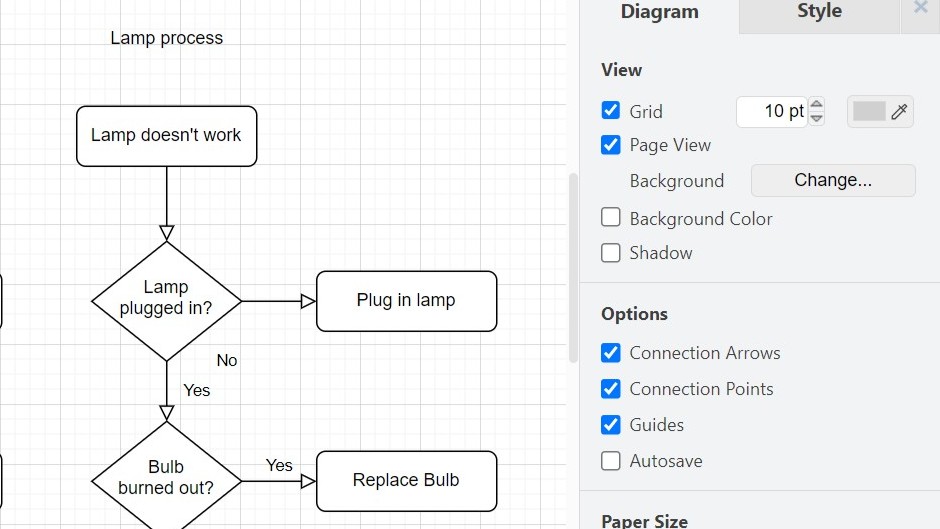
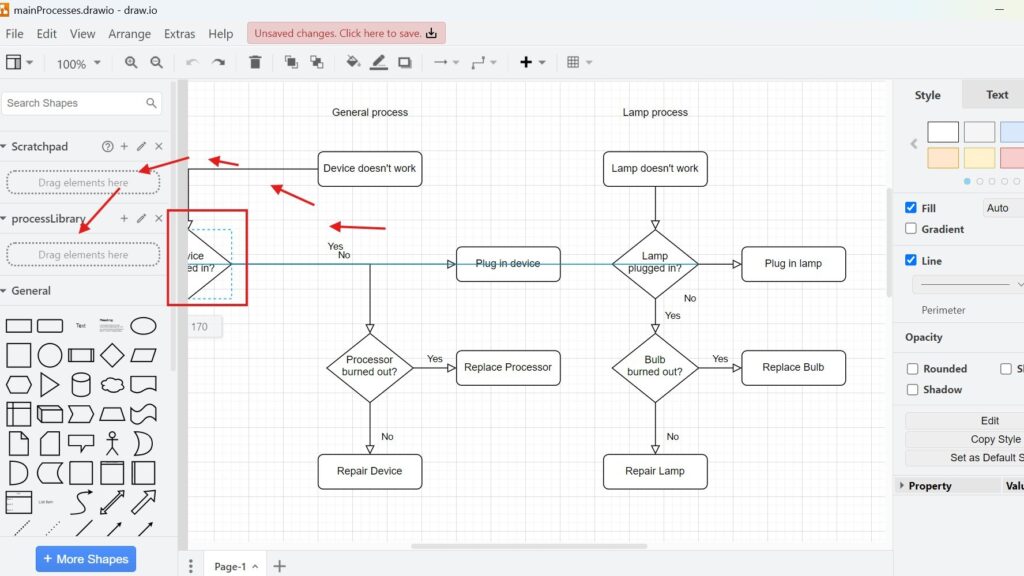
Cropped view of a “Lamp process” flowchart with the draw.io “Diagram” options panel visible on the right.

How to Exit draw.io

When I finish working on a diagram, I need to leave the tool safely. That is why I want to know How to exit draw.io properly. In this guide, I explain what to check before closing the session, why saving matters, and how a clear exit routine helps me keep my diagram workflow efficient and ready for the next session.

How to Exit draw.io Read More »

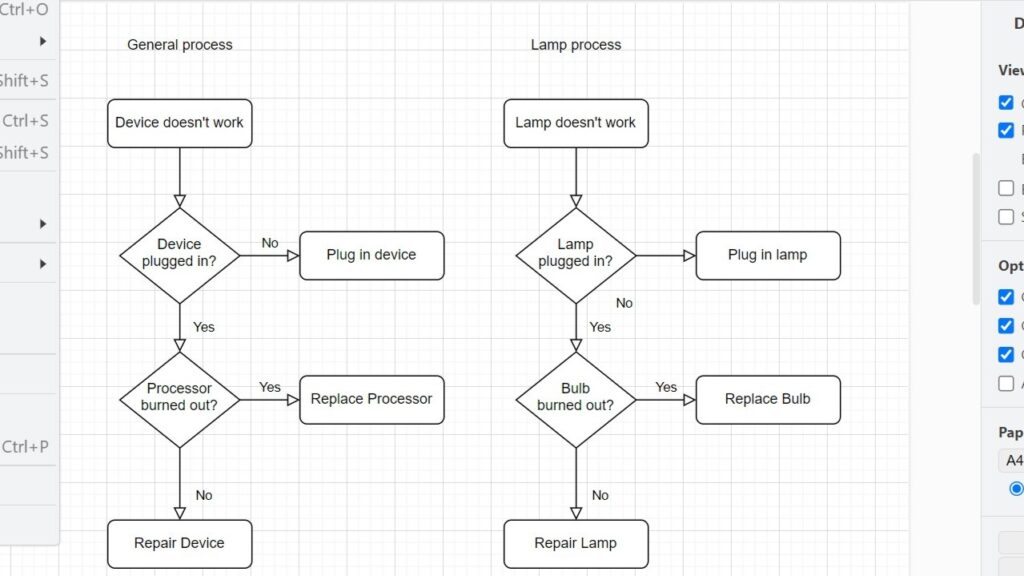
Draw.io diagram with a dropdown menu open showing keyboard shortcuts (e.g., Ctrl+O, Ctrl+S, Ctrl+P).

How to Close a Draw.io Diagram

Closing a diagram correctly helps me keep my draw.io workflow clean and safe. Before I leave the editor, I want to protect my changes and avoid confusion later. In this post, I explain how to close a Draw.io diagram step by step. You’ll learn what to check first and why a proper closing routine supports better diagram management.

How to Close a Draw.io Diagram Read More »

How to Change the Draw.io Page Setup

Page setup shapes how a diagram looks and works. In this guide, I explain how to change the draw.io page setup step by step. You’ll learn how to adjust paper size, orientation, grid size, and background. As a result, you can create cleaner diagrams, improve readability, and prepare professional visuals for clients, workshops, or documentation.

How to Change the Draw.io Page Setup Read More »

Scroll to Top
WordPress Cookie Plugin by Real Cookie Banner