All draw.io Articles

This page presents draw.io articles. Draw.io creates versatile diagrams. It supports flowcharts and networks. Org charts and more are included. The tool is free online. It offers intuitive web design. Teams collaborate on diagrams directly. Integrations include Google Drive support. Templates and shapes fit all. Privacy ensures secure stored data. Accessibility makes diagrams professional. Articles here deepen draw.io knowledge.

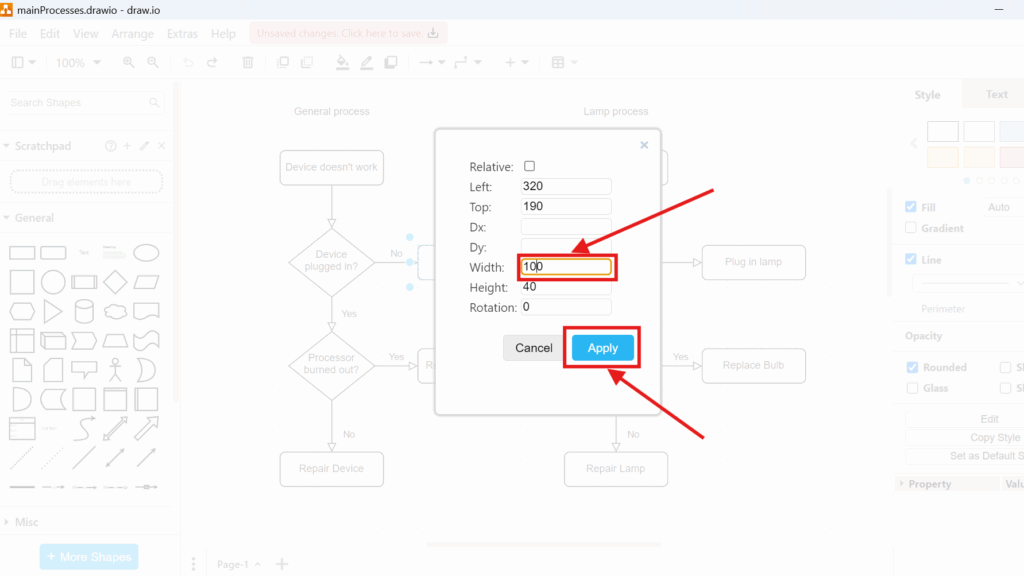
Draw.io geometry dialog showing fields for Left/Top and size, with “Width: 100” highlighted and the “Apply” button highlighted.

How to Change Geometry in draw.io

Object geometry helps me create precise diagrams. I adjust size, position, and shape dimensions when I need a cleaner layout. In this guide, I explain how to change geometry in Draw.io. You’ll learn how geometry settings help you fine-tune objects, improve alignment, and create clearer diagrams with a more professional look.

How to Change Geometry in draw.io Read More »
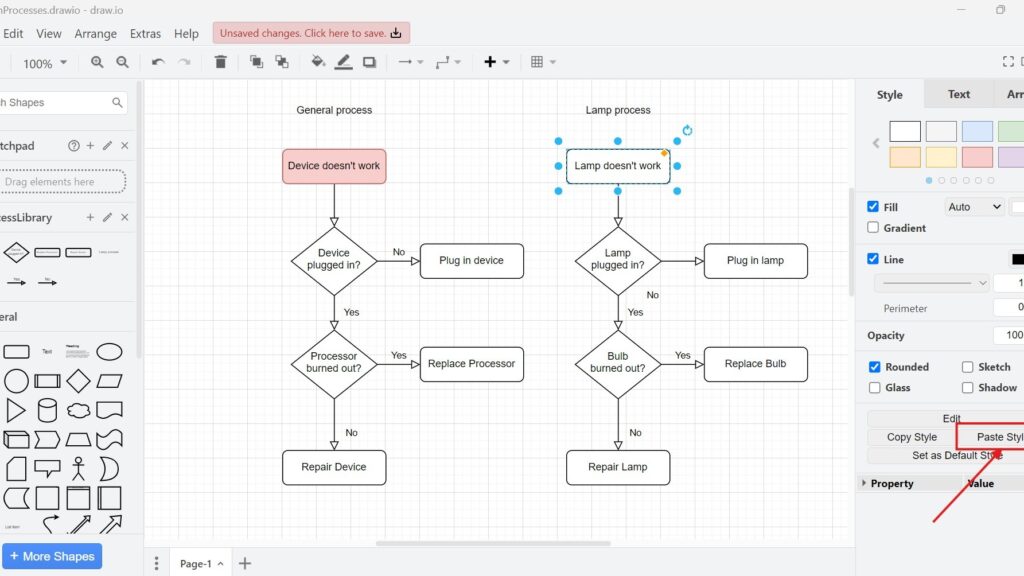
draw.io editor screenshot with two flowcharts (“General process” and “Lamp process”); “Lamp doesn’t work” is selected and “Paste Style” is pointed to by a red arrow.

Mastering Styles in Draw.io

Styles in draw.io can turn simple diagrams into clear and professional visuals. I use them to control colors, lines, text, and shape design. In this guide, I show how style management works and why it matters. As a result, you can make diagrams more consistent, engaging, and easier to understand.

Mastering Styles in Draw.io Read More »

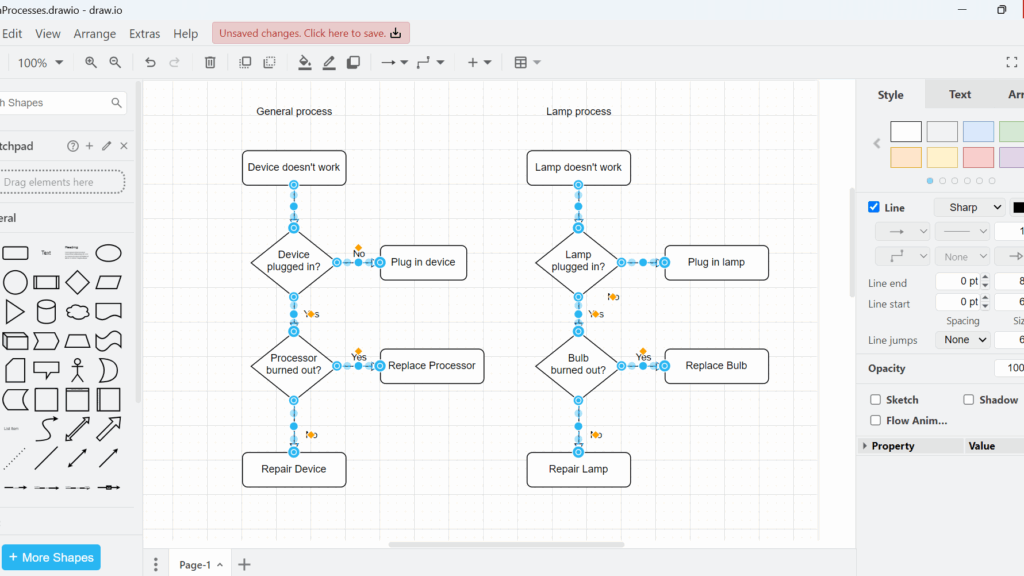
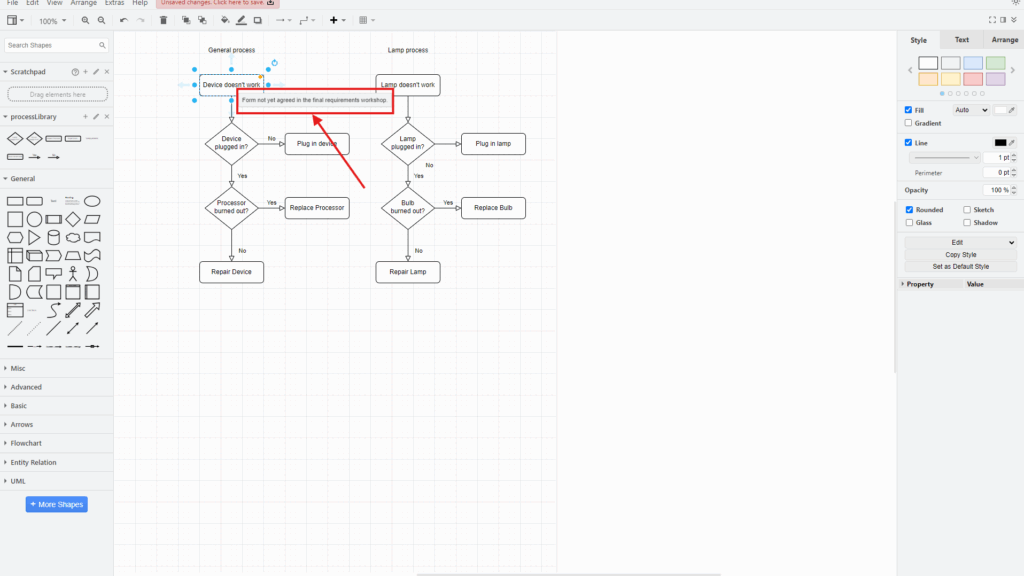
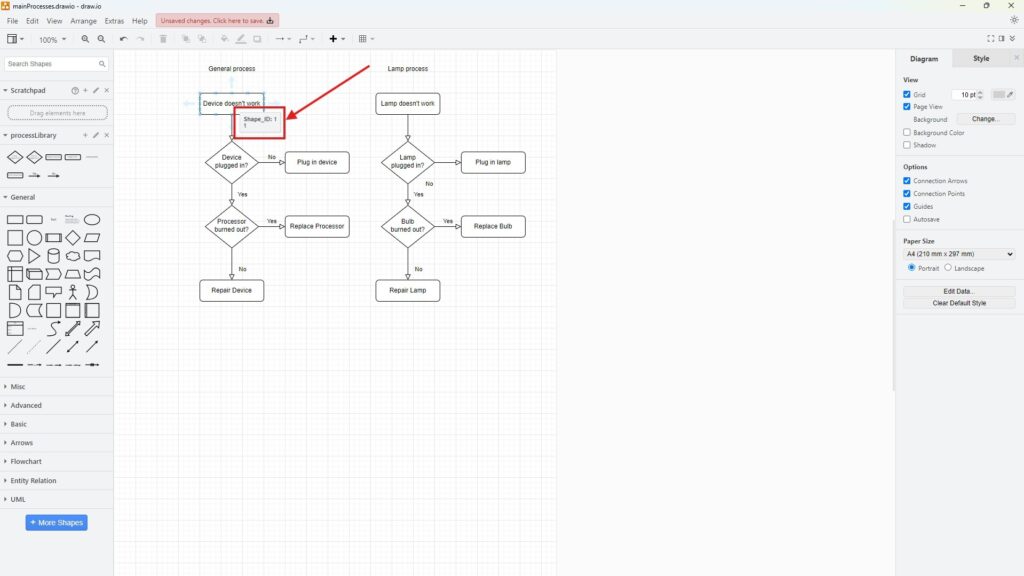
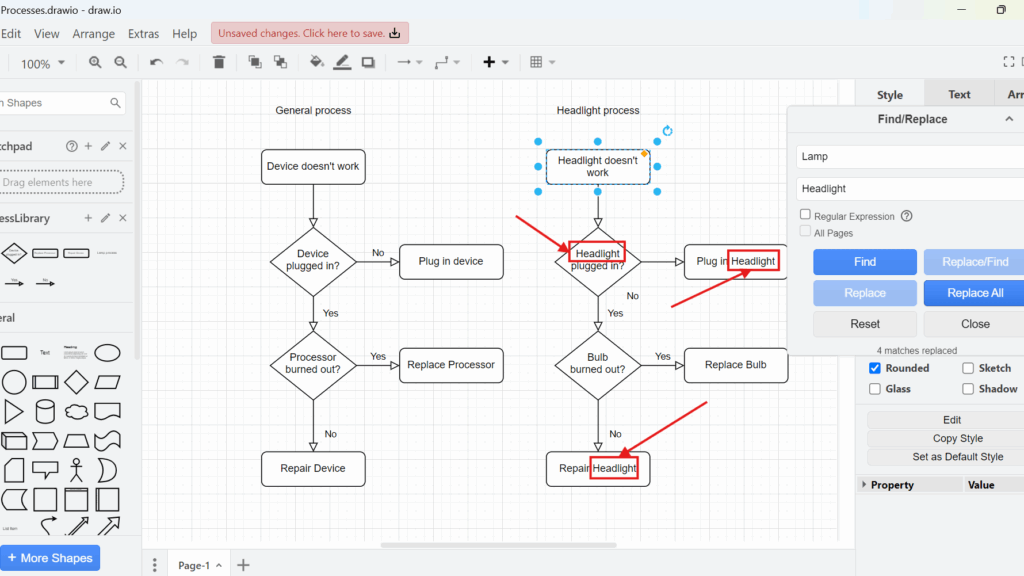
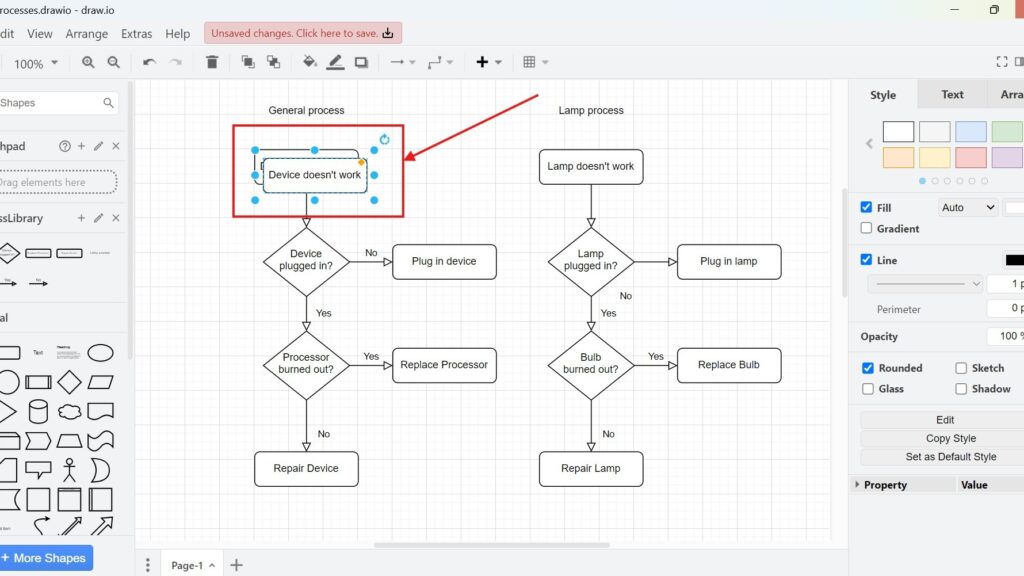
draw.io editor showing two flowcharts; the “Device doesn’t work” box is selected and outlined in red with a red arrow pointing at it.

How to Duplicate in draw.io

Duplicating saves time when I build diagrams in draw.io. It lets me reuse shapes, labels, and layouts without copying and pasting in separate steps. In this article, I explain How to duplicate in draw.io in a clear and practical way. You’ll learn how duplication works and why it helps you create diagrams faster, especially under tight deadlines.

How to Duplicate in draw.io Read More »

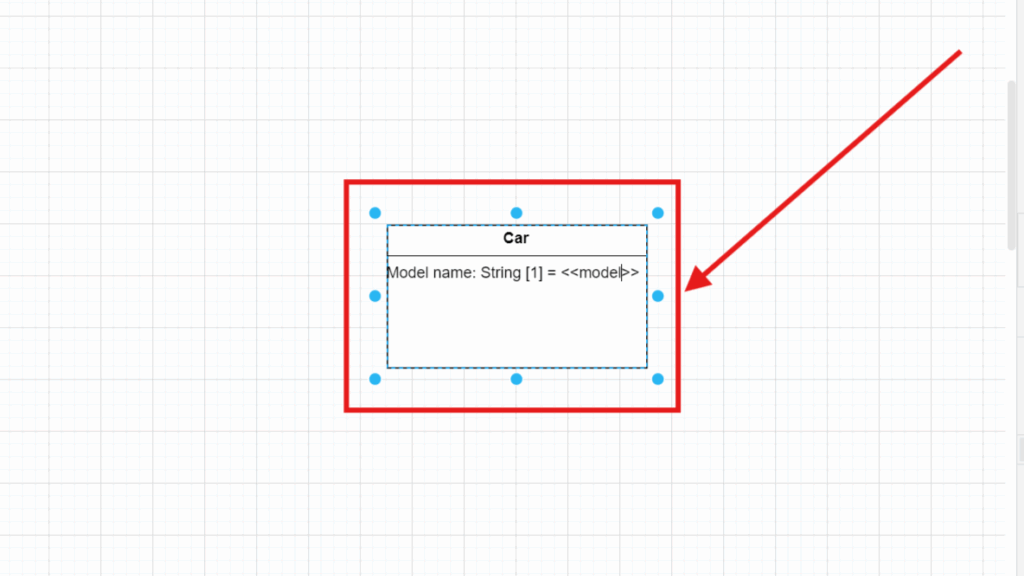
Selected “Book” box showing lines like “+ field: Author” and “+ field: type,” highlighted by a red frame and arrow.

Model UML Class Attributes in draw.io

Have you ever wondered how to visualize complex systems? UML diagrams make it easy to represent structures, especially when you want to show class attributes. In this article, I’ll walk you through modeling UML class attributes in draw.io step by step. By the end, you’ll be able to create clean and organized diagrams that bring clarity to your designs.

Model UML Class Attributes in draw.io Read More »

Box labeled “Person” highlighted with a red rectangle and a red arrow pointing to it.

Model UML Classes in draw.io

Modeling UML classes in draw.io helps me understand complex systems more clearly. I can structure information, show objects, and explain relationships in a visual way. In this article, I show why draw.io works well for UML modeling and guide you step by step through creating UML classes in draw.io.

Model UML Classes in draw.io Read More »

Scroll to Top
WordPress Cookie Plugin by Real Cookie Banner