All draw.io Articles

This page presents draw.io articles. Draw.io creates versatile diagrams. It supports flowcharts and networks. Org charts and more are included. The tool is free online. It offers intuitive web design. Teams collaborate on diagrams directly. Integrations include Google Drive support. Templates and shapes fit all. Privacy ensures secure stored data. Accessibility makes diagrams professional. Articles here deepen draw.io knowledge.

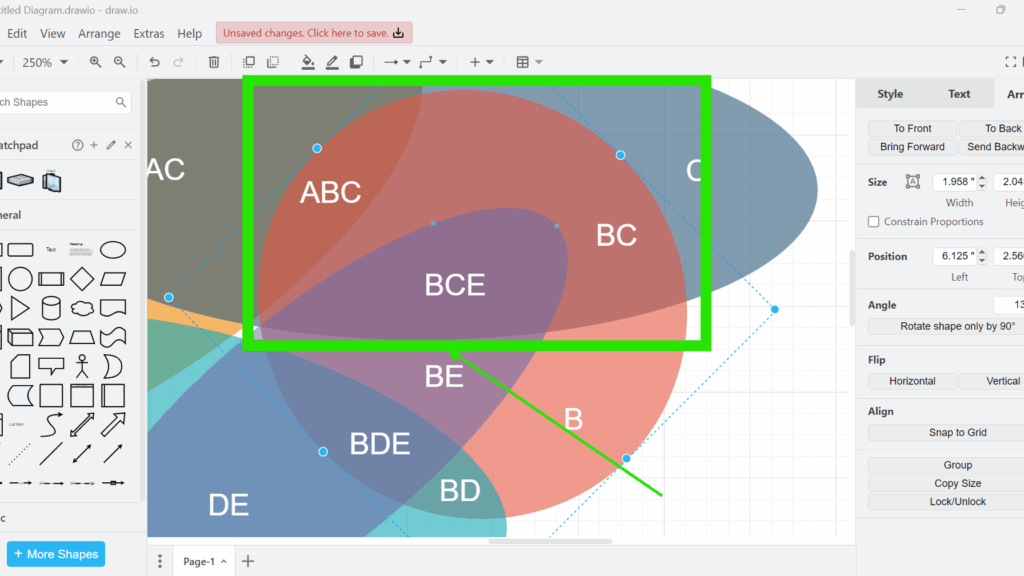
Overlapping translucent shapes with text labels (e.g., ABC, BC, BCE) highlighted by a green rectangle and arrow in draw.io.

How to Move Elements Forward or Backward One Layer in draw.io

When working with diagrams, you often need to adjust the layering of shapes or connectors. In draw.io, the ability to bring elements forward or send them backward is crucial for creating clean, organized designs. Whether you’re working with a Venn diagram, flowchart, or network diagram, controlling the layer order helps ensure everything is visible and well-structured.

How to Move Elements Forward or Backward One Layer in draw.io Read More »
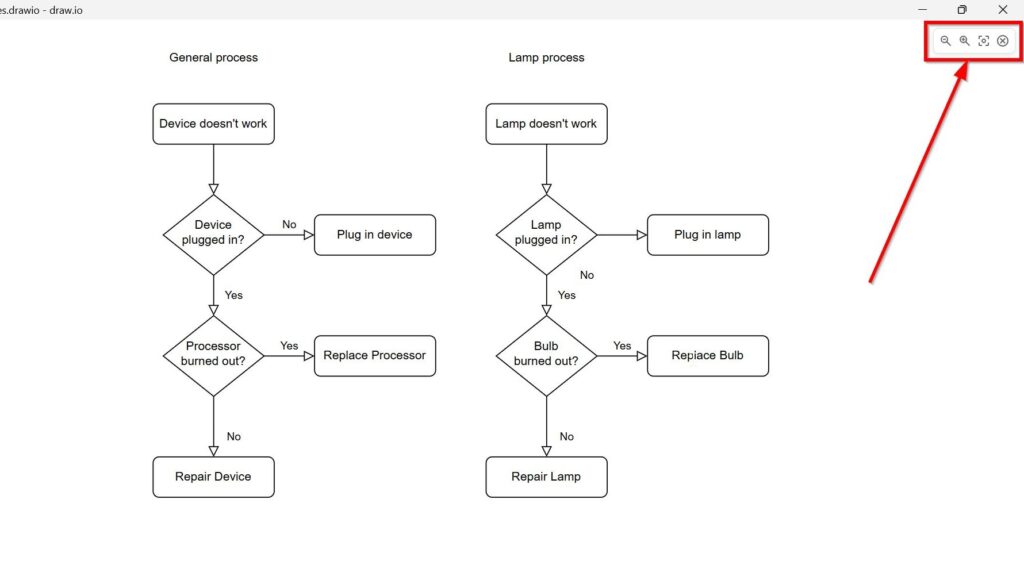
Cropped draw.io presentation view with the upper-right presentation controls highlighted.

How to Activate the Presentation Mode in draw.io

I use draw.io to turn ideas into clear diagrams. However, the editor view can distract during a presentation. Menus, panels, and toolbars help me while I work. But they can also pull attention away from the final diagram. Therefore, I use presentation mode in draw.io. It gives me a cleaner view. As a result, I can present my diagram clearly and guide my audience through each part step by step.

How to Activate the Presentation Mode in draw.io Read More »

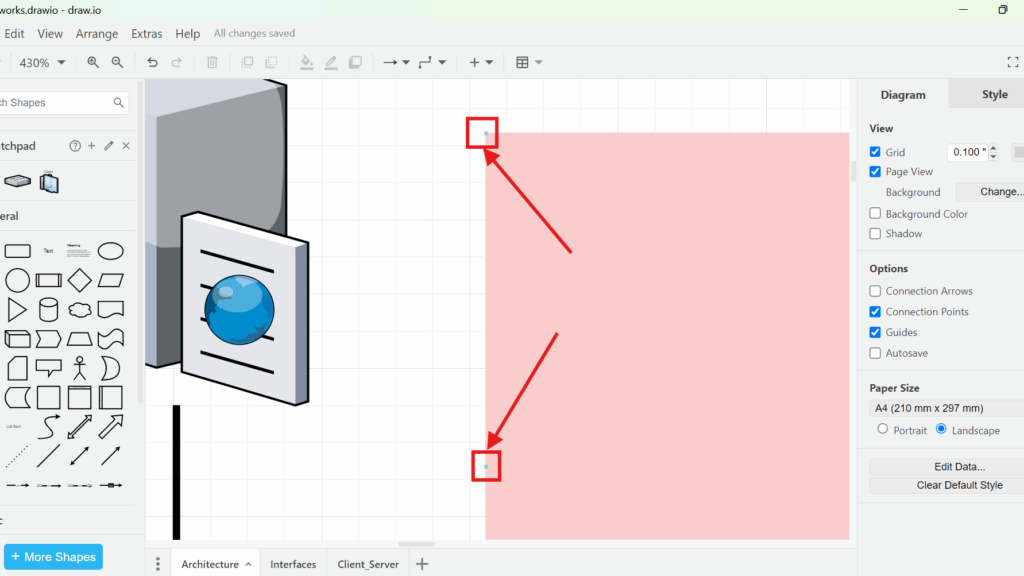
Zoomed-in draw.io screenshot highlighting two small square connection points on the left edge of a pink rectangle, marked with red boxes and arrows.

Connection Arrows and Points in draw.io

Connections can make or break a diagram. When I first used draw.io, my lines often felt messy and hard to control. Then I learned how Connection Arrows and Points in draw.io work. They help me attach shapes clearly, move elements safely, and show relationships with more precision. In this post, I show how these tools improve diagram structure and speed up my workflow.

Connection Arrows and Points in draw.io Read More »

Scroll to Top
WordPress Cookie Plugin by Real Cookie Banner