
After years in tech, I have seen many tools come and go. However, Jira still stands out. The capabilities of Jira help teams plan work, track progress, improve collaboration, and stay productive. In this guide, I’ll show how Jira supports project management and why it can transform the way teams organize and control their work.
What is Jira?
Jira is a comprehensive project management and issue-tracking tool developed by Atlassian, designed to help teams plan, organize, and monitor their work effectively. It provides a structured environment where users can create, assign, and track tasks throughout the entire project lifecycle. With features like workflows, boards, and reporting dashboards, Jira supports agile methodologies such as Scrum and Kanban, making it a central hub for collaboration, transparency, and continuous improvement in project management.
In requirements engineering and IT business analysis, Jira plays a crucial role in bridging the gap between business goals and technical implementation. It allows analysts to capture and structure requirements as user stories or issues, ensuring that each one is traceable and measurable. Teams can prioritize tasks, link requirements to development work, and monitor progress in real time. Combined with Confluence, Jira becomes a powerful ecosystem for documenting requirements, managing changes, and maintaining alignment between stakeholders and developers.
Streamlined Task Management
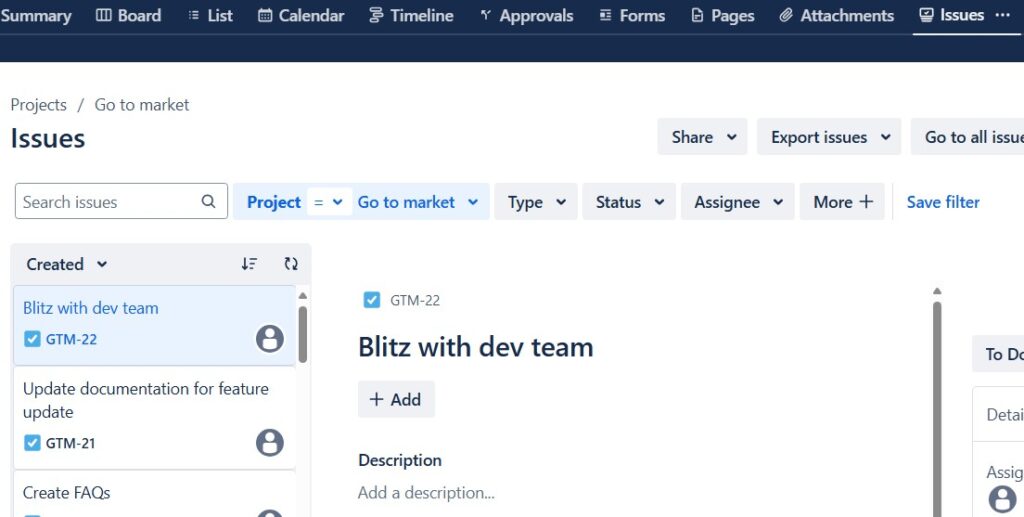
First and foremost, Jira excels at task management. I can create, assign, and track tasks with ease. Each task, or issue as Jira calls it, is a hub of information. I can add descriptions, attach files, set deadlines, and even link related tasks. This centralization keeps everything organized and accessible.
Customizable Workflows
One feature I love about Jira is its customizable workflows. Every team works differently, and Jira understands that. I can set up workflows that mirror my team’s processes. From simple to-do lists to complex multi-step processes, Jira handles it all. This flexibility ensures that the tool adapts to my team, not the other way around.
Agile Project Management
As an advocate of Agile methodologies, the capabilities of Jira for agility are a game-changer. Whether it’s Scrum or Kanban, Jira supports it. I can create boards to visualize work, plan sprints, and track progress in real time. The burndown chart and velocity reports give me insights into my team’s performance and help us improve with each iteration.
Real-Time Collaboration
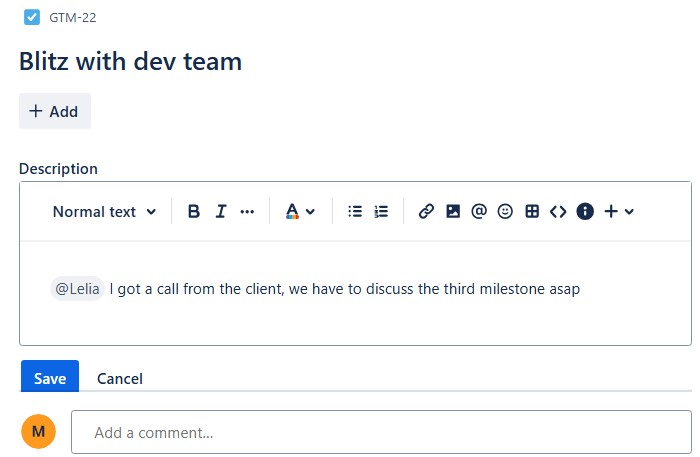
Jira promotes real-time collaboration. I can comment on tasks, mention teammates, and even share updates instantly. This communication keeps everyone on the same page. Plus, with the integration of tools like Slack and Microsoft Teams, notifications and updates flow seamlessly across platforms.
Robust Reporting
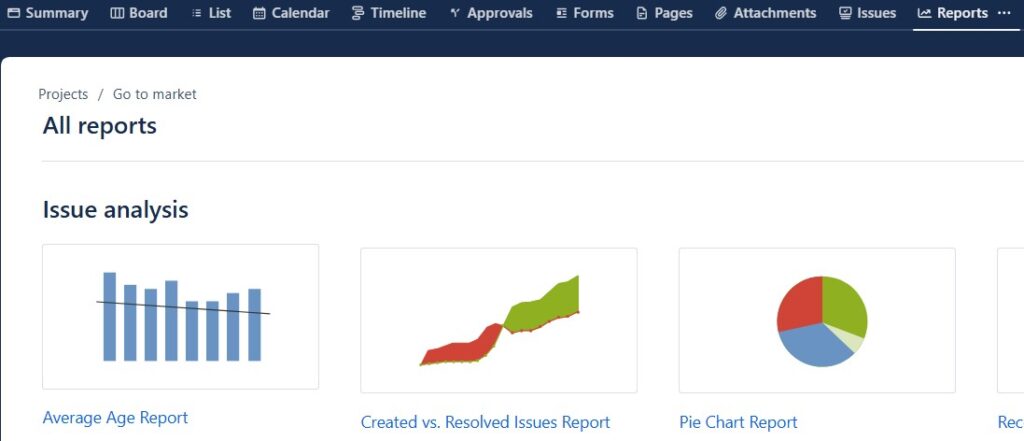
Reporting is crucial in project management, and Jira doesn’t disappoint. I can generate detailed reports on almost anything – from project progress to team performance. These insights help me make informed decisions. Custom dashboards allow me to monitor key metrics at a glance, ensuring I stay on top of everything.
Integration with Other Tools
Jira’s integration capabilities are extensive. It connects with a multitude of other tools I use daily. Whether it’s Confluence for documentation, Bitbucket for code repositories, or Trello for simpler task management, Jira brings everything together. This interconnected ecosystem streamlines my workflow and reduces the need to switch between different apps.

Automation for Efficiency
Automation is another standout feature. With Jira, I can automate repetitive tasks. For example, I can set rules to automatically assign tasks, update statuses, or send notifications. This automation saves me time and reduces errors, allowing me to focus on more critical aspects of project management.
Scalability
Whether I’m managing a small team or a large organization, Jira scales effortlessly. I can start with a few users and expand as needed. Its cloud-based solution ensures that performance remains consistent, even as my needs grow. This scalability makes Jira a long-term solution for any project management needs.
Security and Compliance
In today’s world, security is paramount. Jira offers robust security features. I can set permissions, control access, and ensure data privacy. Compliance with standards like GDPR is also a given, which provides peace of mind when handling sensitive information (This is not legal advice; before using the service with personal data, please check Atlassian’s terms and conditions directly for further information.).
User-Friendly Interface
Lastly, Jira’s user interface is intuitive. Despite its powerful features, it’s easy to navigate. The learning curve is manageable, and numerous resources are available for support. Whether I’m a seasoned project manager or a newbie, Jira’s design makes it accessible.
Conclusion
The capabilities of Jira in project management are vast and impactful. From task management to real-time collaboration, customizable workflows to robust reporting, Jira has it all. Its flexibility, integration options, and automation features make it an indispensable tool. If you’re looking to elevate your project management processes, I highly recommend giving Jira a try. It’s a tool that grows with you and adapts to your needs, ensuring project success every step of the way.
What’s Next?!
Now that I know what Jira can do in project management, I want to understand how Jira projects create the foundation for organized work. Therefore, the next step is Introduction to Jira Projects: Streamline Your Workflow with Ease.
In that article, I explain what Jira projects are and why they matter. You will see how projects help teams structure tasks, workflows, responsibilities, and progress in one clear space. In addition, you will learn how Jira projects support better planning and smoother collaboration.
Click the next article to discover how Jira projects help you streamline your workflow from the very beginning.
Requirements Engineering Tools: Connect Ideas, Requirements, and Delivery
Requirements engineering works better when I use tools that support each step clearly. Therefore, I rely on draw.io to visualize ideas, Confluence to document knowledge, Jira to manage tasks, and Camunda to model processes. Together, these tools help me move from early ideas to structured requirements and practical implementation work.
In the main article on Requirements Engineering Tools, I show how draw.io, Confluence, Jira, and Camunda support better communication, stronger documentation, clearer workflows, and more controlled project delivery. Click through to discover how the right tool setup can improve your requirements engineering work.