All Tutorial Articles

This page presents requirements engineering tutorials. Tutorials guide your learning journey. They explain concepts with clarity. Each step builds practical skills. Examples illustrate methods and techniques. Guidance supports professional development goals. Tutorials cover models and tools. They strengthen analysis and documentation. Learning here improves project outcomes. Articles deepen requirements engineering knowledge.

Cropped view of a page card titled “Requirements Meeting Protocol” under a “2024” heading, with a left navigation panel.

How I Use Confluence in Requirements Engineering

In software development, managing requirements efficiently is vital for project success. I’ve discovered that using Confluence in requirements engineering greatly improves structure and collaboration. It provides a centralized platform to document, organize, and share requirements across teams. In this guide, I’ll explain how I use Confluence for requirements engineering, focusing on spaces, structured pages, blogs, and collaboration features that streamline the entire process.

How I Use Confluence in Requirements Engineering Read More »

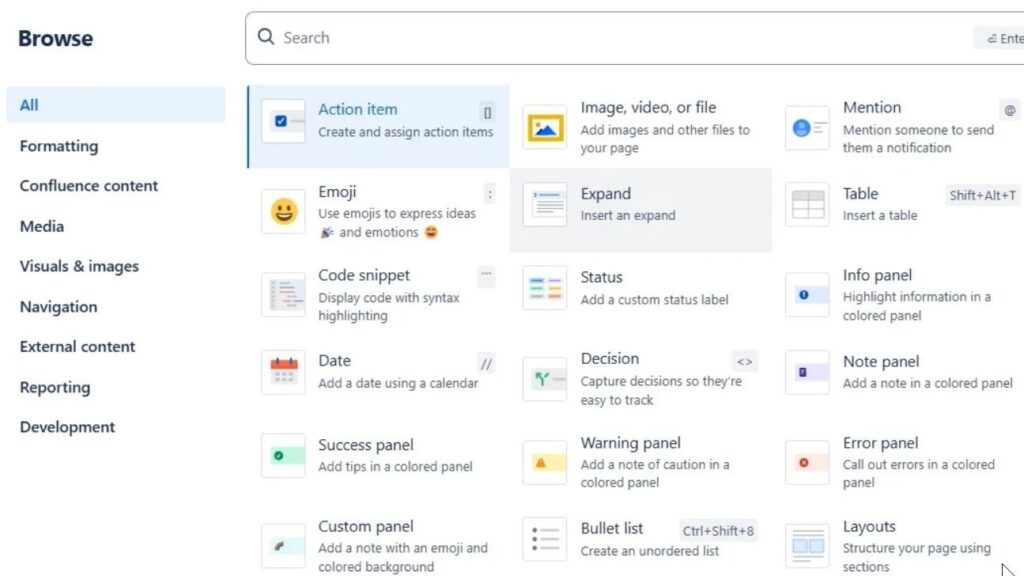
“Browse” panel showing a grid of insert options such as “Action item,” “Image, video, or file,” “Mention,” “Table,” and “Code snippet.”

How I Use Confluence Optimally: A Comprehensive Guide

In my search for a more efficient workflow, I’ve found Confluence to be an essential tool for collaboration and documentation. Its powerful features and structured layout make project management smoother and more organized. In this guide, I’ll show you how to use Confluence optimally to boost productivity, improve teamwork, and simplify daily tasks. Learn practical ways to get the most out of Confluence and make your workspace work smarter for you.

How I Use Confluence Optimally: A Comprehensive Guide Read More »

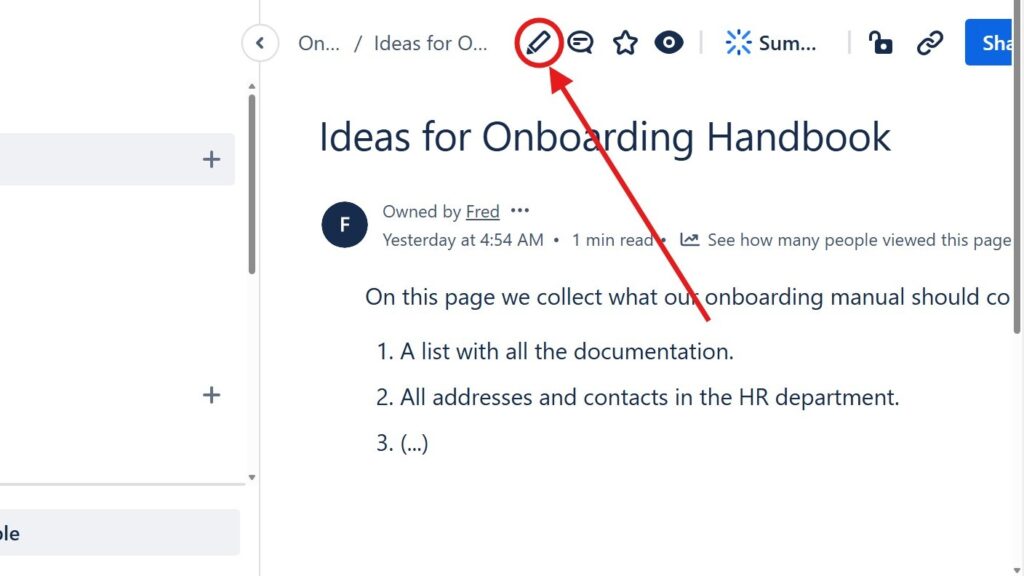
Page titled “Ideas for Onboarding Handbook” with a red arrow pointing to a circled pencil/edit icon in the top toolbar.

Introducing the Confluence Editor Mode: A Seamless Experience for Teams

In today’s fast-paced digital world, teamwork and clear communication are key to success. The Confluence editor makes collaboration easier by allowing teams to create, edit, and share content seamlessly. In this article, I’ll guide you through its main features and show how it enhances productivity and teamwork. Discover how the Confluence editor can transform the way your team works together and simplify every stage of your content creation process.

Introducing the Confluence Editor Mode: A Seamless Experience for Teams Read More »

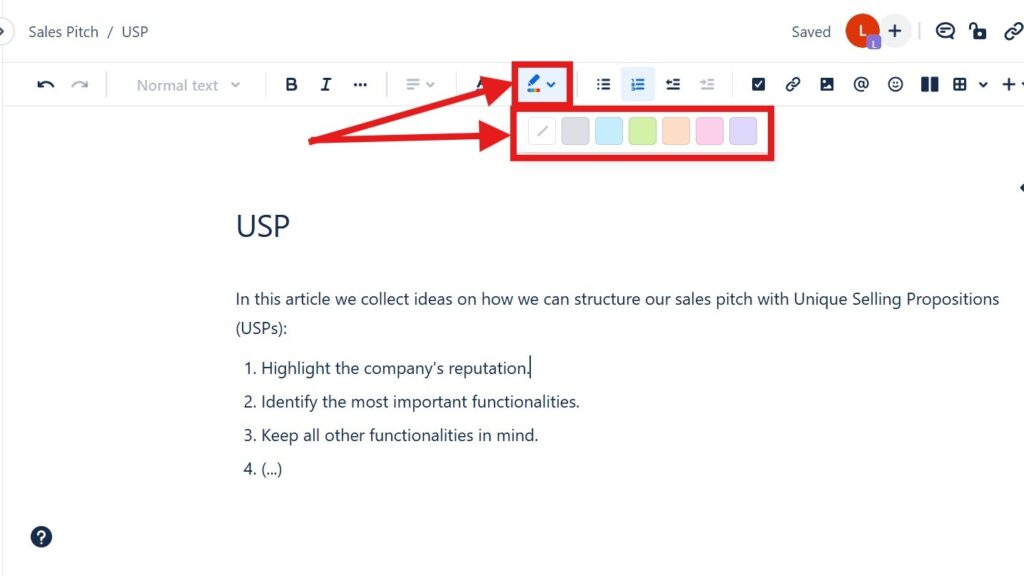
Editor toolbar with a color/highlight dropdown open, showing a row of colored squares; red arrows point to the color tool and palette.

How to Color Text in Confluence: A Quick Guide to Text Color and Highlight Color

Confluence is a versatile collaboration tool used for documentation and project management. Adding color to your pages can make content more engaging and highlight key information. In this guide, I’ll show you how to Color Text in Confluence effectively, including how to apply both text colors and highlight colors. You’ll also learn helpful shortcuts to style your content quickly and make important details stand out for better readability and visual impact.

How to Color Text in Confluence: A Quick Guide to Text Color and Highlight Color Read More »

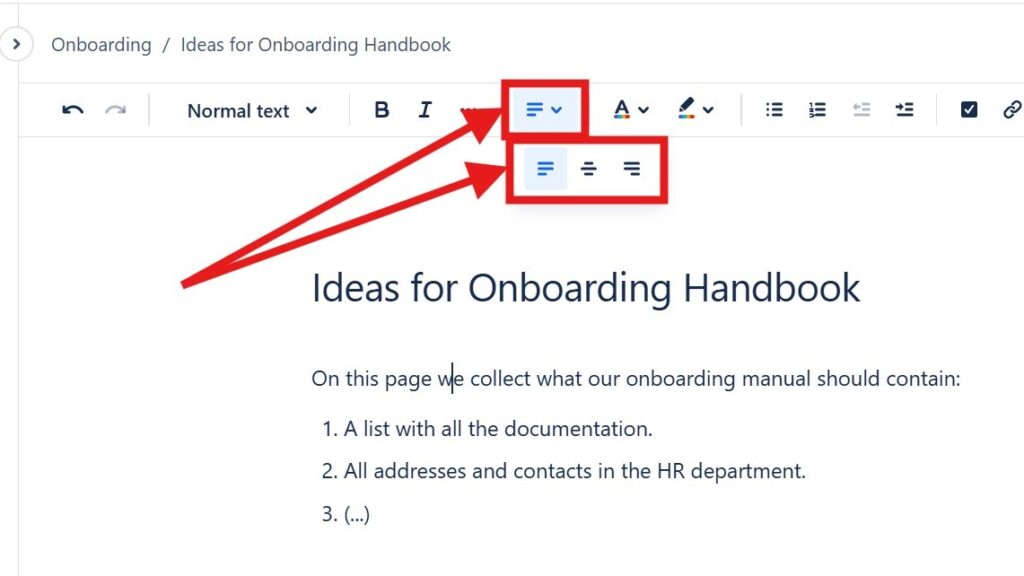
Editor toolbar with alignment dropdown open, showing multiple alignment icons; red arrows point to the alignment control.

How to Align Text in Confluence

Learning to align text in Confluence is key to creating clean and professional-looking pages. Whether you need to left-align, center, or right-align your content, Confluence provides simple tools to achieve precise formatting. In this guide, I’ll show you easy methods and shortcuts to organize your text effectively. Mastering text alignment will help you present information clearly and make your Confluence pages more polished and visually appealing.

How to Align Text in Confluence Read More »

Sidebar navigation with “Blogs” selected under a space titled “Budget planning.”

How to Create a Blog Post in Confluence: Step-by-Step Guide

Learning to create a blog post in Confluence is a simple way to boost team communication and manage content in one place. Blog posts let you share updates, insights, and progress directly in your workspace. In this step-by-step guide, I’ll show you how to draft, edit, and publish posts efficiently, so you can build a smooth workflow and use Confluence’s collaboration features to the fullest.

How to Create a Blog Post in Confluence: Step-by-Step Guide Read More »

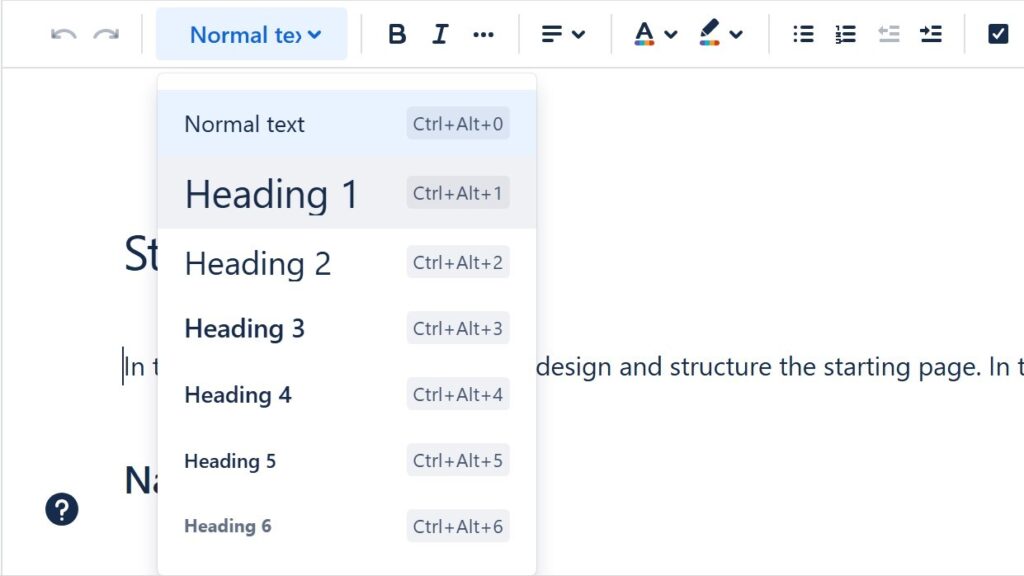
Text style dropdown open showing “Normal text” and “Heading 1” through “Heading 6” with keyboard shortcuts.

How to Change the Headings in Confluence

Confluence is a powerful tool for collaboration and documentation, but customizing page styles can sometimes be challenging. One common need is learning how to change headings in Confluence to improve structure and readability. In this guide, I’ll show you simple steps to adjust heading levels and apply consistent formatting. Mastering this skill will help you organize content more effectively and create professional, easy-to-navigate Confluence pages.

How to Change the Headings in Confluence Read More »

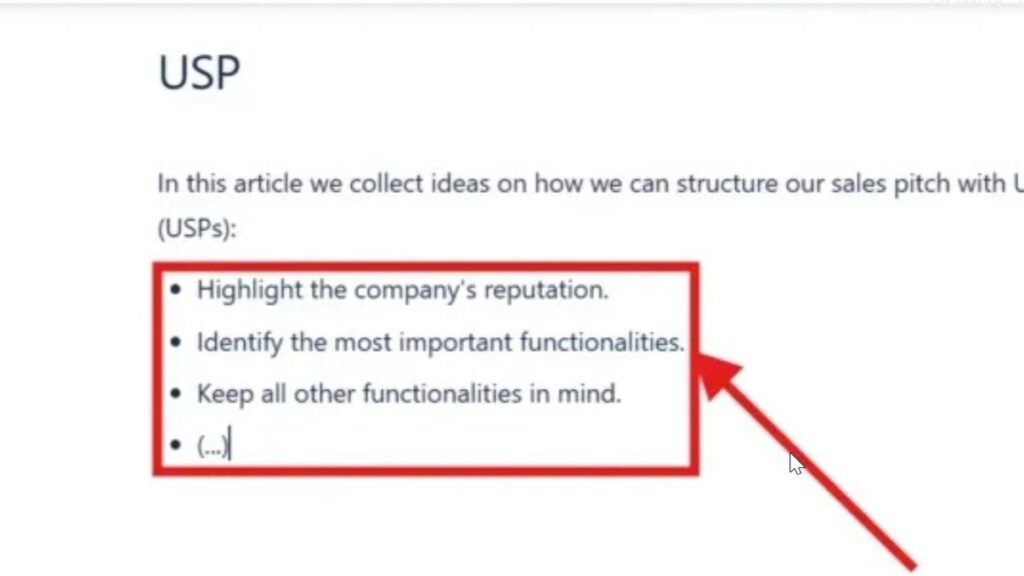
Zoomed-in bullet list inside a red rectangle with an arrow pointing at the list items.

How to Make Lists in Confluence

Confluence is a powerful collaboration tool that helps teams organize information fast. Lists make pages clearer, more structured, and easier to scan. In this guide, I’ll show you how to make lists in Confluence with bullet and numbered formats, plus handy keyboard shortcuts to work faster. Once you master lists, your pages will look more professional, engaging, and well organized.

How to Make Lists in Confluence Read More »

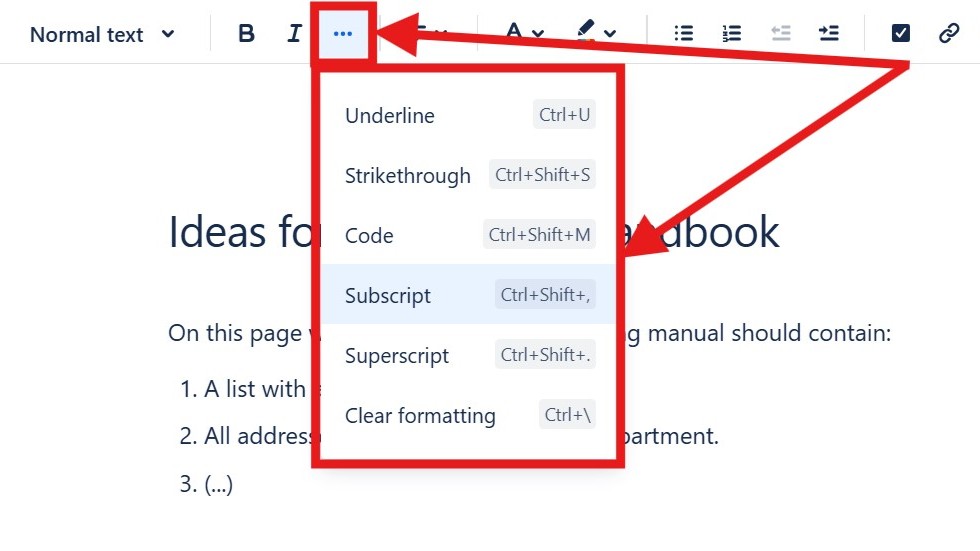
Editor “more options” menu open showing “Underline,” “Strikethrough,” “Code,” “Subscript,” “Superscript,” and “Clear formatting.”

How to Format Text in Confluence

Confluence is a powerful collaboration tool that lets you create and style content with ease. Knowing how to format text in Confluence improves clarity and makes your pages look professional. In this guide, I’ll walk you through essential formatting options and useful shortcuts to help you structure information effectively. Learn how to highlight key points, improve readability, and design visually appealing pages that enhance your team’s collaboration.

How to Format Text in Confluence Read More »

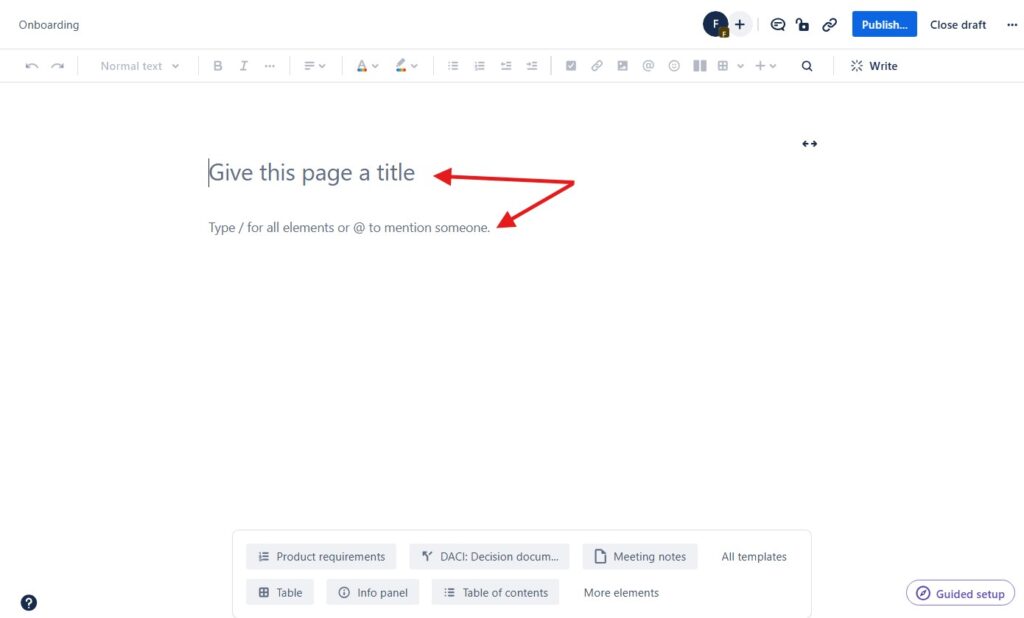
Blank page editor with the placeholder text “Give this page a title,” marked by red arrows.

How to Create a Confluence Page

Learning how to create a Confluence page may seem simple, but there are a few tricks that make it more efficient. As someone who uses Confluence daily for project documentation and team coordination, I’ve discovered useful tips to streamline the process. Whether you’re new to Confluence or already familiar with it, this step-by-step guide will help you create pages effectively and organize your content for better collaboration and productivity.

How to Create a Confluence Page Read More »

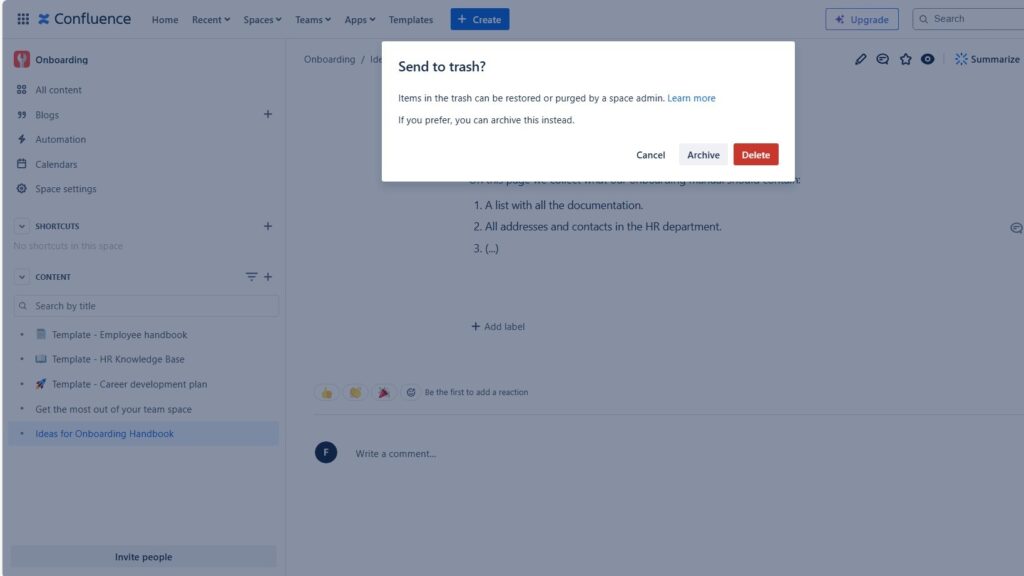
Confirmation dialog titled “Send to trash?” with buttons “Cancel,” “Archive,” and “Delete.”

How to Delete a Page in Confluence: A Step-by-Step Guide

Have you ever needed to tidy up your workspace and remove outdated content? I recently faced the same challenge and decided to share what I learned. In this guide, I’ll show you step by step how to delete a page in Confluence safely and efficiently. Whether you’re new to Confluence or just refining your skills, this walkthrough will help you manage your pages with confidence and keep your space clean and well-organized.

How to Delete a Page in Confluence: A Step-by-Step Guide Read More »

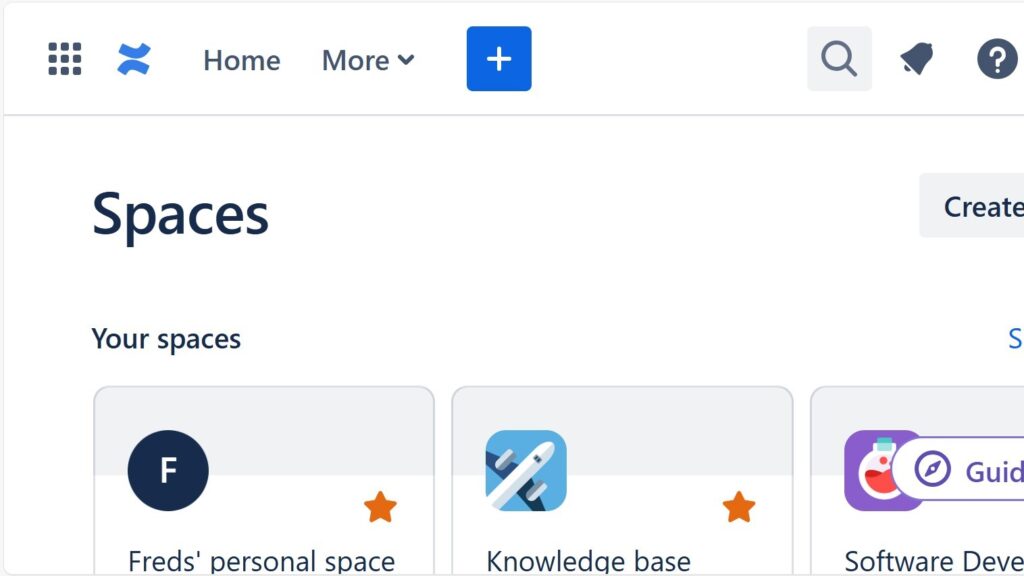
Cropped “Spaces” page header with a top navigation bar and space tiles partially visible below.

How to Create a Confluence Space from a Template

I use Confluence to manage my projects efficiently, and one of its best features is the wide range of templates available. Each template includes a custom homepage, sidebar, and sample pages that make setup fast and intuitive. They help me organize information and maintain consistency across projects. In this guide, you’ll learn how to create a Confluence space from a template and make the most of these ready-to-use structures for smoother project management.

How to Create a Confluence Space from a Template Read More »

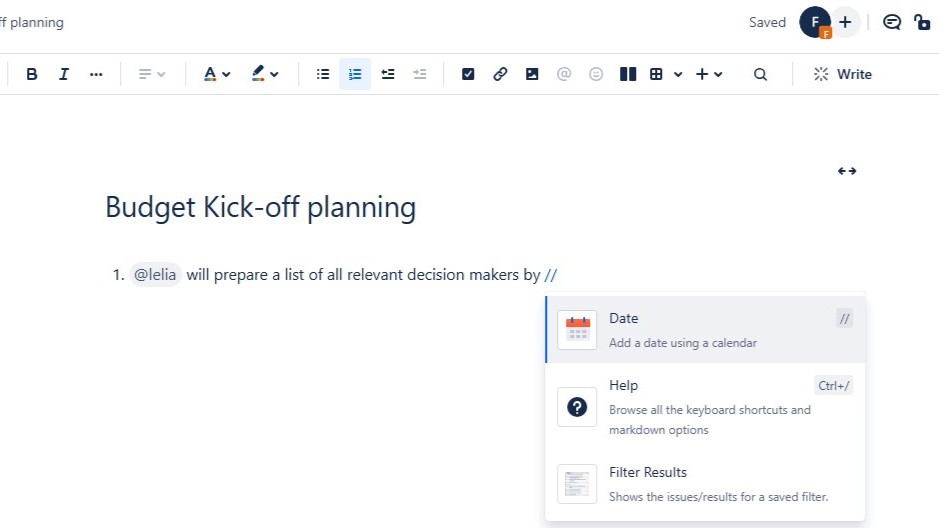
Document titled “Budget Kick-off planning” with an insert menu open showing options like “Date,” “Help,” and “Filter Results.”

How to Assign and Manage Tasks in Confluence (Step-by-Step Guide)

Working in a team can get messy without a clear system for managing responsibilities. That’s why I prefer to assign a task in Confluence, keeping everything organized in one place. It lets me set due dates, track progress, and ensure nothing gets overlooked. Using @mentions, I can instantly notify teammates and keep communication transparent. In this guide, I’ll walk you through the steps to assign tasks effectively in Confluence and keep every project running smoothly.

How to Assign and Manage Tasks in Confluence (Step-by-Step Guide) Read More »

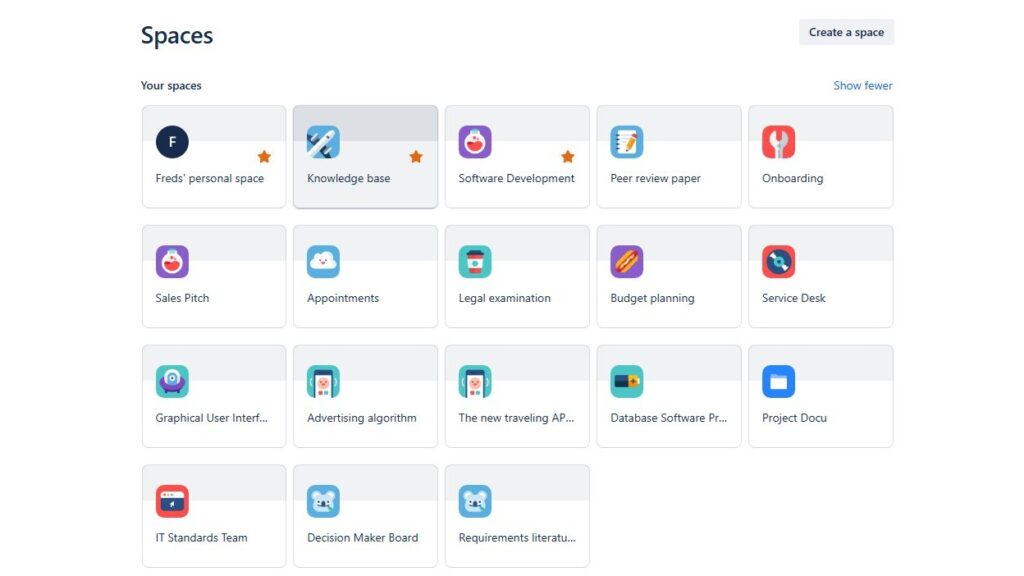
“Spaces” overview grid showing multiple space tiles such as “Freds’ personal space,” “Knowledge base,” “Software Development,” and “Onboarding.”

Spaces in Confluence

Spaces are the foundation of teamwork and organization in Confluence. They provide structured areas where teams create, share, and manage content effortlessly. Whether for projects, documentation, or cross-department collaboration, Spaces keep everything organized. In this introduction to Confluence Spaces, I’ll explain their key features, benefits, and best practices to help you boost productivity and streamline your workflows.

Spaces in Confluence Read More »

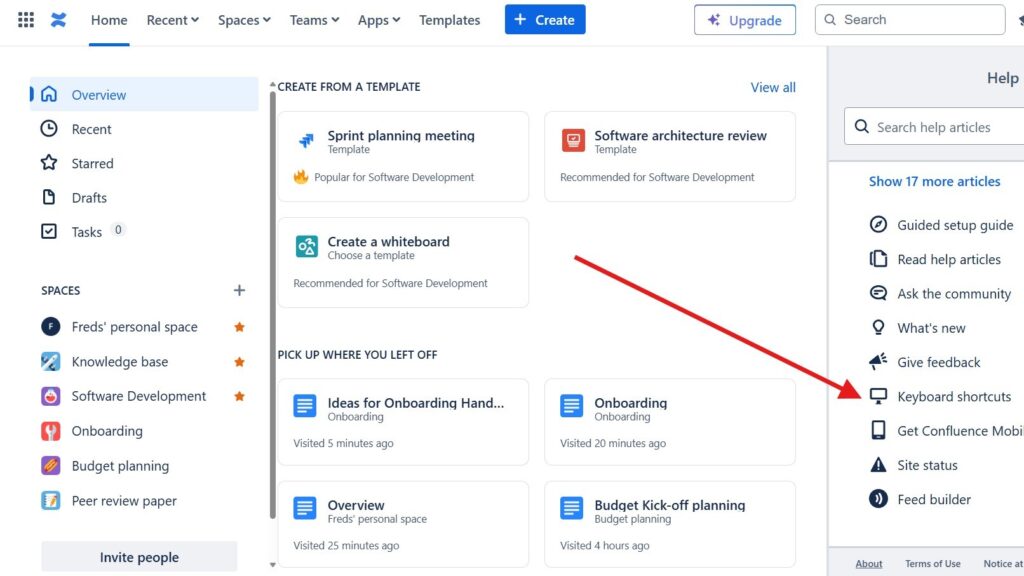
Page with a right-side “Help” panel open; a red arrow points to the “Keyboard shortcuts” option in the help list.

How to Use Shortcuts in Confluence

In the fast-paced world of digital teamwork, efficiency matters. Confluence shortcuts make your daily work faster and easier. They help you navigate pages, edit content, and manage tasks with minimal effort. By mastering Confluence shortcuts, you can streamline your workflow and save valuable time. In this guide, I’ll show you how to access the complete list of shortcuts directly within Confluence and boost your productivity like never before.

How to Use Shortcuts in Confluence Read More »

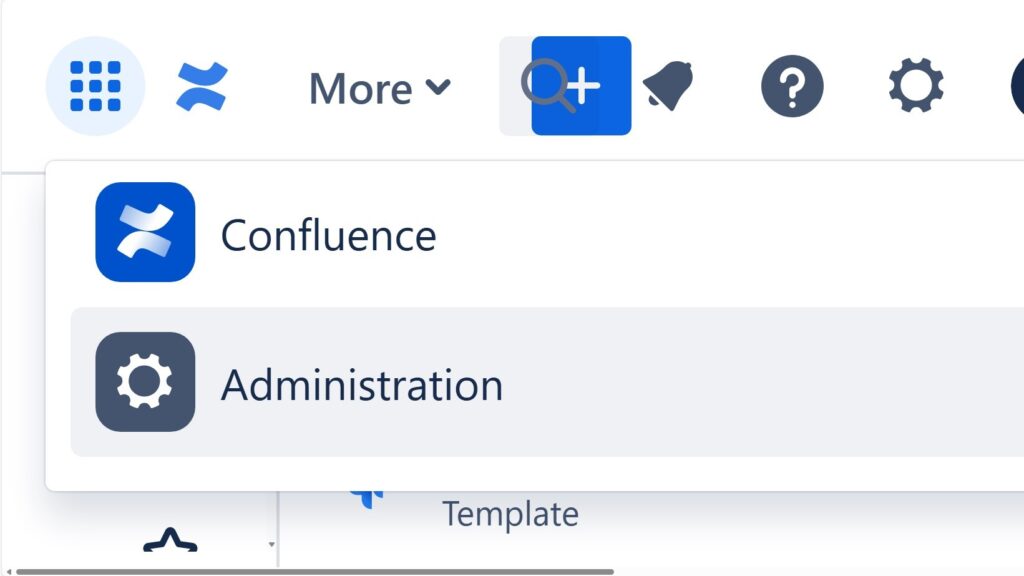
Cropped dropdown/menu showing “Confluence” and “Administration,” with “Administration” highlighted.

The Power of Confluence

The power of Confluence lies in its ability to connect people, projects, and knowledge in one central place. It serves as a unified hub for documentation, collaboration, and task management. This integration removes the need for separate tools, making teamwork more efficient. On the-requirements-engineer.com, I explore the power of Confluence in detail, showing how it streamlines workflows and enhances productivity across teams.

The Power of Confluence Read More »

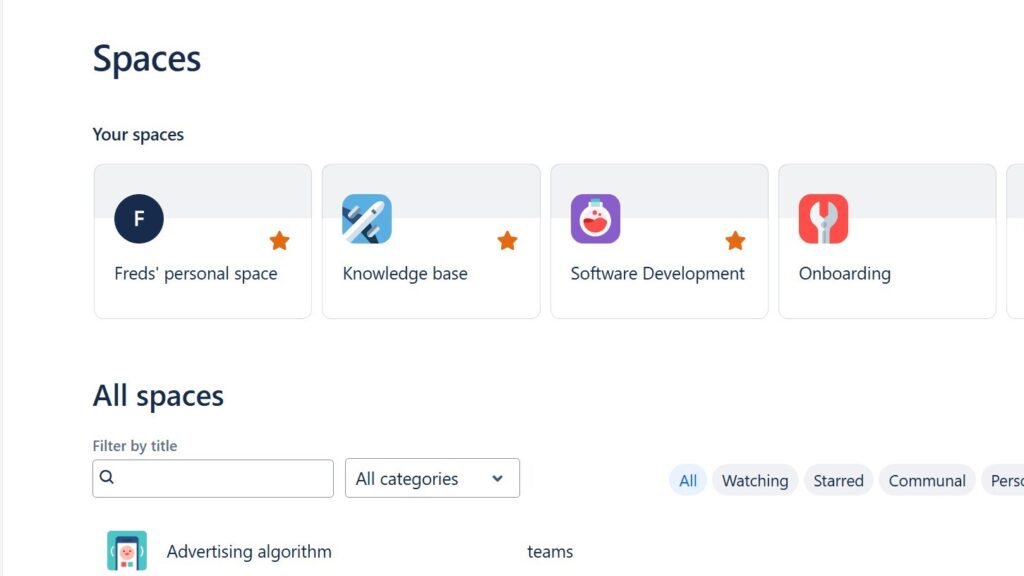
Confluence “Spaces” page showing “Your spaces” cards (Freds’ personal space, Knowledge base, Software Development, Onboarding) and an “All spaces” filter area.

How to Create a Space in Confluence

Learning how to create a Space in Confluence is an essential step for organizing your team’s work efficiently. A space functions as a container for pages, allowing you to group related content and collaborate with clarity. Whether it’s for a project, department, or topic, spaces help structure information and keep communication streamlined. Follow this step-by-step guide to easily set up your own space and start building a productive collaborative environment.

How to Create a Space in Confluence Read More »

Confluence home dashboard with left navigation (Overview, Recent, Starred, Drafts, Tasks), template cards at the top, and an activity feed below.

The Confluence Dashboard

The introduction to the Confluence Dashboard begins with understanding it as your central workspace. It’s the main hub where you find updates, general information, and navigation to all other areas. The dashboard helps teams collaborate efficiently and stay aligned. For new members, it’s the first point of contact — a space that sets the tone for teamwork. That’s why creating a clear, well-structured, and welcoming dashboard is essential for successful collaboration.

The Confluence Dashboard Read More »

Scroll to Top
WordPress Cookie Plugin by Real Cookie Banner