
All Tutorial Articles

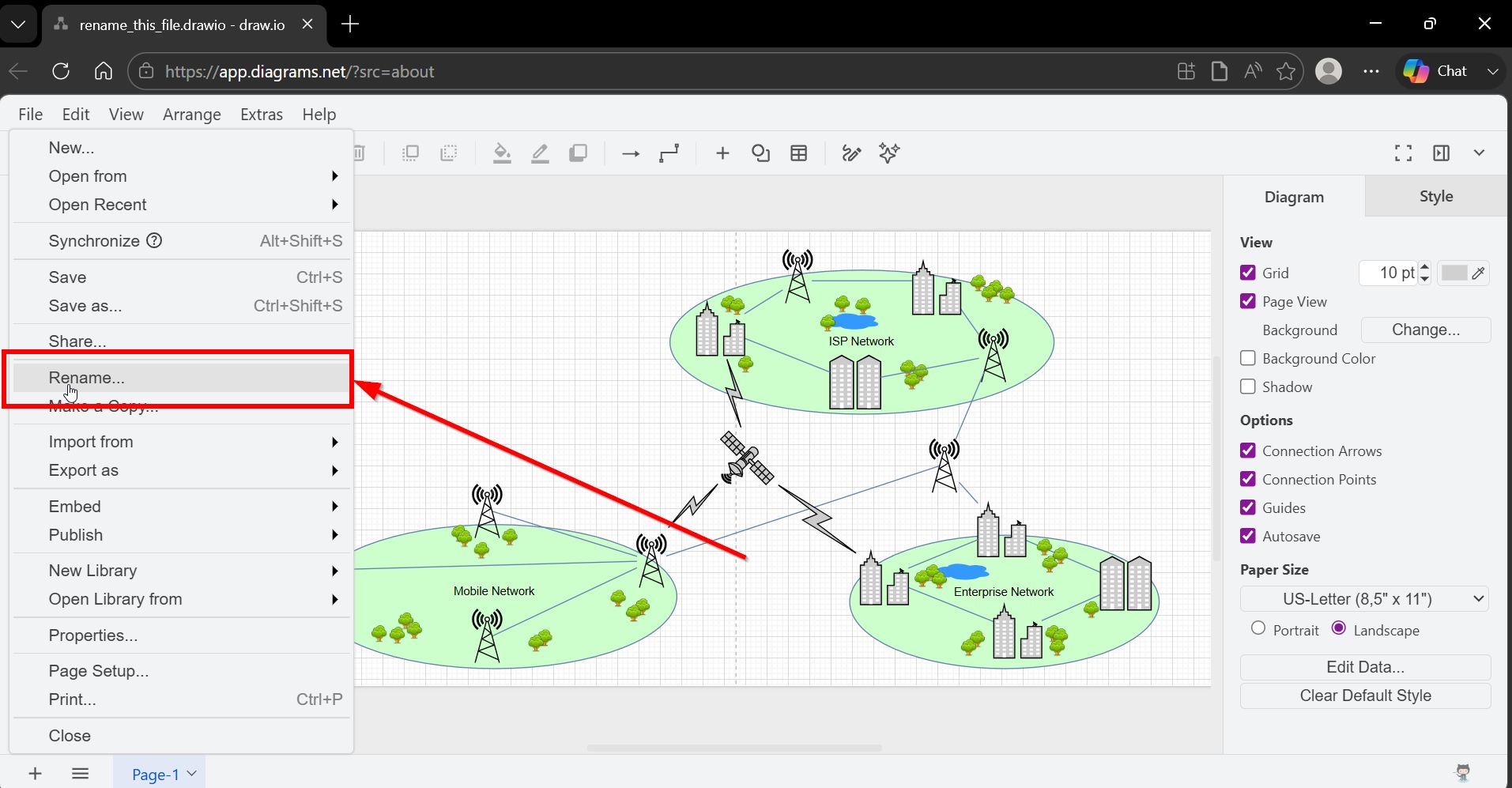
draw.io File menu with the Rename option highlighted.


Welcome to my collection of Requirements Engineering tutorials, where theory meets practical application. These step-by-step guides help you develop the skills needed to analyze business needs, define clear requirements, and support successful IT projects. Whether you are a beginner or an experienced professional, you will find actionable guidance to improve your daily work.


Requirements Engineering (RE) is the systematic process of eliciting, analyzing, documenting, validating, and managing requirements. It ensures that IT solutions address real business needs and meet stakeholder expectations. IT Business Analysis complements this process by identifying business problems, evaluating solutions, and connecting organizational goals with technical implementation.


My tutorials turn these concepts into practical skills. You will learn how to:

  • Analyze business needs and translate stakeholder expectations into actionable requirements.
  • Model systems and processes using techniques such as UML and BPMN.
  • Document and manage requirements with tools such as Jira, Confluence, and draw.io.
  • Validate requirements to improve consistency, completeness, and testability.
  • Improve collaboration between business stakeholders, developers, and project teams.

Each tutorial combines clear explanations, practical examples, and structured instructions. The goal is not simply to understand a technique but to apply it confidently in real projects.


Explore the tutorials below and discover how effective Requirements Engineering and IT Business Analysis transform complex challenges into clear specifications, better decisions, and successful IT solutions.


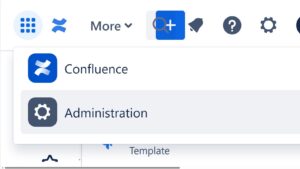
Cropped dropdown/menu showing “Confluence” and “Administration,” with “Administration” highlighted.

What Confluence Can Do for Team Collaboration and Knowledge Sharing

The power of confluence helps me turn scattered project knowledge into one reliable workspace. I use Confluence to document decisions, requirements, meeting notes, risks, and tasks in a clear structure. Therefore, my team finds facts faster, avoids repeated questions, and works with shared context. In this article, I show how Confluence supports collaboration, project documentation, requirements engineering, and transparent knowledge management.

What Confluence Can Do for Team Collaboration and Knowledge Sharing Read More »
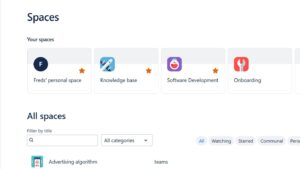
Confluence “Spaces” page showing “Your spaces” cards (Freds’ personal space, Knowledge base, Software Development, Onboarding) and an “All spaces” filter area.

How to Create a Space in Confluence

Learning how to create a Space in Confluence helps me organize team content with clarity. A space works as a home for related pages, projects, departments, or topics. As a result, I can structure information, reduce confusion, and support smoother collaboration. In this guide, I show you the steps to set up a useful Confluence space.

How to Create a Space in Confluence Read More »

Confluence home dashboard with left navigation (Overview, Recent, Starred, Drafts, Tasks), template cards at the top, and an activity feed below.

The Confluence Dashboard

This introduction confluence dashboard guide shows the dashboard as your central workspace. It helps you find updates, key information, spaces, pages, and navigation in one place. As a result, teams stay aligned and new members get a clear first impression. A well-structured dashboard supports better collaboration from the start.

The Confluence Dashboard Read More »

Scroll to Top
WordPress Cookie Plugin by Real Cookie Banner