All Tutorial Articles

This page presents requirements engineering tutorials. Tutorials guide your learning journey. They explain concepts with clarity. Each step builds practical skills. Examples illustrate methods and techniques. Guidance supports professional development goals. Tutorials cover models and tools. They strengthen analysis and documentation. Learning here improves project outcomes. Articles deepen requirements engineering knowledge.

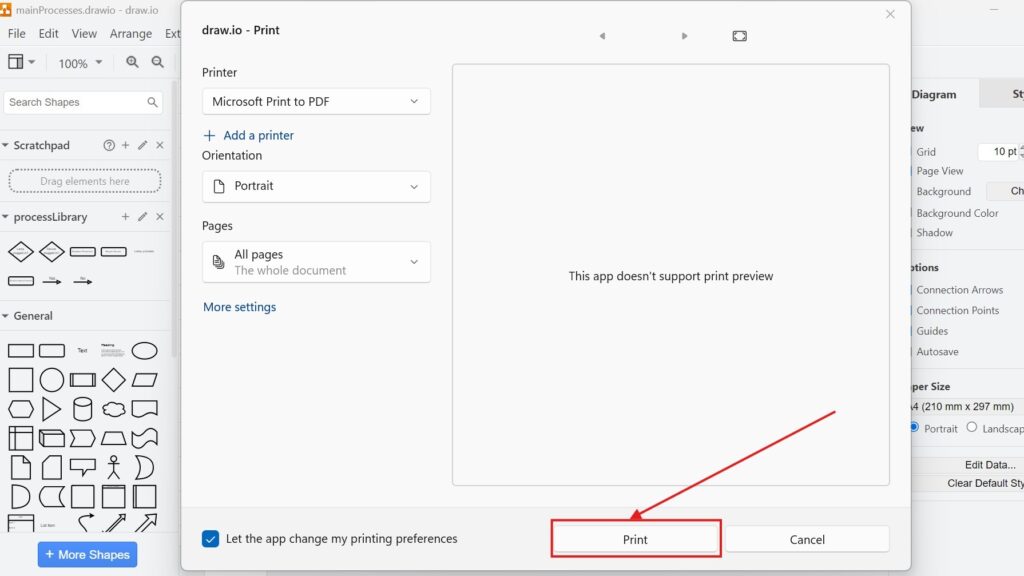
draw.io Print dialog with “Microsoft Print to PDF” selected and the Print button highlighted in red.

How to Print a Draw.io Diagram

When working with diagrams in draw.io, there comes a time when you need a tangible version. Whether for sharing during meetings, pinning on office walls, or simply keeping a hard copy, knowing how to print a draw.io diagram is essential. Let me walk you through it step by step, using clear examples and tips to ensure success.

How to Print a Draw.io Diagram Read More »

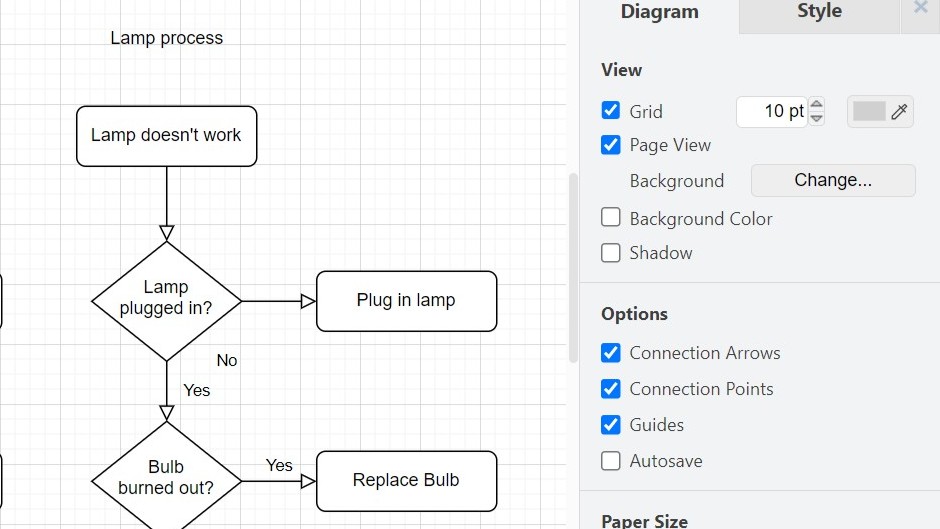
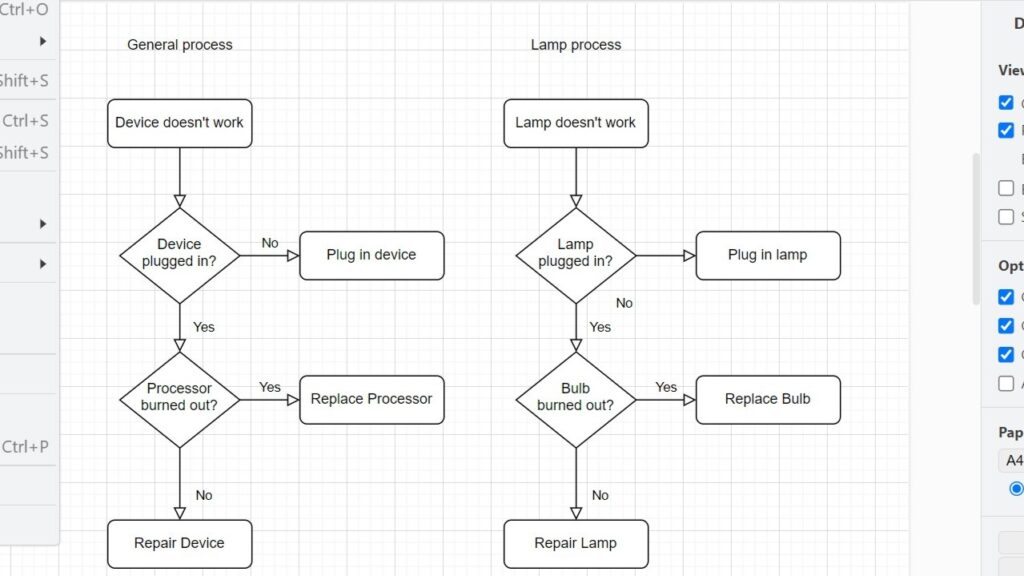
draw.io canvas with a bright yellow background behind two flowcharts and the Diagram panel visible on the right.

How to Change the Draw.io Page Setup

Learning to create a blog post in Confluence is a simple way to boost team communication and manage content in one place. Blog posts let you share updates, insights, and progress directly in your workspace. In this step-by-step guide, I’ll show you how to draft, edit, and publish posts efficiently, so you can build a smooth workflow and use Confluence’s collaboration features to the fullest.

How to Change the Draw.io Page Setup Read More »

draw.io modal dialog showing file properties (Locked, Compressed, Size, Path/Filename) with Apply button highlighted.

How to Change Draw.io File Properties

Have you ever wondered how to adjust the properties of your draw.io files? I often find myself needing to customize these properties to ensure my diagrams are secure, efficient, and well-organized. In this post, I’ll explain how to do it step by step and why it’s important. Along the way, I’ll share practical examples and a business case to make everything crystal clear. Let’s dive in!

How to Change Draw.io File Properties Read More »

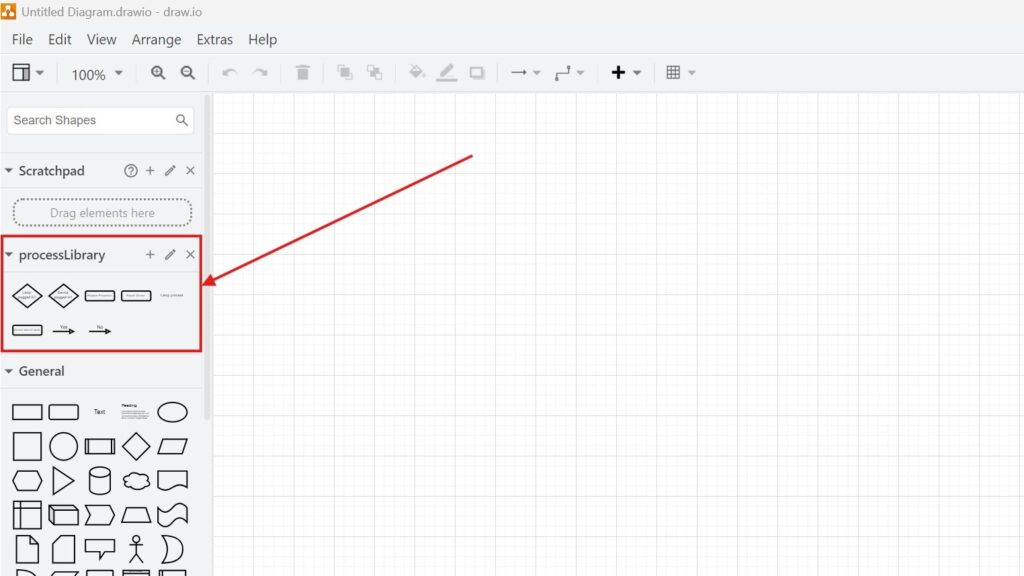
draw.io workspace with left sidebar “processLibrary” section highlighted by a red rectangle and arrow.

How to Open a Library in Draw.io: A Step-by-Step Guide

When I first used draw.io, I wasn’t sure how to unlock its full potential. One feature I now rely on is libraries. They help me access, organize, and reuse shapes faster. If you’re new to this, don’t worry—I’ll guide you through How to open a library in draw.io, share practical examples, and explain why libraries can seriously boost your productivity. Let’s get started!

How to Open a Library in Draw.io: A Step-by-Step Guide Read More »

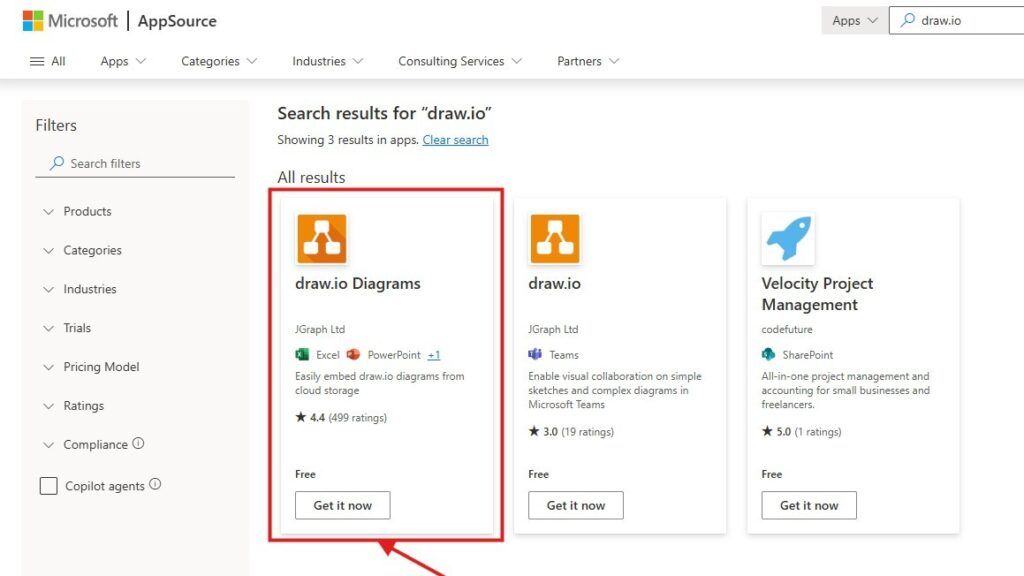
Microsoft AppSource search results for “draw.io” with the “draw.io Diagrams” listing highlighted by a red rectangle and arrow.

How to Add the draw.io Add-on to Your Microsoft Office Apps

In today’s fast-paced digital world, visual communication is key. That’s why I’ve found tools like draw.io invaluable. Integrating this powerful diagramming tool into your Microsoft Office applications can make your workflow seamless and more efficient. Let me guide you through the steps while explaining why this integration is worth your time. What is draw.io? Draw.io

How to Add the draw.io Add-on to Your Microsoft Office Apps Read More »

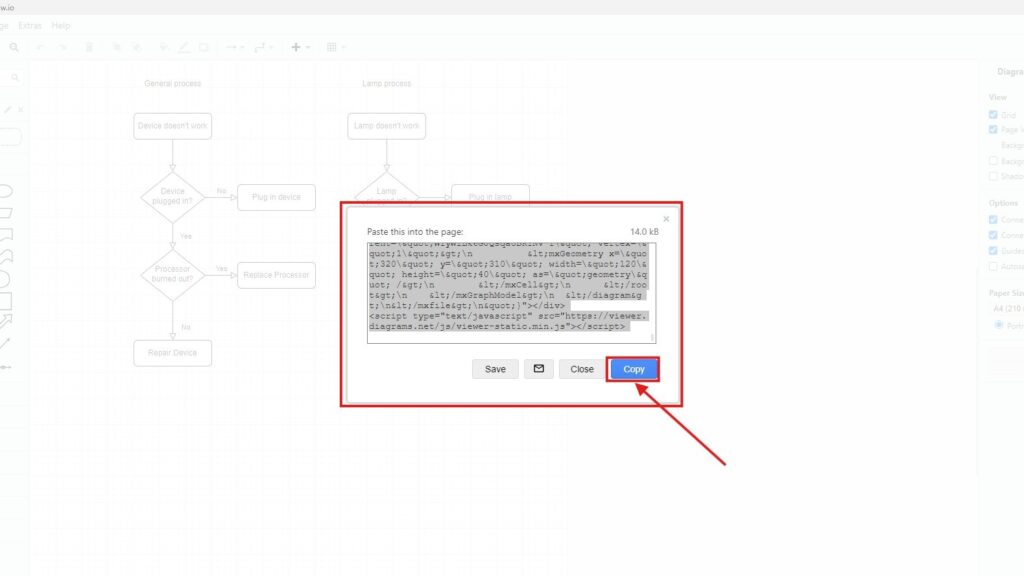
Draw.io “Paste this into the page” dialog showing HTML embed code, with a red arrow pointing to the “Copy” button.

How to Embed a Draw.io Diagram with HTML

Embedding diagrams into your website can make your content more interactive and visually appealing. Whether you’re creating flowcharts, organizational charts, or network diagrams, using tools like Draw.io (also known as diagrams.net) helps to design and visualize your ideas efficiently. In this article, I’ll show you exactly how to embed a Draw.io diagram with HTML and explain the benefits of doing so. Let’s dive in!

How to Embed a Draw.io Diagram with HTML Read More »

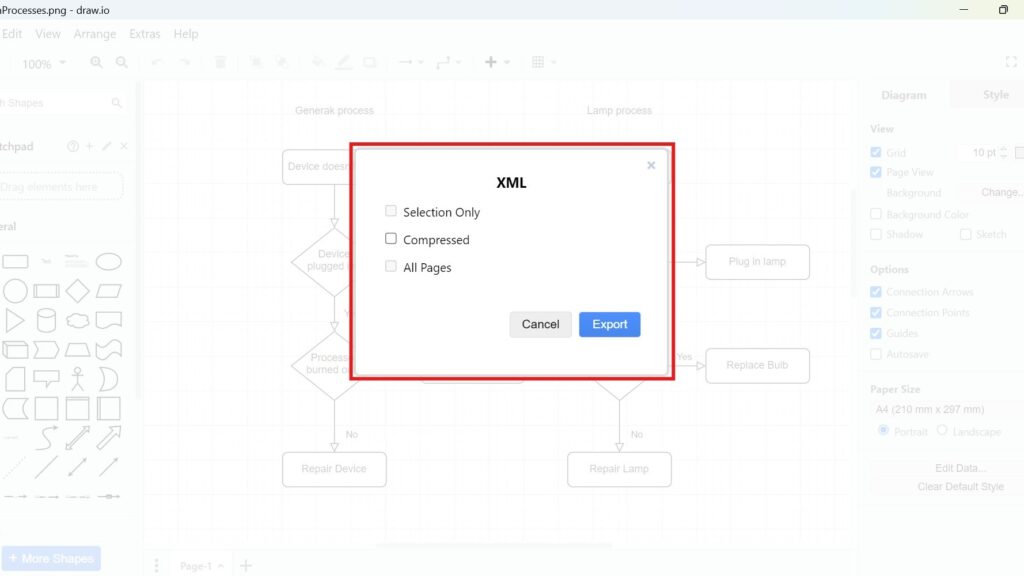
Draw.io export dialog titled “XML” with checkboxes (Selection Only, Compressed, All Pages) and an “Export” button.

How to Export a Diagram as XML in draw.io

Diagrams are a vital tool for visualizing processes and ideas. draw.io makes this easy with its export options. You can turn your diagrams into various image types, encode them into URLs, or save them as specific file types. Today, I’ll show you how to export a diagram as XML in draw.io. XML files are great for preserving data structure and sharing across platforms. Let’s get started How to Export a Diagram as XML in draw.io!

How to Export a Diagram as XML in draw.io Read More »
How to Export a Diagram to URL in draw.io

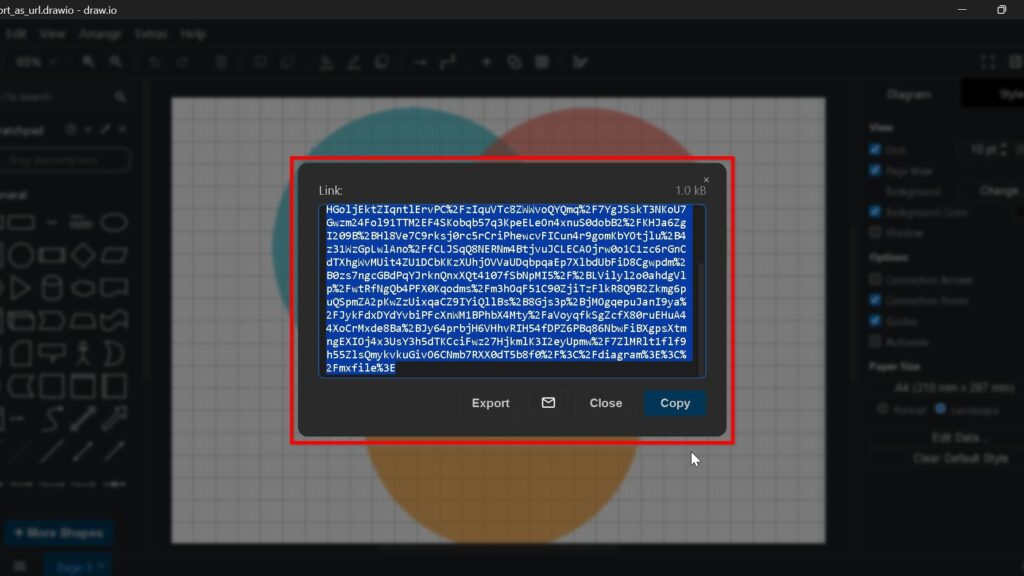
How to export diagrams to a URL in draw.io is useful when I want to share a diagram quickly and access it in a simple way. This export method helps me create a link that I can reuse, share, or integrate into other workflows. In draw.io, the process is easy to follow and gives me a flexible way to work with my diagrams. In this guide, I show how to export diagrams to a URL in draw.io step by step.

How to Export a Diagram to URL in draw.io Read More »

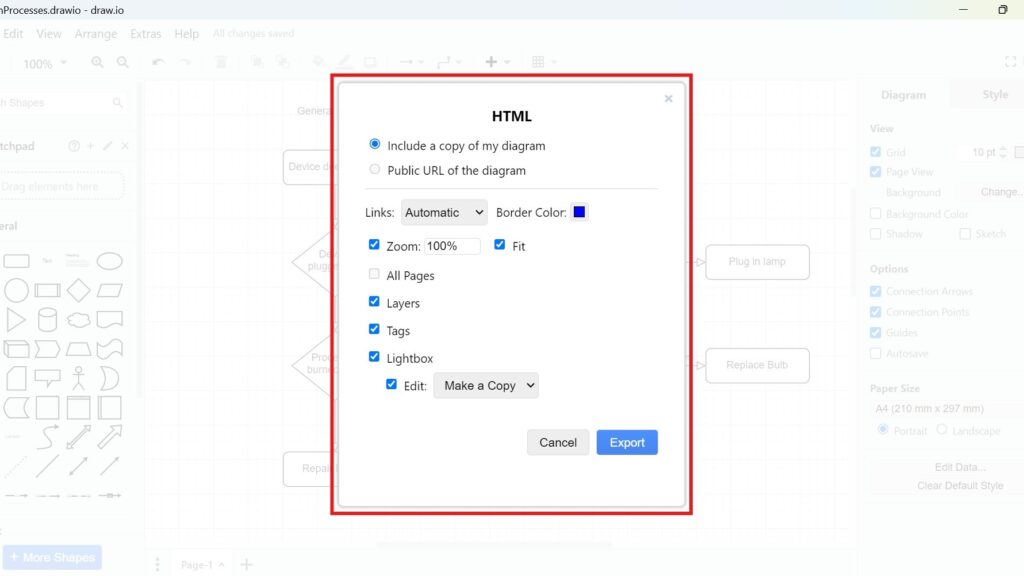
Draw.io export dialog titled “HTML” with options like “Include a copy of my diagram,” “Zoom 100%,” and “Export.”

How to Export a Diagram to HTML in draw.io

If you’re like me, you’ve used draw.io to create diagrams for countless projects. It’s simple, flexible, and integrates seamlessly with other tools. But have you ever wondered how to turn your diagram into an interactive HTML file? Let’s dive into the process how to Export a Diagram to HTML in draw.io. By the end of this guide, you’ll have your diagram exported as HTML, ready to share or embed.

How to Export a Diagram to HTML in draw.io Read More »

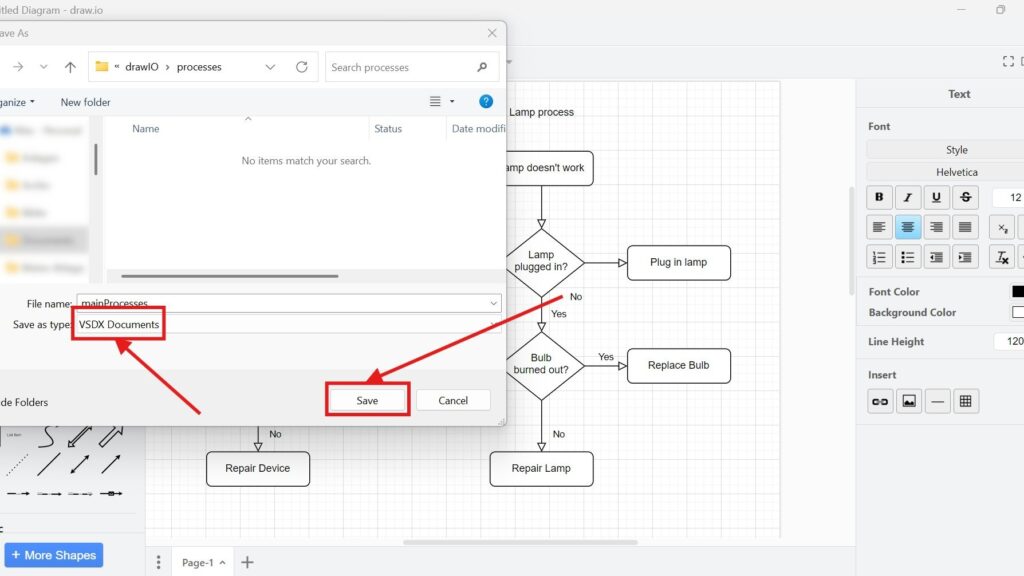
Windows “Save As” dialog showing “Save as type: VSDX Documents” and a highlighted “Save” button with red arrows.

How to Export a Diagram to VSDX in draw.io

Exporting diagrams in draw.io is simple and versatile. I’ve often found this feature essential when sharing diagrams with colleagues who use other tools. draw.io lets you export diagrams to various formats, such as images, different file types, or even URLs. Today, I’ll guide you through exporting a diagram to VSDX, a file format compatible with Microsoft Visio. Let’s dive in how to Export a Diagram to VSDX in draw.io!

How to Export a Diagram to VSDX in draw.io Read More »

Scroll to Top
WordPress Cookie Plugin by Real Cookie Banner