All Tutorial Articles

This page presents requirements engineering tutorials. Tutorials guide your learning journey. They explain concepts with clarity. Each step builds practical skills. Examples illustrate methods and techniques. Guidance supports professional development goals. Tutorials cover models and tools. They strengthen analysis and documentation. Learning here improves project outcomes. Articles deepen requirements engineering knowledge.

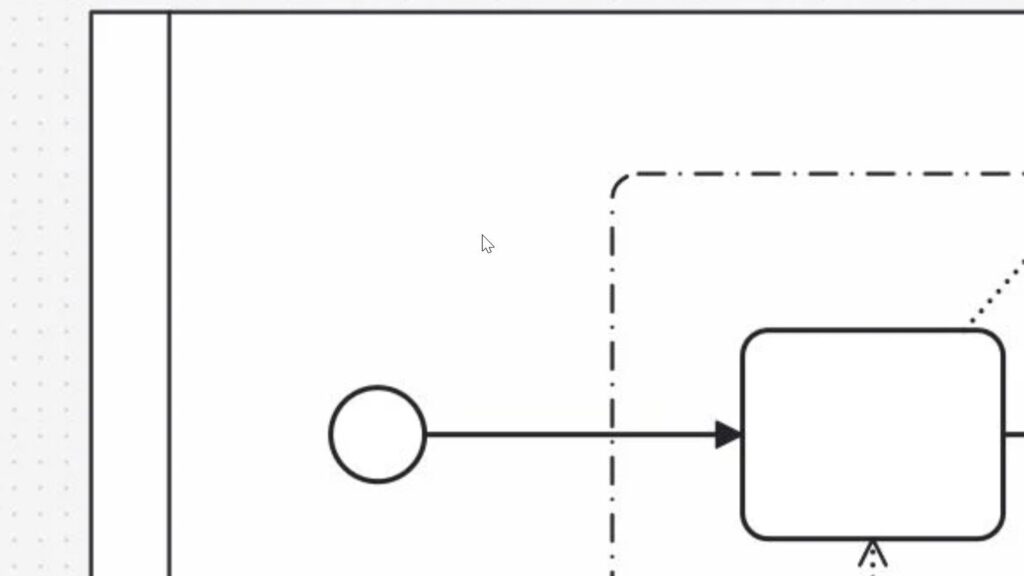
Close-up of a rounded rectangle labeled “Buying medicine” with an incoming arrow from the left and outgoing arrow to the right.

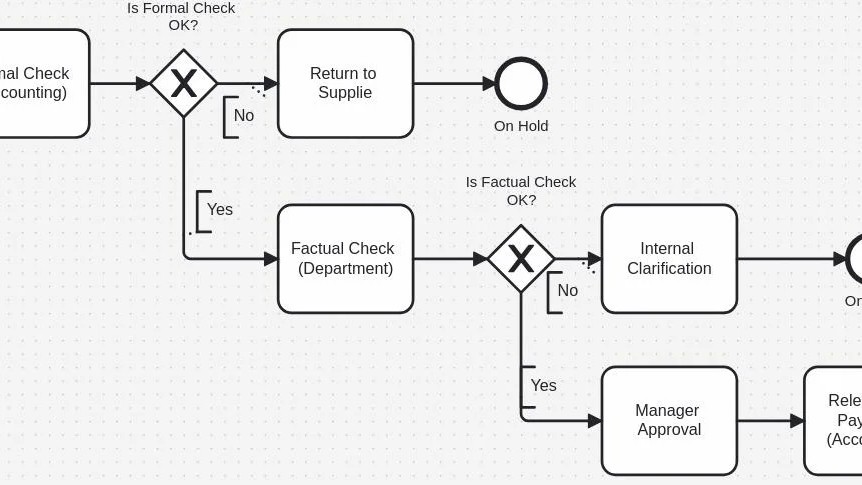
BPMN Core Elements

When I first learned about Business Process Model and Notation (BPMN), I felt overwhelmed. After all, BPMN seemed complicated at first glance. However, I quickly realized it’s actually straightforward. In this post, I’ll simplify BPMN core elements for you. We’ll explore how events, tasks, and sequence flows work together in practical terms. 

BPMN Core Elements Read More »

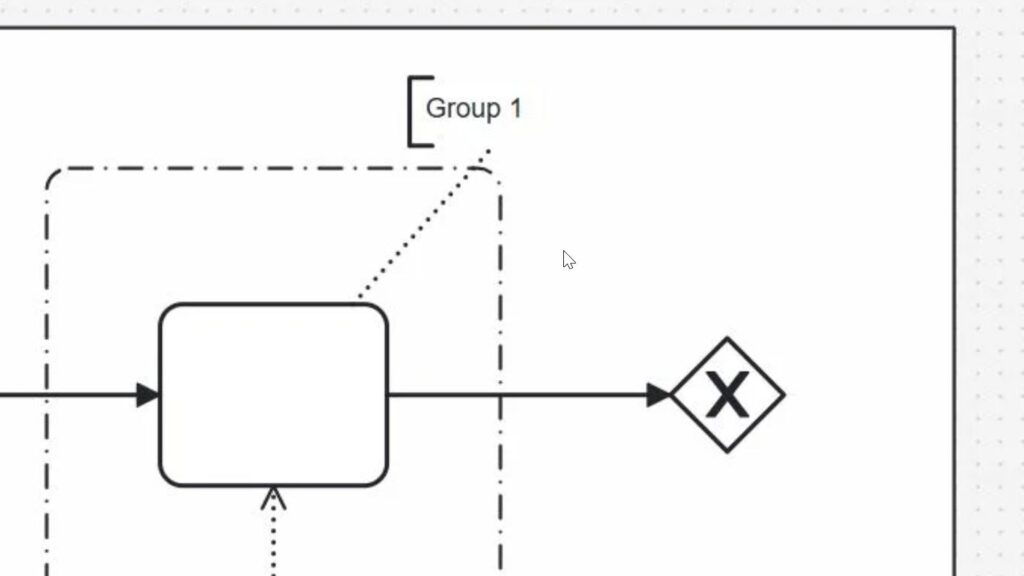
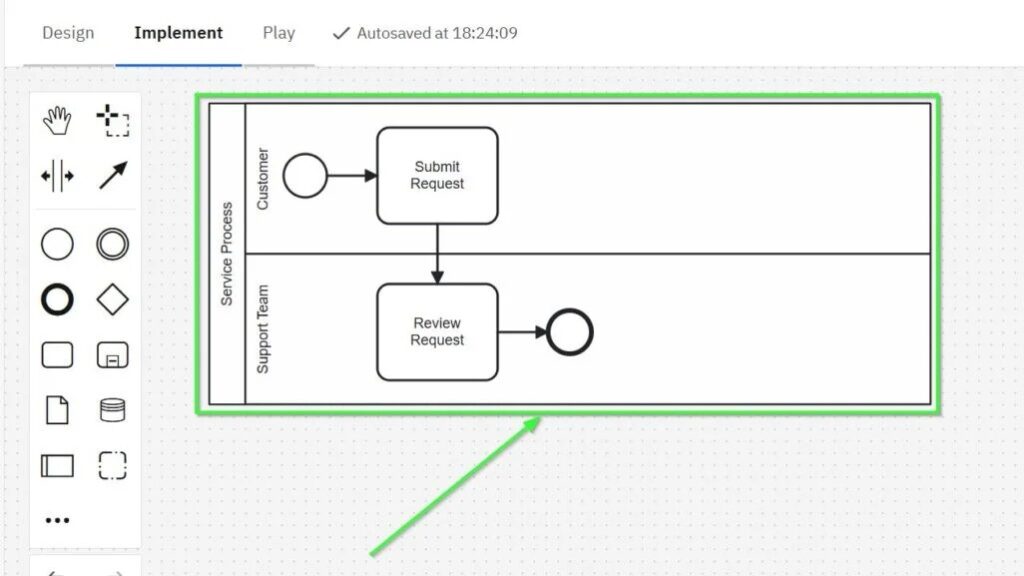
Partial diagram showing a start circle connected by an arrow to an unlabeled rounded rectangle near a dashed boundary line (cropped view).

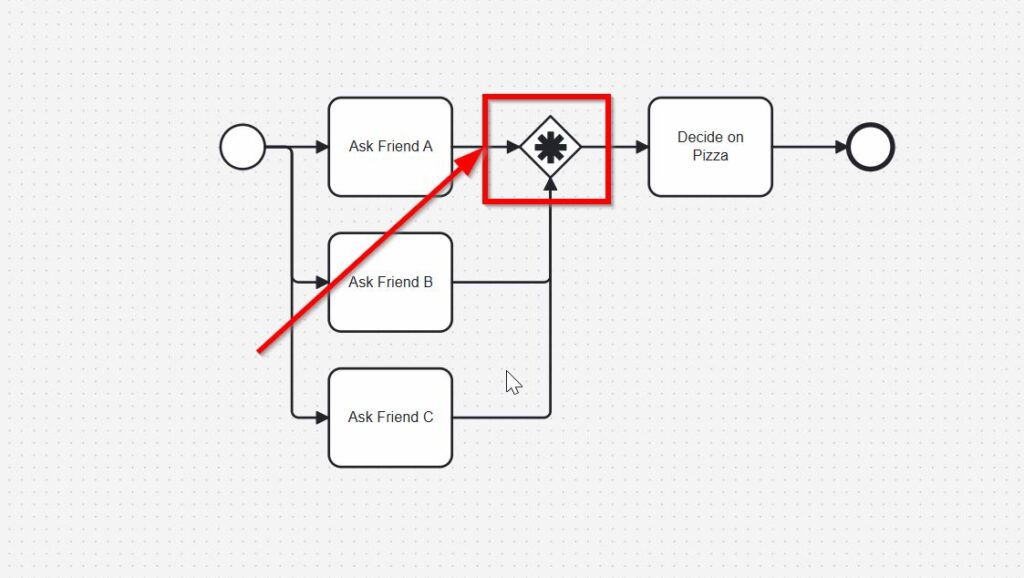
Process Basic Concepts: Your Key to Clear Business Workflows

Have you ever stared at a process diagram and felt completely lost? Trust me, I’ve been there. Business processes often look simple at first glance. But when you dig deeper, things can get tricky. That’s exactly why understanding the process basic concepts is so important. Once you know the foundation, everything else becomes easier—faster, too. In this article, I’ll explain the ideas that help you truly understand how processes work. You’ll learn to recognize structure, follow flow, and spot problems before they grow.

Process Basic Concepts: Your Key to Clear Business Workflows Read More »

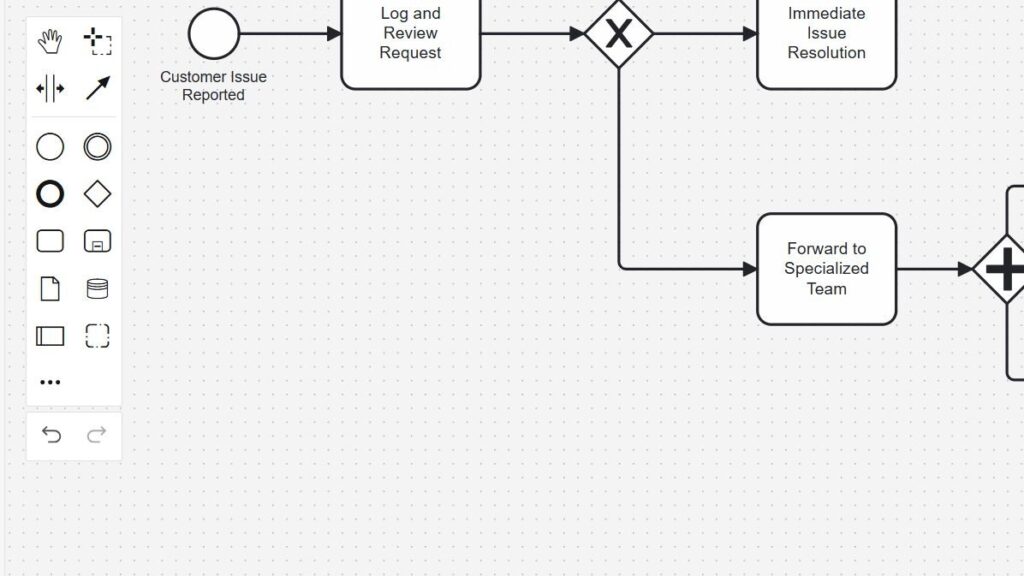
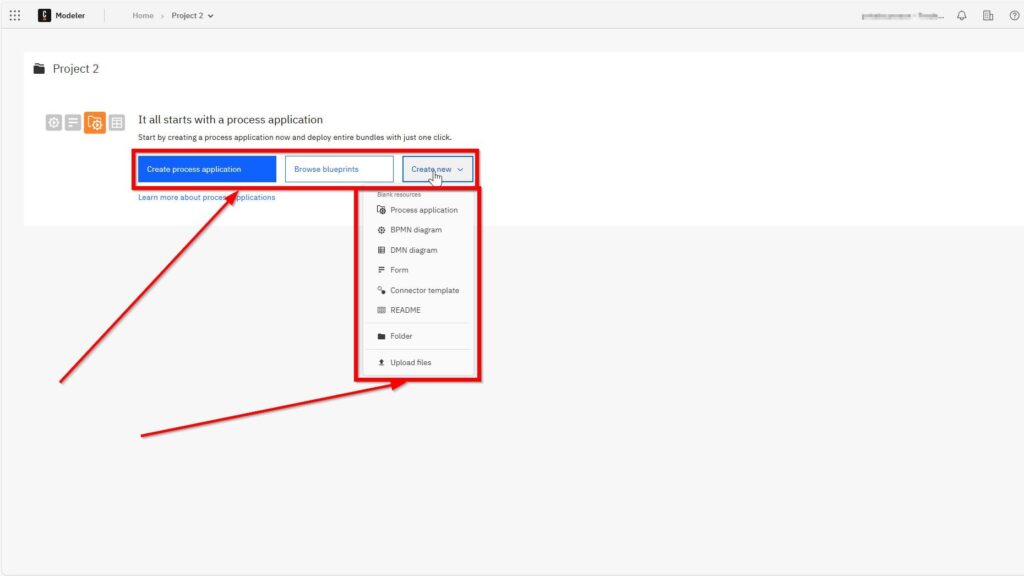
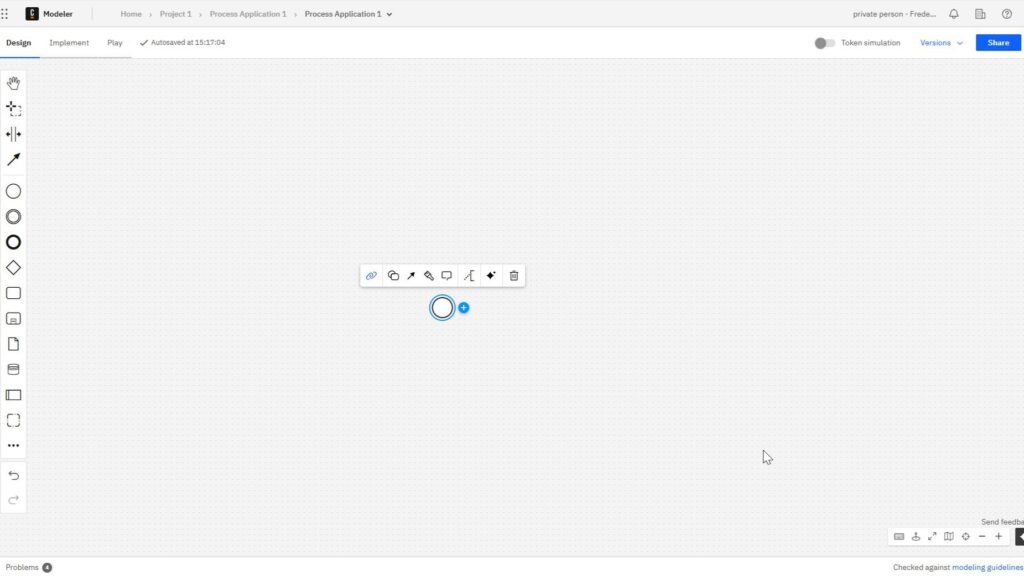
Camunda Modeler diagram editor with a blank grid canvas, left-side shape palette, and a selected small circle element in the center with a floating context toolbar.

What is Camunda?

Are you looking for a robust solution to automate and optimize your business processes? Camunda might be the answer you’ve been searching for. In today’s digital landscape, process efficiency is critical, and platforms like Camunda empower organizations to streamline operations effectively.

What is Camunda? Read More »

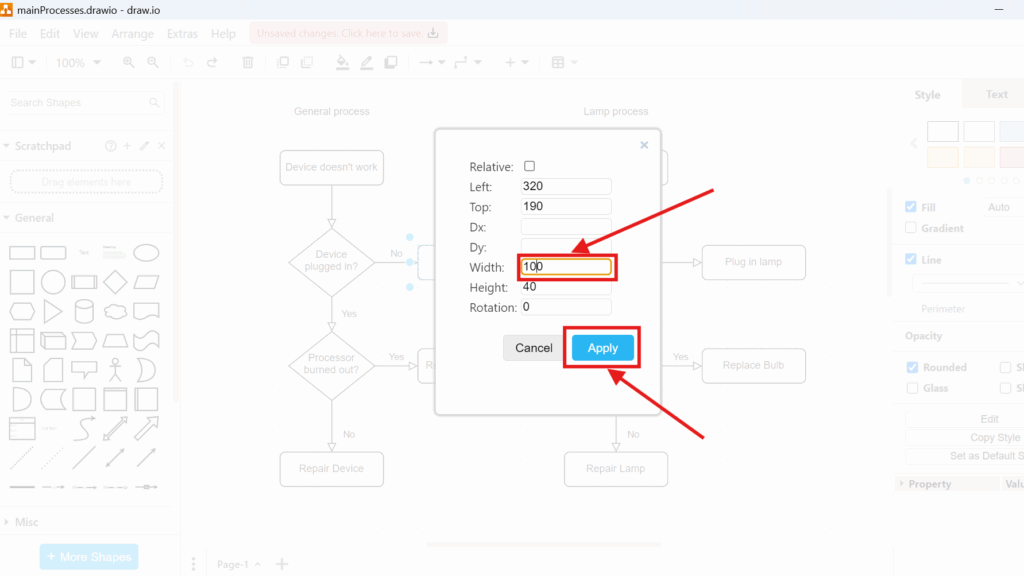
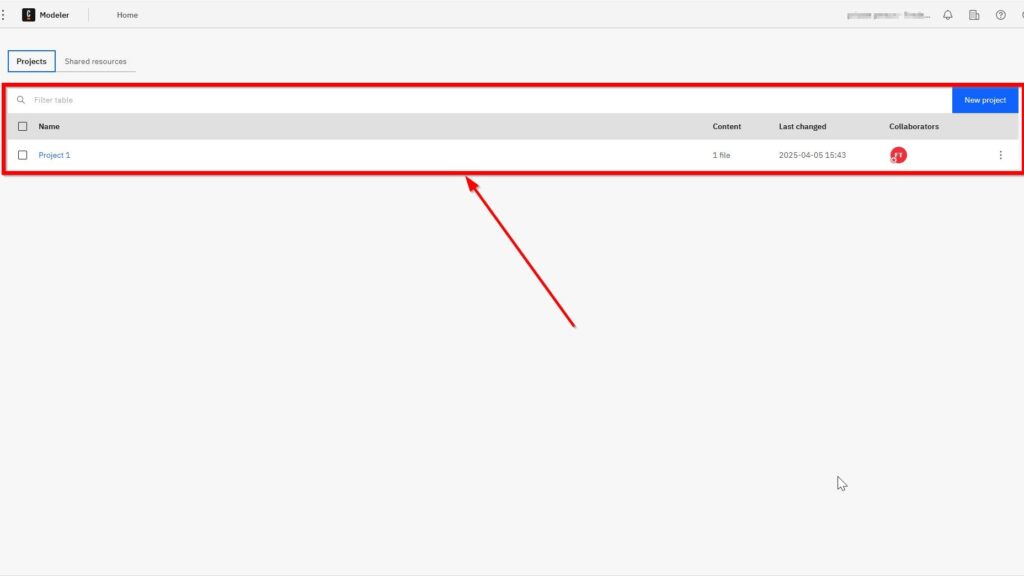
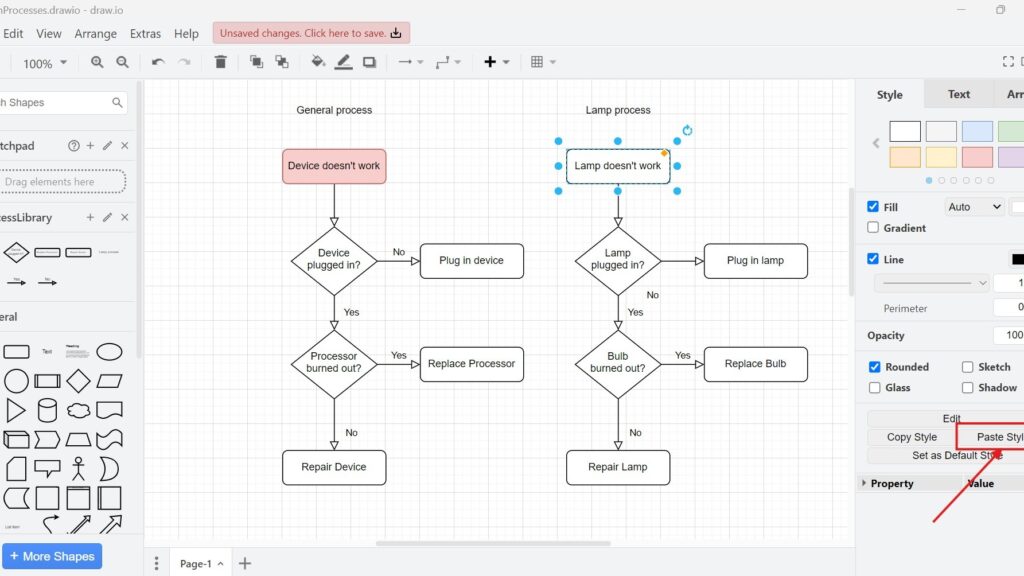
draw.io editor screenshot with two flowcharts (“General process” and “Lamp process”); “Lamp doesn’t work” is selected and “Paste Style” is pointed to by a red arrow.

Mastering Styles in Draw.io

In my experience, managing style in draw.io can transform your diagrams from bland to captivating. It’s not just about aesthetics; it’s about making your visuals clear, professional, and engaging. Let’s dive into the steps and strategies to master style management in draw.io.

Mastering Styles in Draw.io Read More »

BPMN Project Roles for Effective BPM

When I started with BPMN (Business Process Model and Notation), I quickly realized something crucial. Creating process models isn’t just about diagrams and flowcharts. Instead, it’s about clearly defining roles and thinking from the viewer’s perspective. Today, I’ll show you why understanding BPMN roles matters and how they help improve process management in your business.

BPMN Project Roles for Effective BPM Read More »

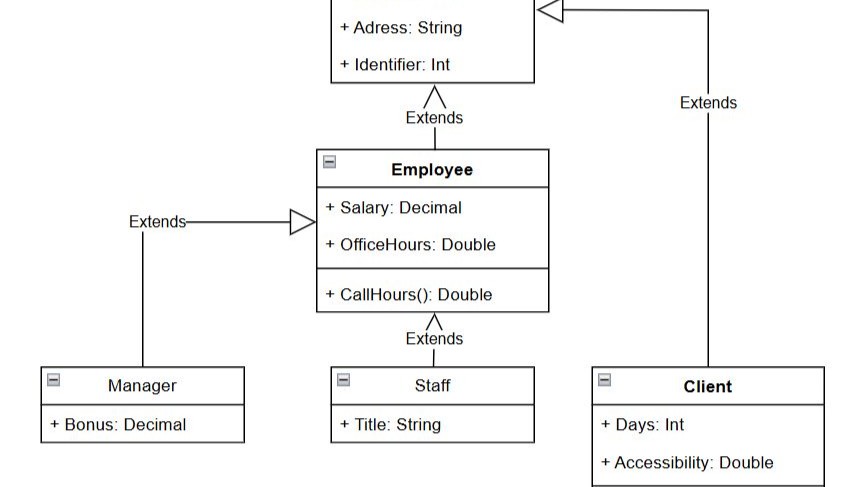
Object table “myTruck” lists velocity = 60 and number_of_passengers = 1.

Object Name, State, and Behavior in Object-Oriented Programming

In software development, I strive to model the real world effectively. One of my strongest tools is object orientation—it turns complex problems into clear, structured models. But first, we must ask: what defines an object? I focus on three key aspects—object name, status, and object behavior. These elements bring systems to life and make them understandable. In this article, I’ll share how I think about objects and use their behavior to design better, more realistic software systems.

Object Name, State, and Behavior in Object-Oriented Programming Read More »

draw.io editor with a red callout highlighting a tooltip reading “Shape_ID: 1” near the “Device doesn’t work” box.

Manage Metadata in Draw.io: A Simple Guide

Metadata is essential for organizing and understanding the details within diagrams. I’ve often found that managing metadata in draw.io can transform how you handle complex projects. Each shape and connector in a diagram can store metadata, or custom properties, which is additional information about those elements. In this post, I’ll explain how to manage metadata effectively and show you a practical business case. By the end, you’ll know how to edit metadata in draw.io and why it matters.

Manage Metadata in Draw.io: A Simple Guide Read More »

Scroll to Top
WordPress Cookie Plugin by Real Cookie Banner