All Confluence Articles

This page presents Confluence articles. Confluence is a versatile tool. It manages projects and documentation. Teams collaborate and edit simultaneously. Real-time updates reduce version issues. Spaces, pages, labels organize information. Integration with Jira enhances planning. Plugins extend features and adaptability. Strong search ensures quick retrieval. History tracks progress and changes. User-friendly design fosters sharing. Confluence strengthens workflows and communication.

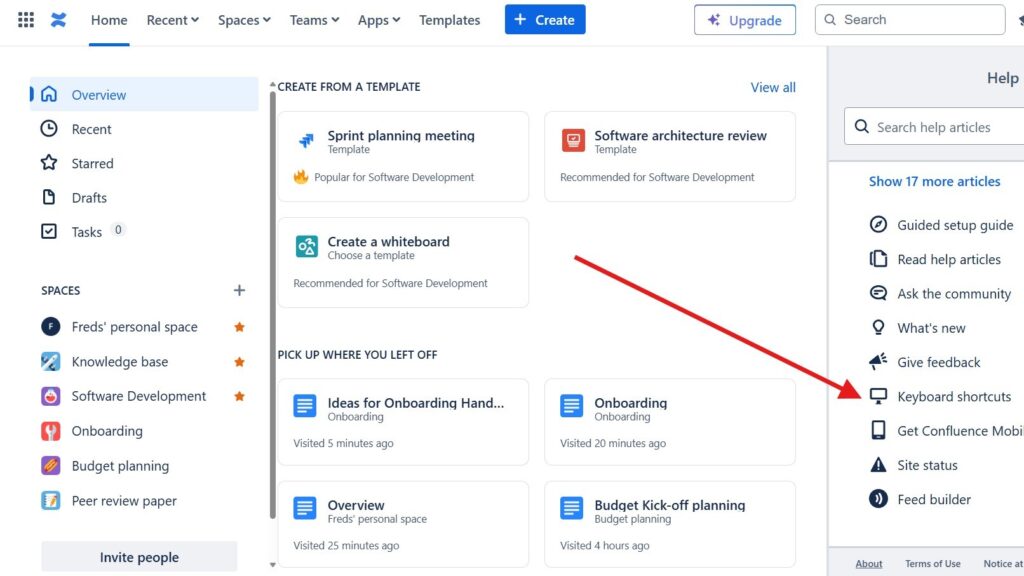
Gradient blue Confluence logo used to represent Atlassian’s cloud documentation platform.

What is Confluence

What is Confluence? Confluence is Atlassian’s collaboration platform for project documentation, knowledge sharing, and teamwork. I use it to create pages, organize information, and support real-time collaboration in one central workspace. As a result, teams can manage knowledge more clearly and move projects forward faster.

What is Confluence Read More »

“YOUR APPS” list showing “Atlassian Home,” “Jira,” and “Jira Work Management” with their icons.

Comparison of Confluence & Jira: A Comprehensive Guide

As a tech blogger, I’m often asked about the best tools for team collaboration and project management. In this article, I’ll provide a detailed comparison of Jira and Confluence, two powerful Atlassian tools that are often used together. While they share the same ecosystem, each serves a unique purpose. Let’s explore how Jira and Confluence differ, how they complement each other, and how using both can create a complete solution for managing projects and documentation.

Comparison of Confluence & Jira: A Comprehensive Guide Read More »
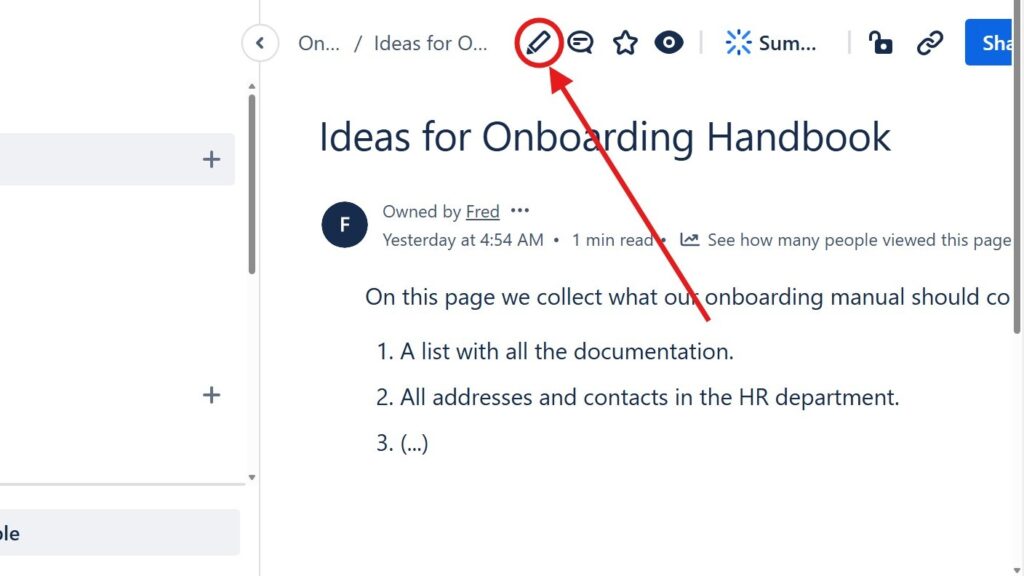
Page titled “Ideas for Onboarding Handbook” with a red arrow pointing to a circled pencil/edit icon in the top toolbar.

Introducing the Confluence Editor Mode: A Seamless Experience for Teams

The confluence editor mode helps me create, edit, and share content with less friction. It supports clear teamwork because everyone can work on pages in one shared space. As a result, teams improve communication, reduce scattered information, and build better documentation. In this article, I show how the editor supports smoother content creation and daily collaboration.

Introducing the Confluence Editor Mode: A Seamless Experience for Teams Read More »

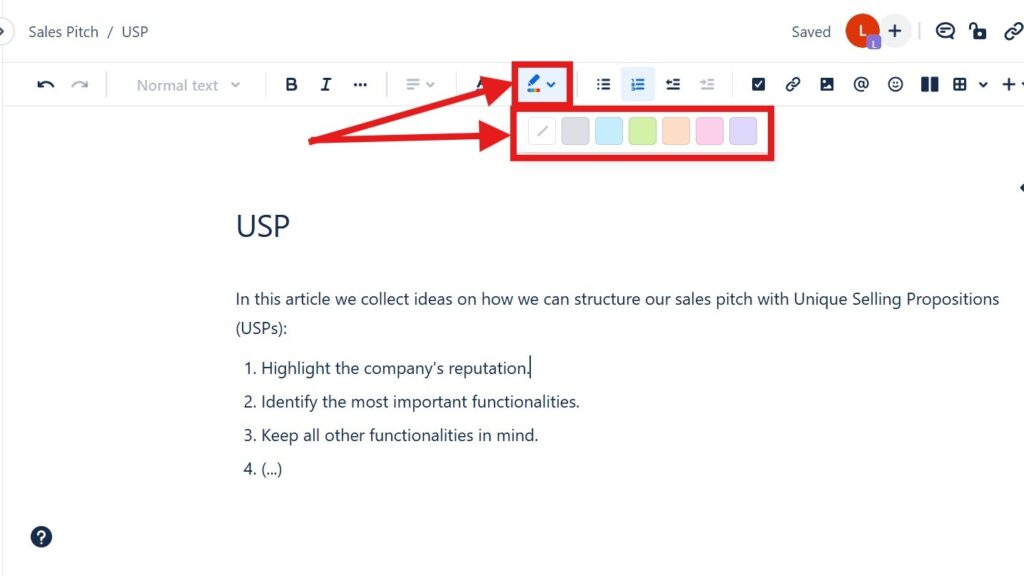
Editor toolbar with a color/highlight dropdown open, showing a row of colored squares; red arrows point to the color tool and palette.

How to Color Text in Confluence: A Quick Guide to Text Color and Highlight Color

Confluence helps me create clear and useful project pages. In this guide, I show you How to Color Text in Confluence with text colors and highlight colors. Color helps me emphasize key details, improve readability, and guide readers through important content. As a result, my pages look cleaner, more structured, and easier to understand.

How to Color Text in Confluence: A Quick Guide to Text Color and Highlight Color Read More »

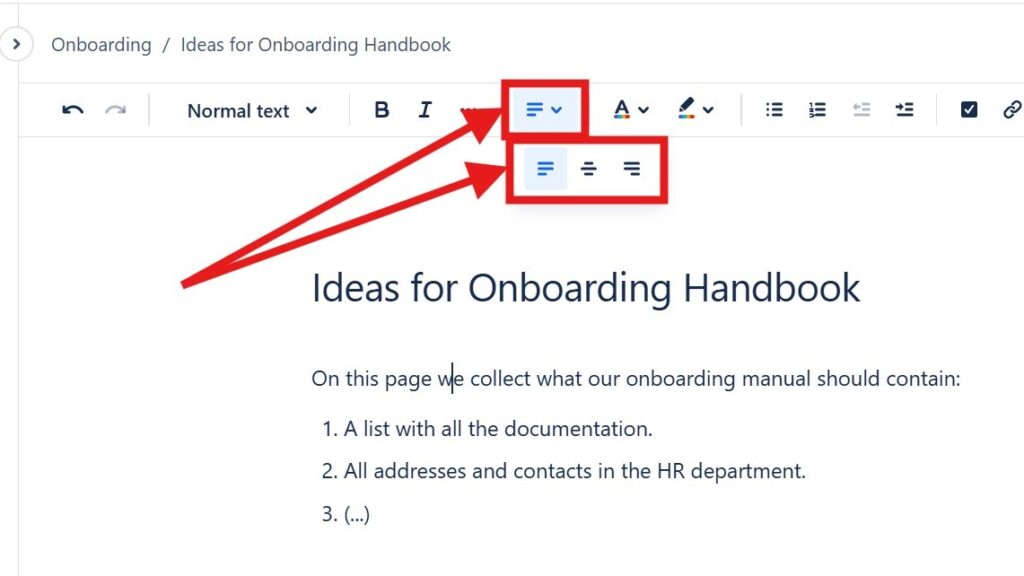
Editor toolbar with alignment dropdown open, showing multiple alignment icons; red arrows point to the alignment control.

How to Align Text in Confluence

Learning to align text in Confluence helps me create cleaner and more professional pages. I can place content on the left, center, or right to improve layout and readability. As a result, information looks more structured and easier to follow. In this guide, I show you simple methods and shortcuts for better text alignment.

How to Align Text in Confluence Read More »

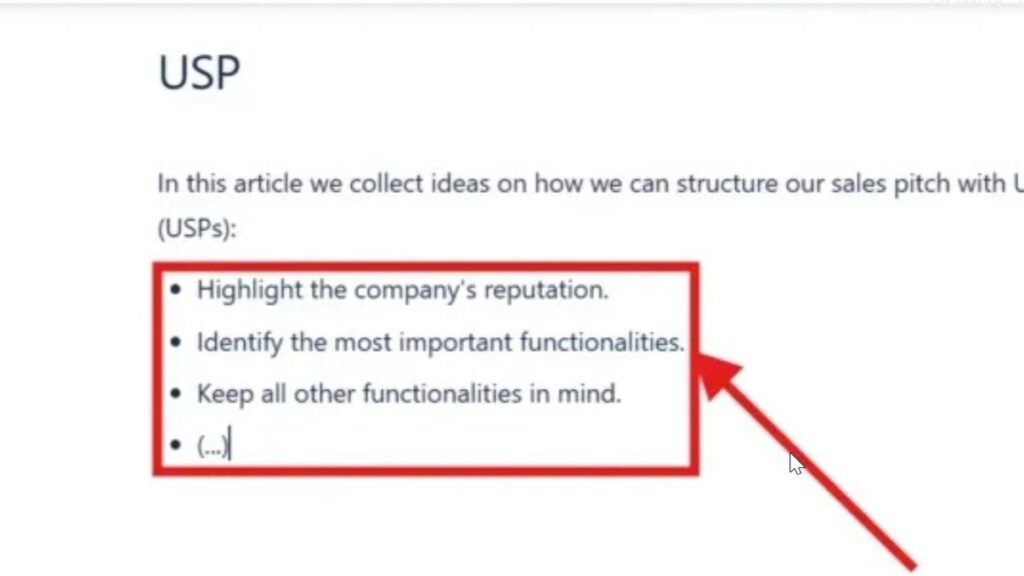
Zoomed-in bullet list inside a red rectangle with an arrow pointing at the list items.

How to Make Lists in Confluence

Confluence helps me organize team information in a clear way. When I make lists in Confluence, I can structure steps, ideas, tasks, and key points so readers understand them faster. Bullet lists and numbered lists make pages easier to scan. In this guide, I show you how to create lists and use simple shortcuts for cleaner documentation.

How to Make Lists in Confluence Read More »

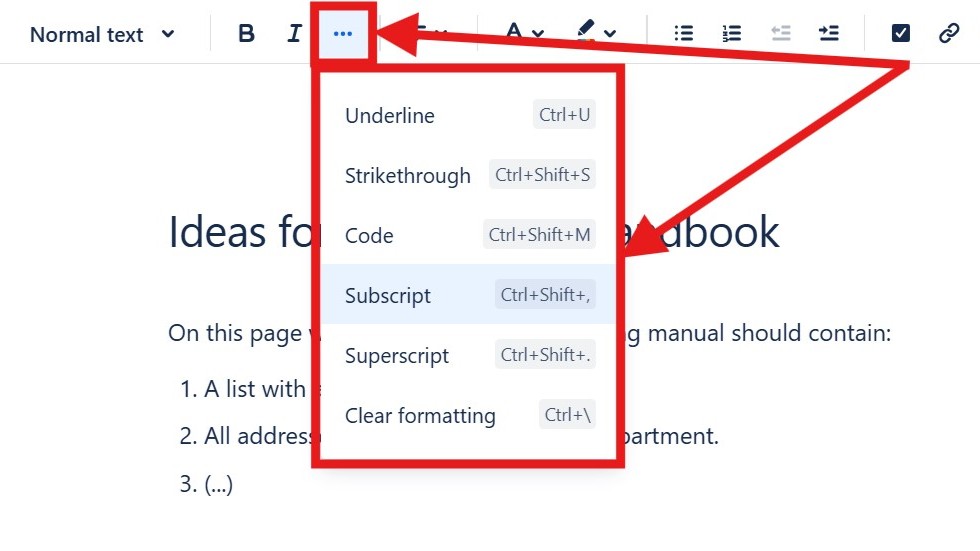
Editor “more options” menu open showing “Underline,” “Strikethrough,” “Code,” “Subscript,” “Superscript,” and “Clear formatting.”

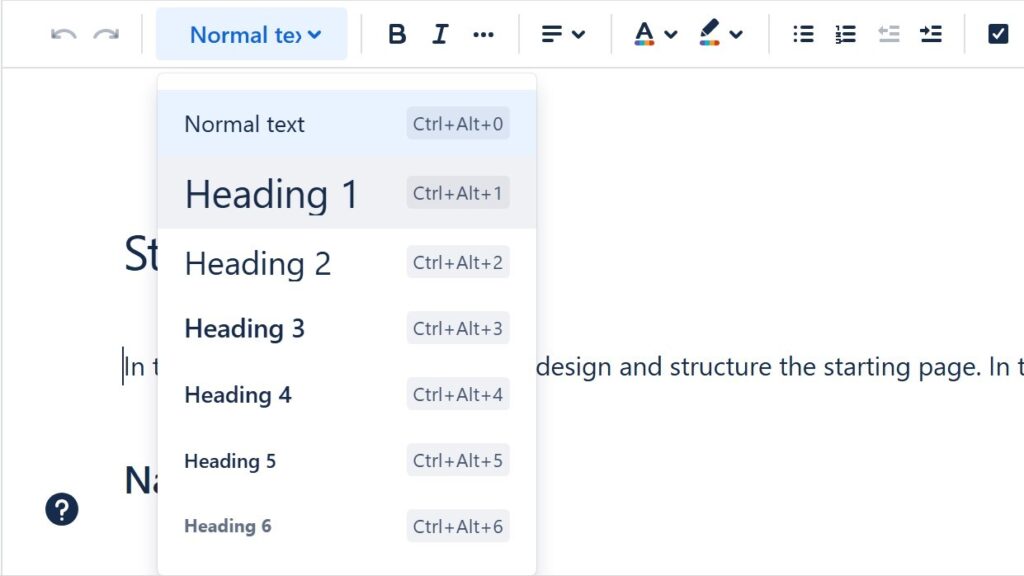
How to Format Text in Confluence

Confluence helps me create clear and professional team pages. When I know how to format text in Confluence, I can structure information, highlight key points, and improve readability. Formatting also helps readers scan content faster and understand important details. In this guide, I show you the essential options and shortcuts for cleaner Confluence pages.

How to Format Text in Confluence Read More »

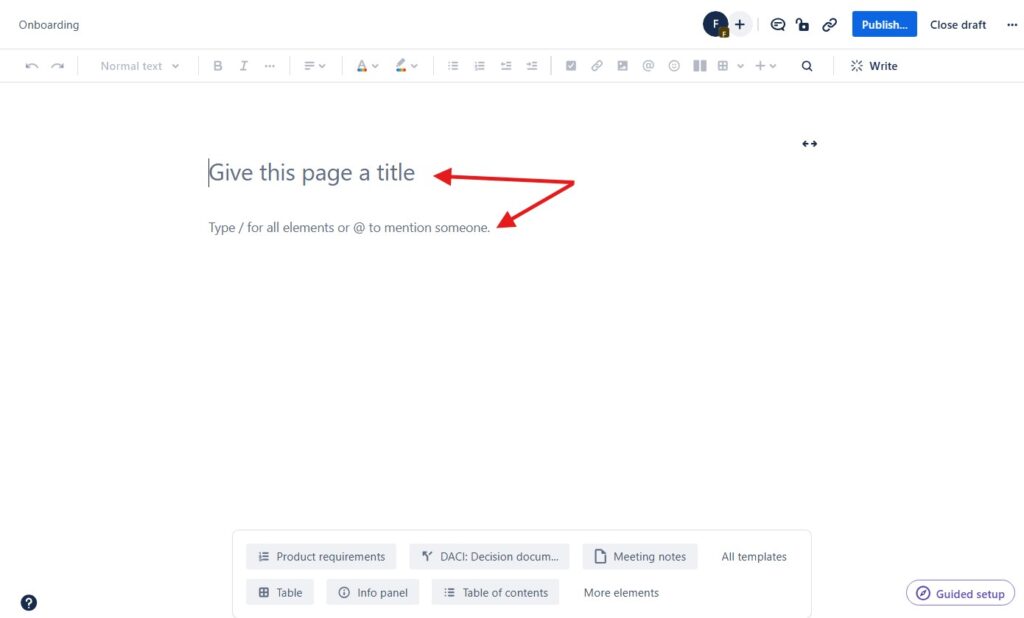
Blank page editor with the placeholder text “Give this page a title,” marked by red arrows.

How to Create a Confluence Page

Learning how to create a Confluence page is easy, but a few tips make the process smoother. I use Confluence to document projects, coordinate teams, and structure knowledge clearly. Therefore, a good page needs more than text. It needs purpose, order, and readability. In this guide, I show you how to create useful pages and improve collaboration.

How to Create a Confluence Page Read More »

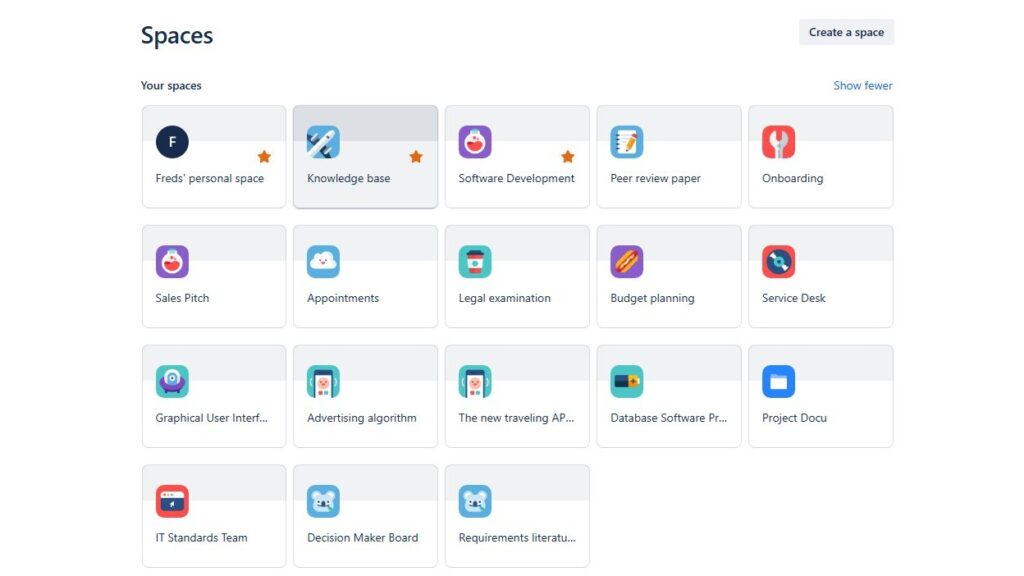
“Spaces” overview grid showing multiple space tiles such as “Freds’ personal space,” “Knowledge base,” “Software Development,” and “Onboarding.”

Spaces in Confluence

In this introduction to confluence spaces, I explain how spaces help teams organize work in Confluence. Spaces give each project, team, or topic a clear home. As a result, I can create, share, and manage content with less confusion. They support better structure, smoother collaboration, and easier access to important knowledge.

Spaces in Confluence Read More »

Scroll to Top
WordPress Cookie Plugin by Real Cookie Banner