All Tutorial Articles

This page presents requirements engineering tutorials. Tutorials guide your learning journey. They explain concepts with clarity. Each step builds practical skills. Examples illustrate methods and techniques. Guidance supports professional development goals. Tutorials cover models and tools. They strengthen analysis and documentation. Learning here improves project outcomes. Articles deepen requirements engineering knowledge.

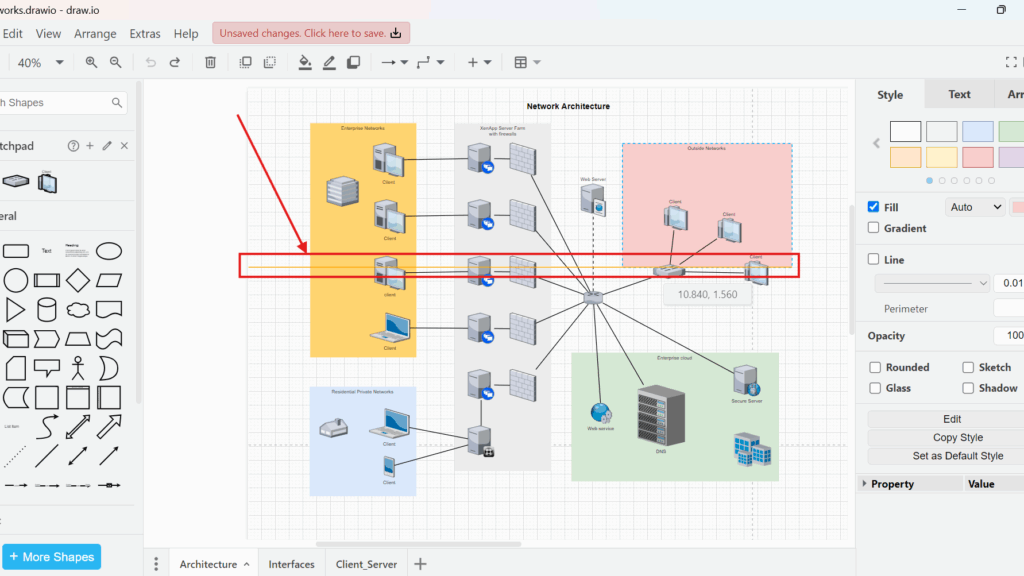
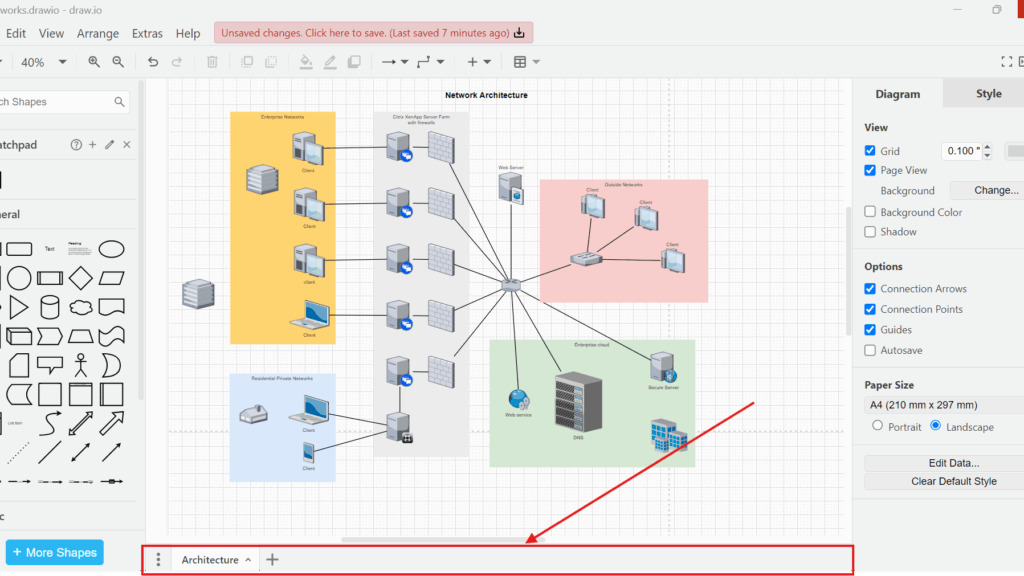
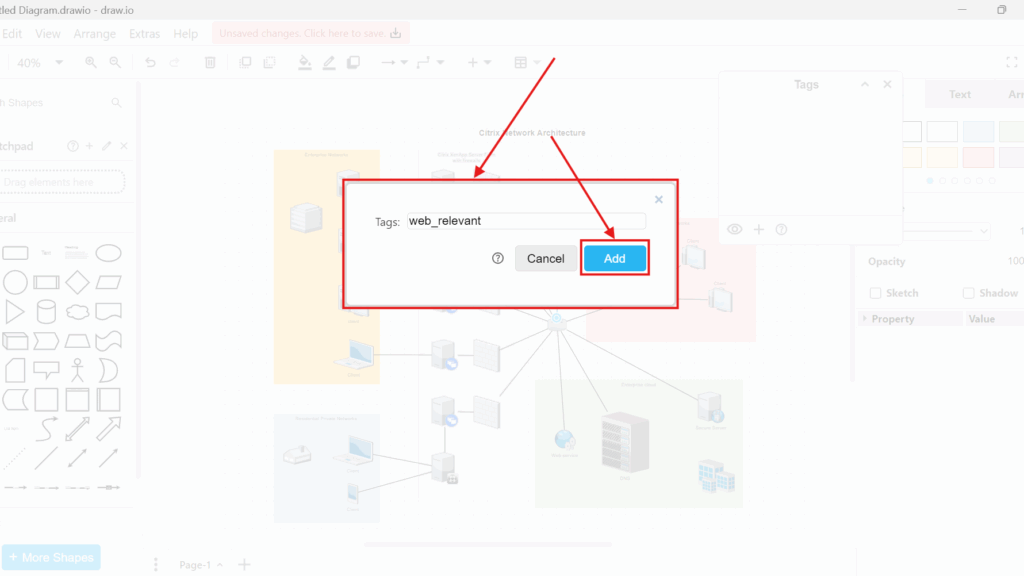
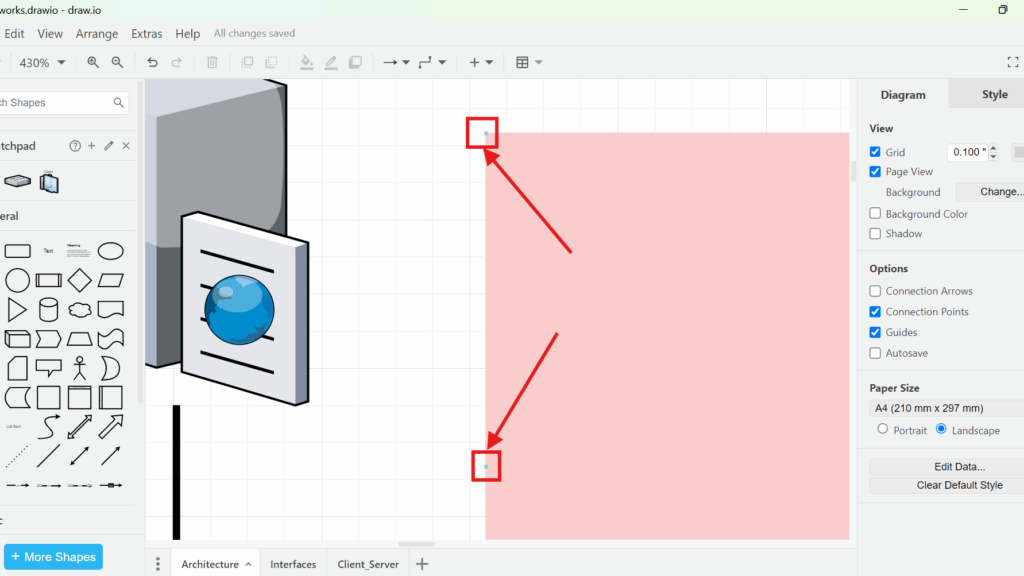
Zoomed-in draw.io screenshot highlighting two small square connection points on the left edge of a pink rectangle, marked with red boxes and arrows.

Connection Arrows and Points in draw.io

Connections can make or break a diagram. When I first used draw.io, my lines often felt messy and hard to control. Then I learned how Connection Arrows and Points in draw.io work. They help me attach shapes clearly, move elements safely, and show relationships with more precision. In this post, I show how these tools improve diagram structure and speed up my workflow.

Connection Arrows and Points in draw.io Read More »
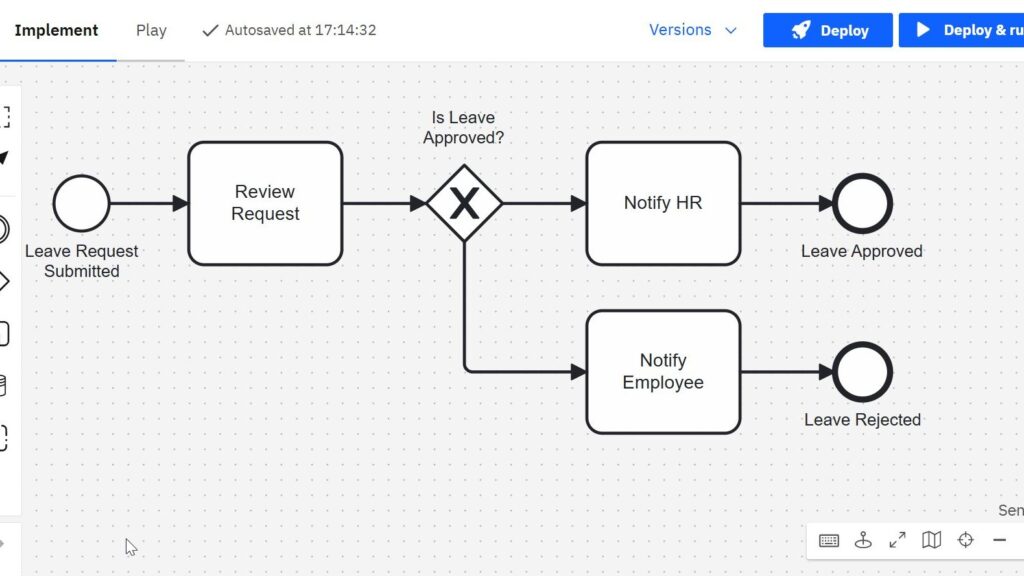
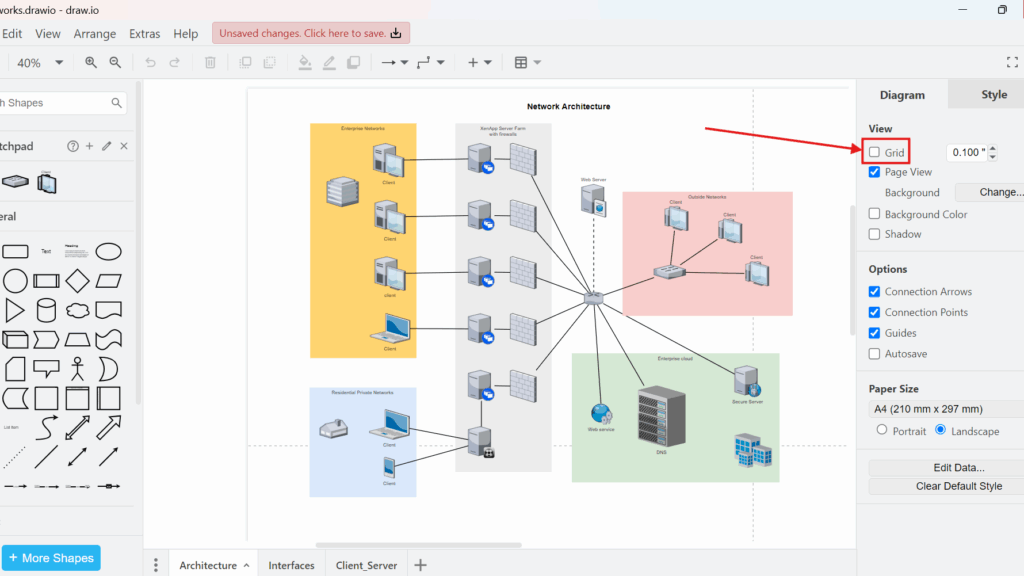
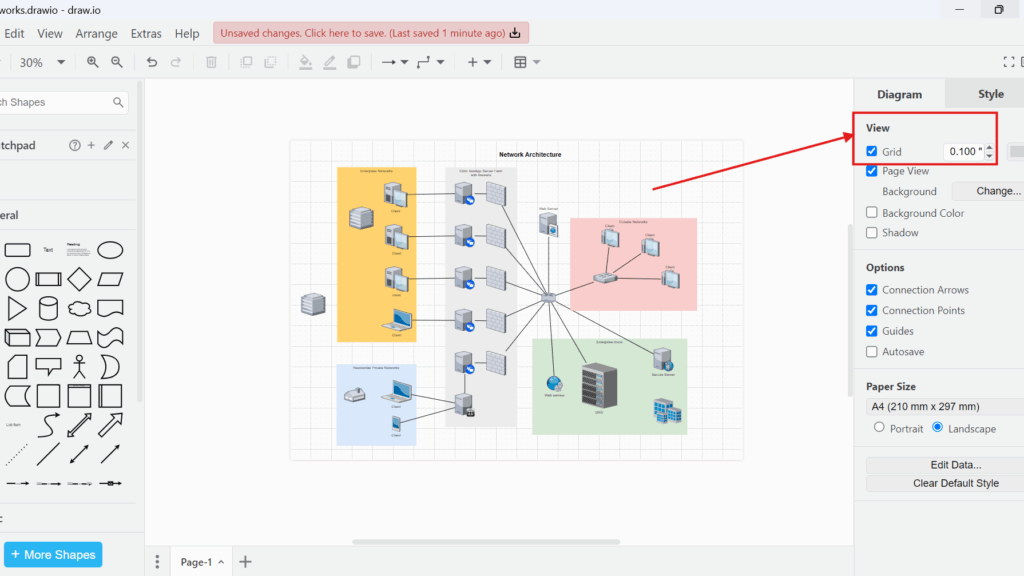
Workflow diagram starting with “Leave Request Submitted,” followed by “Review Request,” a decision diamond labeled “Is Leave Approved?,” and two outcomes ending in circles labeled “Leave Approved” and “Leave Rejected.”

BPMN Explained: The Basics of Business Process Model and Notation

What is BPMN and why does it matter in daily business work? I use BPMN to understand, describe, and improve processes in a clear way. It helps me see how work flows from one step to the next and where problems may appear. As a result, BPMN supports better process management, clearer communication, and more efficient workflows. This overview gives an easy introduction to the topic.

BPMN Explained: The Basics of Business Process Model and Notation Read More »

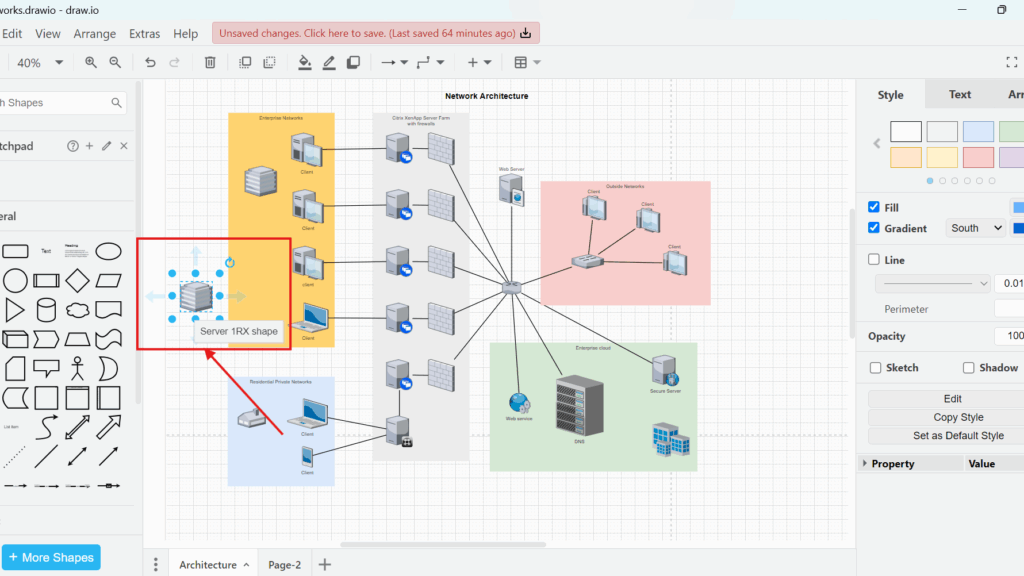
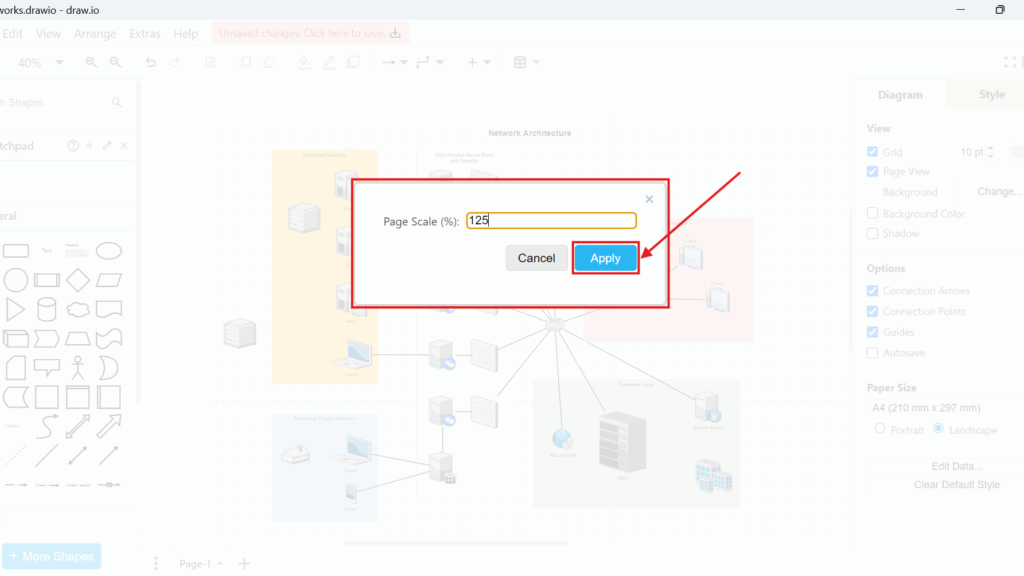
Cropped UML class box titled “Person” listing attributes including “/Age,” “Date of birth [0..1],” and “Client: boolean,” with a dashed «refines» arrow partially visible.

Tips for Requirements Modeling with UML

When working on software projects, applying the right Tips for Requirements Modeling with UML can make all the difference. In my experience, effective modeling depends on clarity, structure, and communication. Using UML diagrams helps visualize complex requirements and align stakeholders. In this article, I’ll share my best Tips for Requirements Modeling with UML, offering practical strategies to make your modeling process more efficient, consistent, and easy to understand.

Tips for Requirements Modeling with UML Read More »

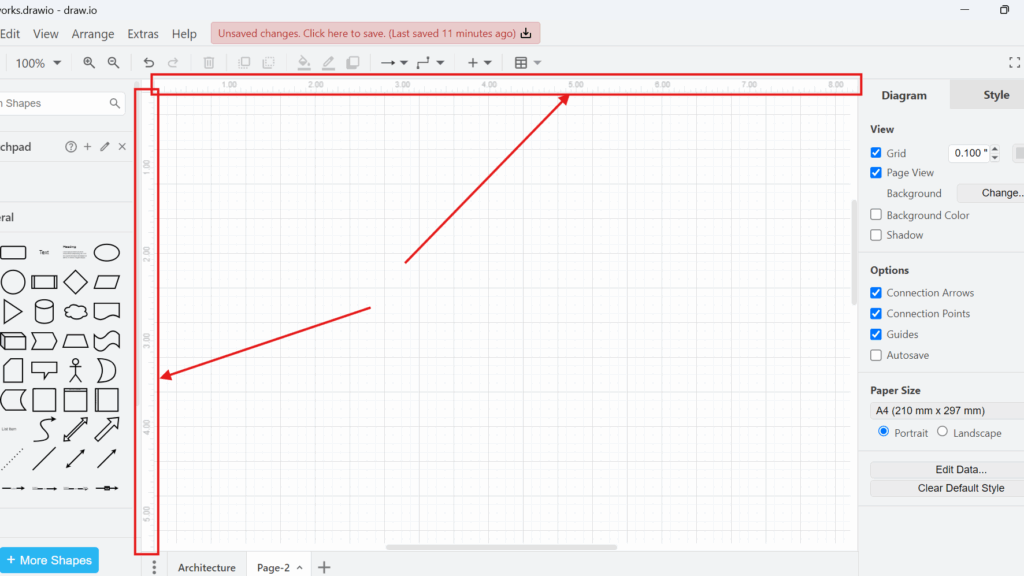
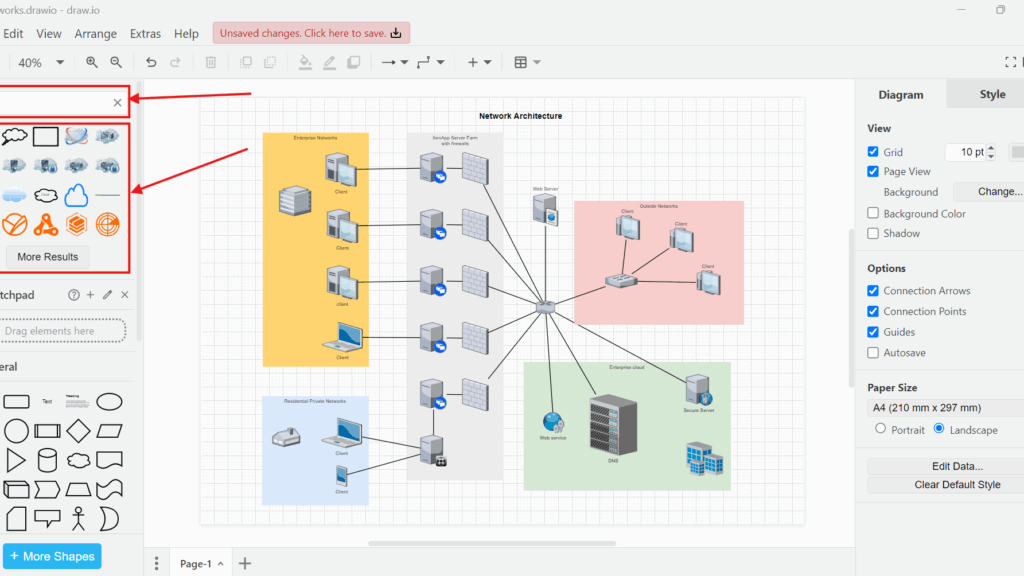
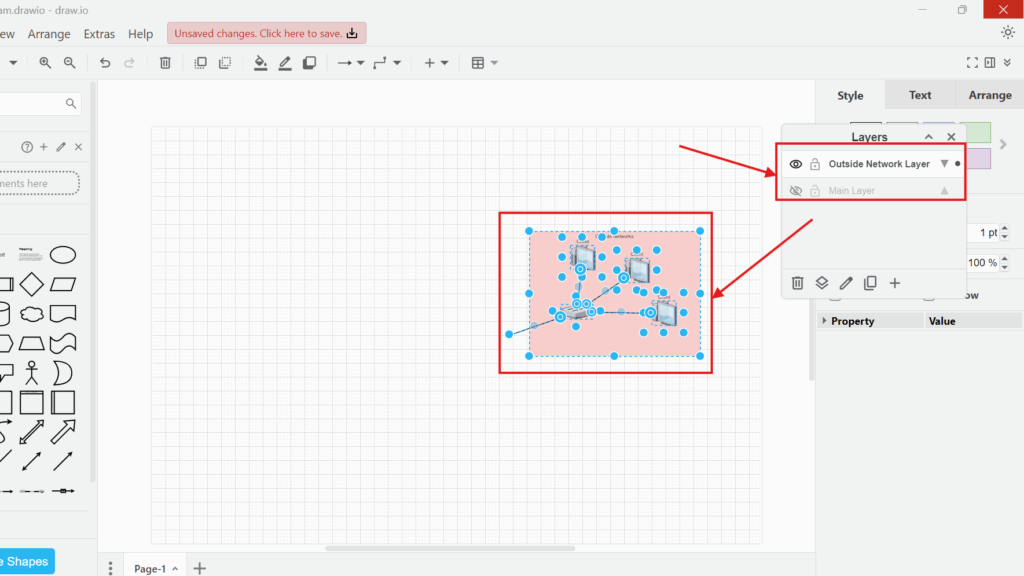
Draw.io canvas with a selected group of elements and the Layers panel showing “Outside Network Layer” and “Main Layer.”

How to Use Layers in draw.io

Layers help me organize complex diagrams in draw.io. They let me show, hide, and separate different parts of a diagram. In this guide, I explain how to use layers in draw.io with a practical example. You’ll learn how layers improve visibility, support focus, and make larger diagrams easier to understand.

How to Use Layers in draw.io Read More »

Scroll to Top
WordPress Cookie Plugin by Real Cookie Banner