All Tutorial Articles

This page presents requirements engineering tutorials. Tutorials guide your learning journey. They explain concepts with clarity. Each step builds practical skills. Examples illustrate methods and techniques. Guidance supports professional development goals. Tutorials cover models and tools. They strengthen analysis and documentation. Learning here improves project outcomes. Articles deepen requirements engineering knowledge.

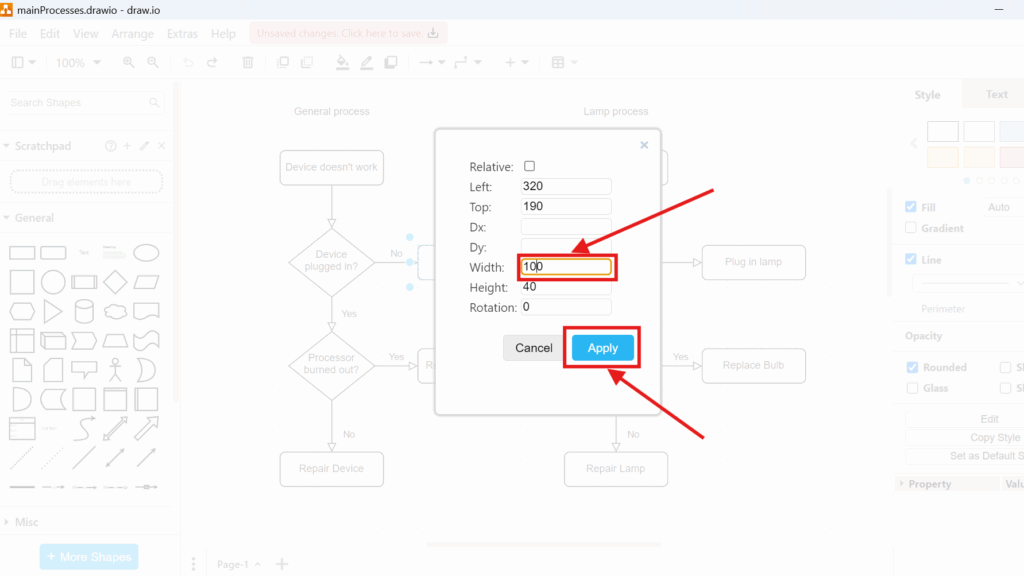
Draw.io geometry dialog showing fields for Left/Top and size, with “Width: 100” highlighted and the “Apply” button highlighted.

How to Change Geometry in draw.io

Object geometry helps me create precise diagrams. I adjust size, position, and shape dimensions when I need a cleaner layout. In this guide, I explain how to change geometry in Draw.io. You’ll learn how geometry settings help you fine-tune objects, improve alignment, and create clearer diagrams with a more professional look.

How to Change Geometry in draw.io Read More »
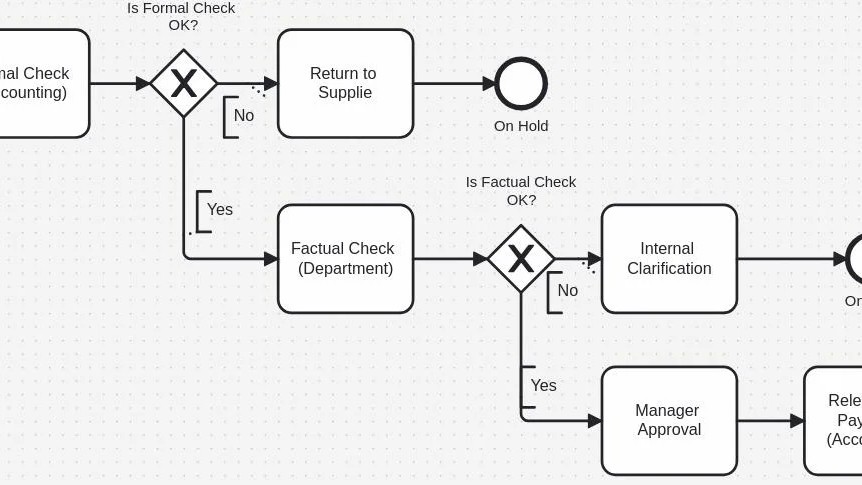
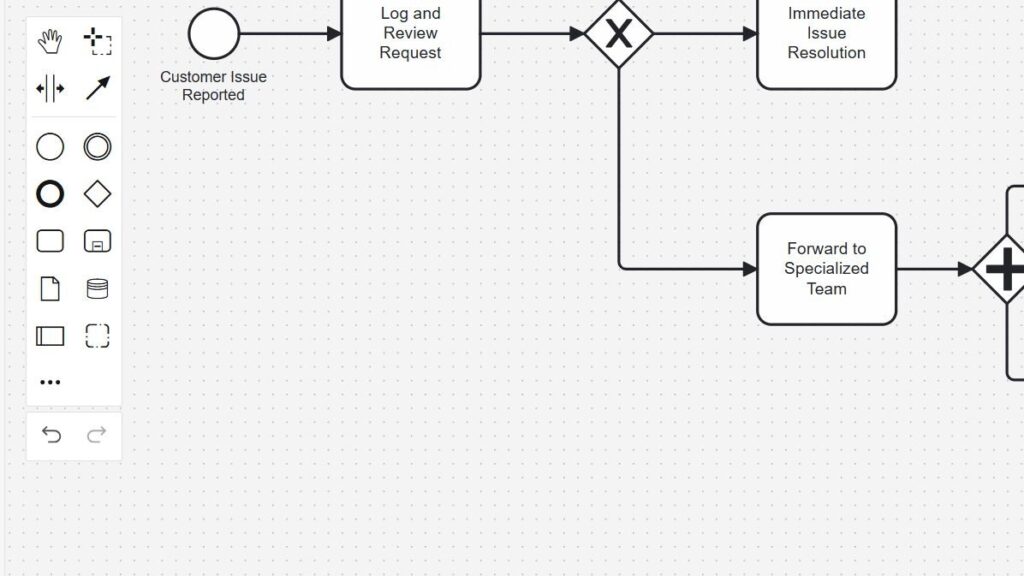
Flowchart-style diagram segment with rounded rectangles, a diamond containing an “X,” and “Yes/No” branches (text partially readable).

Process vs. Algorithm – What’s the Difference?

Understanding the difference between a process and an algorithm helps in business and technology. I often see both terms mixed up, but they describe different ideas. A process shows how work flows through people, roles, and results. An algorithm defines exact steps to solve a problem. In this article, I explain process vs. algorithm and show how both concepts can support each other.

Process vs. Algorithm – What’s the Difference? Read More »

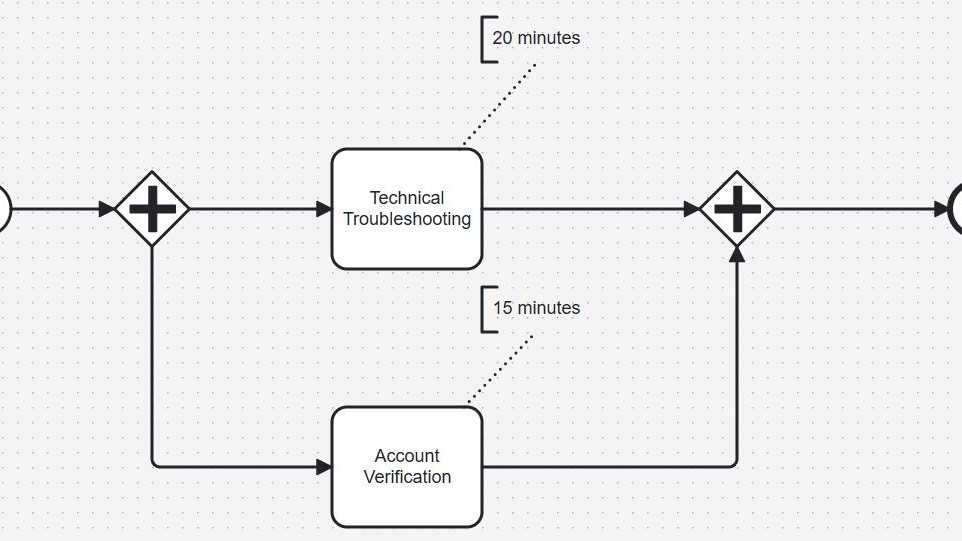
Cropped diagram with two tasks (“Technical Troubleshooting” and “Account Verification”) between plus-diamond split and plus-diamond merge, with 20/15 minute callouts.

Parallel Gateways in BPMN 2.0: Understanding and Using Them Effectively

Parallel gateways in BPMN 2.0 help me model tasks that should run at the same time instead of one after another. This makes processes faster and often easier to understand. In this article, I explain parallel gateways in BPMN 2.0 in a clear and simple way. As a result, I can show how parallel flows work and when this gateway improves process efficiency.

Parallel Gateways in BPMN 2.0: Understanding and Using Them Effectively Read More »

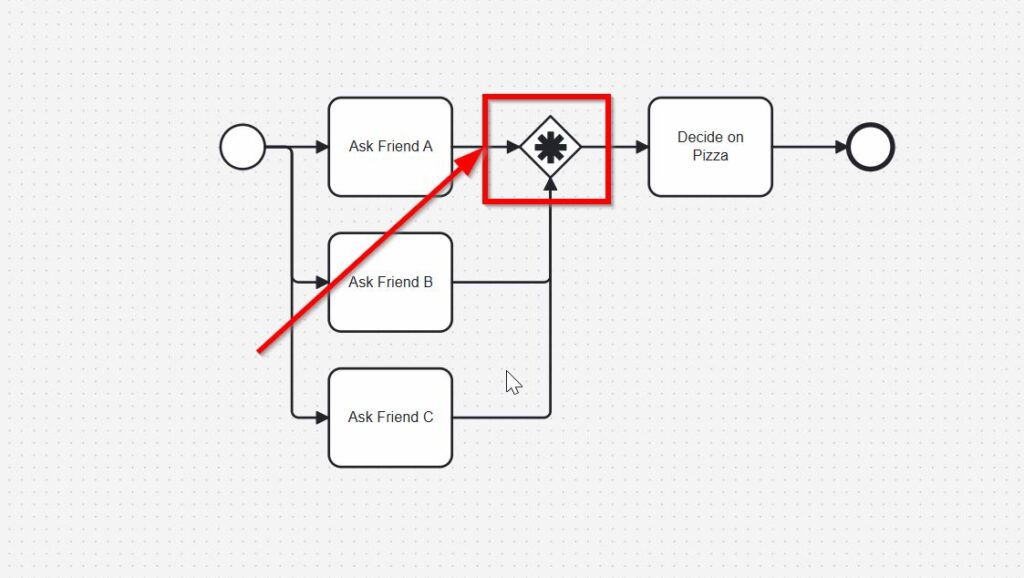
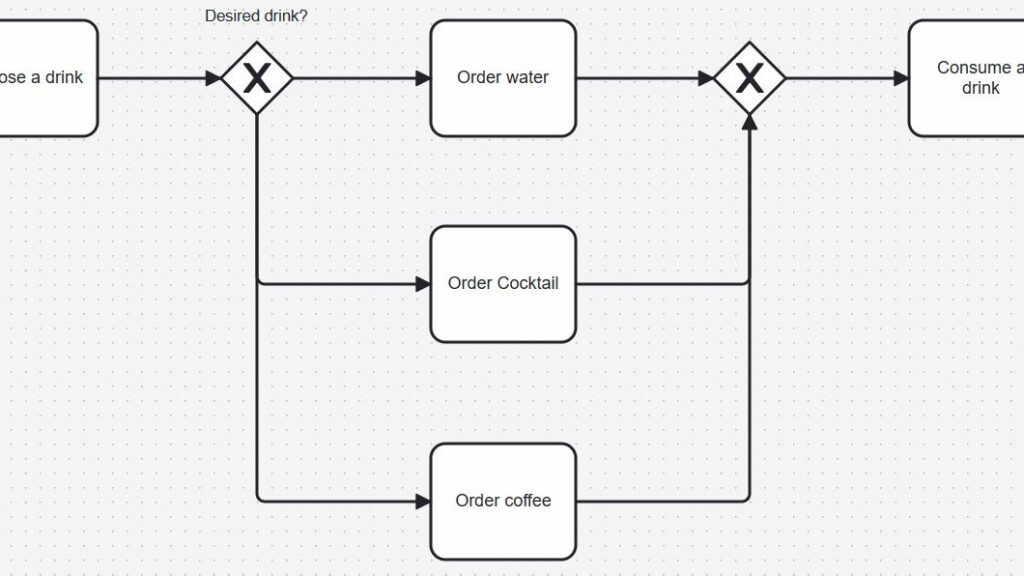
Cropped decision flow labeled “Desired drink?” with diamond “X” gateway branching to “Order water,” “Order Cocktail,” and “Order coffee,” then rejoining.

Exclusive Gateways in BPMN 2.0: Clear and Simple

Exclusive gateways in BPMN 2.0 help me model clear decision paths in a process. They show that only one path continues after a condition is checked. Therefore, they are useful when I want to make business rules easy to understand. In this article, I explain exclusive gateways in BPMN 2.0 with a simple example so I can show how they work in practice and why they improve process clarity.

Exclusive Gateways in BPMN 2.0: Clear and Simple Read More »

Partial diagram showing a start circle connected by an arrow to an unlabeled rounded rectangle near a dashed boundary line (cropped view).

Process Basic Concepts: Your Key to Clear Business Workflows

Have you ever looked at a process diagram and felt lost? I know that feeling well. Business workflows can seem simple, but they often hide complex details. That is why process basic concepts matter. Once you understand the foundation, every process becomes easier to follow. In this article, I explain the key ideas that help you read workflows, see structure, follow flow, and spot problems early.

Process Basic Concepts: Your Key to Clear Business Workflows Read More »

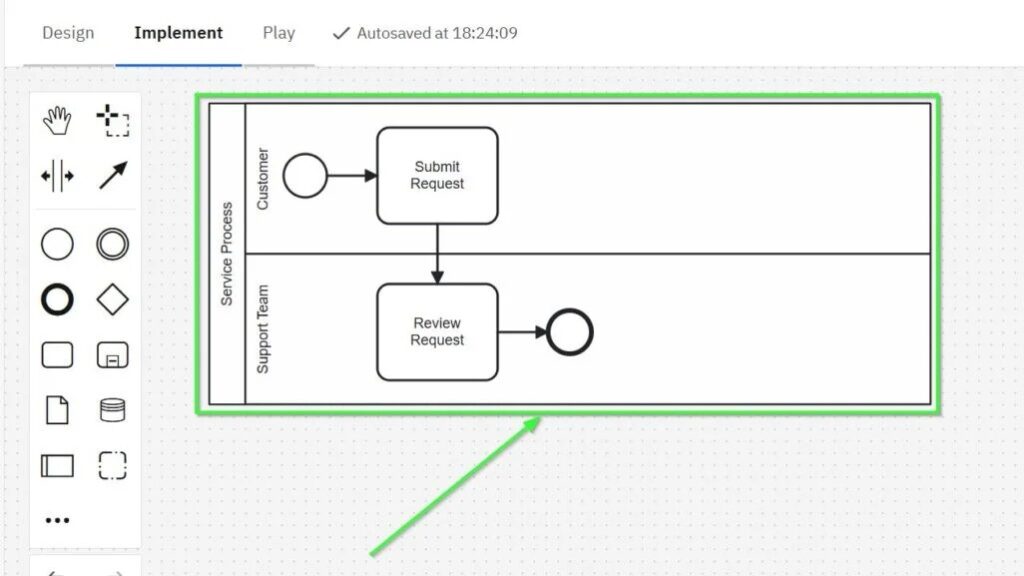
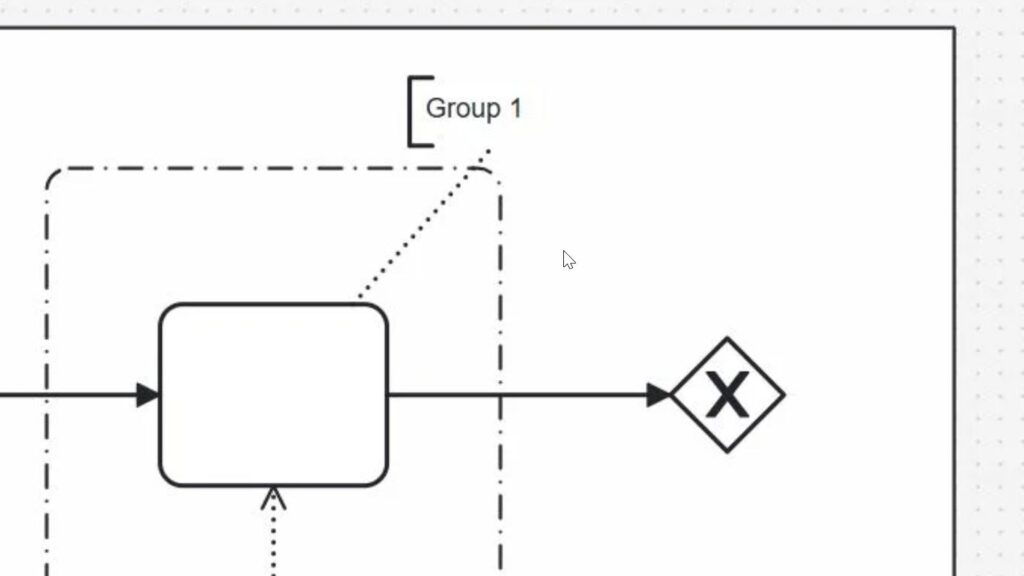
Partial diagram with a dashed group boundary labeled “Group 1,” an unlabeled rounded rectangle, and an arrow leading to a diamond with an “X.”

Participants in BPMN: How Pools Define Process Responsibility

The participant perspective in BPMN changed how I understand process models. At first, it seemed difficult. However, I soon saw that perspective is essential for clear modeling. The participant perspective in BPMN helps me understand who takes part in a process, how responsibilities are shared, and where interactions happen. As a result, I can create process models that are easier to read and explain.

Participants in BPMN: How Pools Define Process Responsibility Read More »

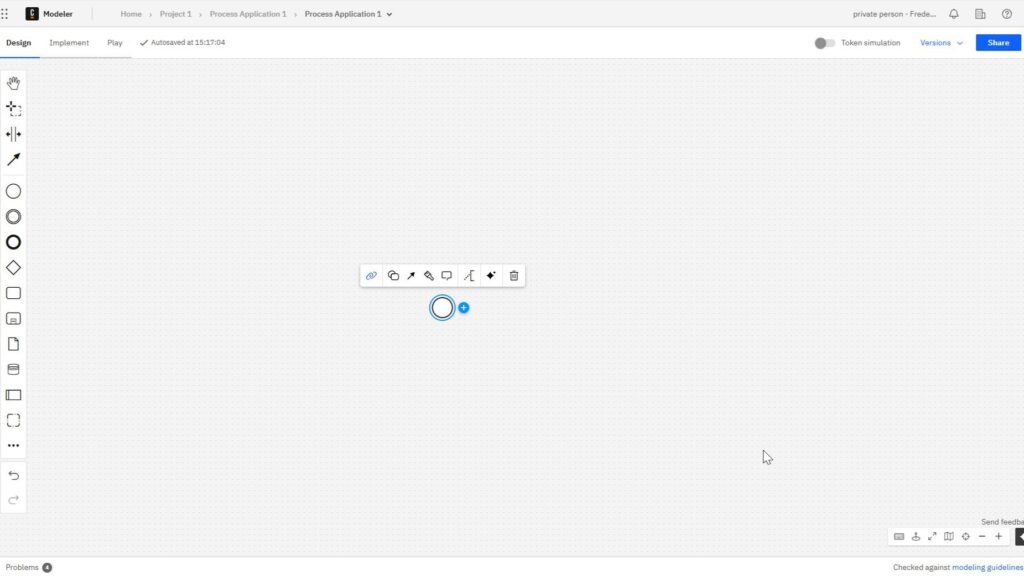
Camunda Modeler diagram editor with a blank grid canvas, left-side shape palette, and a selected small circle element in the center with a floating context toolbar.

What is Camunda?

If you ask what is camunda, you are likely looking for a better way to automate business processes. Camunda helps teams model, run, and improve workflows with BPMN. As a result, you can streamline operations, reduce manual work, and create clearer processes across your organization.

What is Camunda? Read More »

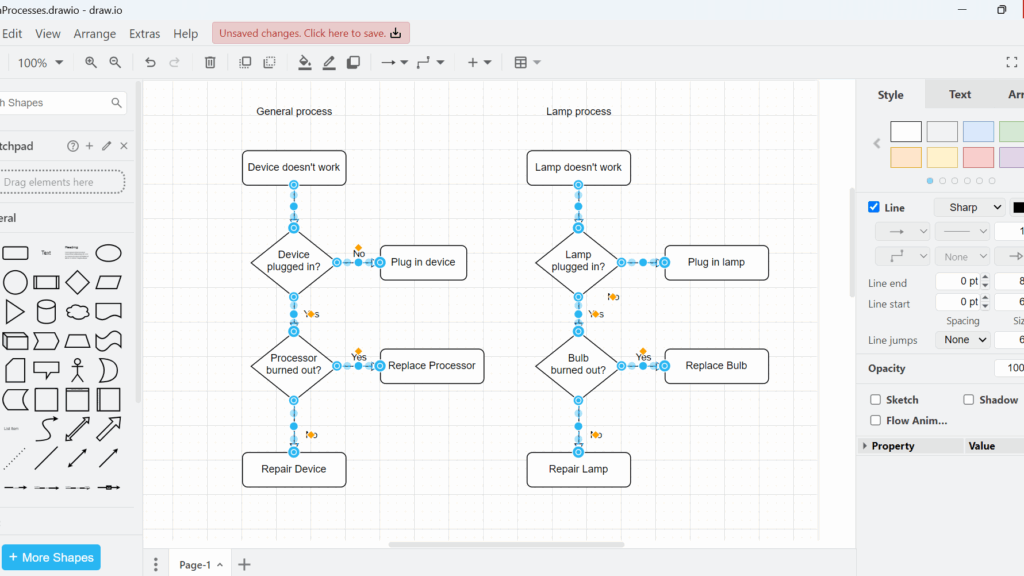
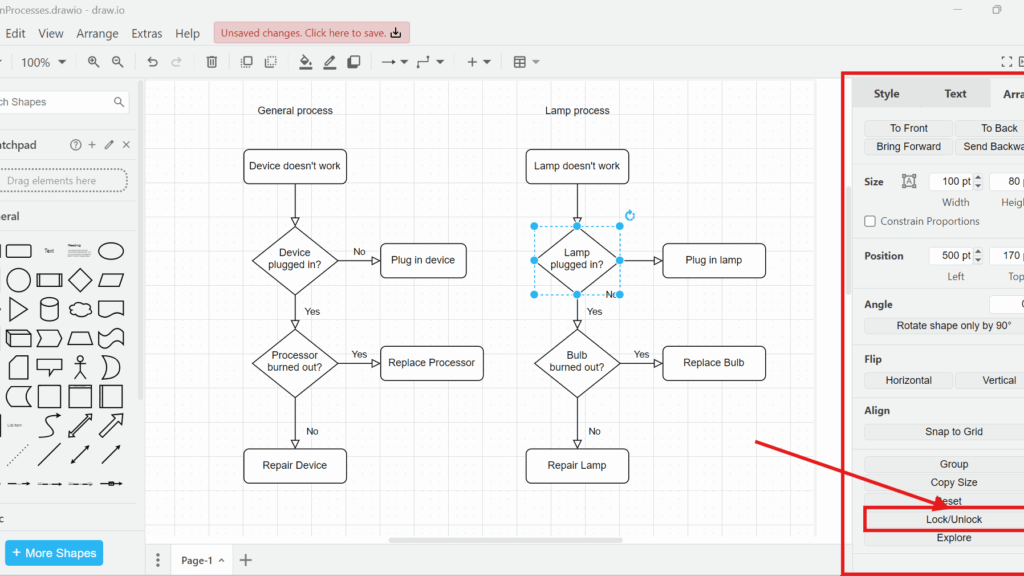
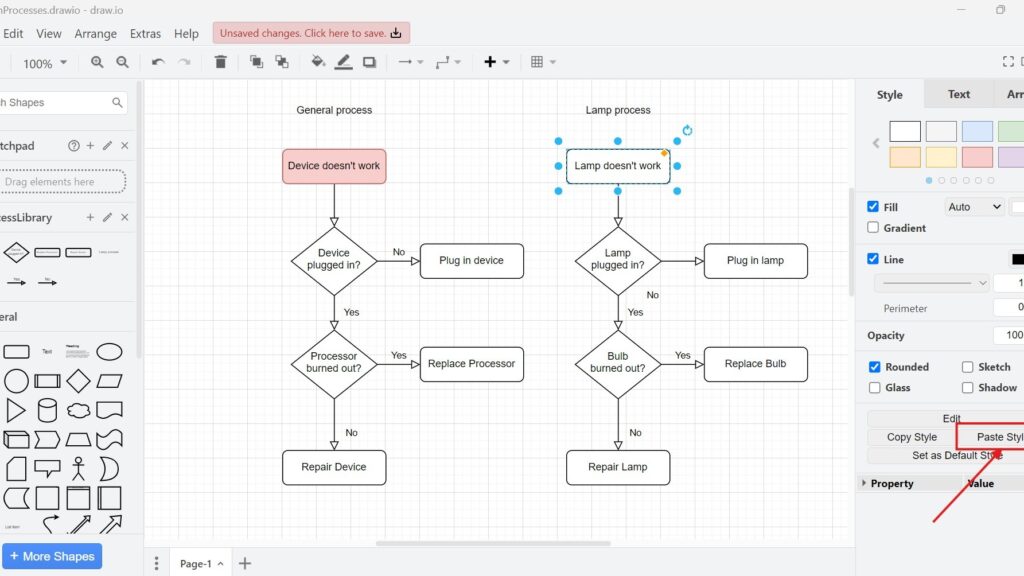
draw.io editor screenshot with two flowcharts (“General process” and “Lamp process”); “Lamp doesn’t work” is selected and “Paste Style” is pointed to by a red arrow.

Mastering Styles in Draw.io

Styles in draw.io can turn simple diagrams into clear and professional visuals. I use them to control colors, lines, text, and shape design. In this guide, I show how style management works and why it matters. As a result, you can make diagrams more consistent, engaging, and easier to understand.

Mastering Styles in Draw.io Read More »

BPMN Project Roles for Effective BPM

BPMN project roles are important when I want clear and useful process models. I learned early that BPMN is not only about symbols and flowcharts. It also depends on the people who create, review, and use the model. Therefore, understanding BPMN project roles helps me improve communication, avoid confusion, and support better process management across the whole business.

BPMN Project Roles for Effective BPM Read More »

Scroll to Top
WordPress Cookie Plugin by Real Cookie Banner