
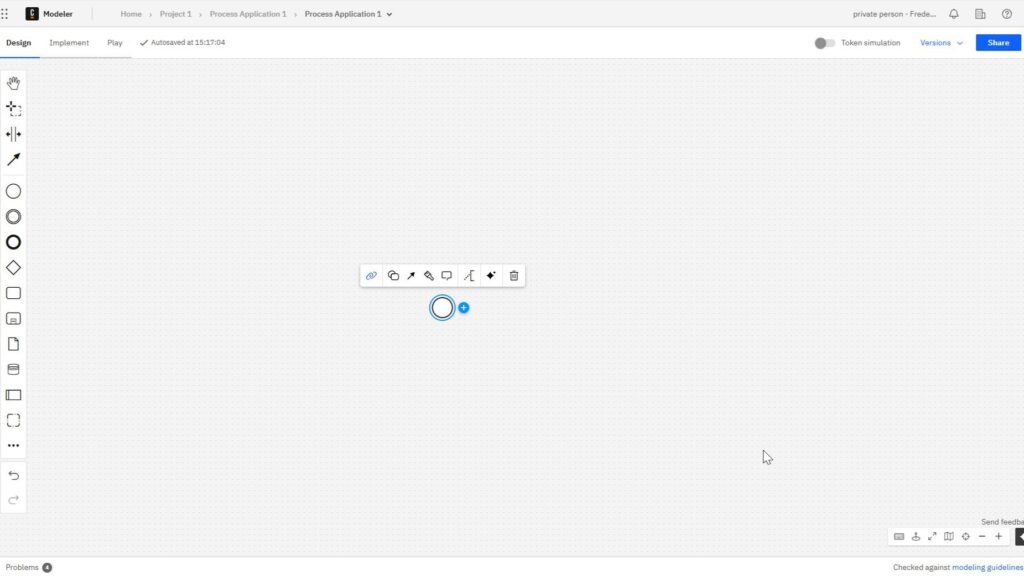
If you ask what is camunda, you are likely looking for a better way to automate business processes. Camunda helps teams model, run, and improve workflows with BPMN. As a result, you can streamline operations, reduce manual work, and create clearer processes across your organization.
Camunda as a Process Orchestration Platform
Camunda coordinates business processes from start to finish.
A process may include automated service calls, human approvals, business rules, messages, timers, and external systems. Camunda manages how these elements interact and determines what should happen next.
Camunda does not need to perform every task itself. Instead, it controls how different participants work together within one process.
This is the main difference between simple automation and process orchestration.
Automation focuses on individual tasks. For example, a system may send an email or update a database automatically.
Process orchestration goes one step further. It coordinates the complete sequence of activities and keeps track of the process state.
BPMN in Camunda
Camunda uses Business Process Model and Notation, or BPMN, to describe process flows.
With BPMN, I can model activities, events, decisions, messages, timers, human tasks, and automated tasks. Therefore, I can represent both simple and complex workflows in a standardized way.
However, the BPMN diagram does not have to remain documentation.
In Camunda, I can turn a BPMN model into an executable process.
I can connect individual activities to APIs, software services, or human tasks. Camunda then controls how each process instance moves through the model.
This creates a strong connection between process design and actual process execution.
DMN for Business Decisions
Camunda also supports Decision Model and Notation, or DMN.
I use BPMN to describe the process flow. In contrast, I use DMN to describe decision logic.
For example, a process may need to determine whether an application requires additional approval or which processing path applies.
I can therefore separate two questions:
BPMN answers: What happens next?
DMN answers: Which decision applies?
This separation makes business logic easier to understand and maintain.
How Camunda Works
The basic principle is straightforward.
First, I model the process.
Next, I connect individual process activities to real work. This may include APIs, software services, external systems, or human tasks.
Then, I deploy the process.
Camunda can now manage each running process instance and keep track of its current state.
For example, the process may wait for a person to complete a task, for an external system to send a message, or for a timer to expire.
Camunda can therefore manage both short automated workflows and long-running business processes.

Human and Automated Work
Not every process should run completely automatically.
Many business processes still require human judgment. For example, an employee may need to approve a request, review a document, or investigate an exception.
Camunda can combine these human activities with automated services.
A process may automatically validate data, pause for a human approval, and then continue with further automated steps.
This allows me to coordinate human work and technical automation within the same workflow.
Integration and Monitoring
Most organizations already use many different applications.
Camunda usually does not replace these systems. Instead, it coordinates them at the process level.
For example, one process may involve a CRM system, an ERP system, a database, an external API, and several internal services.
Camunda also provides capabilities for monitoring running processes. Therefore, I can identify where a process currently stands and investigate failed or waiting process instances.
This visibility becomes particularly important when processes cross several technical systems.
Camunda 8
Camunda 8 is the current generation of the Camunda platform.
It is available as a SaaS solution and as a Self-Managed deployment.
I would also avoid describing Camunda 8 simply as an open-source platform. Different components use different licenses, and commercial licensing can apply to production environments.
Camunda 7 still appears in many existing systems and older tutorials. However, for new projects and current learning material, I would focus primarily on Camunda 8.
When Does Camunda Make Sense?
I find Camunda most useful when a process involves several systems, human tasks, business decisions, asynchronous communication, or long-running workflows.
For a small isolated automation, a simple script or direct API integration may be sufficient.
However, the situation changes when I need to coordinate several activities and maintain visibility over the complete process.
Camunda becomes valuable when the main challenge lies in coordinating the entire process rather than automating one individual task.
Conclusion
Camunda is a process orchestration platform that connects process modeling with actual execution.
I use BPMN to describe workflows and DMN to represent business decisions. I can connect these models to people, APIs, software systems, and services. Camunda then coordinates the execution and keeps track of each running process instance.
I therefore see Camunda as the orchestration layer that turns a process model into a running, observable, and manageable business process.
What’s Next?
Now that I know what Camunda is, I can take the next practical step. I need to understand where I start, what I see, and how the interface supports my work.
Therefore, the next article guides me through Getting Started with Camunda Home User Interface: Your Guide to the Basics. I will explore the main areas of the Camunda home interface. I will also learn how to find the most important options faster.
This helps me move from basic understanding to real hands-on work. As a result, I can use Camunda with more confidence and prepare my first project in a clear way. Click the next article and continue your Camunda journey step by step.
Explore Requirements Engineering Tools and processes
Requirements engineering becomes easier when I use the right tools for the right task. In my main article on Requirements Engineering Tools, I show how draw.io, Confluence, Jira, and Camunda support clear analysis, better documentation, and stronger collaboration. With draw.io, I can visualize ideas; with Confluence, I can structure knowledge; and with Jira, I can manage work. And with Camunda, I can model processes. Therefore, this overview helps me choose tools that turn requirements into real project value.
With these insights, I can also take the next step into the main article on Processes. There, I explore Process Management, BPMN, and Camunda as a practical tool for BPMN modeling. Therefore, I can see how process thinking connects tools, workflows, and improvement work. Click through to learn how Processes help me structure work, improve collaboration, and create clearer business value.