
BPMN core elements can look complex at first. I felt the same when I started. However, once I understood the basics, process modeling became much easier. BPMN core elements help me describe events, tasks, and sequence flows in a clear and structured way. As a result, I can build process diagrams that are easier to read, explain, and improve.

The Four Fundamental BPMN Elements
BPMN contains many symbols. However, I do not need all of them to understand the basic logic of a process. I start with four element groups:
| BPMN element | What it tells me |
|---|---|
| Event | Something happens |
| Activity | Someone or something performs work |
| Gateway | The process flow branches or converges |
| Sequence flow | The process continues from one element to another |
I find BPMN much easier to understand when I first separate what happens, what gets done, and how the process moves between those points.
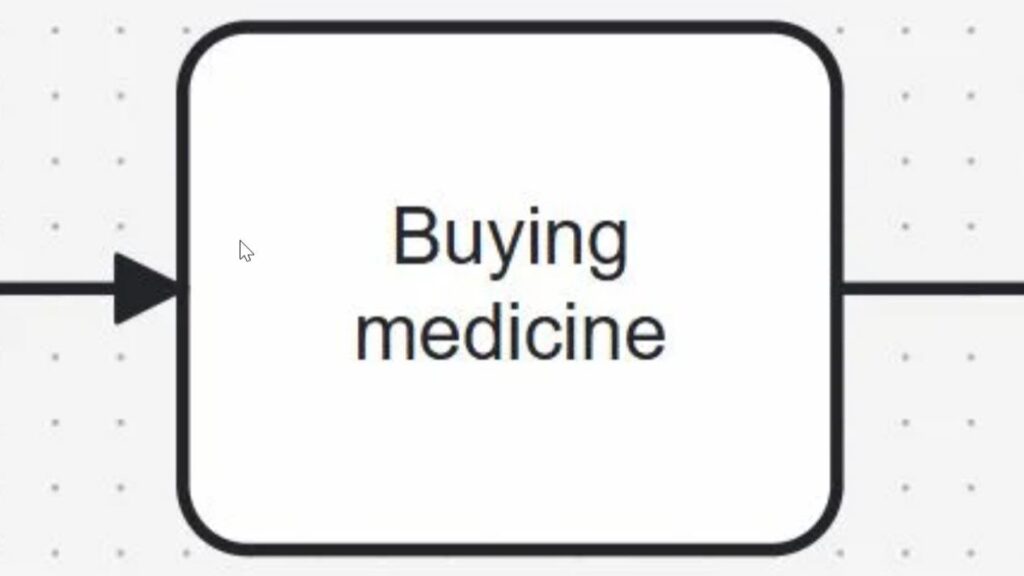
The example above shows this principle. A headache starts the process. Activities follow. An intermediate event marks a point during the process. Finally, an end event shows the resulting state.
Activities: Work Within the Process
An activity represents work. Therefore, I use an activity whenever a person, system, or other participant performs something that contributes to the process.
The most basic activity is a task. A task represents one unit of work that I do not break down further in the current diagram.
For example, the process above contains these tasks:
Buying medicine → Take medication → Drink water
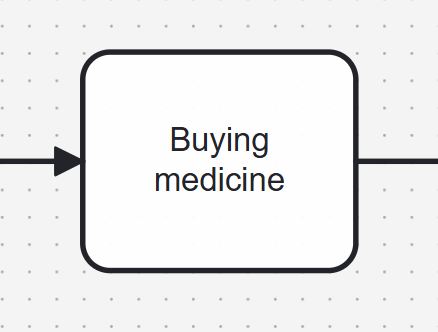
In practical models, I prefer clear verb-object names such as “Buy medicine”, “Take medication”, or “Check application”. This naming style immediately tells me what action occurs and what the action affects.
A task tells me that work takes place; it does not describe an occurrence or a routing decision.
This distinction matters. For example, “Payment received” describes an event or state. By contrast, “Receive payment” describes work and can therefore represent an activity.
BPMN also defines subprocesses as activities. A subprocess contains additional process logic. Therefore, I use a task when the internal steps do not matter at the current level and a subprocess when I need to show or reference more detailed behavior.
Events: Something Happens
While activities describe work, events describe occurrences. An event can start a process, affect it while it runs, or mark the end of a process path.
BPMN therefore distinguishes three main positions for events.
A start event shows why or when a process begins. For example, “Headache detected” starts the example process.
An intermediate event occurs after the process has started but before it reaches an end event. It can represent a message, timer, signal, error, milestone, or another occurrence that matters to the process.
Finally, an end event marks the end of a process path. In the example, “Headache relieved” represents the final state.
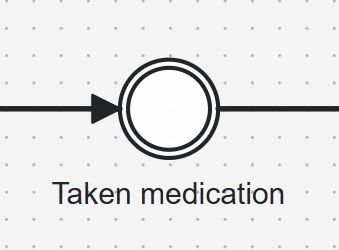
Events describe something that happens, whereas activities describe something that someone or something does.
That difference gives me a useful naming rule. I normally name activities with actions and events with occurrences or states:
| Activity | Event |
|---|---|
| Approve request | Request approved |
| Send invoice | Invoice sent |
| Receive payment | Payment received |
The intermediate event “Taken medication” in the example helps demonstrate the event symbol. However, I would question whether I need it in a real process model. The task “Take medication” already establishes that the medication has been taken.
Therefore, I use intermediate events when the occurrence itself adds meaning to the process. I do not add them simply to confirm that the previous task finished.
Gateways: Controlling the Process Flow
A process does not always follow one straight path. Sometimes it must make a decision. In other cases, several activities can start at the same time. I use gateways for these situations.
A gateway controls process routing; it does not perform work itself.
The most important gateway types are:
- An exclusive gateway selects one path from several alternatives. For example, I might route an order differently depending on whether the payment succeeds.
- A parallel gateway activates several paths at the same time. I use it when activities can or must proceed independently in parallel.
- An inclusive gateway can activate one or several paths depending on conditions.
- An event-based gateway lets an event determine which path continues. For example, the process may continue differently depending on whether a customer responds or a timer expires.
The simple headache example does not require a gateway because every activity follows the previous one. Therefore, adding a gateway would only make the model more complicated without adding meaning.
That principle matters beyond this example. I add a BPMN element only when it communicates relevant process logic.
Sequence Flows: Connecting the Logic
Sequence flows connect events, activities, and gateways. I recognize them as solid lines with arrowheads.
The arrow shows the direction in which the process logic proceeds.
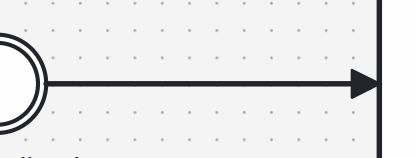
Headache detected → Buy medicine → Take medication → Drink water → Headache relieved
The sequence flow does more than create a visual connection. It defines the order in which BPMN evaluates the process elements.
BPMN often explains this behavior through the concept of a token. I can imagine a token moving through the process. A start event creates the first token. Activities and gateways then control how that token continues.
For example, a parallel gateway can create several active paths. Consequently, several tokens can exist within one process instance.
This detail also explains an important point about end events. A normal end event ends the path that reaches it, but the complete process instance finishes only when no active tokens remain.
Therefore, I should not automatically interpret every end event as an instruction to terminate all other active process paths.
I also keep sequence flows inside one process participant. If I need to show communication between different participants or pools, I use message flows instead. This distinction prevents a common BPMN modeling error.
How the Elements Work Together
The individual symbols become useful when I combine them according to their specific roles.
In the example, the start event establishes the beginning. The tasks describe the work. The intermediate event marks an occurrence during the process. Sequence flows establish the order. Finally, the end event marks the completed path.
If the process required a decision, I would add a gateway at the relevant point.
Therefore, I can read a basic BPMN model by asking four questions:
What happened?
What work takes place?
Where does the flow branch or converge?
Where does the process continue next?
These four questions map directly to events, activities, gateways, and sequence flows.
A Simple Rule for Reading BPMN
When I open an unfamiliar BPMN diagram, I first find the start event. Then I follow the sequence flows from left to right or according to their arrow direction.
Next, I identify the activities. They tell me what the process actually does. After that, I examine gateways because they explain where the process can take different paths. Finally, I check intermediate and end events to understand which occurrences influence the process and where individual paths finish.
This approach keeps me focused on process semantics rather than on individual symbols.
BPMN Elements in Practice
BPMN gives me much more than four symbols. For example, I can model messages, timers, errors, escalations, boundary events, subprocesses, participants, data, and different gateway behaviors.
However, these advanced concepts build on the same foundation.
If I understand events, activities, gateways, and sequence flows, I already understand the structural logic behind most BPMN process diagrams.
That foundation also helps me create cleaner models. I can choose symbols according to their meaning instead of according to their appearance. As a result, other people can interpret the process more consistently, and I can extend the model later without changing its fundamental logic.
What’s Next?
If I want to understand process decisions in a more flexible way, the next step is to explore Event-Based Gateways in BPMN 2.0: A Practical Guide. In that article, I show how event-based gateways work and why they matter when the next process path depends on what happens next. As a result, I can model waiting situations, external triggers, and reaction-based flows with more clarity. This helps me build BPMN diagrams that reflect real process behavior much more accurately.
In addition, I can go one step deeper with How to Model Multiple Intermediate Events in BPMN 2.0. This article shows how several intermediate events can appear in one process and how they shape the flow while the process is already running. Therefore, it is a useful next read when I want to understand event behavior before or after working with event-based gateways.
See How Requirements Modeling Connects Structure, Process, and Meaning
If I want to understand requirements in a clearer and more practical way, I need more than text alone. I need models that show how ideas, workflows, and system structures connect. In the main article on Requirements Modeling, I explore essential Modeling Concepts, Process Modeling with BPMN, and the structural perspective of UML. Together, these topics help me analyze requirements more clearly, communicate them more effectively, and build a stronger foundation for successful system design.
With these insights, I can also take the next step into the main article on Processes. There, I explore Process Management, BPMN, and Camunda as a practical tool for BPMN modeling. Therefore, I can connect requirements with real workflows, process structures, and improvement opportunities. Click through to learn how Processes help me understand work better, improve collaboration, and create clearer business outcomes.
Credits: The diagrams are created by Camunda.
| Read more on Business Process Modeling and Notation (BPMN) |
|---|
| Syntax and Semantics of BPMN BPMN Project Roles for Effective BPM The Participant Perspective in BPMN BPMN Core Elements |