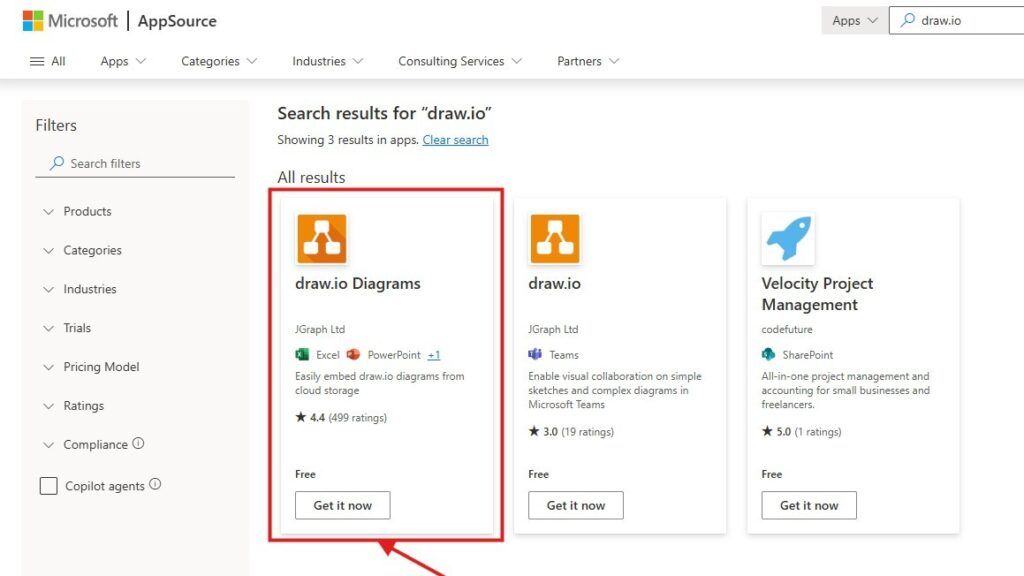
Microsoft AppSource search results for “draw.io” with the “draw.io Diagrams” listing highlighted by a red rectangle and arrow.

How to Add the draw.io Add-on to Your Microsoft Office Apps

In today’s fast-paced digital world, visual communication is key. That’s why I’ve found tools like draw.io invaluable. Integrating this powerful diagramming tool into your Microsoft Office applications can make your workflow seamless and more efficient. Let me guide you through the steps while explaining why this integration is worth your time. What is draw.io? Draw.io […]

How to Add the draw.io Add-on to Your Microsoft Office Apps Read More »

Photo by Jeswin Thomas from Pexels

Developing a Powerful ITIL – Based Service Strategy for IT Success

When we talk about IT service management with ITIL, we focus on building IT services that align with business goals and deliver real value. The idea is simple: IT should support success, not just provide tools. By following ITIL principles, we can design and manage services that improve efficiency, meet user needs, and drive measurable results. This approach ensures that every IT service adds clear business value and strengthens the connection between technology and customer success.

Developing a Powerful ITIL – Based Service Strategy for IT Success Read More »

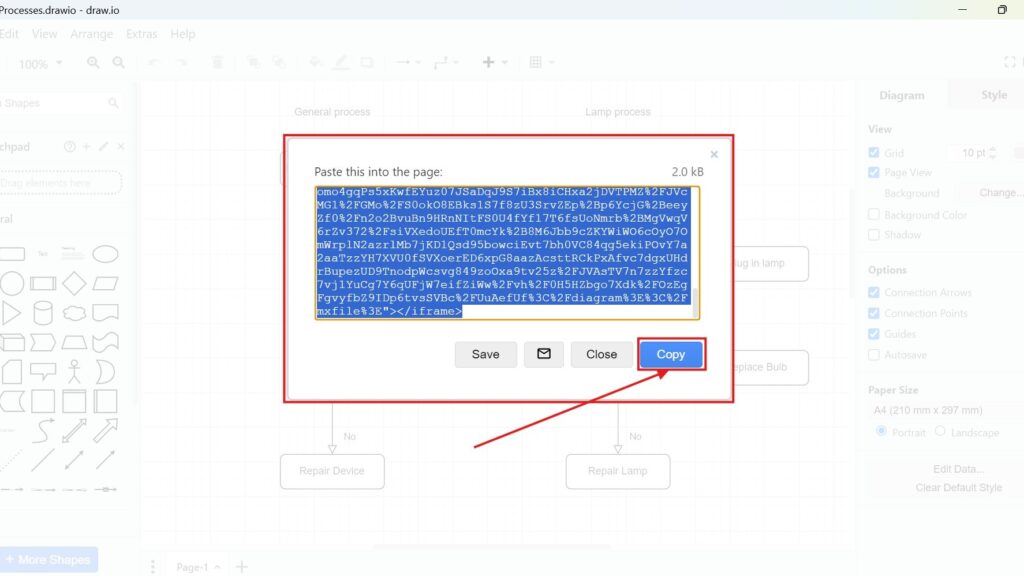
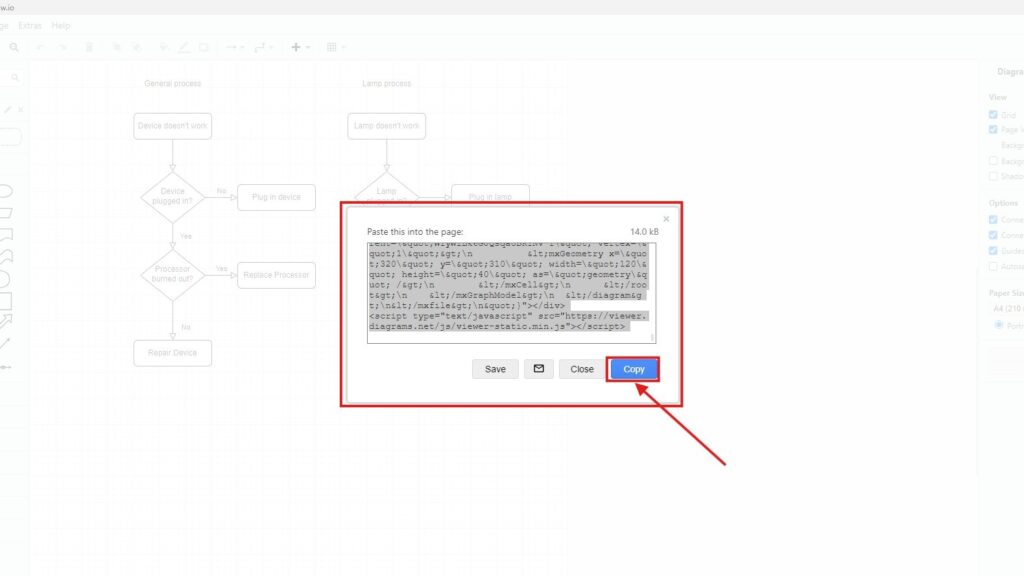
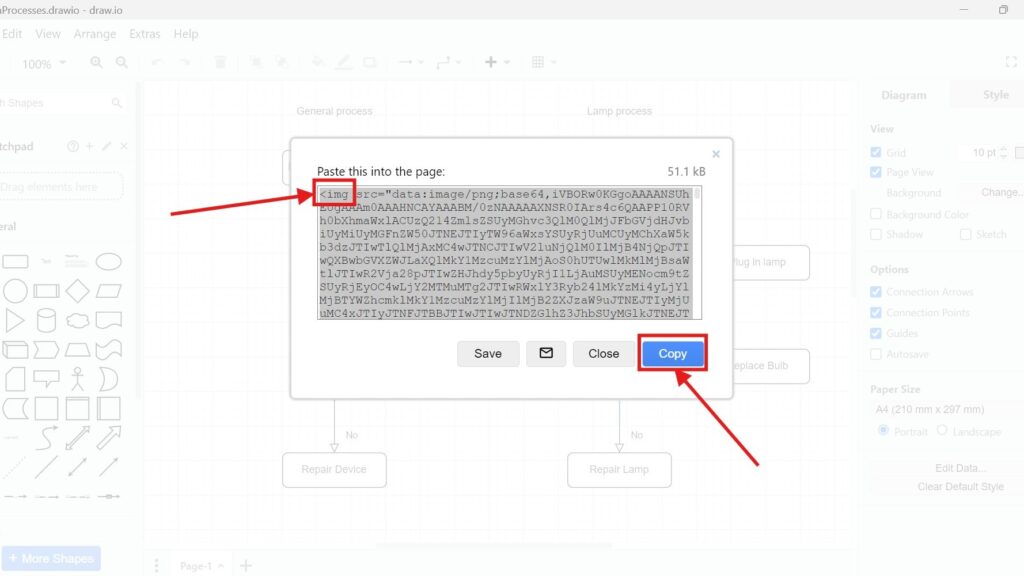
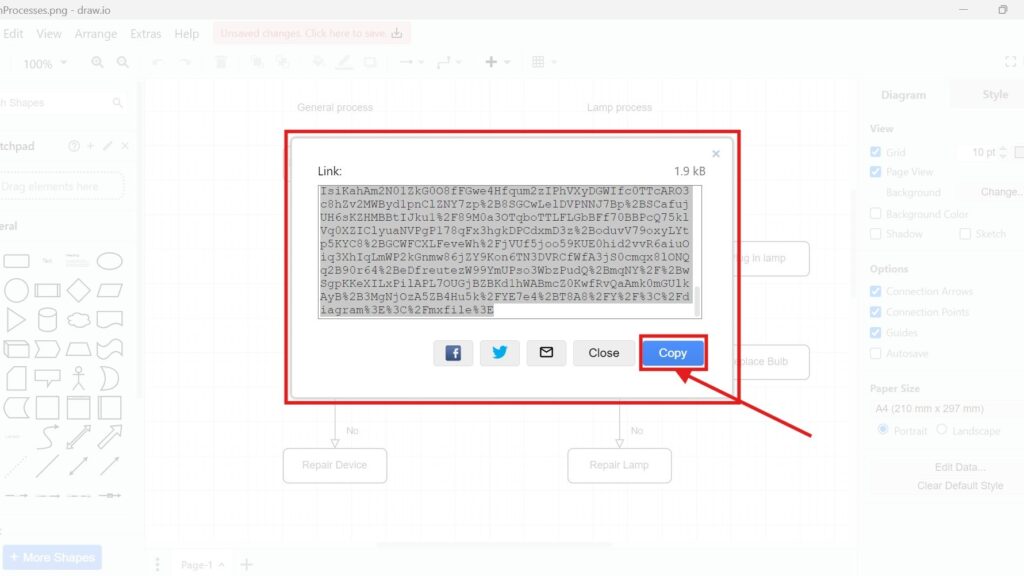
Draw.io “Paste this into the page” dialog showing HTML embed code, with a red arrow pointing to the “Copy” button.

How to Embed a Draw.io Diagram with HTML

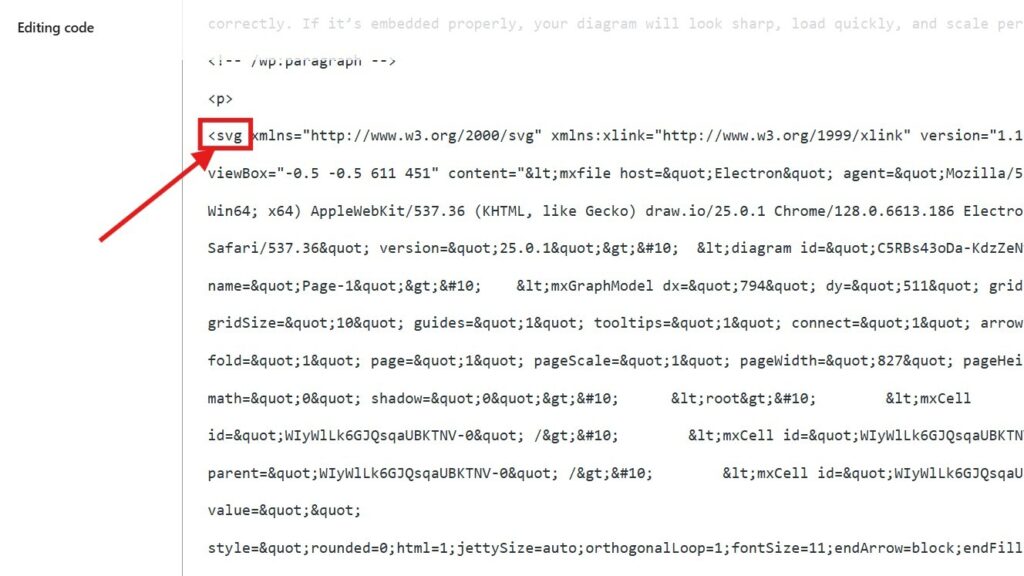
Embedding diagrams into your website can make your content more interactive and visually appealing. Whether you’re creating flowcharts, organizational charts, or network diagrams, using tools like Draw.io (also known as diagrams.net) helps to design and visualize your ideas efficiently. In this article, I’ll show you exactly how to embed a Draw.io diagram with HTML and explain the benefits of doing so. Let’s dive in!

How to Embed a Draw.io Diagram with HTML Read More »

How to Evolve Personally as a Requirements Engineer: Solving Problems with Stakeholders

As a Requirements Engineer and IT Business Analyst, I focus on capturing and expressing stakeholder needs so the final product delivers real value. Yet, challenges often arise during requirements elicitation, making it vital to navigate conflicts and find effective approaches. In this article, I share insights on how I tackle these obstacles and improve outcomes. Read more about problem solutions in requirements engineering to strengthen both your projects and your professional skills.

How to Evolve Personally as a Requirements Engineer: Solving Problems with Stakeholders Read More »

What is ITIL: Elevate Your IT Service Management

ITIL in IT service management stands for Information Technology Infrastructure Library. It is more than a framework — it is a global standard with clear best practices for managing IT services efficiently. ITIL helps organizations organize workflows, improve processes, and achieve consistent results. Beyond efficiency, it focuses on measurable improvements in service quality, business value, and customer satisfaction across every part of the IT environment.

What is ITIL: Elevate Your IT Service Management Read More »

How to Achieve Freedom through Self-Discipline: Lessons from Requirements Engineering

As a requirements engineer and IT business analyst, I often reflect on the balance between desire and rationality, especially when eliciting requirements. Daily life mirrors this struggle: cravings, habits, and temptations test our willpower, much like conflicting stakeholder needs. Why is it so hard to choose what’s best for us? In this article, I share how I discovered Freedom through Self-Discipline to strengthen both my personal growth and my professional skills.

How to Achieve Freedom through Self-Discipline: Lessons from Requirements Engineering Read More »

Mastering Service Management Strategy: Boosting Customer Value

Service management strategy goes far beyond simply delivering services. It focuses on the full lifecycle — from planning and design to transition, operation, and continuous improvement. Each stage contributes to efficiency, stability, and customer satisfaction. In this article, I’ll explain what true service management involves, how each phase connects, and why a strong strategy is essential for creating lasting value and driving continuous success within any organization.

Mastering Service Management Strategy: Boosting Customer Value Read More »

A Requirements Engineer’s Journey of Self-transformation through self-understanding

As a Requirements Engineer, I face the constant challenge of understanding stakeholder needs while also delivering effective solutions. Yet, true effectiveness begins within. How can I guide others if I struggle with my own issues? In this article, I share how I strengthen my professional skills by looking inward. Discover how I apply self-transformation through self-understanding to grow, adapt, and improve both my work and my personal journey.

A Requirements Engineer’s Journey of Self-transformation through self-understanding Read More »

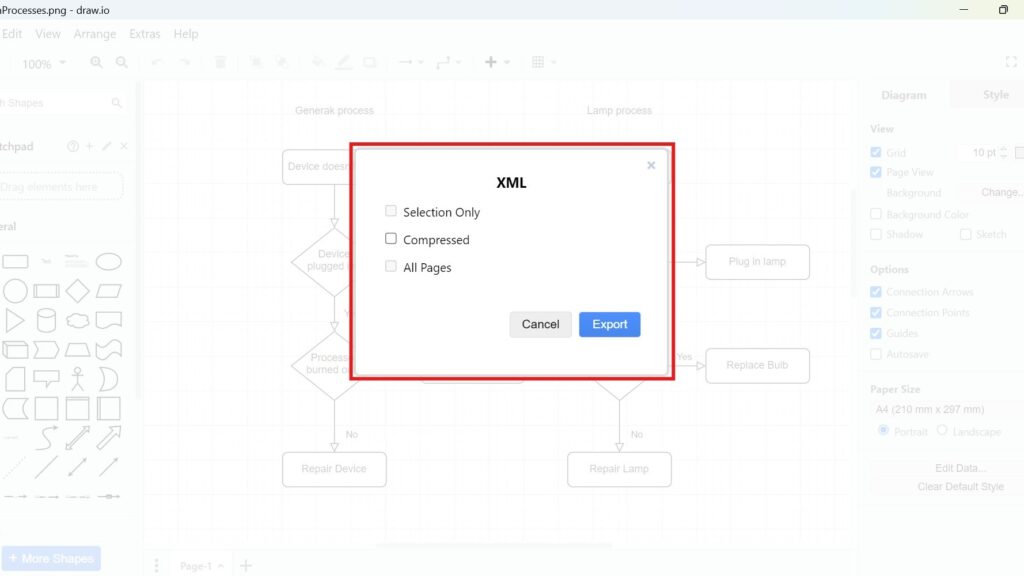
Draw.io export dialog titled “XML” with checkboxes (Selection Only, Compressed, All Pages) and an “Export” button.

How to Export a Diagram as XML in draw.io

Diagrams are a vital tool for visualizing processes and ideas. draw.io makes this easy with its export options. You can turn your diagrams into various image types, encode them into URLs, or save them as specific file types. Today, I’ll show you how to export a diagram as XML in draw.io. XML files are great for preserving data structure and sharing across platforms. Let’s get started How to Export a Diagram as XML in draw.io!

How to Export a Diagram as XML in draw.io Read More »

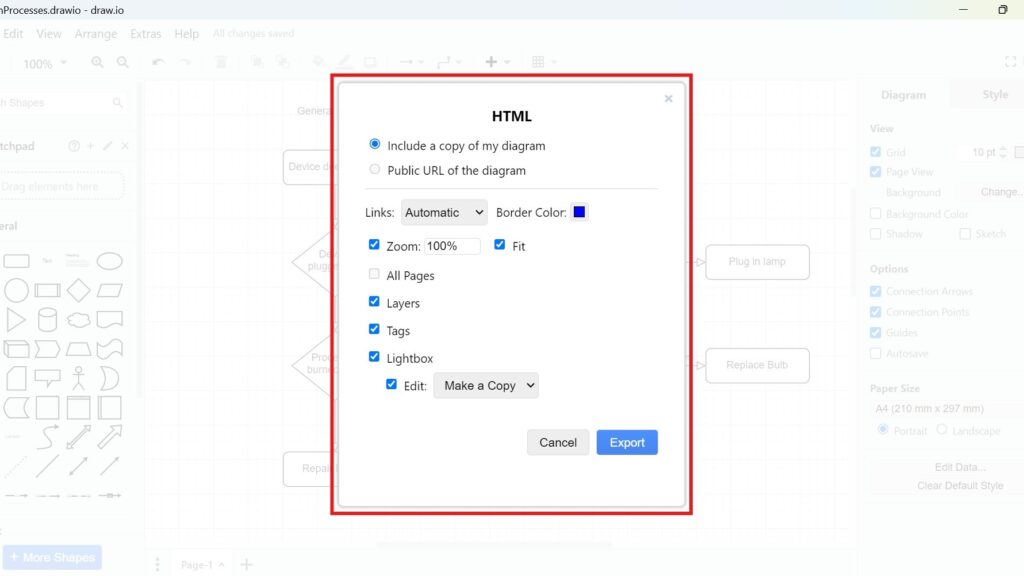
Draw.io export dialog titled “HTML” with options like “Include a copy of my diagram,” “Zoom 100%,” and “Export.”

How to Export a Diagram to HTML in draw.io

If you’re like me, you’ve used draw.io to create diagrams for countless projects. It’s simple, flexible, and integrates seamlessly with other tools. But have you ever wondered how to turn your diagram into an interactive HTML file? Let’s dive into the process how to Export a Diagram to HTML in draw.io. By the end of this guide, you’ll have your diagram exported as HTML, ready to share or embed.

How to Export a Diagram to HTML in draw.io Read More »

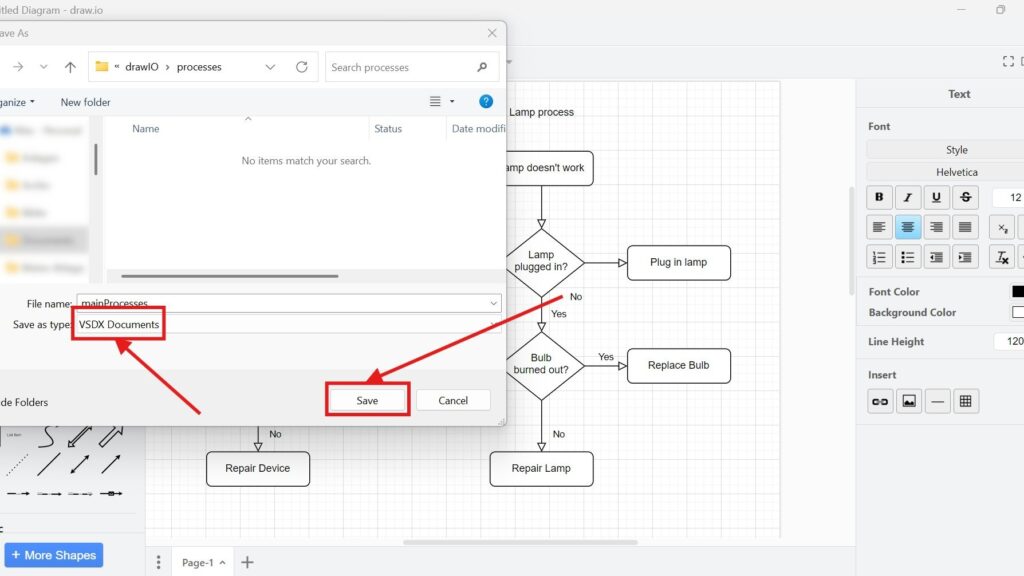
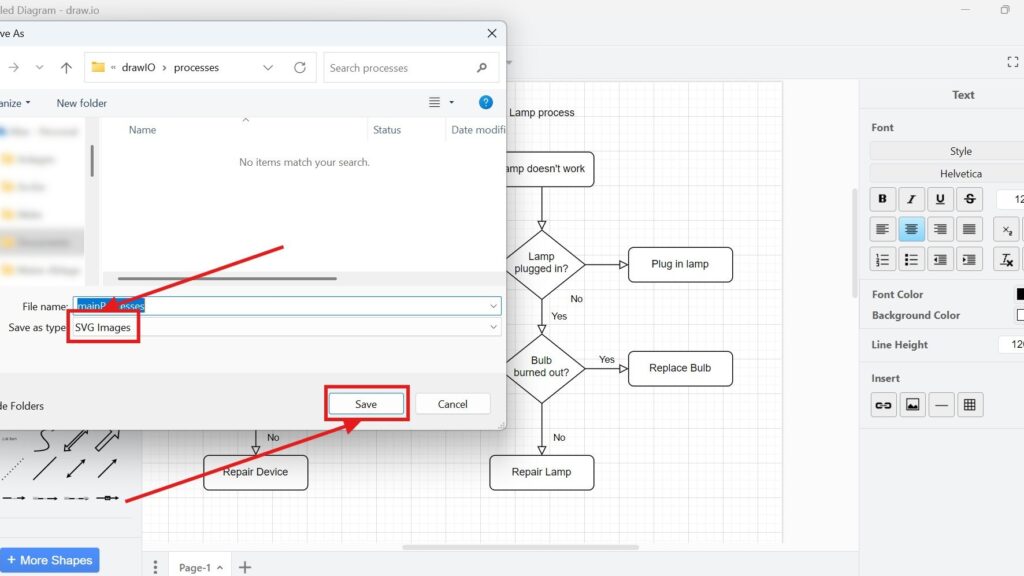
Windows “Save As” dialog showing “Save as type: VSDX Documents” and a highlighted “Save” button with red arrows.

How to Export a Diagram to VSDX in draw.io

Exporting diagrams in draw.io is simple and versatile. I’ve often found this feature essential when sharing diagrams with colleagues who use other tools. draw.io lets you export diagrams to various formats, such as images, different file types, or even URLs. Today, I’ll guide you through exporting a diagram to VSDX, a file format compatible with Microsoft Visio. Let’s dive in how to Export a Diagram to VSDX in draw.io!

How to Export a Diagram to VSDX in draw.io Read More »

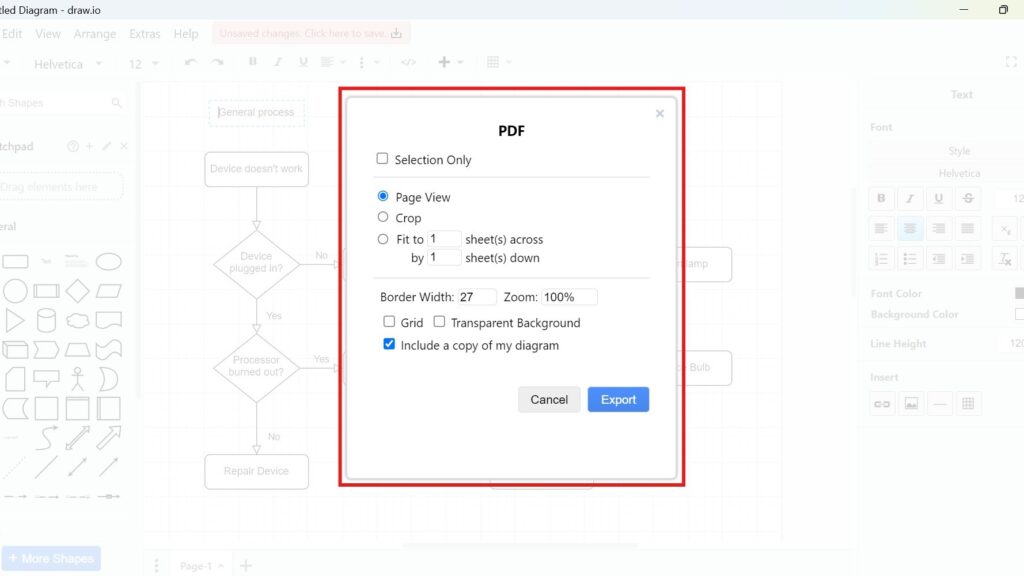
Draw.io export dialog titled “PDF” with settings (Page View/Crop/Fit to) and a blue “Export” button.

How to Export a Diagram to PDF in draw.io

Exporting diagrams to different formats is crucial for sharing and presenting ideas effectively. With draw.io, you can transform your diagrams into various image types, files, or even encoded URLs. But let me guide you through one of the most common export options: saving your diagram as a PDF. This is straightforward and incredibly useful. Let’s dive right in how to Export a Diagram to PDF in draw.io!

How to Export a Diagram to PDF in draw.io Read More »

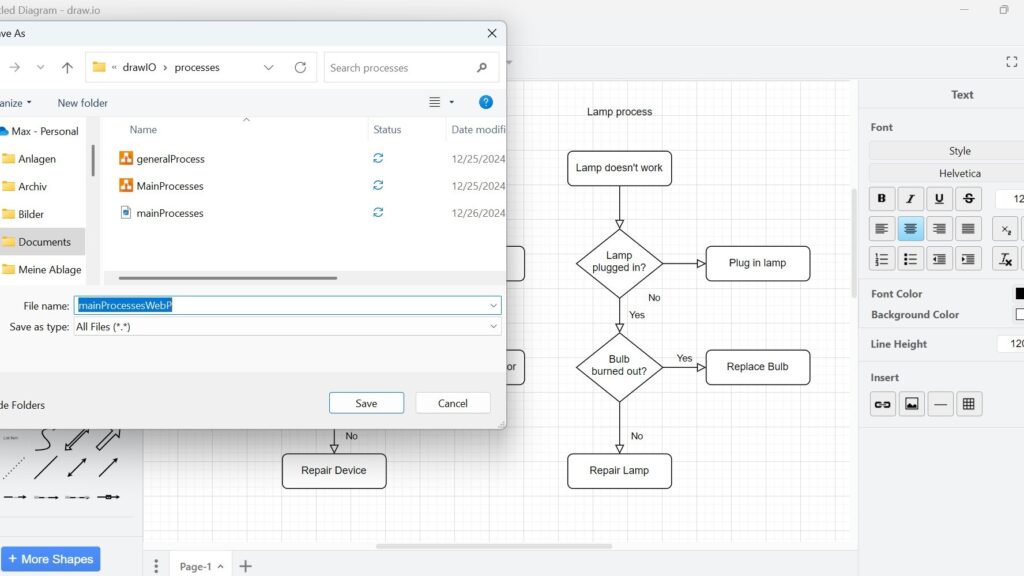
Windows “Save As” dialog with the filename field highlighted (text selected) and “Save/Cancel” buttons visible.

How to Export a Diagram to WebP in draw.io

When working with diagrams in draw.io, choosing the right file format is crucial. One popular option is WebP, a versatile image format that offers excellent compression without compromising quality. Exporting your diagrams to WebP is straightforward and flexible. Here, I’ll guide you through the process step by step. You’ll also see how this feature can enhance your workflow with a relevant business case.

How to Export a Diagram to WebP in draw.io Read More »

Scroll to Top
WordPress Cookie Plugin by Real Cookie Banner