All Tutorial Articles

This page presents requirements engineering tutorials. Tutorials guide your learning journey. They explain concepts with clarity. Each step builds practical skills. Examples illustrate methods and techniques. Guidance supports professional development goals. Tutorials cover models and tools. They strengthen analysis and documentation. Learning here improves project outcomes. Articles deepen requirements engineering knowledge.

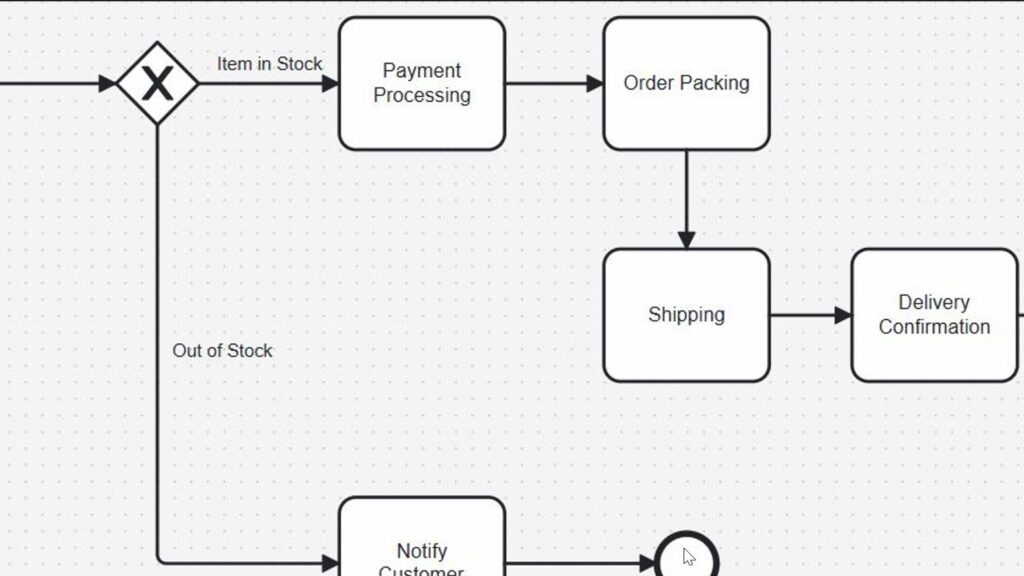
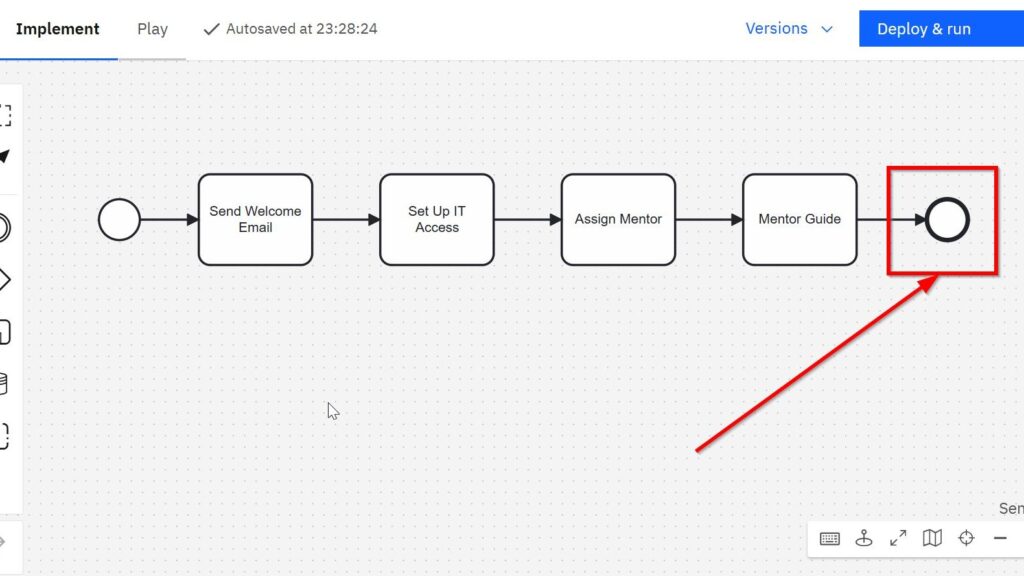
What is Process Management

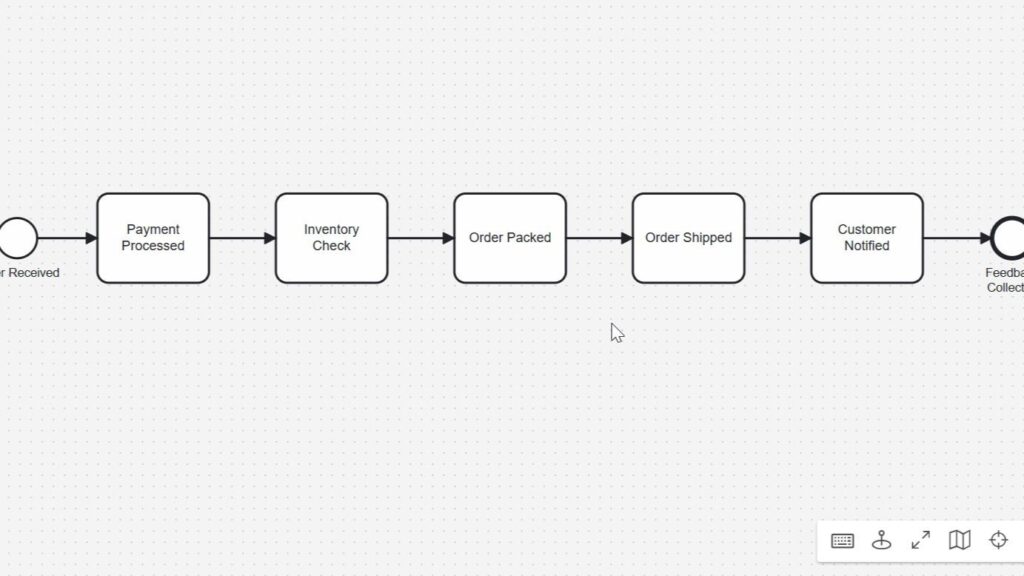
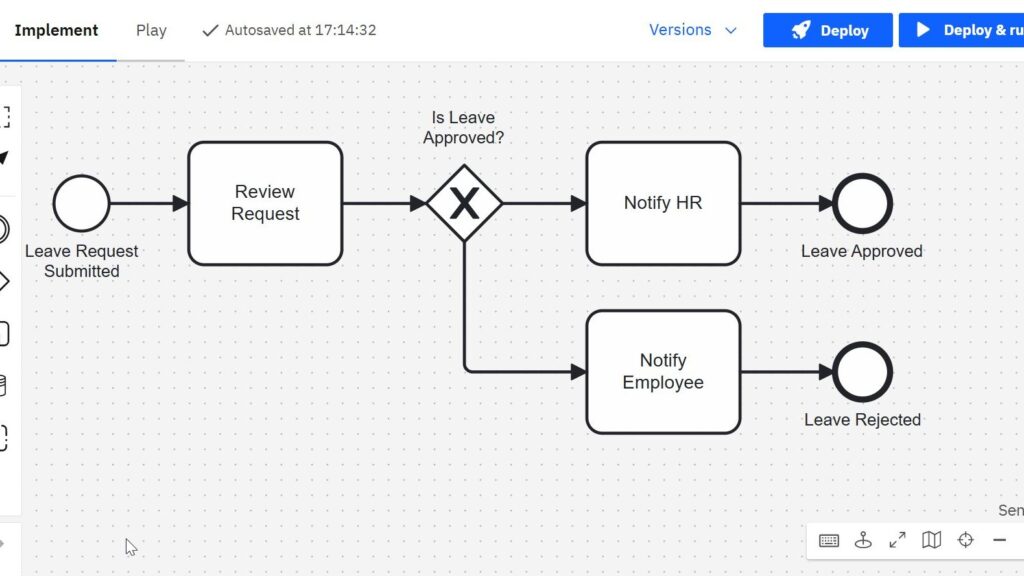
When I first heard the term process management, I felt a bit overwhelmed. It sounded technical and complicated. However, I quickly learned that it shapes the way companies work every day. Understanding it changed how I viewed business operations. So, in this article, I explain what process management is, why it matters, and how BPMN helps visualize processes. Plus, I include a simple example with a diagram to make everything clear.

What is Process Management Read More »
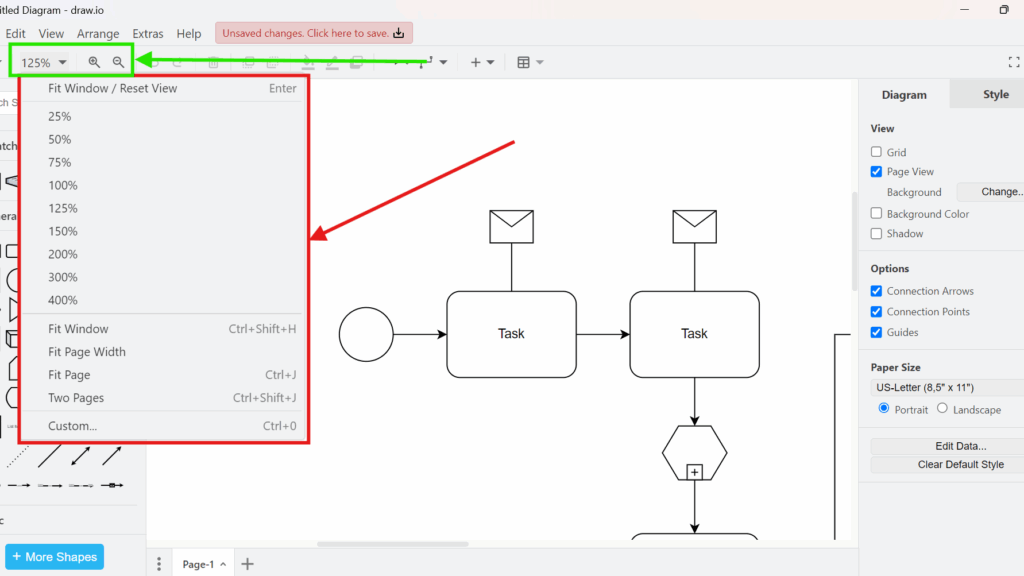
Connection Arrows and Points in draw.io

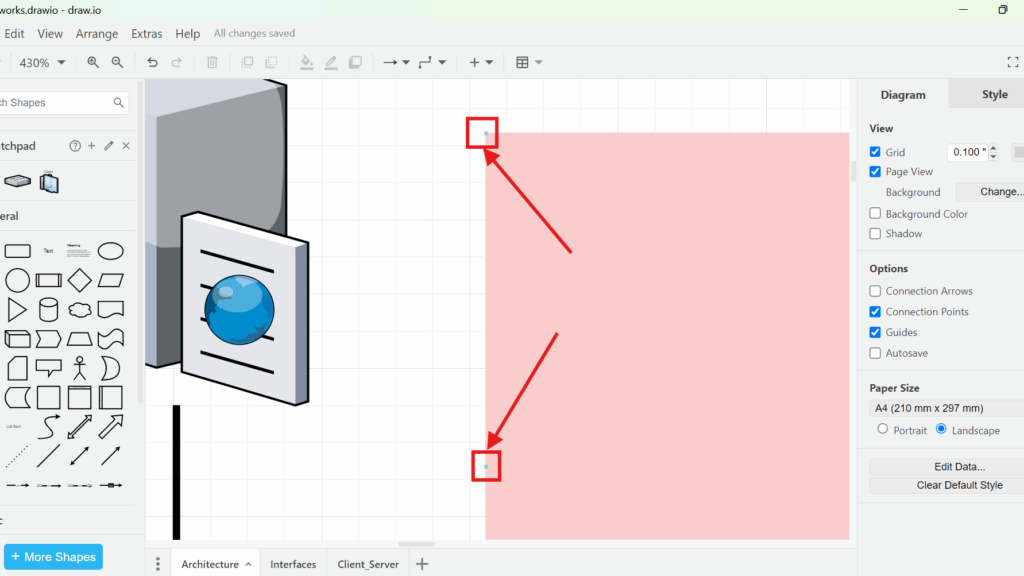
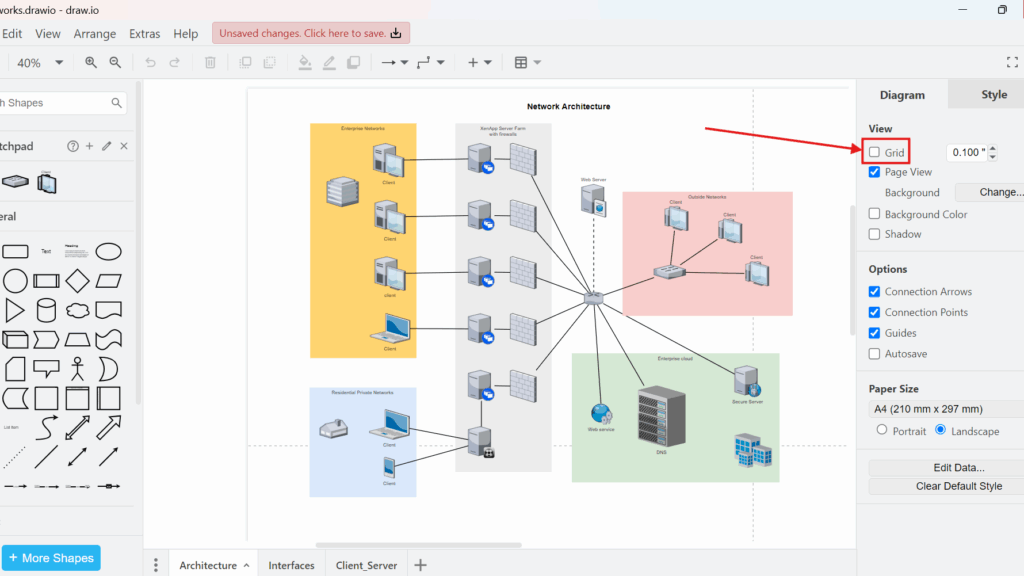
When I first started creating diagrams, I struggled with making my shapes and lines connect properly. Connections seemed to float randomly, and moving a shape often broke everything. However, I soon discovered the power of connection points and arrows in draw.io. These tools changed how I work with diagrams. Now, I create neat, organized, and professional diagrams in half the time. In this post, I will show you how to use connection points and arrows in draw.io to improve your diagramming skills.

Connection Arrows and Points in draw.io Read More »

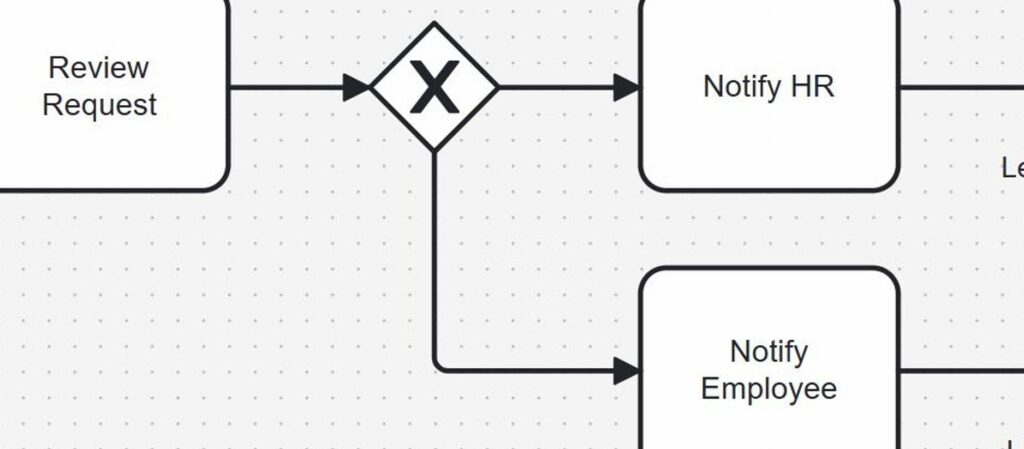
What is BPMN – Business Process Management and Notation

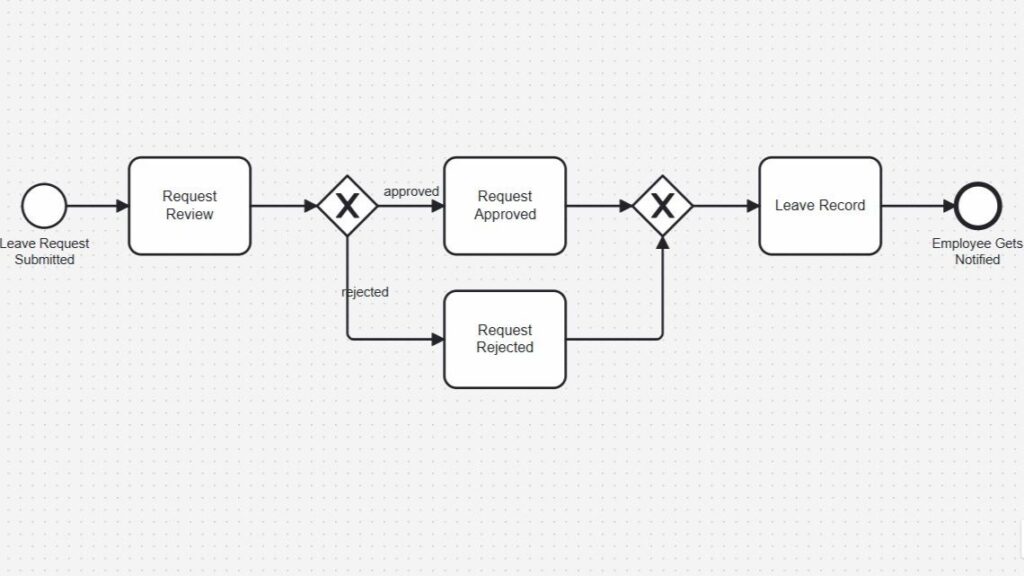
Every organization wants to work efficiently. I know I do. I want every process to flow smoothly, from the first step to the final result. That way, customers stay happy, and we reach our goals faster. But how do I make sure everything works like a well-oiled machine? The answer lies in process management and business process modeling. Let me walk you through what BPMN is. The following overview provides an initial introduction to the content.

What is BPMN – Business Process Management and Notation Read More »

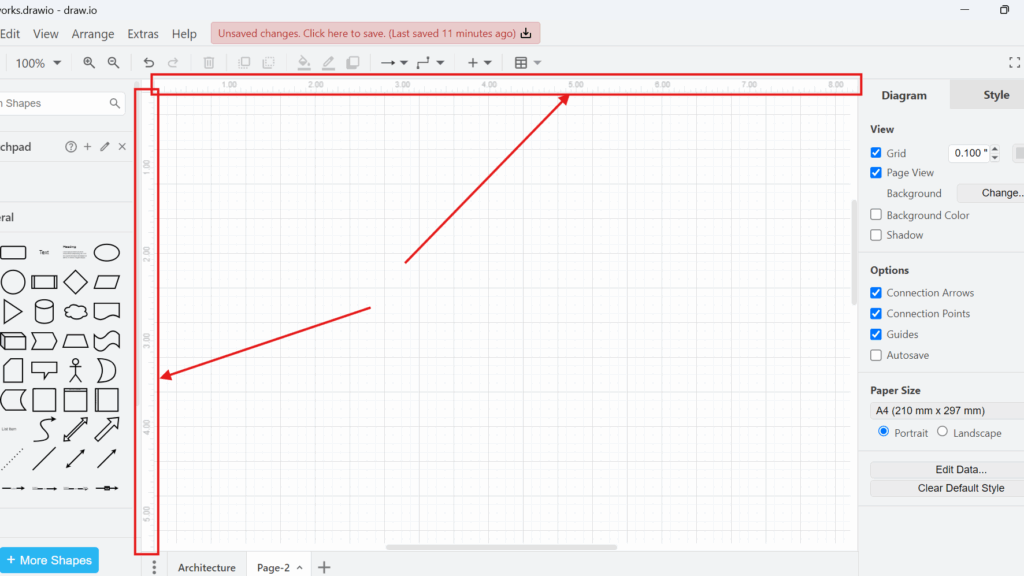
How to Activate and Use the Ruler View in draw.io

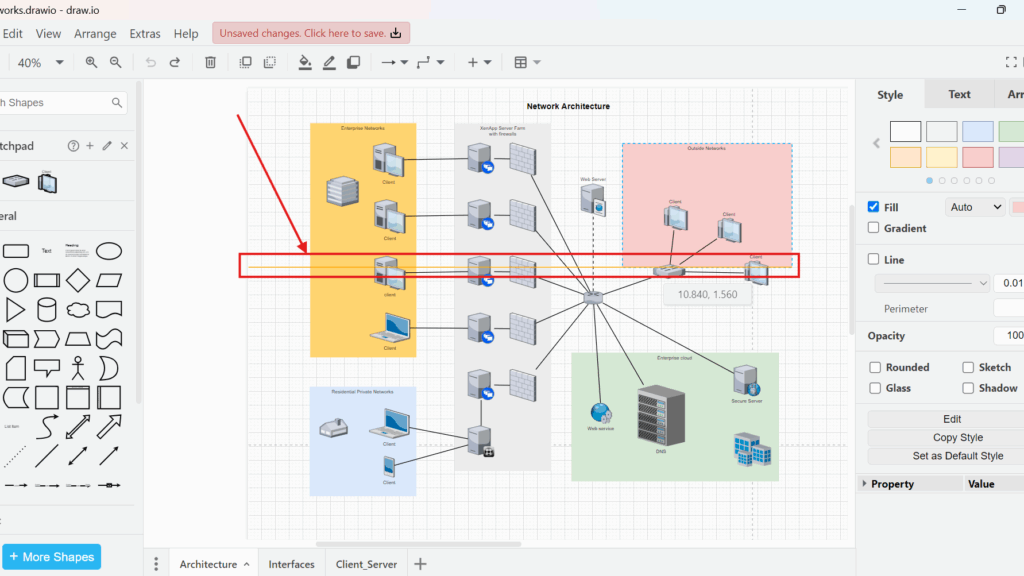
When I work on complex diagrams in draw.io, I often need precise alignment. Without proper guidance, aligning shapes and elements becomes frustrating. That is why I rely on the ruler view in draw.io. It helps me maintain order and precision while designing workflows, network diagrams, or organizational charts. In this article, I will explain how to activate and use the ruler view in draw.io. I will also share a practical business case to show you why this feature can make a big difference.

How to Activate and Use the Ruler View in draw.io Read More »

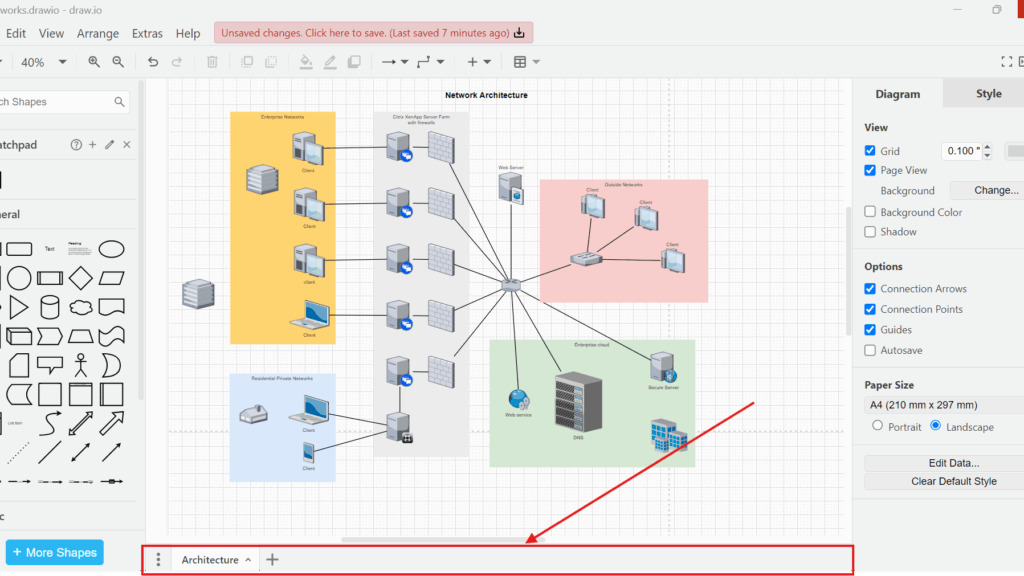
Adding and Using a New Page Tab in draw.io

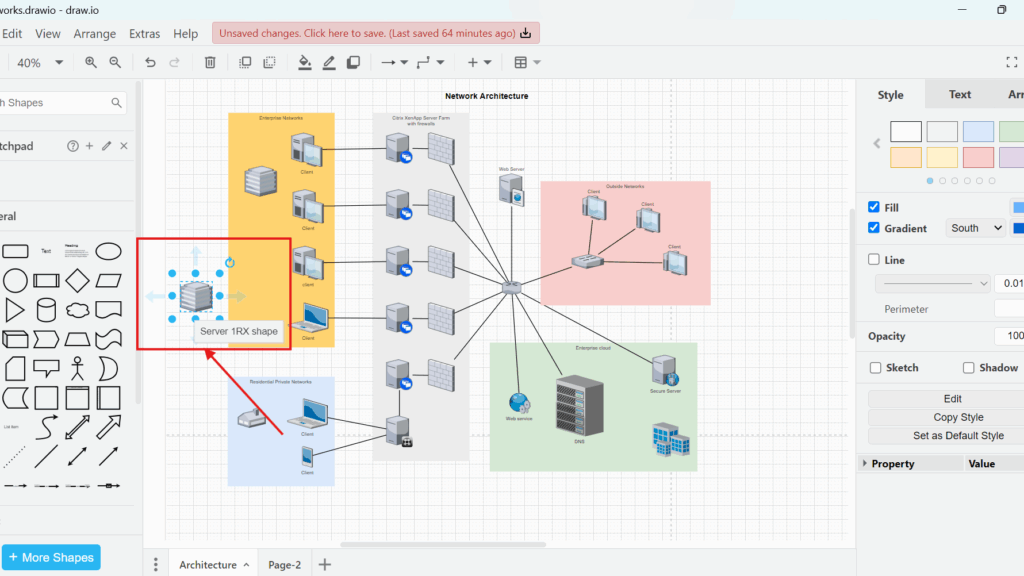
When I work on complex diagrams, I often need to separate different elements into clear sections. That is when I use page tabs in draw.io. They help me organize my work and keep everything accessible within a single file. But many people do not know how to add and use a new page tab in draw.io efficiently. So, I want to share the steps and explain why this feature can improve your workflow.

Adding and Using a New Page Tab in draw.io Read More »

How to activate the “Shapes” view in draw.io

When I started using draw.io, I quickly realized how important the right tools are. Visualizing ideas, workflows, or network diagrams requires more than just drawing lines and boxes. I needed a flexible and powerful tool to bring my thoughts onto the digital canvas. That’s when I discovered draw.io. However, one key feature initially confused me: the Shapes View. It disappeared once, and I struggled to get it back. Let me explain how to activate the “Shapes” view in draw.io, so you won’t face the same issue.

How to activate the “Shapes” view in draw.io Read More »

Tips for Requirements Modeling with UML

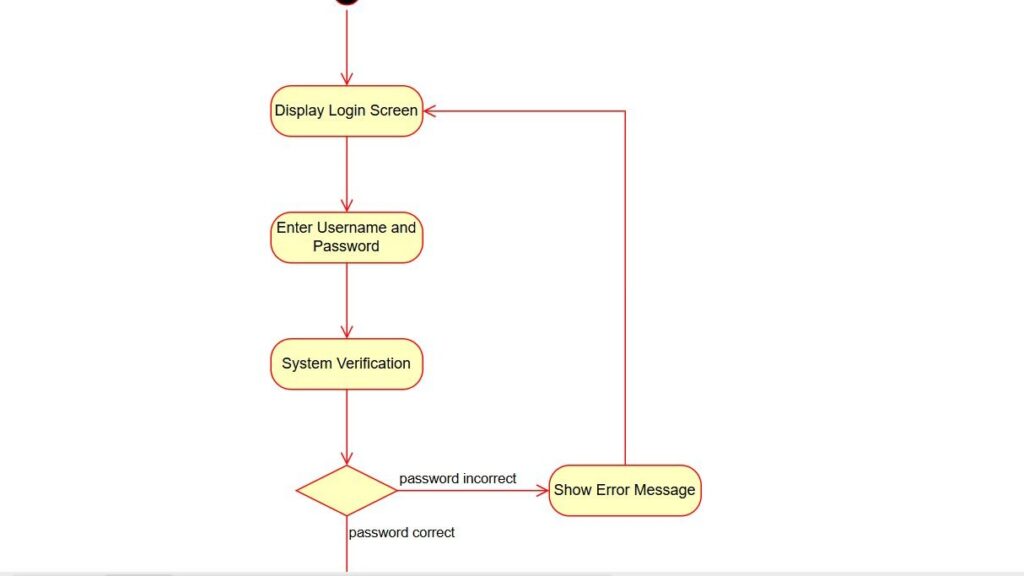
When working on software projects, applying the right Tips for Requirements Modeling with UML can make all the difference. In my experience, effective modeling depends on clarity, structure, and communication. Using UML diagrams helps visualize complex requirements and align stakeholders. In this article, I’ll share my best Tips for Requirements Modeling with UML, offering practical strategies to make your modeling process more efficient, consistent, and easy to understand.

Tips for Requirements Modeling with UML Read More »

Scroll to Top
WordPress Cookie Plugin by Real Cookie Banner