
Massimo

Mastering Service Management Strategy: Boosting Customer Value

Service management strategy goes far beyond simply delivering services. It focuses on the full lifecycle — from planning and design to transition, operation, and continuous improvement. Each stage contributes to efficiency, stability, and customer satisfaction. In this article, I’ll explain what true service management involves, how each phase connects, and why a strong strategy is essential for creating lasting value and driving continuous success within any organization.

Mastering Service Management Strategy: Boosting Customer Value Read More »

A Requirements Engineer’s Journey of Self-transformation through self-understanding

As a Requirements Engineer, I face the constant challenge of understanding stakeholder needs while also delivering effective solutions. Yet, true effectiveness begins within. How can I guide others if I struggle with my own issues? In this article, I share how I strengthen my professional skills by looking inward. Discover how I apply self-transformation through self-understanding to grow, adapt, and improve both my work and my personal journey.

A Requirements Engineer’s Journey of Self-transformation through self-understanding Read More »

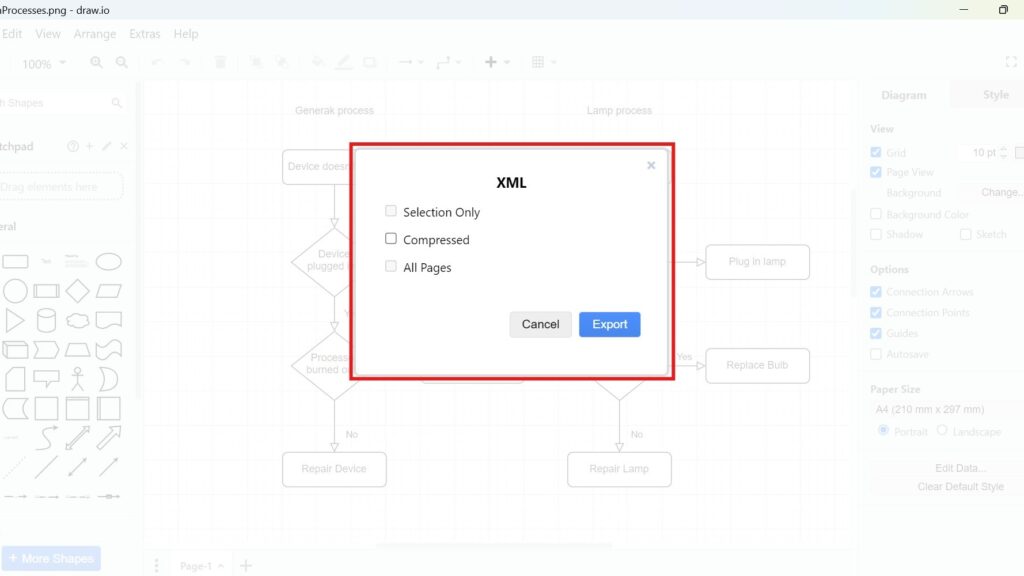
Draw.io export dialog titled “XML” with checkboxes (Selection Only, Compressed, All Pages) and an “Export” button.

How to Export a Diagram as XML in draw.io

Diagrams are a vital tool for visualizing processes and ideas. draw.io makes this easy with its export options. You can turn your diagrams into various image types, encode them into URLs, or save them as specific file types. Today, I’ll show you how to export a diagram as XML in draw.io. XML files are great for preserving data structure and sharing across platforms. Let’s get started How to Export a Diagram as XML in draw.io!

How to Export a Diagram as XML in draw.io Read More »

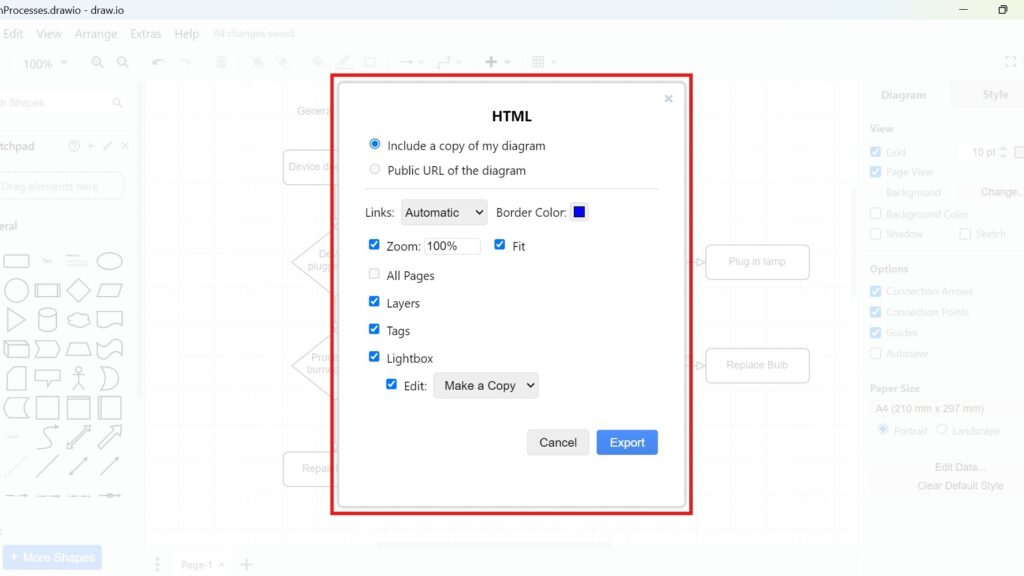
Draw.io export dialog titled “HTML” with options like “Include a copy of my diagram,” “Zoom 100%,” and “Export.”

How to Export a Diagram to HTML in draw.io

If you’re like me, you’ve used draw.io to create diagrams for countless projects. It’s simple, flexible, and integrates seamlessly with other tools. But have you ever wondered how to turn your diagram into an interactive HTML file? Let’s dive into the process how to Export a Diagram to HTML in draw.io. By the end of this guide, you’ll have your diagram exported as HTML, ready to share or embed.

How to Export a Diagram to HTML in draw.io Read More »

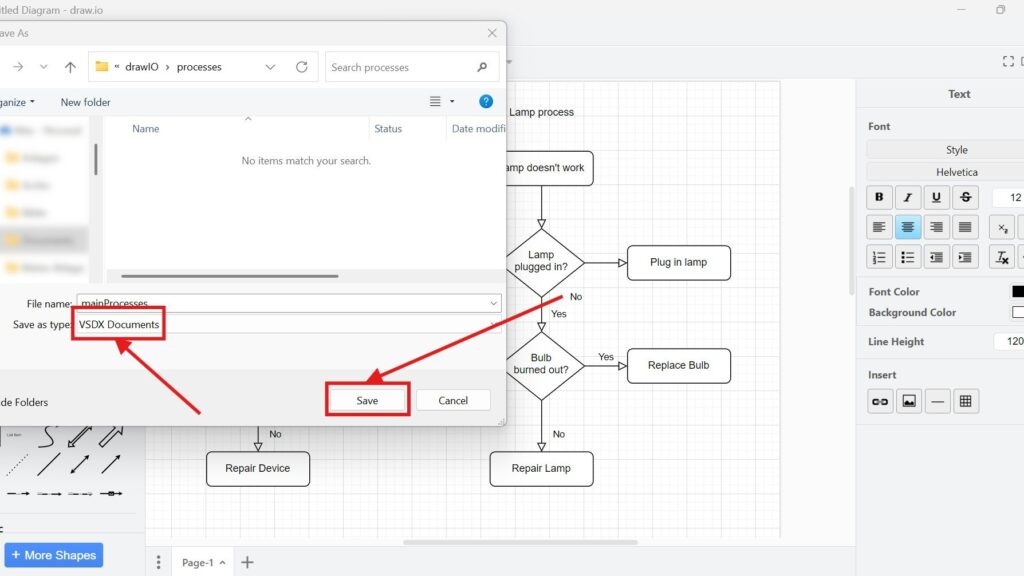
Windows “Save As” dialog showing “Save as type: VSDX Documents” and a highlighted “Save” button with red arrows.

How to Export a Diagram to VSDX in draw.io

Exporting diagrams in draw.io is simple and versatile. I’ve often found this feature essential when sharing diagrams with colleagues who use other tools. draw.io lets you export diagrams to various formats, such as images, different file types, or even URLs. Today, I’ll guide you through exporting a diagram to VSDX, a file format compatible with Microsoft Visio. Let’s dive in how to Export a Diagram to VSDX in draw.io!

How to Export a Diagram to VSDX in draw.io Read More »

Draw.io export dialog titled “PDF” with settings (Page View/Crop/Fit to) and a blue “Export” button.

How to Export a Diagram to PDF in draw.io

Exporting diagrams to different formats is crucial for sharing and presenting ideas effectively. With draw.io, you can transform your diagrams into various image types, files, or even encoded URLs. But let me guide you through one of the most common export options: saving your diagram as a PDF. This is straightforward and incredibly useful. Let’s dive right in how to Export a Diagram to PDF in draw.io!

How to Export a Diagram to PDF in draw.io Read More »

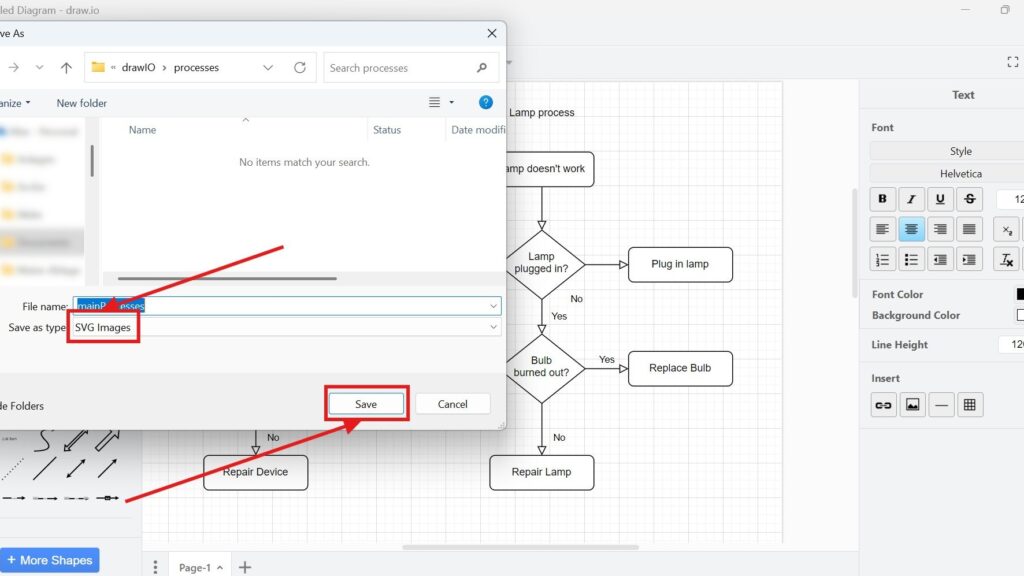
Windows “Save As” dialog showing “Save as type: SVG Images” and a highlighted “Save” button with red arrows.

How to Export a Diagram to SVG in draw.io

When working with diagrams in draw.io, exporting them is a breeze. I’ve often needed to save diagrams in different formats depending on their purpose. Among these, exporting to SVG stands out. Why? SVG files maintain their quality no matter how much you scale them. Let me walk you through how to export a diagram to SVG in draw.io, offering tips and a business case to tie it all together.

How to Export a Diagram to SVG in draw.io Read More »

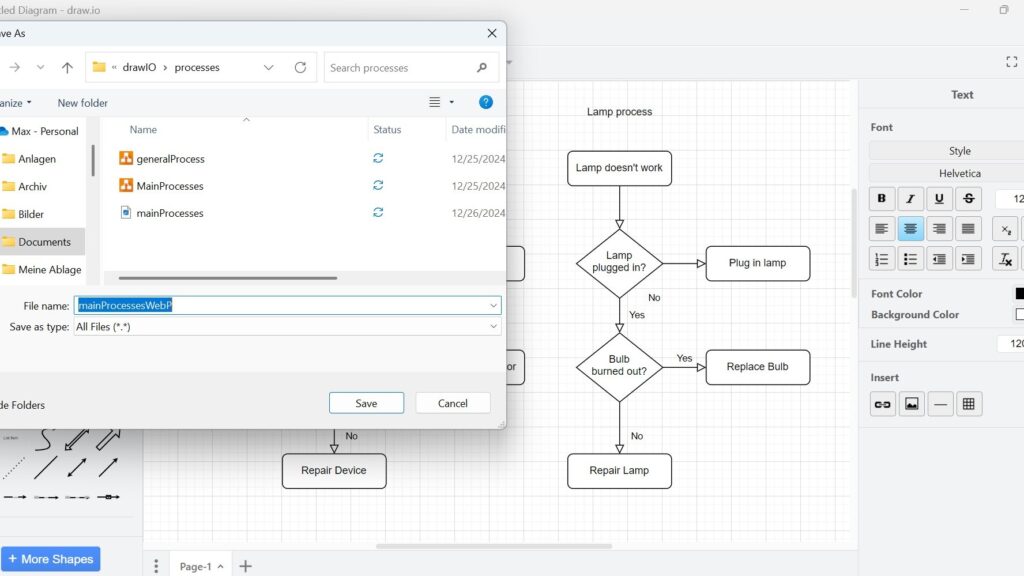
Windows “Save As” dialog with the filename field highlighted (text selected) and “Save/Cancel” buttons visible.

How to Export a Diagram to WebP in draw.io

When working with diagrams in draw.io, choosing the right file format is crucial. One popular option is WebP, a versatile image format that offers excellent compression without compromising quality. Exporting your diagrams to WebP is straightforward and flexible. Here, I’ll guide you through the process step by step. You’ll also see how this feature can enhance your workflow with a relevant business case.

How to Export a Diagram to WebP in draw.io Read More »

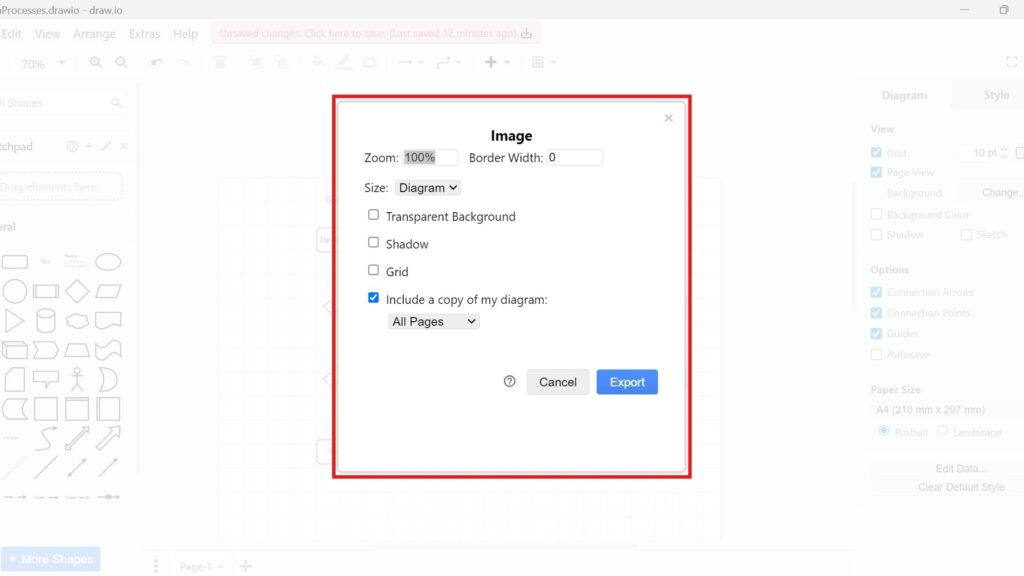
Draw.io “Image” export dialog with options like Transparent Background, Shadow, Grid, and an “Export” button.

How to Export a Diagram as PNG in draw.io

Creating diagrams is an essential part of planning, presenting, and problem-solving. I often use draw.io because it simplifies diagramming without sacrificing functionality. Exporting diagrams as PNG files is a critical feature that allows me to share my work seamlessly across various platforms. In this guide, I’ll show you how to export your diagram as a PNG, including advanced options and practical tips.

How to Export a Diagram as PNG in draw.io Read More »

managing IT services

Understanding IT Service Management

In today’s fast-moving digital world, managing IT services effectively is essential for delivering consistent value to customers. But what does that actually involve? It’s about organizing, monitoring, and improving the way technology supports business goals. In this article, I’ll explain what IT services are, why they matter, and how structured management helps organizations meet customer expectations reliably while boosting efficiency, quality, and long-term success in every digital operation.

Understanding IT Service Management Read More »

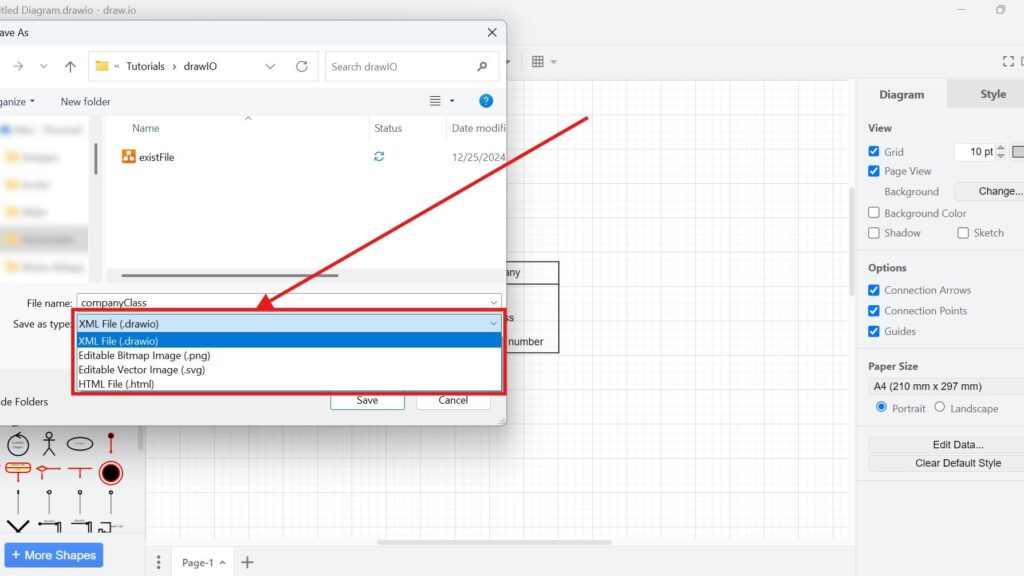
Windows “Save As” dialog with the “Save as type” dropdown open, showing options including “XML File (.drawio)” and others.

How to Save Files in draw.io

When working with draw.io, saving your work is crucial. I’ve learned how frustrating it can be to lose changes because I didn’t save my file correctly. Let me guide you how to save files in draw.io through saving your files efficiently. This guide explains the best methods to save your diagrams and highlights the most useful formats.

How to Save Files in draw.io Read More »

Scroll to Top
WordPress Cookie Plugin by Real Cookie Banner