Fred

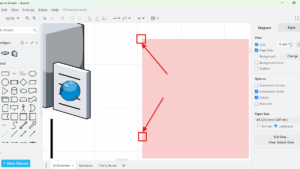
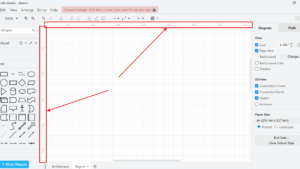
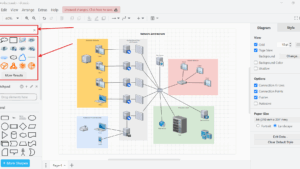
Zoomed-in draw.io screenshot highlighting two small square connection points on the left edge of a pink rectangle, marked with red boxes and arrows.

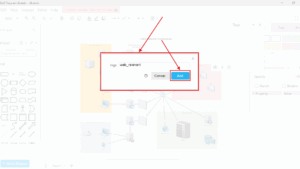
Connection Arrows and Points in draw.io

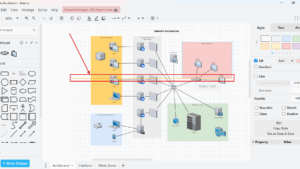
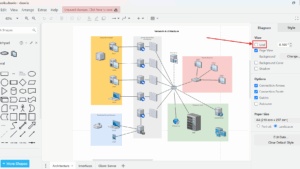
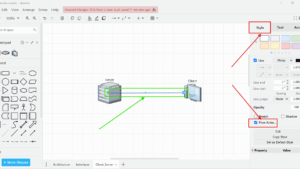
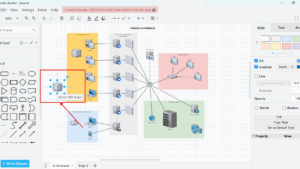
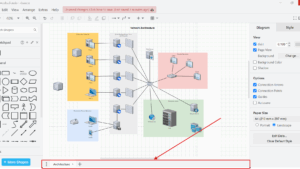
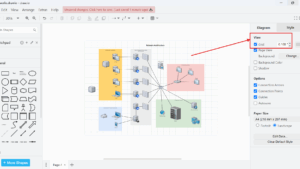
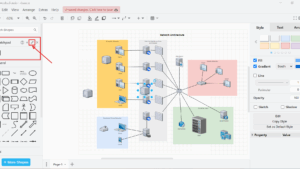
Connections can make or break a diagram. When I first used draw.io, my lines often felt messy and hard to control. Then I learned how Connection Arrows and Points in draw.io work. They help me attach shapes clearly, move elements safely, and show relationships with more precision. In this post, I show how these tools improve diagram structure and speed up my workflow.

Connection Arrows and Points in draw.io Read More »

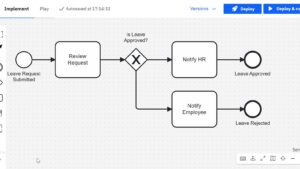
Workflow diagram starting with “Leave Request Submitted,” followed by “Review Request,” a decision diamond labeled “Is Leave Approved?,” and two outcomes ending in circles labeled “Leave Approved” and “Leave Rejected.”

BPMN Explained: The Basics of Business Process Model and Notation

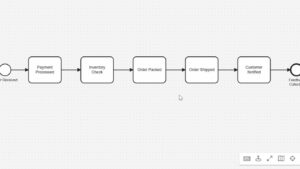
What is BPMN and why does it matter in daily business work? I use BPMN to understand, describe, and improve processes in a clear way. It helps me see how work flows from one step to the next and where problems may appear. As a result, BPMN supports better process management, clearer communication, and more efficient workflows. This overview gives an easy introduction to the topic.

BPMN Explained: The Basics of Business Process Model and Notation Read More »

Requirements Categories in Requirements Management

Requirements categories in requirements management help me understand how requirements behave over time. Some remain stable. Others change because business rules, technology, regulations, or system knowledge evolve. This distinction matters because I should not manage every requirement in the same way. By classifying requirements carefully, I can identify change risks, improve traceability, focus reviews, and assess impacts more efficiently throughout the system life cycle.

Requirements Categories in Requirements Management Read More »

Scroll to Top
WordPress Cookie Plugin by Real Cookie Banner