All Tutorial Articles

This page presents requirements engineering tutorials. Tutorials guide your learning journey. They explain concepts with clarity. Each step builds practical skills. Examples illustrate methods and techniques. Guidance supports professional development goals. Tutorials cover models and tools. They strengthen analysis and documentation. Learning here improves project outcomes. Articles deepen requirements engineering knowledge.

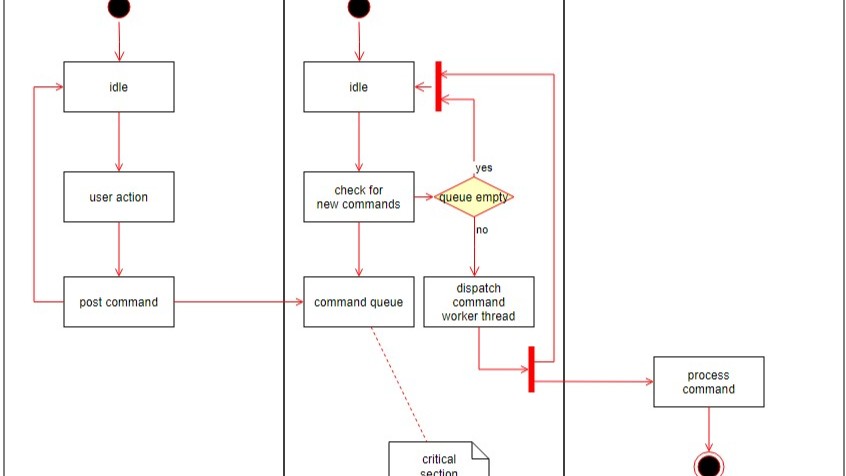
Partial workflow diagram with boxes labeled “idle,” “user action,” “post command,” “check for new commands,” and a decision diamond “queue empty.”

Why Model Requirements?

In the world of software development, clear and precise requirements build successful projects. They serve as a blueprint, guiding developers and stakeholders toward a common goal. Traditionally, texts document requirements, but an increasingly popular method is to model these requirements. This article dives into the reasons why modeling requirements can be advantageous, comparing textual and modeled requirements, and discussing the pros and cons of each approach. Learn why to model requirements.

Why Model Requirements? Read More »

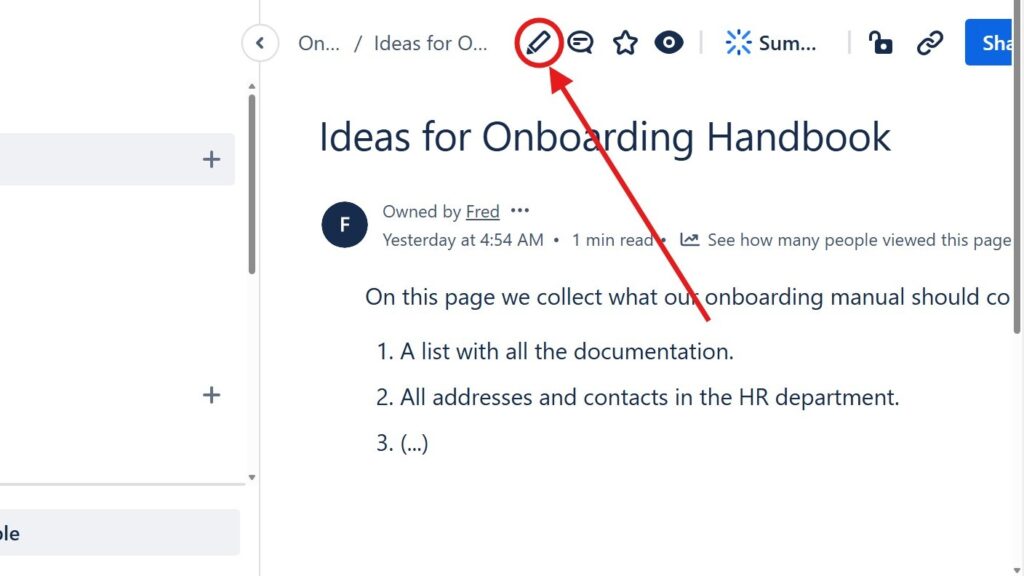
Page titled “Ideas for Onboarding Handbook” with a red arrow pointing to a circled pencil/edit icon in the top toolbar.

Introducing the Confluence Editor Mode: A Seamless Experience for Teams

The confluence editor mode helps me create, edit, and share content with less friction. It supports clear teamwork because everyone can work on pages in one shared space. As a result, teams improve communication, reduce scattered information, and build better documentation. In this article, I show how the editor supports smoother content creation and daily collaboration.

Introducing the Confluence Editor Mode: A Seamless Experience for Teams Read More »

Editor toolbar with a color/highlight dropdown open, showing a row of colored squares; red arrows point to the color tool and palette.

How to Color Text in Confluence: A Quick Guide to Text Color and Highlight Color

Confluence helps me create clear and useful project pages. In this guide, I show you How to Color Text in Confluence with text colors and highlight colors. Color helps me emphasize key details, improve readability, and guide readers through important content. As a result, my pages look cleaner, more structured, and easier to understand.

How to Color Text in Confluence: A Quick Guide to Text Color and Highlight Color Read More »

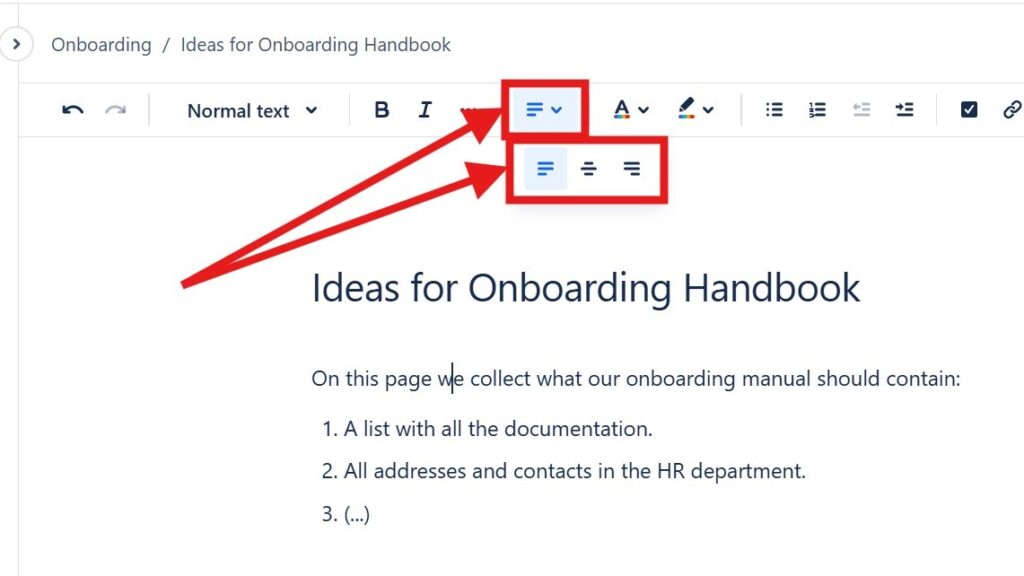
Editor toolbar with alignment dropdown open, showing multiple alignment icons; red arrows point to the alignment control.

How to Align Text in Confluence

Learning to align text in Confluence helps me create cleaner and more professional pages. I can place content on the left, center, or right to improve layout and readability. As a result, information looks more structured and easier to follow. In this guide, I show you simple methods and shortcuts for better text alignment.

How to Align Text in Confluence Read More »

Zoomed-in bullet list inside a red rectangle with an arrow pointing at the list items.

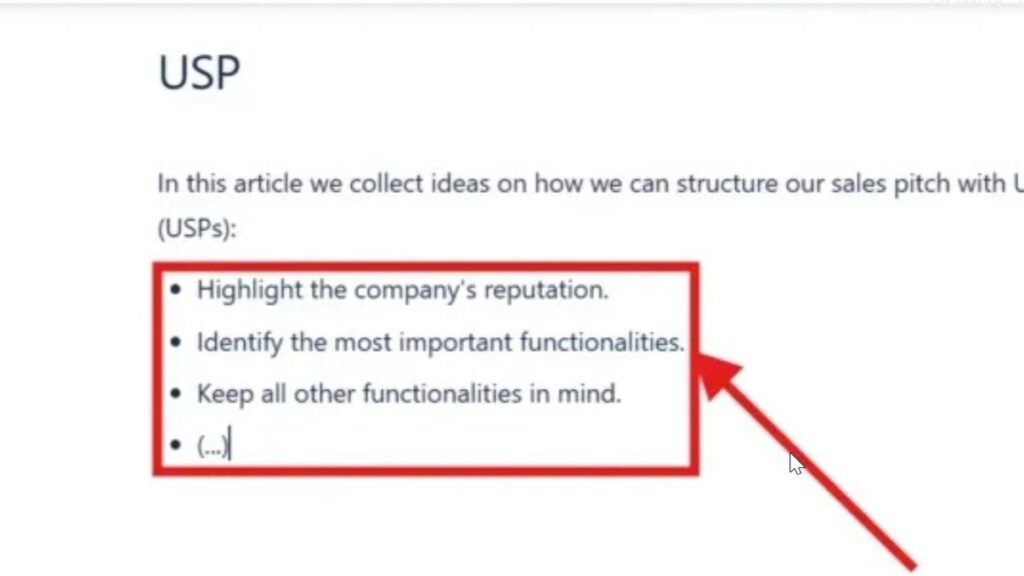
How to Make Lists in Confluence

Confluence helps me organize team information in a clear way. When I make lists in Confluence, I can structure steps, ideas, tasks, and key points so readers understand them faster. Bullet lists and numbered lists make pages easier to scan. In this guide, I show you how to create lists and use simple shortcuts for cleaner documentation.

How to Make Lists in Confluence Read More »

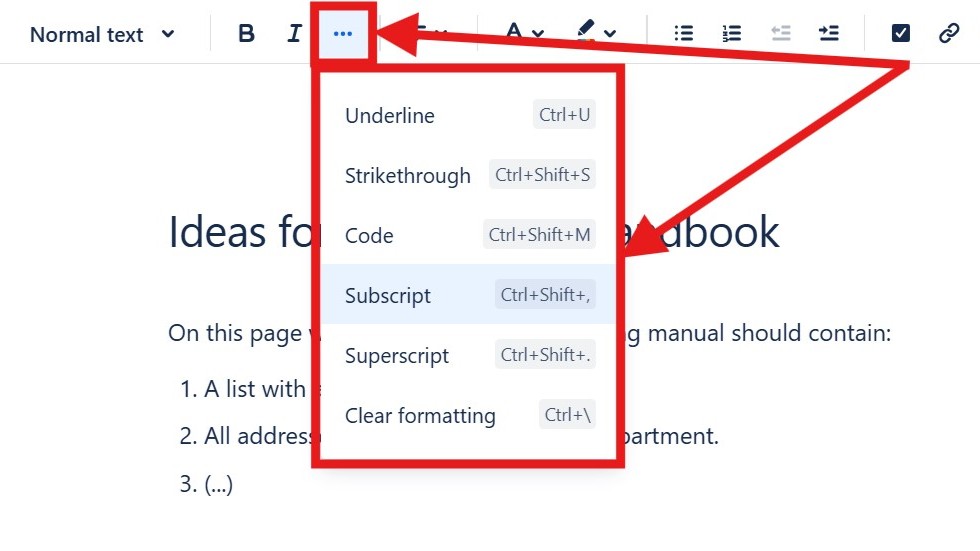
Editor “more options” menu open showing “Underline,” “Strikethrough,” “Code,” “Subscript,” “Superscript,” and “Clear formatting.”

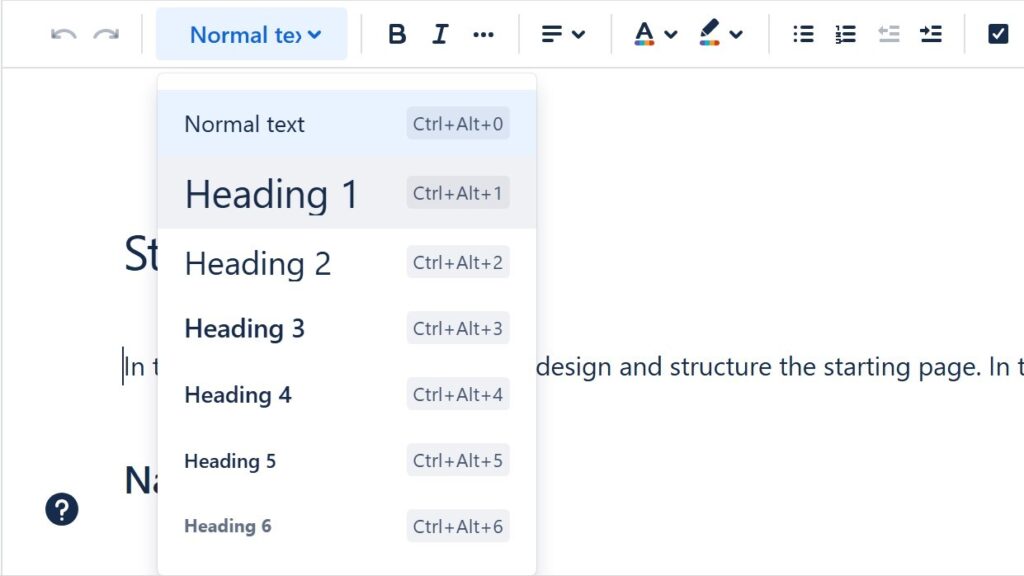
How to Format Text in Confluence

Confluence helps me create clear and professional team pages. When I know how to format text in Confluence, I can structure information, highlight key points, and improve readability. Formatting also helps readers scan content faster and understand important details. In this guide, I show you the essential options and shortcuts for cleaner Confluence pages.

How to Format Text in Confluence Read More »

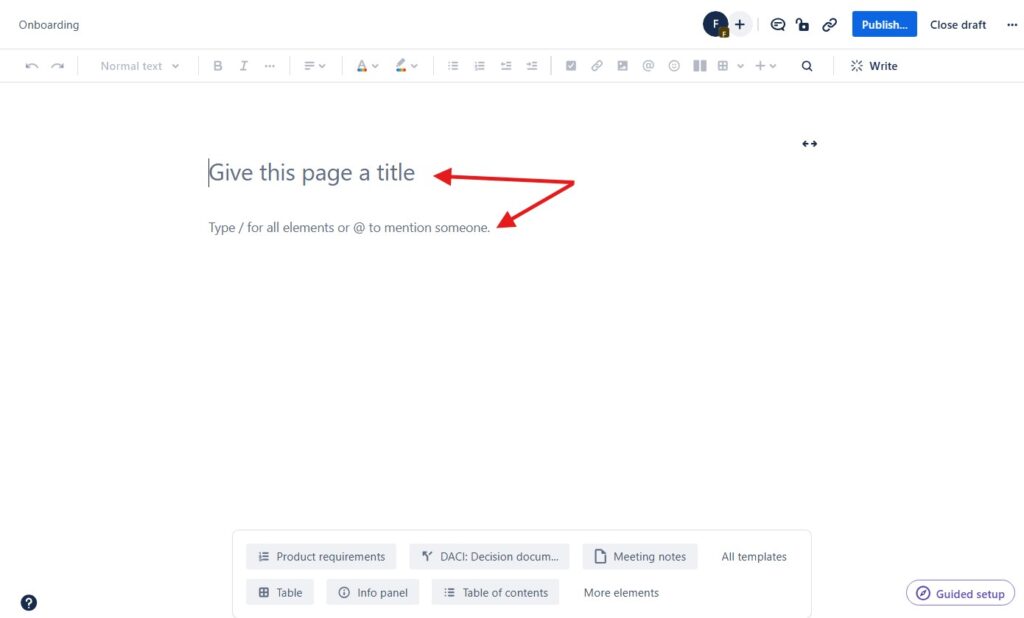
Blank page editor with the placeholder text “Give this page a title,” marked by red arrows.

How to Create a Confluence Page

Learning how to create a Confluence page is easy, but a few tips make the process smoother. I use Confluence to document projects, coordinate teams, and structure knowledge clearly. Therefore, a good page needs more than text. It needs purpose, order, and readability. In this guide, I show you how to create useful pages and improve collaboration.

How to Create a Confluence Page Read More »

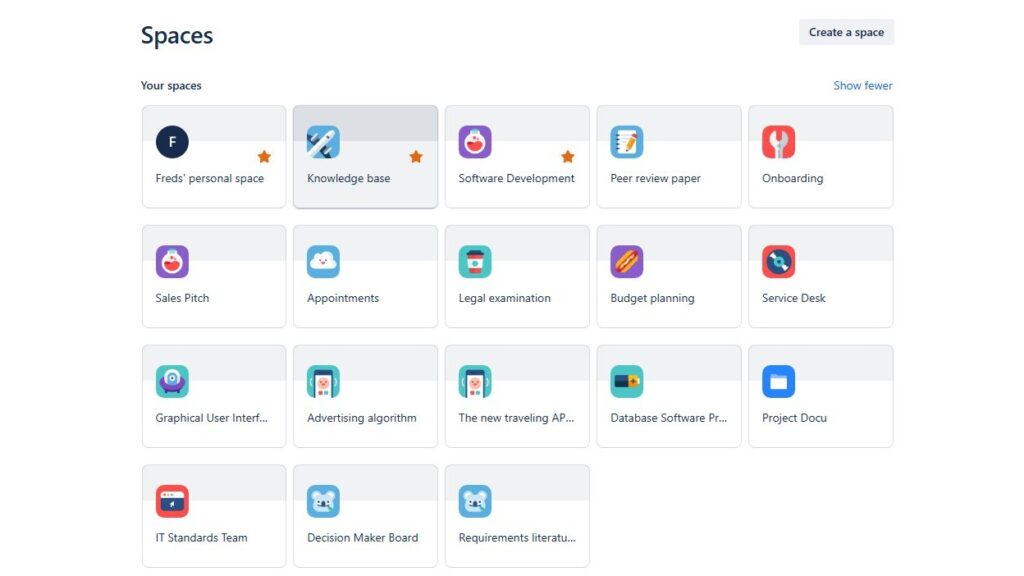
“Spaces” overview grid showing multiple space tiles such as “Freds’ personal space,” “Knowledge base,” “Software Development,” and “Onboarding.”

Spaces in Confluence

In this introduction to confluence spaces, I explain how spaces help teams organize work in Confluence. Spaces give each project, team, or topic a clear home. As a result, I can create, share, and manage content with less confusion. They support better structure, smoother collaboration, and easier access to important knowledge.

Spaces in Confluence Read More »

Cropped dropdown/menu showing “Confluence” and “Administration,” with “Administration” highlighted.

The Power of Confluence

The power of confluence lies in how it connects people, projects, and knowledge in one clear workspace. I use it to organize documentation, support collaboration, and manage tasks with less friction. As a result, teams reduce scattered information, improve transparency, and work with better focus from idea to delivery.

The Power of Confluence Read More »

Scroll to Top
WordPress Cookie Plugin by Real Cookie Banner