Massimo

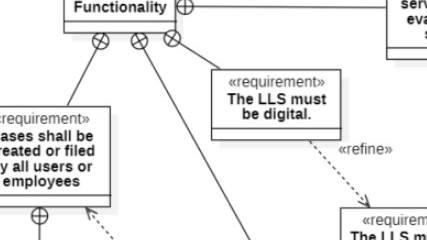
Cropped requirement diagram showing boxes with “«requirement»,” including “The LLS must be digital.” and a dashed arrow labeled “«refine».”

Integrating Textual Requirements in SysML: A Personal Take

When I work with SysML, I value its dedicated way of handling textual requirements. Unlike UML, SysML provides a clear notation to express them and introduces a specific diagram type for this purpose. The SysML requirements diagram stands out because it isn’t bound to structural or behavioral views. Instead, it focuses entirely on defining, organizing, and linking requirements. This independence makes it a powerful tool for maintaining traceability and ensuring consistency across complex system models.

Integrating Textual Requirements in SysML: A Personal Take Read More »

Understanding and Resolving Conflicts in Requirements Elicitation

In computer science, the field of requirements engineering helps us clearly define what a computer program must do before development begins. It ensures that everyone understands the goals, functions, and constraints of the system. However, when different opinions or expectations arise, we face challenges. Learn how to handle these conflicts in requirements elicitation and keep your project on track in this insightful article.

Understanding and Resolving Conflicts in Requirements Elicitation Read More »

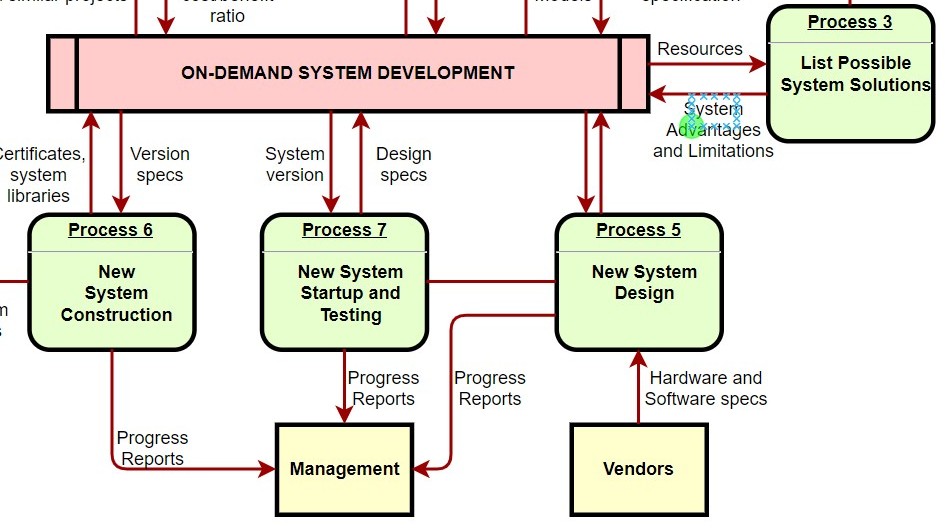
Process-style diagram with a central bar “ON-DEMAND SYSTEM DEVELOPMENT” and green boxes labeled “Process 5,” “Process 6,” “Process 7,” and “Process 3.”

Information Structure, Dynamics, Quality, and Constraints Views in Requirements Modeling

In my work, I often dive deep into the complexities of system development, where clarity and structure are everything. One aspect that continually captures my attention is how different perspectives help organize and interpret requirements effectively. By examining various views in requirements modeling, I can separate functional, structural, and behavioral aspects, making complex systems easier to understand, communicate, and validate across all stakeholders involved in a project’s lifecycle.

Information Structure, Dynamics, Quality, and Constraints Views in Requirements Modeling Read More »

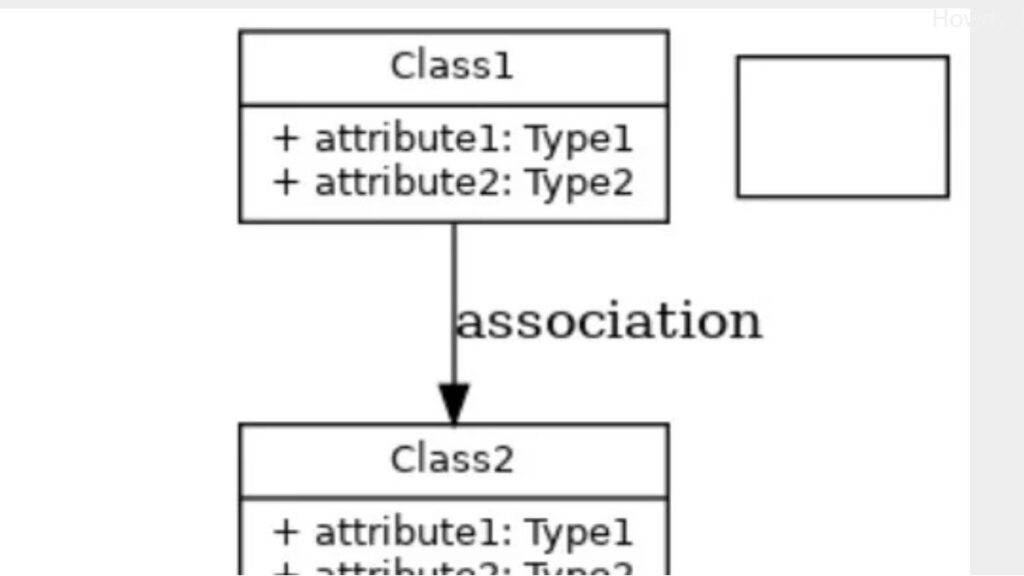
Class diagram snippet with “Class1” and “Class2,” attributes like “+ attribute1: Type1,” and a downward arrow labeled “association.”

Enhancing Requirements Modeling: Adapting UML and SysML with Stereotypes

Adapting and extending modeling languages is essential for precise requirements modeling. UML and SysML provide flexible mechanisms to customize modeling elements. This adaptability allows project-specific or domain-specific concepts to be seamlessly integrated into existing notations. By doing so, models stay both accurate and relevant to real-world systems. To understand this powerful capability, explore how stereotypes in UML and SysML enable tailored extensions for clearer, more meaningful representations.

Enhancing Requirements Modeling: Adapting UML and SysML with Stereotypes Read More »

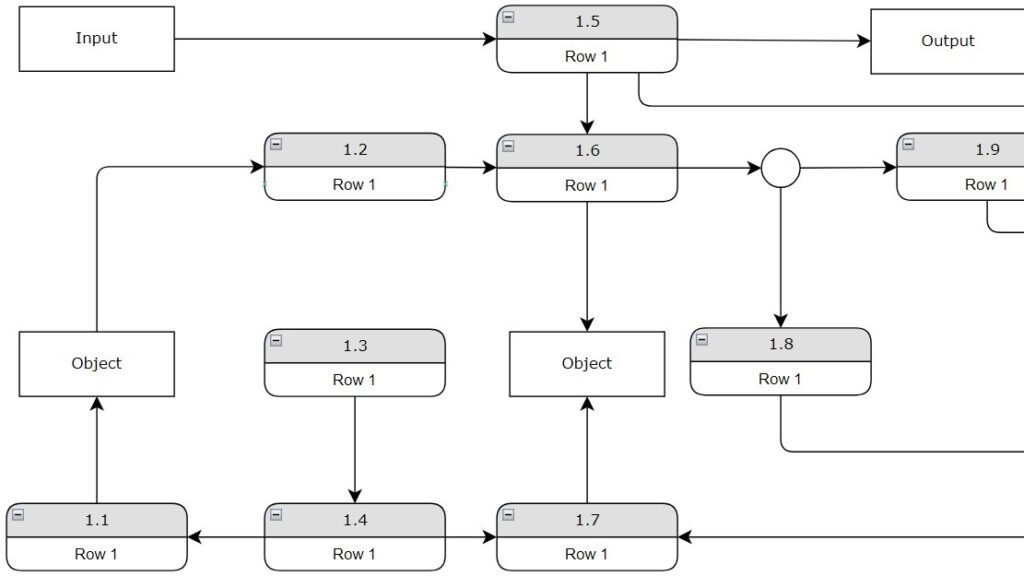
Flow diagram with boxes “Input,” “Output,” and “Object,” plus rounded steps labeled “1.1” to “1.9” each showing “Row 1.”

Unleashing the Power of Dynamic View in Requirements Modeling

When developing a system, understanding its changing behavior over time is essential. The dynamic view in requirements modeling focuses on exactly that. It captures interactions, sequences, and state transitions that reveal how the system reacts to internal and external events. By exploring these dynamic aspects, I can ensure that the modeled system reflects real-world behavior and supports precise, effective requirements engineering practices.

Unleashing the Power of Dynamic View in Requirements Modeling Read More »

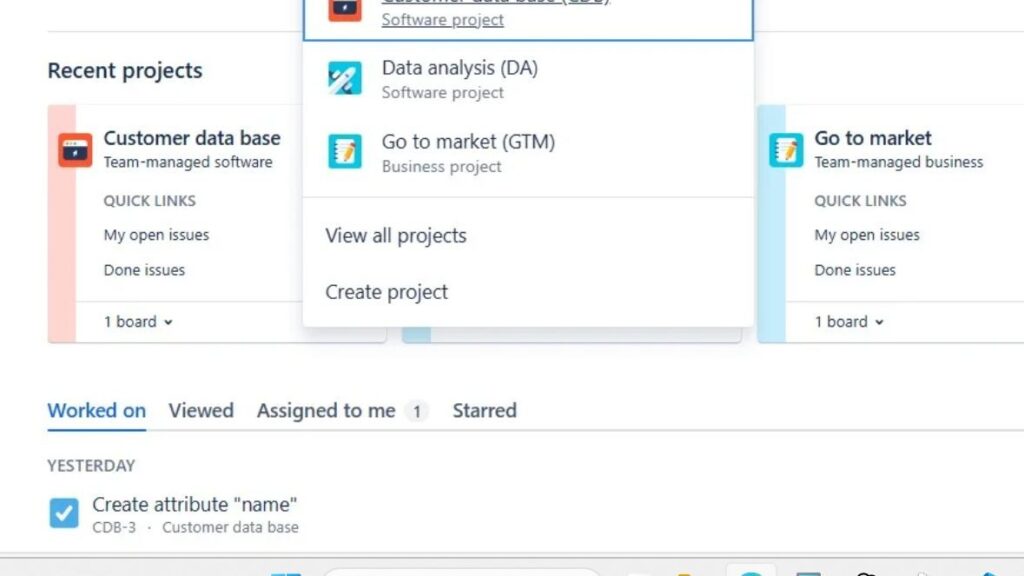
Jira screen showing a project dropdown with items like “Data analysis (DA)” and “Go to market (GTM),” plus “View all projects” and “Create project.”

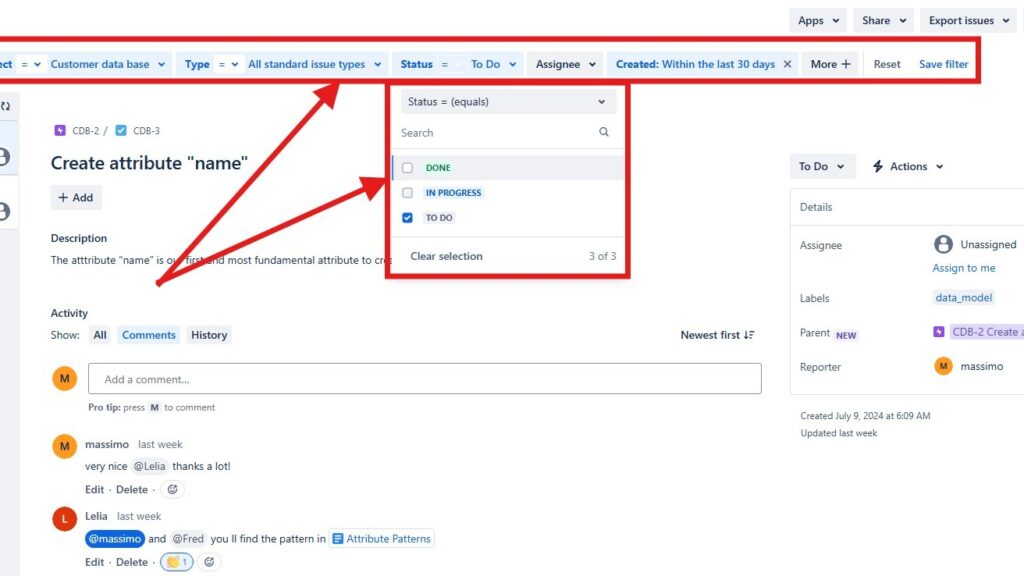
How to Create a New View in a Jira Project

Learning to create view in Jira can make managing your projects much easier and more efficient. By setting up custom views, you can focus on the tasks, issues, or workflows that matter most to your team. It helps you filter out distractions and gain clear visibility into project progress. In this step-by-step guide, I’ll show you how to create view in Jira and tailor your workspace to match your team’s unique workflow and priorities.

How to Create a New View in a Jira Project Read More »

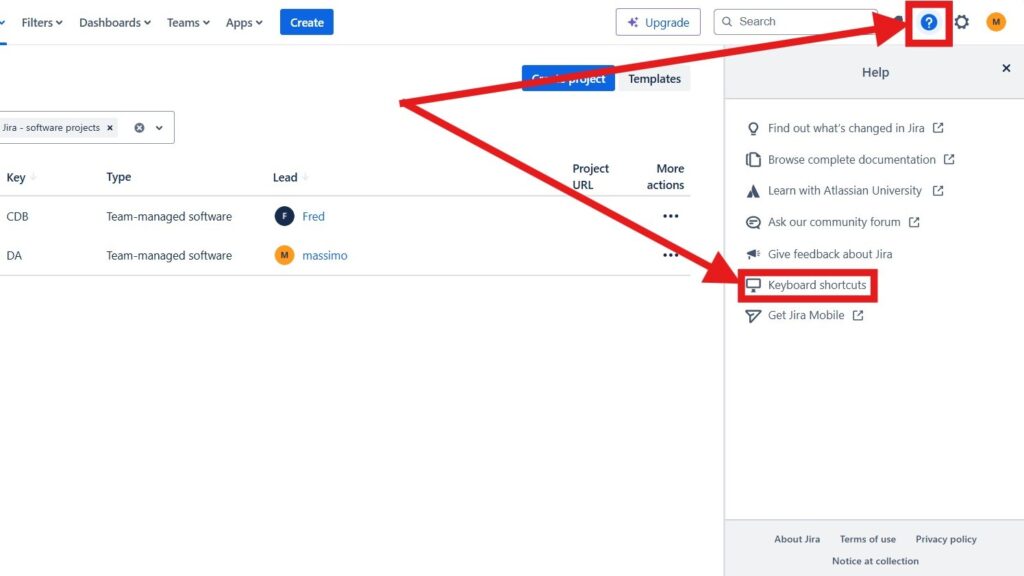
Jira interface with the Help panel open; red arrows point to the question-mark icon and the “Keyboard shortcuts” menu item highlighted in red.

How to Use Shortcuts in Jira to Boost Your Productivity

Jira, Atlassian’s powerful project management tool, is essential for agile teams managing complex workflows. However, navigating its many features can take time. That’s where Jira shortcuts come in—they help you work faster and more efficiently. In this guide, I’ll show you all Jira shortcuts, how to use Jira shortcuts to simplify navigation, speed up task management, and boost productivity. Learn how these quick commands can transform the way you work inside Jira every day.

How to Use Shortcuts in Jira to Boost Your Productivity Read More »

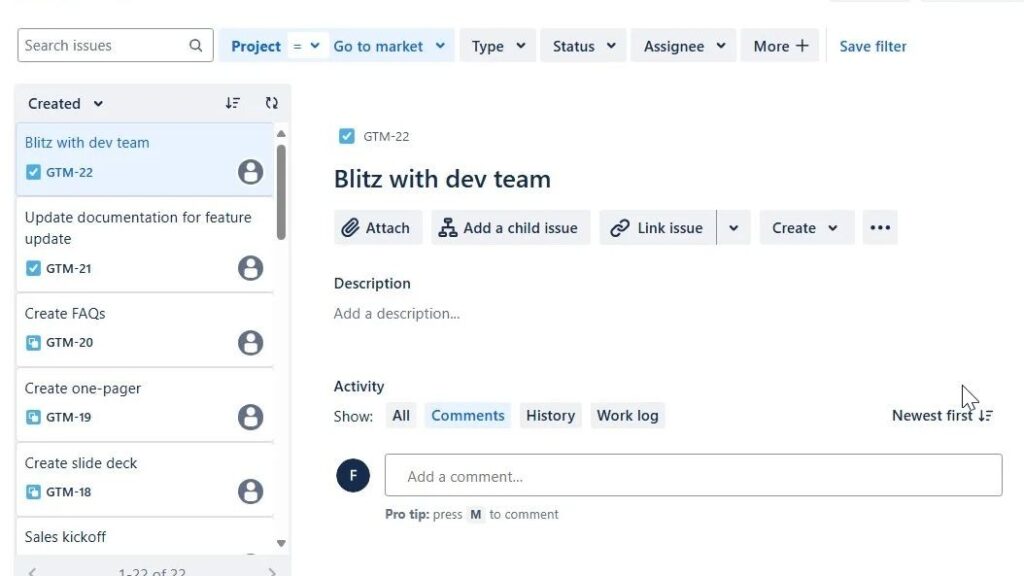
Jira issue view for “Blitz with dev team,” showing buttons like “Attach,” “Add a child issue,” and “Link issue,” with an issue list on the left.

Introduction to Jira Projects: Streamline Your Workflow with Ease

If you want to improve your project management workflow, Jira Projects provide powerful tools to help you plan, organize, and collaborate effectively. In this introduction, I’ll walk you through the key features that make Jira Projects so valuable for teams. You’ll learn how to manage tasks, track progress, and boost efficiency with ease. Let’s explore how Jira Projects can transform your team’s way of working and bring more structure and clarity to every project.

Introduction to Jira Projects: Streamline Your Workflow with Ease Read More »

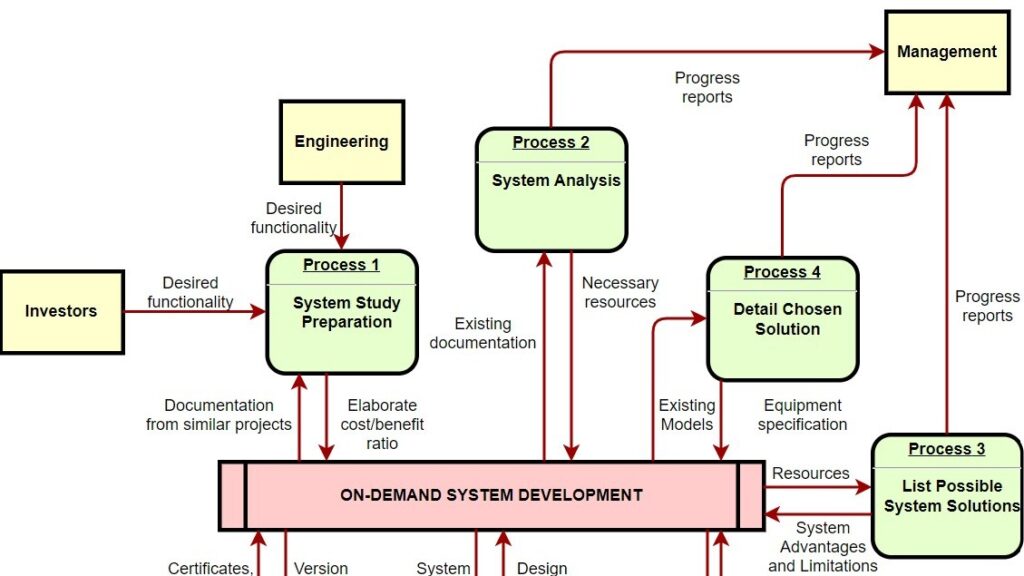
Diagram showing “ON-DEMAND SYSTEM DEVELOPMENT” with surrounding boxes such as “Investors,” “Engineering,” “Management,” and processes labeled “Process 1,” “Process 2,” “Process 3,” and “Process 4.”

Context Modeling in Requirements Engineering

A key challenge in requirements engineering and IT business analysis is understanding the full system context. It’s not just about the software being developed but also about how it interacts with surrounding systems. Knowing their roles, dependencies, and operational environments is essential for defining precise requirements. Effective context modeling helps capture these relationships clearly, ensuring alignment between business needs, technical design, and real-world system behavior.

Context Modeling in Requirements Engineering Read More »

The Importance of Requirements Engineering in IT Systems

In recent years, the significance of IT systems has grown exponentially in the operational framework of businesses, governments, and society as a whole. These IT systems play a pivotal role in facilitating various critical functions, underscoring the paramount importance of their seamless operation. However, the question that looms large is: How can we guarantee their optimal performance? In this article you will read about requirements engineering in IT systems.

The Importance of Requirements Engineering in IT Systems Read More »

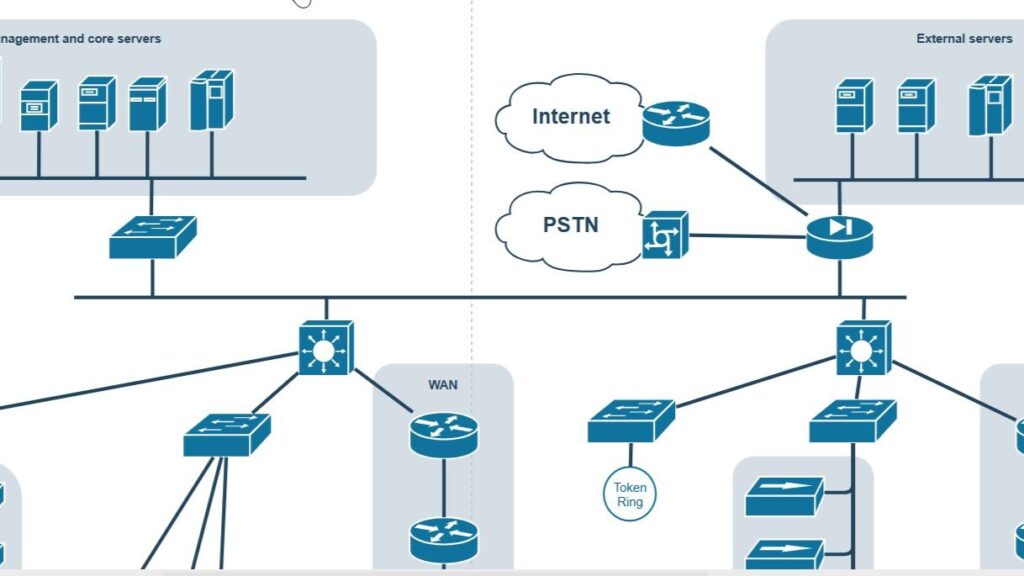
Network diagram with clouds labeled “Internet” and “PSTN,” server icons, and a section labeled “External servers.”

Requirements Modeling vs. Design Models

From my experience with complex systems, distinguishing requirements modeling design models can be difficult. UML and SysML are often used for both, which blurs the boundaries between requirements and design. This overlap can lead to mixed diagrams that reduce clarity. Over time, I’ve developed practical strategies to separate and manage these elements effectively, ensuring that each model serves its specific purpose in guiding development and maintaining project structure.

Requirements Modeling vs. Design Models Read More »

Dark concept map with terms like “model,” “view,” “diagram,” “requirement,” “model element,” and arrows labeled “represents,” “refers to,” and “consists of,” with multiplicities.

Terms and Concepts in Requirements Modeling

Requirements modeling is a key part of systems engineering. It connects stakeholder needs with system implementation and ensures clarity and consistency. By applying structured methods, it defines the terms and concepts in requirements modeling that shape clear and complete specifications. In this article, I explore these fundamental elements, their relationships, and their importance in building effective and reliable models for complex systems.

Terms and Concepts in Requirements Modeling Read More »

Electrical circuit diagram with resistors R1–R5, voltage U, current I and I5, and loop currents Is1, Is2, Is3.

Modeling Languages for Requirements Modeling

When exploring Modeling Languages for Requirements Modeling, choosing the right diagram and language is vital. The decision depends on your system’s complexity and your audience’s needs. Each modeling language highlights different aspects, from structure to behavior. In this article, I explain how to select and apply these tools effectively to ensure your models communicate requirements clearly and support collaboration throughout the development process.

Modeling Languages for Requirements Modeling Read More »

Requirements diagram with boxes labeled “HSUVSpecification,” “Eco-Friendliness,” “Performance,” “Power,” and “Acceleration,” connected by relationship lines.

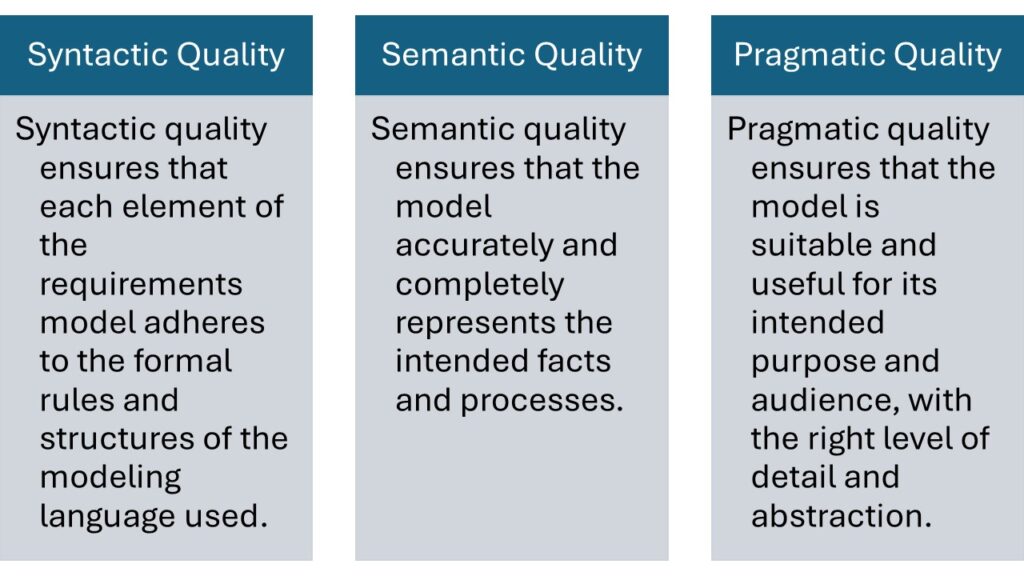
Leveraging Applications in Requirements Modeling

In modern requirements engineering, modeling has become essential. It clarifies complex systems, improves communication, and ensures consistency. Text alone no longer meets today’s needs. By using diagrams, engineers visualize system behavior and dependencies. In this article, I explore the key applications of requirements modeling—showing how it helps specify, validate, and clarify requirements effectively across different project contexts.

Leveraging Applications in Requirements Modeling Read More »

Legal and Regulatory Documents in Requirements Engineering for System Development

When we build software or devices, we must follow not only technical but also legal rules. These come from governments and expert organizations that define safety, compatibility, and data protection standards. Such papers guide how we design, test, and deliver systems responsibly. In this article, you learn about legal and regulatory documents in requirements engineering and why they matter for every IT business analyst.

Legal and Regulatory Documents in Requirements Engineering for System Development Read More »

Kanban-style board titled “DA board” with columns “TO DO,” “IN PROGRESS,” and “DONE,” and a “What needs to be done?” input field.

How to Create a Project in Jira

Jira, developed by Atlassian, is a leading project management tool trusted by agile teams worldwide. It provides a powerful system for tracking tasks, bugs, and new features efficiently. Whether you’re managing software development or general projects, Jira keeps everything organized and transparent. In this guide, I’ll show you how to create a project in Jira step by step so you can set up your workspace quickly and start managing tasks with ease and precision.

How to Create a Project in Jira Read More »

Partial workflow diagram with boxes labeled “idle,” “user action,” “post command,” “check for new commands,” and a decision diamond “queue empty.”

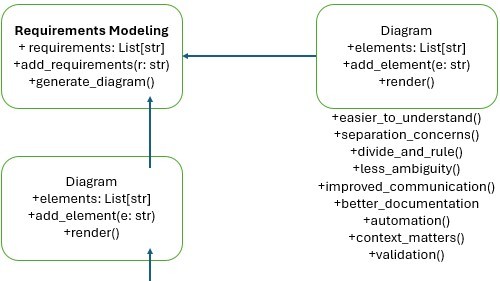
Why Model Requirements?

In the world of software development, clear and precise requirements build successful projects. They serve as a blueprint, guiding developers and stakeholders toward a common goal. Traditionally, texts document requirements, but an increasingly popular method is to model these requirements. This article dives into the reasons why modeling requirements can be advantageous, comparing textual and modeled requirements, and discussing the pros and cons of each approach. Learn why to model requirements.

Why Model Requirements? Read More »

Scroll to Top
WordPress Cookie Plugin by Real Cookie Banner