Network diagram with clouds labeled “Internet” and “PSTN,” server icons, and a section labeled “External servers.”

Requirements Modeling vs. Design Models

From my experience with complex systems, distinguishing requirements modeling design models can be difficult. UML and SysML are often used for both, which blurs the boundaries between requirements and design. This overlap can lead to mixed diagrams that reduce clarity. Over time, I’ve developed practical strategies to separate and manage these elements effectively, ensuring that each model serves its specific purpose in guiding development and maintaining project structure.

Requirements Modeling vs. Design Models Read More »

Dark concept map with terms like “model,” “view,” “diagram,” “requirement,” “model element,” and arrows labeled “represents,” “refers to,” and “consists of,” with multiplicities.

Terms and Concepts in Requirements Modeling

Requirements modeling is a key part of systems engineering. It connects stakeholder needs with system implementation and ensures clarity and consistency. By applying structured methods, it defines the terms and concepts in requirements modeling that shape clear and complete specifications. In this article, I explore these fundamental elements, their relationships, and their importance in building effective and reliable models for complex systems.

Terms and Concepts in Requirements Modeling Read More »

Electrical circuit diagram with resistors R1–R5, voltage U, current I and I5, and loop currents Is1, Is2, Is3.

Modeling Languages for Requirements Modeling

When exploring Modeling Languages for Requirements Modeling, choosing the right diagram and language is vital. The decision depends on your system’s complexity and your audience’s needs. Each modeling language highlights different aspects, from structure to behavior. In this article, I explain how to select and apply these tools effectively to ensure your models communicate requirements clearly and support collaboration throughout the development process.

Modeling Languages for Requirements Modeling Read More »

Requirements diagram with boxes labeled “HSUVSpecification,” “Eco-Friendliness,” “Performance,” “Power,” and “Acceleration,” connected by relationship lines.

Leveraging Applications in Requirements Modeling

In modern requirements engineering, modeling has become essential. It clarifies complex systems, improves communication, and ensures consistency. Text alone no longer meets today’s needs. By using diagrams, engineers visualize system behavior and dependencies. In this article, I explore the key applications of requirements modeling—showing how it helps specify, validate, and clarify requirements effectively across different project contexts.

Leveraging Applications in Requirements Modeling Read More »

Legal and Regulatory Documents in Requirements Engineering for System Development

When we build software or devices, we must follow not only technical but also legal rules. These come from governments and expert organizations that define safety, compatibility, and data protection standards. Such papers guide how we design, test, and deliver systems responsibly. In this article, you learn about legal and regulatory documents in requirements engineering and why they matter for every IT business analyst.

Legal and Regulatory Documents in Requirements Engineering for System Development Read More »
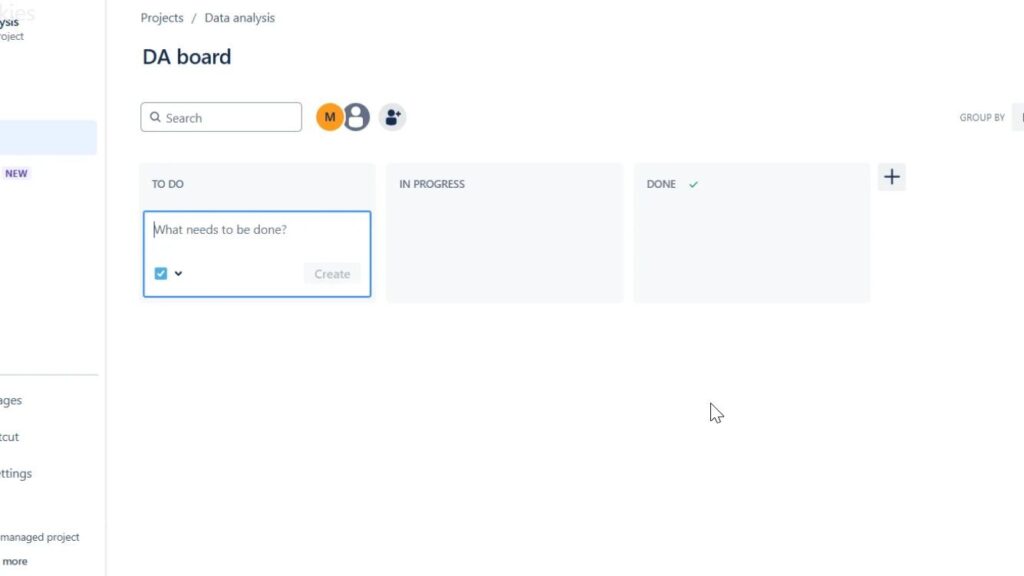
Kanban-style board titled “DA board” with columns “TO DO,” “IN PROGRESS,” and “DONE,” and a “What needs to be done?” input field.

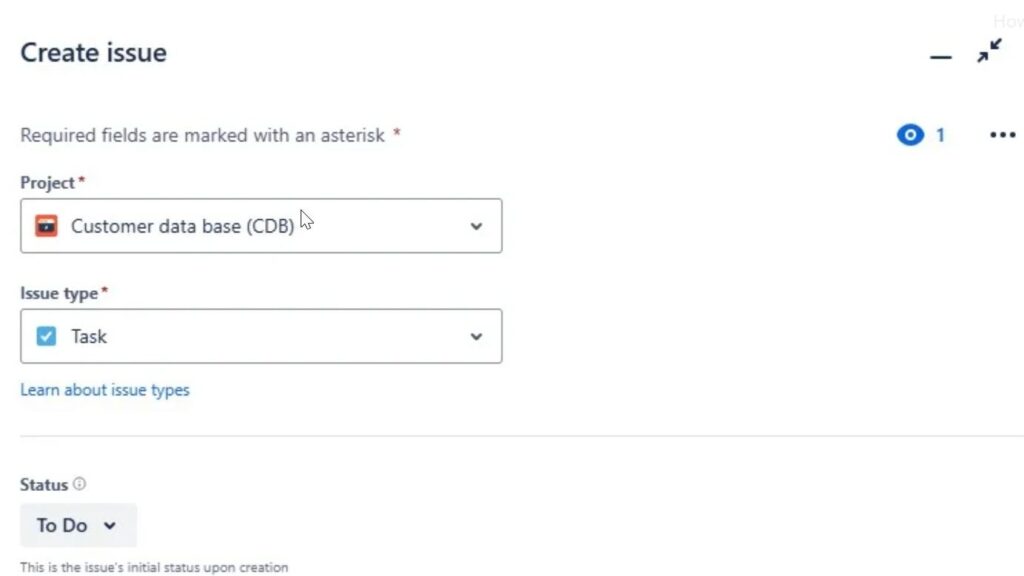
How to Create a Project in Jira

Jira helps me organize tasks, bugs, features, and project work in one clear place. In this guide, I’ll show you how to create a project in jira step by step. You will learn how to set up your workspace, structure your work, and prepare your team for better task management. As a result, you can start faster and manage projects with more clarity.

How to Create a Project in Jira Read More »

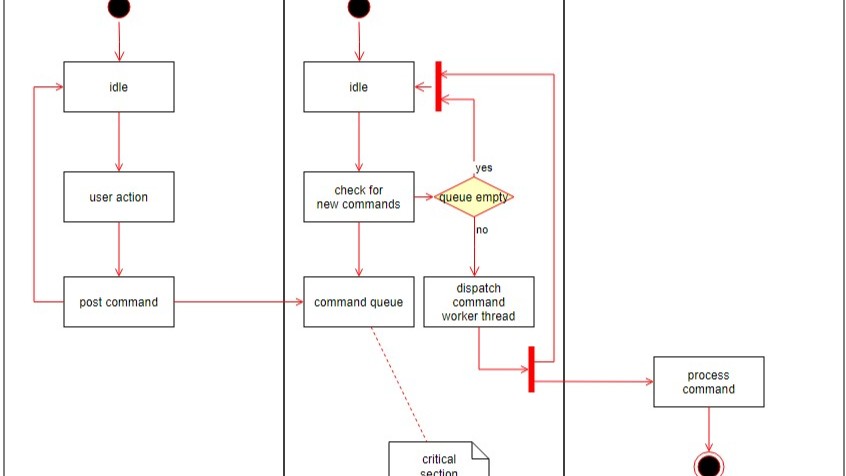
Partial workflow diagram with boxes labeled “idle,” “user action,” “post command,” “check for new commands,” and a decision diamond “queue empty.”

Why Model Requirements?

In the world of software development, clear and precise requirements build successful projects. They serve as a blueprint, guiding developers and stakeholders toward a common goal. Traditionally, texts document requirements, but an increasingly popular method is to model these requirements. This article dives into the reasons why modeling requirements can be advantageous, comparing textual and modeled requirements, and discussing the pros and cons of each approach. Learn why to model requirements.

Why Model Requirements? Read More »

Requirements Identification with Process Documents: A Step-by-Step Guide to System Integration

In our world of fast-growing technology, it’s super important to make new systems work smoothly with the way businesses already do things. A great way to do this is by figuring out what these new systems need from the documents that explain how things work now. This article will show you how to do that step by step, using smart ideas from science. In this article you read about requirements identification with process documents.

Requirements Identification with Process Documents: A Step-by-Step Guide to System Integration Read More »

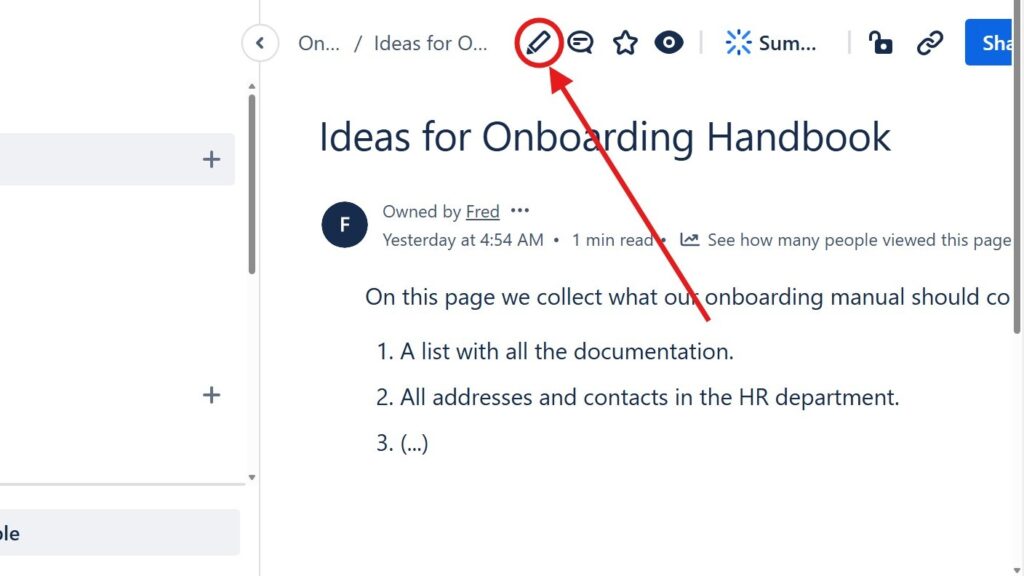
Page titled “Ideas for Onboarding Handbook” with a red arrow pointing to a circled pencil/edit icon in the top toolbar.

Introducing the Confluence Editor Mode: A Seamless Experience for Teams

The confluence editor mode helps me create, edit, and share content with less friction. It supports clear teamwork because everyone can work on pages in one shared space. As a result, teams improve communication, reduce scattered information, and build better documentation. In this article, I show how the editor supports smoother content creation and daily collaboration.

Introducing the Confluence Editor Mode: A Seamless Experience for Teams Read More »

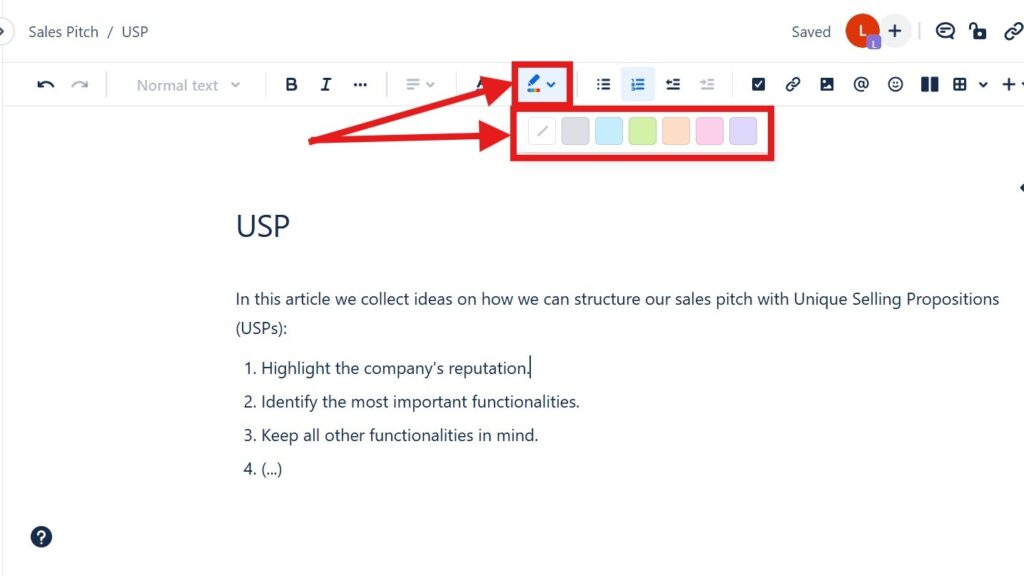
Editor toolbar with a color/highlight dropdown open, showing a row of colored squares; red arrows point to the color tool and palette.

How to Color Text in Confluence: A Quick Guide to Text Color and Highlight Color

Confluence helps me create clear and useful project pages. In this guide, I show you How to Color Text in Confluence with text colors and highlight colors. Color helps me emphasize key details, improve readability, and guide readers through important content. As a result, my pages look cleaner, more structured, and easier to understand.

How to Color Text in Confluence: A Quick Guide to Text Color and Highlight Color Read More »

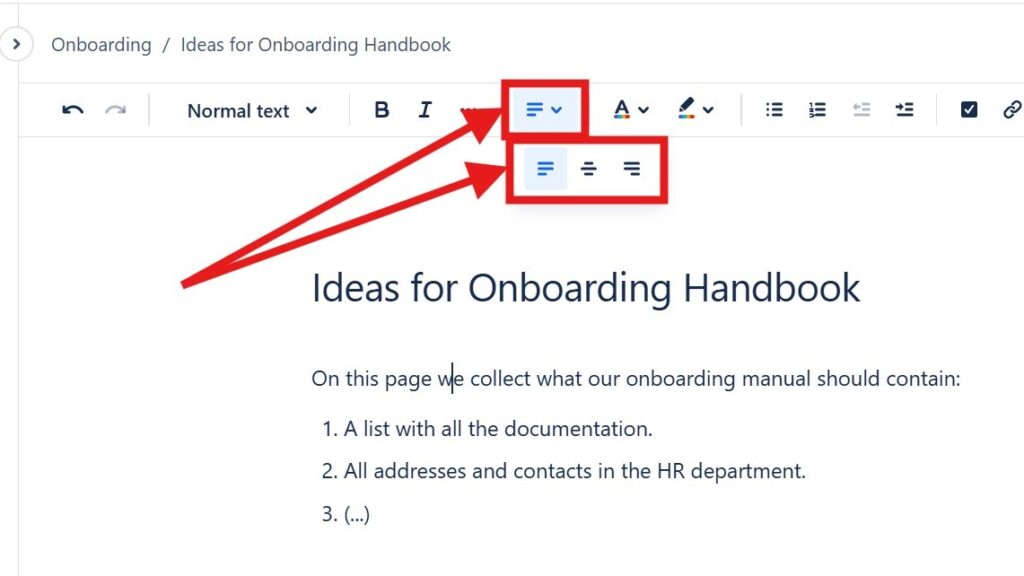
Editor toolbar with alignment dropdown open, showing multiple alignment icons; red arrows point to the alignment control.

How to Align Text in Confluence

Learning to align text in Confluence helps me create cleaner and more professional pages. I can place content on the left, center, or right to improve layout and readability. As a result, information looks more structured and easier to follow. In this guide, I show you simple methods and shortcuts for better text alignment.

How to Align Text in Confluence Read More »

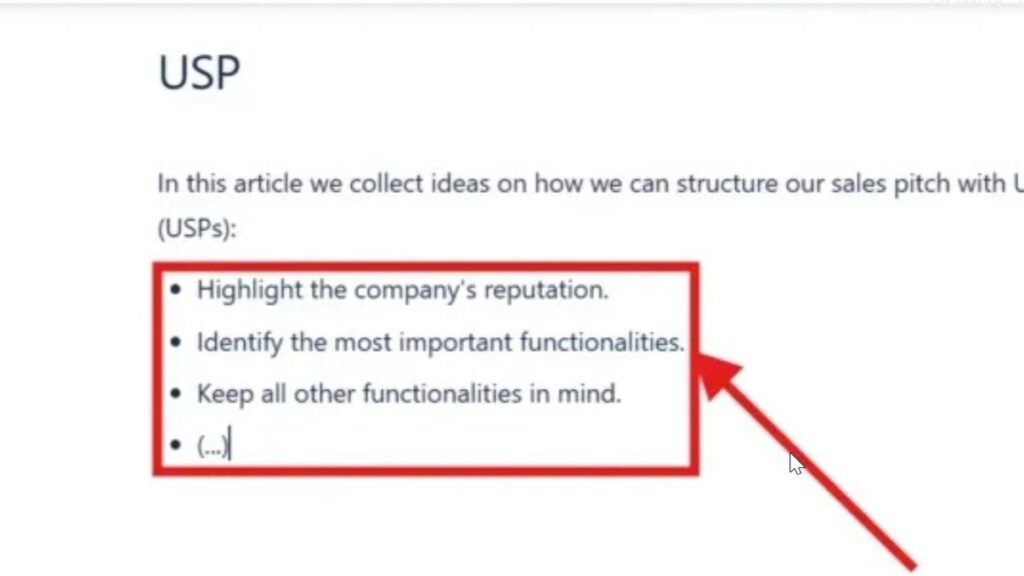
Zoomed-in bullet list inside a red rectangle with an arrow pointing at the list items.

How to Make Lists in Confluence

Confluence helps me organize team information in a clear way. When I make lists in Confluence, I can structure steps, ideas, tasks, and key points so readers understand them faster. Bullet lists and numbered lists make pages easier to scan. In this guide, I show you how to create lists and use simple shortcuts for cleaner documentation.

How to Make Lists in Confluence Read More »

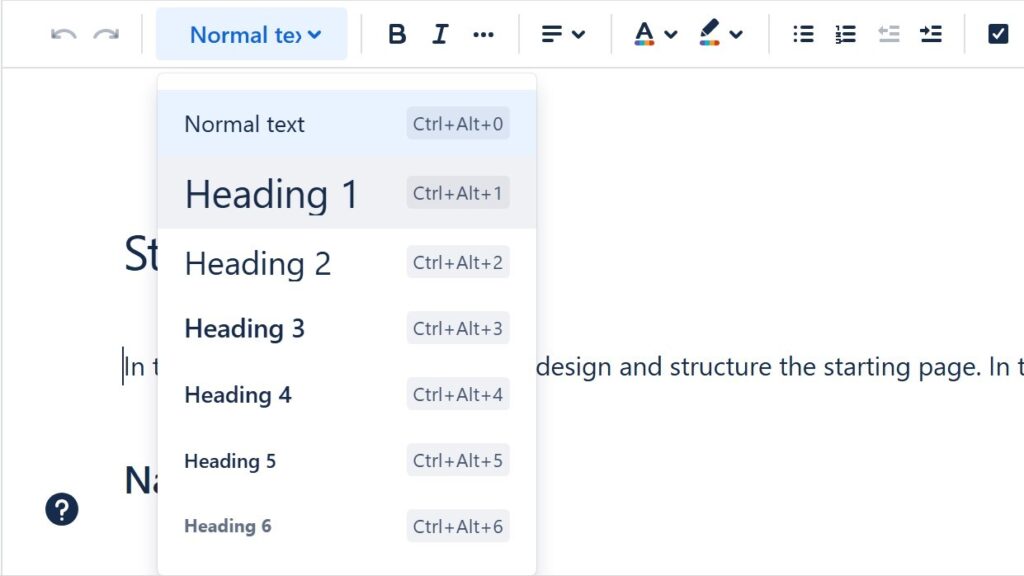
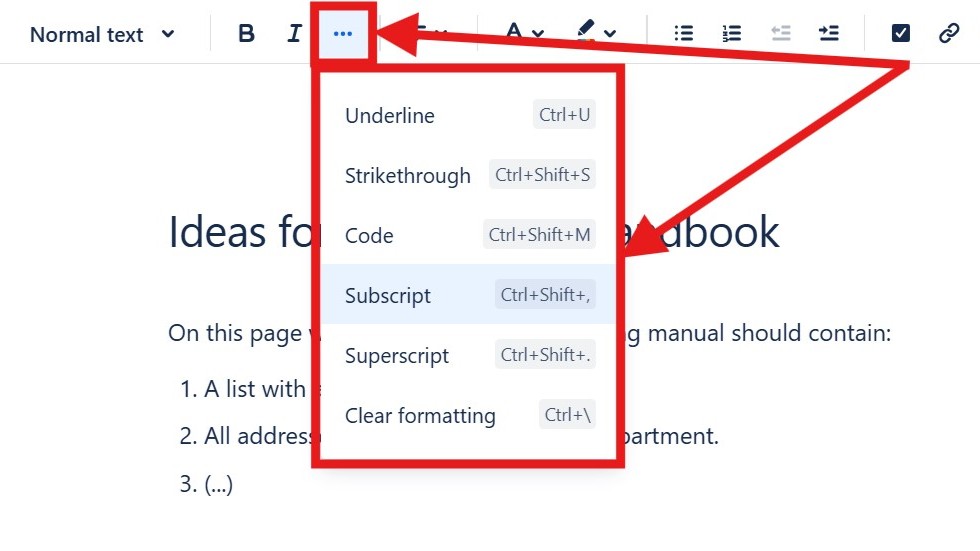
Editor “more options” menu open showing “Underline,” “Strikethrough,” “Code,” “Subscript,” “Superscript,” and “Clear formatting.”

How to Format Text in Confluence

Confluence helps me create clear and professional team pages. When I know how to format text in Confluence, I can structure information, highlight key points, and improve readability. Formatting also helps readers scan content faster and understand important details. In this guide, I show you the essential options and shortcuts for cleaner Confluence pages.

How to Format Text in Confluence Read More »

Scroll to Top
WordPress Cookie Plugin by Real Cookie Banner