All Tutorial Articles

This page presents requirements engineering tutorials. Tutorials guide your learning journey. They explain concepts with clarity. Each step builds practical skills. Examples illustrate methods and techniques. Guidance supports professional development goals. Tutorials cover models and tools. They strengthen analysis and documentation. Learning here improves project outcomes. Articles deepen requirements engineering knowledge.

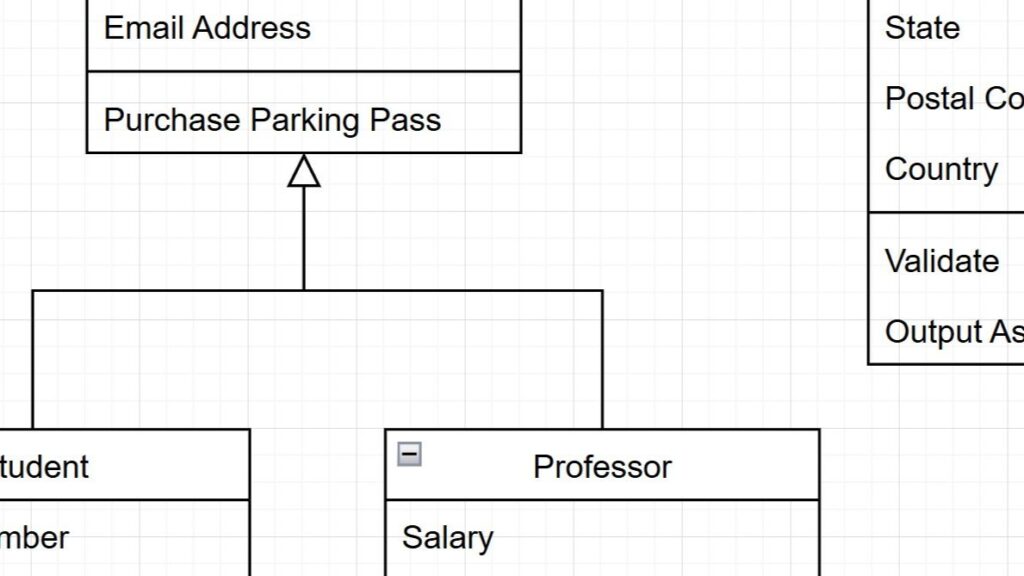
Identifying Classes (2): with Objects, Roles, and Functions

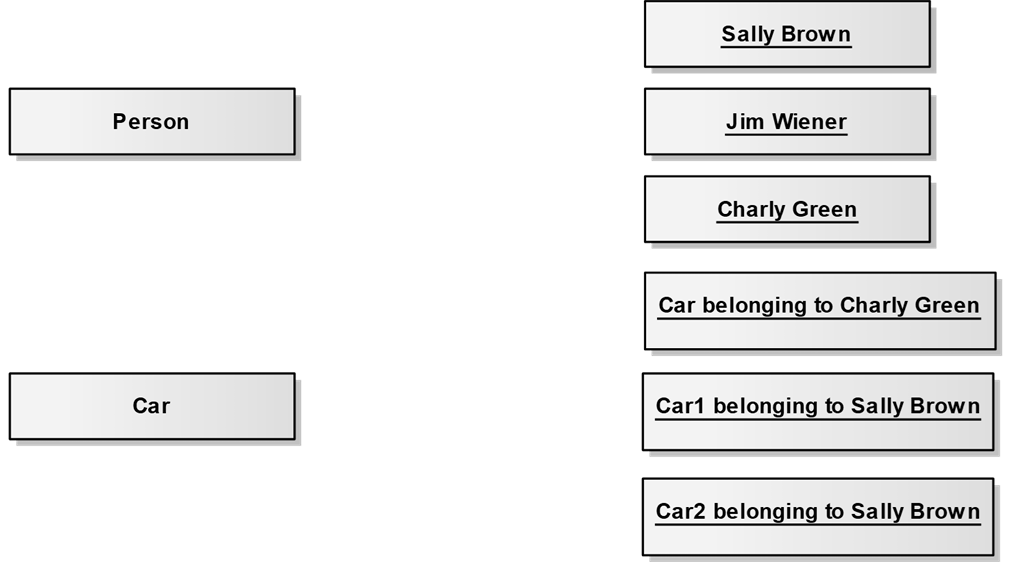
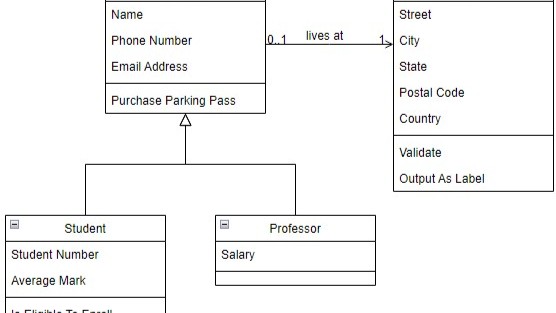
When building software, it’s essential to break a system into clear, manageable parts. One of the most important steps is identifying classes that represent the system’s core structure. While it may seem challenging at first, a structured approach makes it much easier. By analyzing objects, their roles, and their functions, we can systematically identify meaningful classes. In this article, I’ll guide you through a practical and effective method to make identifying classes both logical and intuitive.

Identifying Classes (2): with Objects, Roles, and Functions Read More »

Identifying Classes (1): A Heuristical Approach

When exploring software development, one crucial task is identifying classes that form the system’s foundation. At first, this can feel complex, but with the right mindset, it becomes clear and intuitive. By focusing on real-world elements and their relationships, we can uncover the classes that define structure and behavior. In this article, I’ll guide you through a simple, practical approach to identifying classes, using relatable examples to make the process easy to understand and apply.

Identifying Classes (1): A Heuristical Approach Read More »

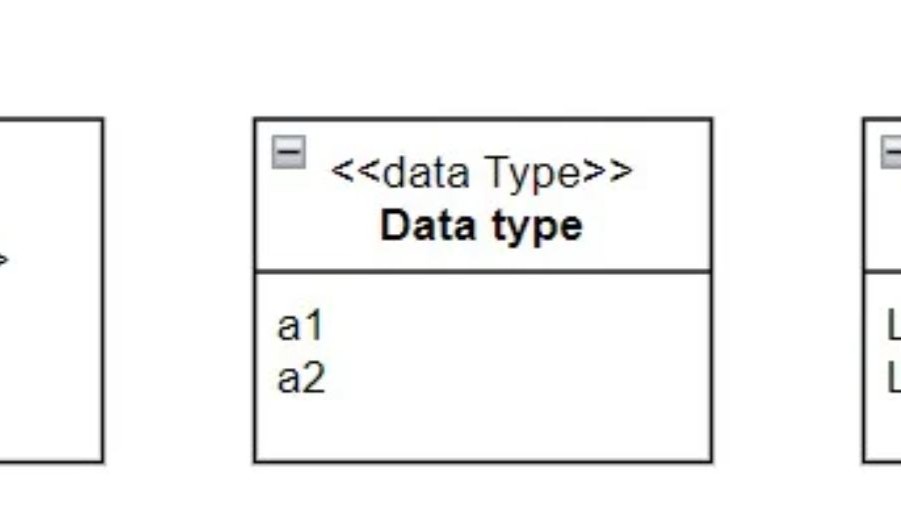
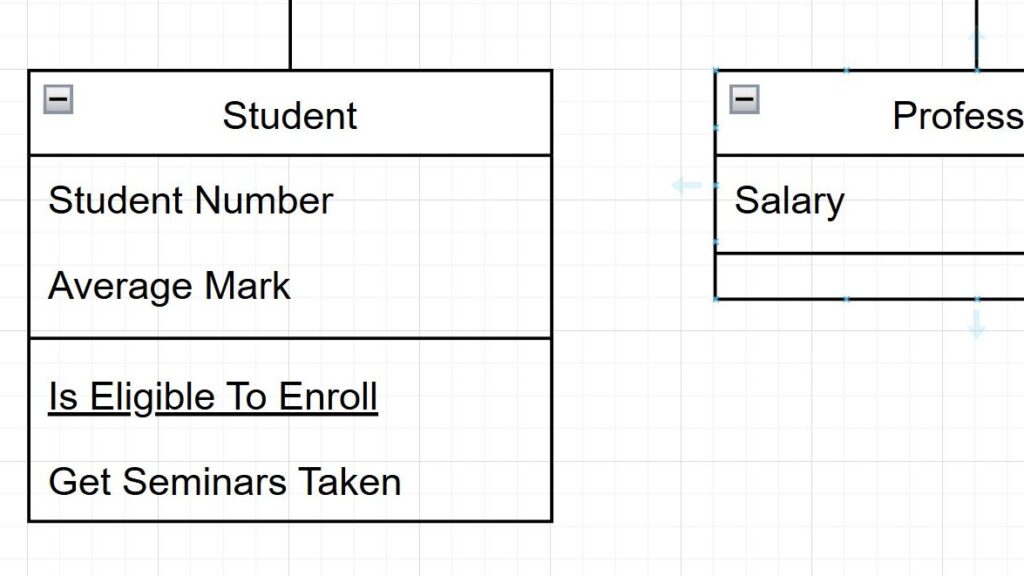
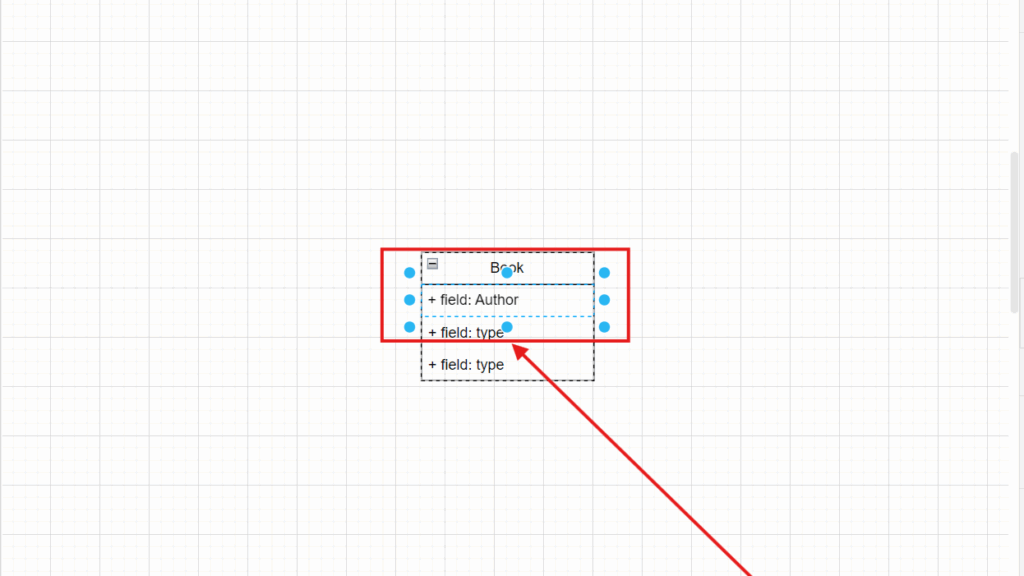
Understanding the Syntax and Semantics of UML Classes

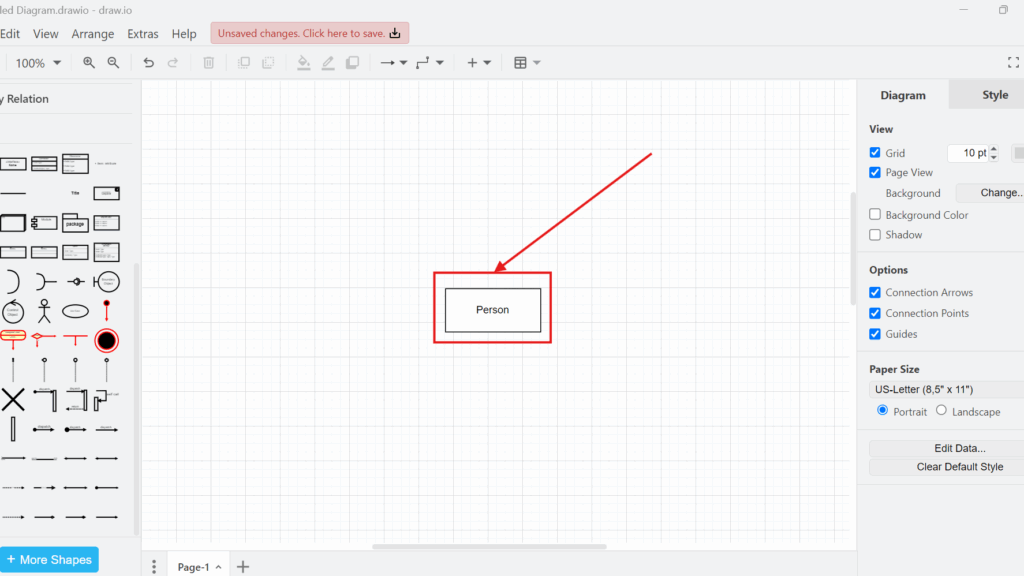
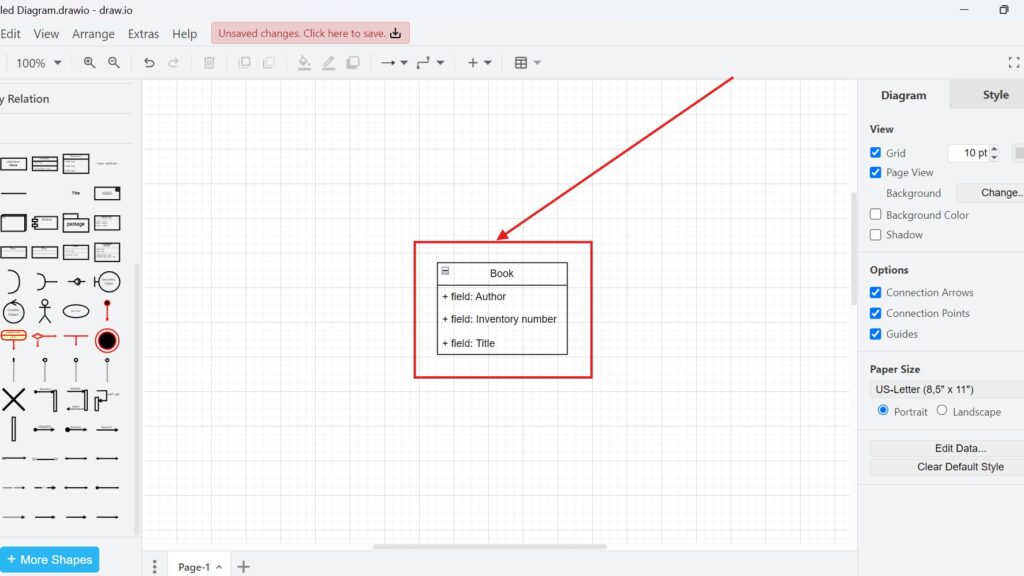
When I work with UML diagrams, I always pay close attention to the syntax and semantics of UML classes. They define how each element is structured and how it behaves within the model. Getting the syntax and semantics of UML classes right ensures that every diagram communicates clearly and accurately. This precision is vital in requirements modeling, where consistency and meaning turn abstract ideas into actionable system designs that teams can understand and build upon effectively.

Understanding the Syntax and Semantics of UML Classes Read More »

Understanding UML Classes and Objects: A Practical Guide

When working on software projects, getting the structure right from the beginning is essential for long-term success. One concept I rely on in requirements modeling is UML, the Unified Modeling Language. Within it, UML classes and objects form the foundation of effective system design. They define how elements relate, interact, and behave within a system. By understanding UML classes and objects, we can model real-world scenarios clearly and create software that’s both logical and maintainable.

Understanding UML Classes and Objects: A Practical Guide Read More »

Unlocking the Power of Information Structure Modeling

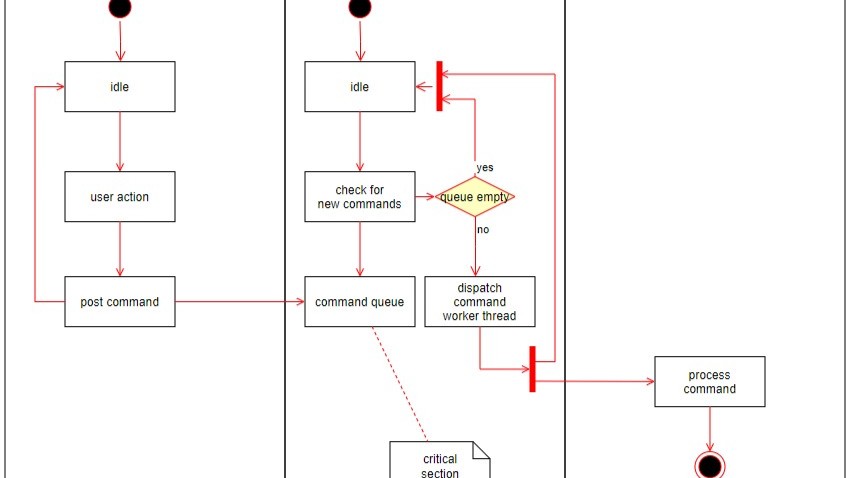
When I think about creating a system that runs seamlessly, one thing becomes clear — structure matters. True clarity starts with how we organize and represent data. That’s where information structure modeling comes in. It might sound complex at first, but it’s a real game-changer. By modeling information structures effectively, we turn abstract data into meaningful relationships that drive smarter design, improve communication, and make every part of the system work in harmony.

Unlocking the Power of Information Structure Modeling Read More »

The Advantages of Using Jira: A Game Changer for Teams

As a tech blogger, I love exploring tools that transform the way we work—and Jira is one that truly stands out. Its flexibility, structure, and collaboration features make it indispensable for teams of all sizes. But what exactly sets it apart? In this article, I’ll break down the key advantages of Jira, showing how it streamlines workflows, improves visibility, and enhances productivity across projects. Let’s uncover why Jira is such a powerful tool for modern teams.

The Advantages of Using Jira: A Game Changer for Teams Read More »

Comparison of Confluence & Jira: A Comprehensive Guide

As a tech blogger, I’m often asked about the best tools for team collaboration and project management. In this article, I’ll provide a detailed comparison of Jira and Confluence, two powerful Atlassian tools that are often used together. While they share the same ecosystem, each serves a unique purpose. Let’s explore how Jira and Confluence differ, how they complement each other, and how using both can create a complete solution for managing projects and documentation.

Comparison of Confluence & Jira: A Comprehensive Guide Read More »

Introduction to JIRA Query Language (JQL)

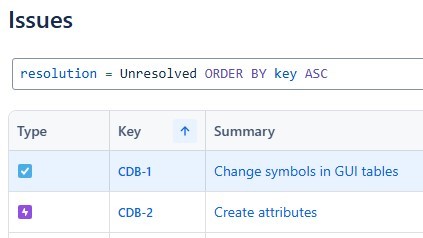
Hello, tech enthusiasts! Today, I’m diving into the world of Jira Query Language (JQL), a powerful feature that makes searching and filtering issues in Jira effortless. If you’ve ever struggled to find specific tasks or manage large projects, JQL is your solution. It allows you to create precise queries, saving time and improving visibility. In this guide, I’ll show you how Jira Query Language works and how it can simplify your workflow and project tracking.

Introduction to JIRA Query Language (JQL) Read More »

How to Create a Jira Issue in a Confluence Page

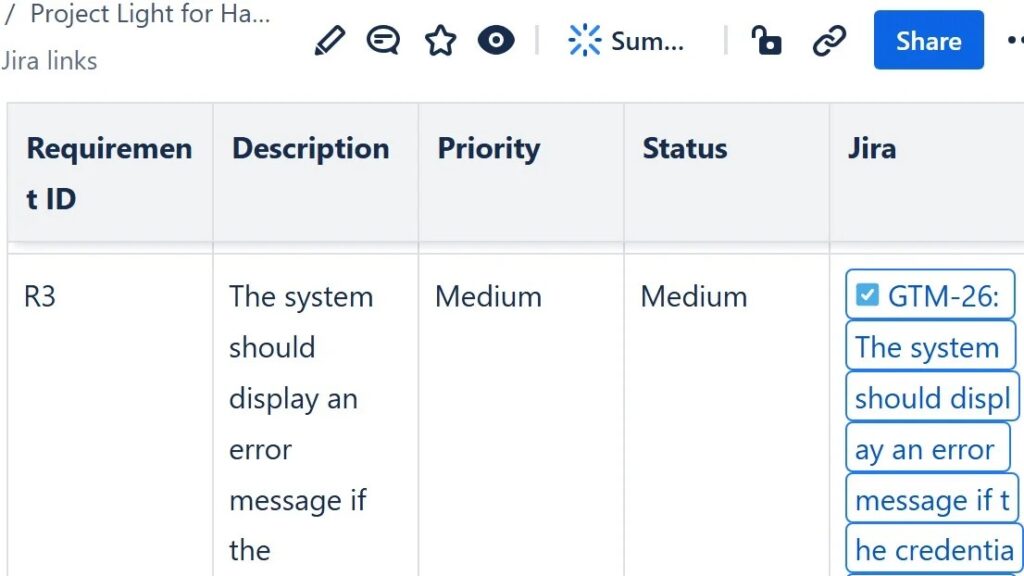
Creating a Jira issue in a Confluence page is a simple yet powerful way to connect documentation with task management. It helps you turn ideas, notes, or meeting outcomes into actionable items instantly. This integration keeps your team aligned and ensures nothing gets lost in the process. In this guide, I’ll walk you through the quick and efficient steps to create a Jira issue directly within Confluence and enhance your workflow.

How to Create a Jira Issue in a Confluence Page Read More »

How to Structure a Confluence Page for Requirements Validation

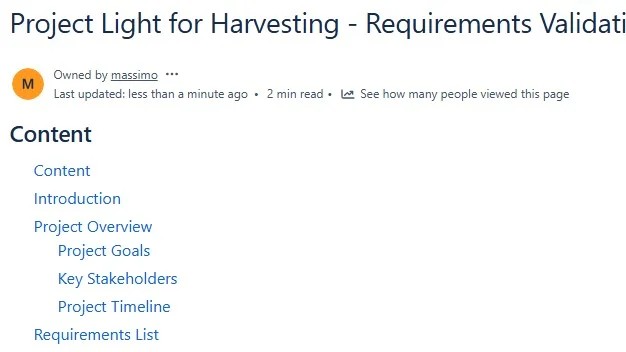
Using Confluence for requirements validation can greatly improve collaboration and clarity in software projects. It helps teams document, review, and validate requirements efficiently, keeping everyone aligned. In this guide, I’ll show you how to structure a Confluence page to support clear communication and streamlined validation. As a bonus, you’ll also learn how to integrate Jira with Confluence to strengthen your overall requirements management process.

How to Structure a Confluence Page for Requirements Validation Read More »

The Context Diagram

I often get asked, “What is a Context Diagram?” As a tech enthusiast, I love explaining it. A context diagram defines a system’s scope and shows what lies inside or outside its boundaries. It clarifies how the system interacts with external entities. While classic Structured Analysis diagrams are rare today, modern tools like UML use case or component diagrams can serve the same role, even simple tables if they include the essential elements.

The Context Diagram Read More »

What is Context Modeling?

As a requirements engineer and IT business analyst, I’ve often asked myself, what is context modeling and why does it matter so much? In essence, context modeling is about understanding the environment in which a system operates. It identifies external systems, interfaces, and human roles that interact with the system under development. When dealing with complex or critical projects, defining this context becomes vital for ensuring proper integration, clarity, and alignment across all stakeholders.

What is Context Modeling? Read More »

Understanding the Quality Criteria of Requirements Models

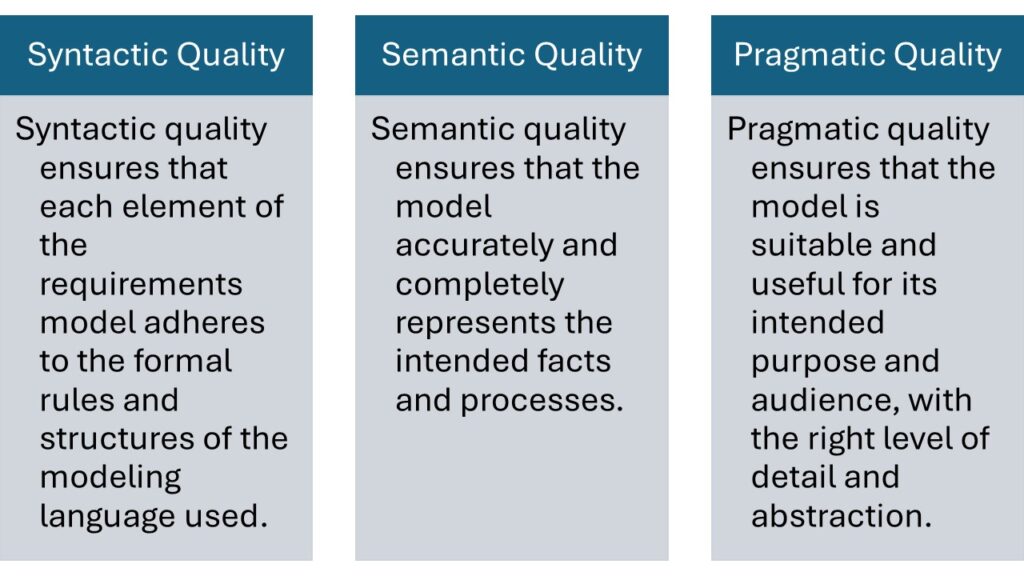
When I evaluate the quality criteria of requirements models, I concentrate on three essential dimensions: syntactic, semantic, and pragmatic quality. Each plays a distinct role in determining how clearly and effectively a model communicates information. Syntactic quality ensures correctness of structure, semantic quality secures meaningful content, and pragmatic quality guarantees usability and understanding. Together, they define the overall effectiveness and reliability of any requirements model.

Understanding the Quality Criteria of Requirements Models Read More »

How to Create a Filter in Jira: A Quick Guide

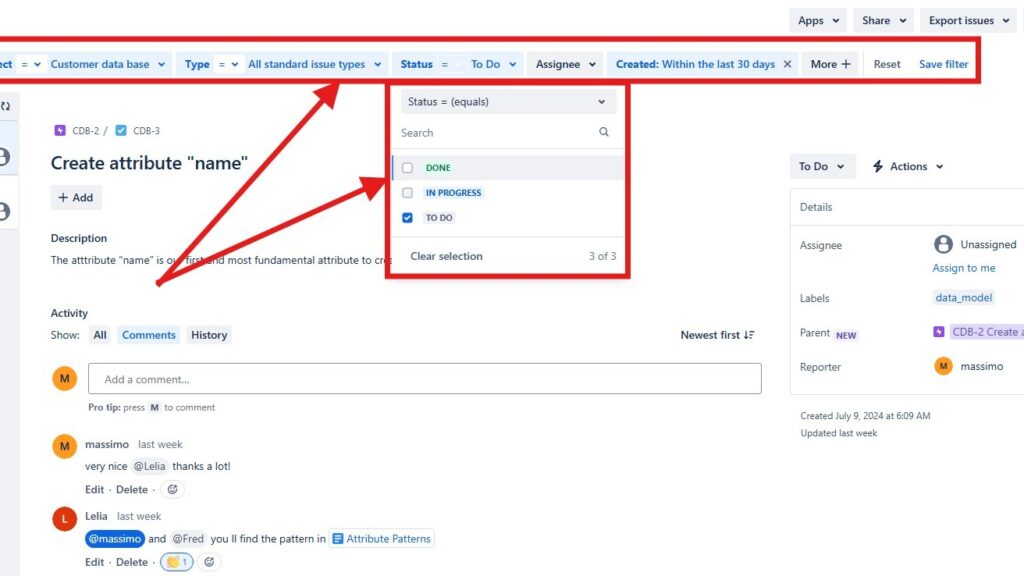
As a tech enthusiast, without a doubt I love diving into software management tools that make our lives easier. Hence, Jira is one of the best tools available. It’s a powerhouse for managing projects and tracking issues. One of my favorite features in Jira is the ability to create filters. Filters help me sort through the noise and focus on what’s important. Thus, if you want to know how to create a filter in Jira, you’re in the right place. With this purpose in mind learn in this article about how to create a filter in Jira.

How to Create a Filter in Jira: A Quick Guide Read More »

The Benefits of Requirements Modeling: Why I Swear by Diagrams

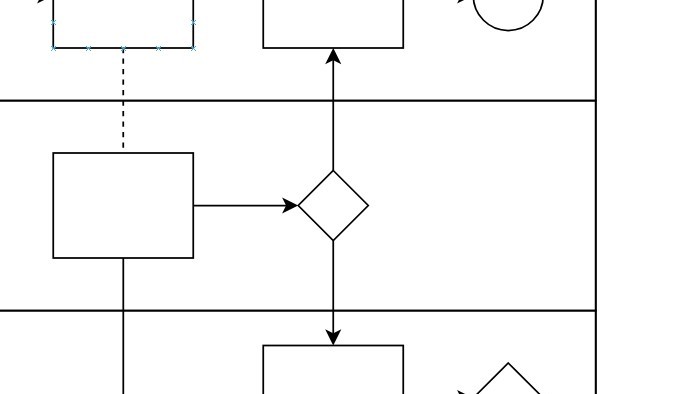
When I first began my career in tech, I focused almost entirely on textual specifications to define requirements. However, as projects grew more complex, I discovered the true benefits of requirements modeling through diagrams. They bring clarity, reveal relationships, and simplify communication across teams. Visualizing requirements not only enhances understanding but also reduces ambiguity and errors. That’s why I now consider diagrams an indispensable part of every successful requirements engineering process.

The Benefits of Requirements Modeling: Why I Swear by Diagrams Read More »

Introduction to Issues in Jira

As a tech enthusiast and frequent user of project management tools, I consider Jira one of the most powerful and flexible platforms available. A key part of Jira’s functionality is its “issues,” which represent tasks, bugs, or user stories within a project. Understanding how to manage them effectively can boost productivity and organization. In this Introduction to Issues in Jira, I’ll explain what issues are, how they work, and share best practices for using them efficiently.

Introduction to Issues in Jira Read More »

Exploring the Capabilities of Jira in Project Management

After years in the tech industry, I’ve seen many tools come and go, but Jira always stands out. Whether you’re a project manager or new to the field, you’ve likely heard of it. What makes Jira truly exceptional are the powerful capabilities of Jira that streamline workflows, improve collaboration, and boost productivity. In this guide, I’ll walk you through the key capabilities of Jira and show how it can transform the way you manage projects.

Exploring the Capabilities of Jira in Project Management Read More »

What is SysML?

As a requirements engineer and IT business analyst, I’ve always been intrigued by tools that simplify complex system management. One framework that truly stands out is SysML, the Systems Modeling Language. In this introduction to SysML, I’ll explain why it’s essential for bridging hardware and software development. I first used SysML on a project combining both domains, and it completely transformed how I handled system complexity, structure, and communication across all stakeholders.

What is SysML? Read More »

Scroll to Top
WordPress Cookie Plugin by Real Cookie Banner