Massimo

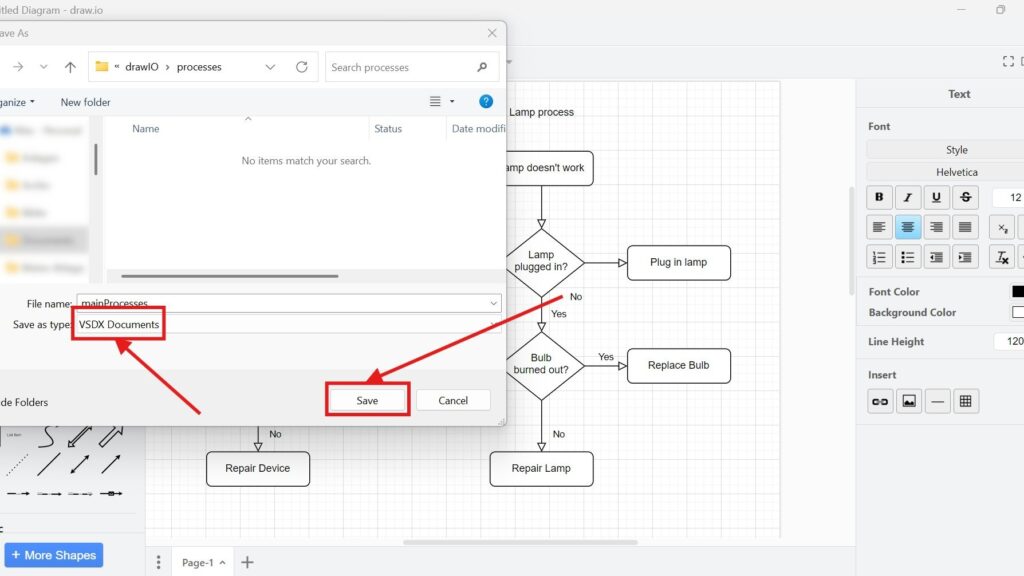
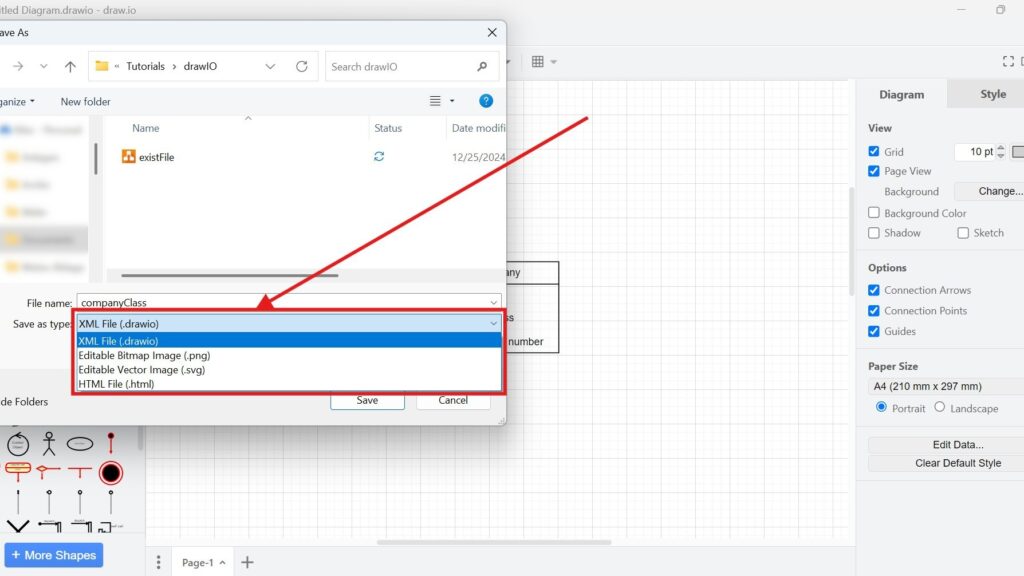
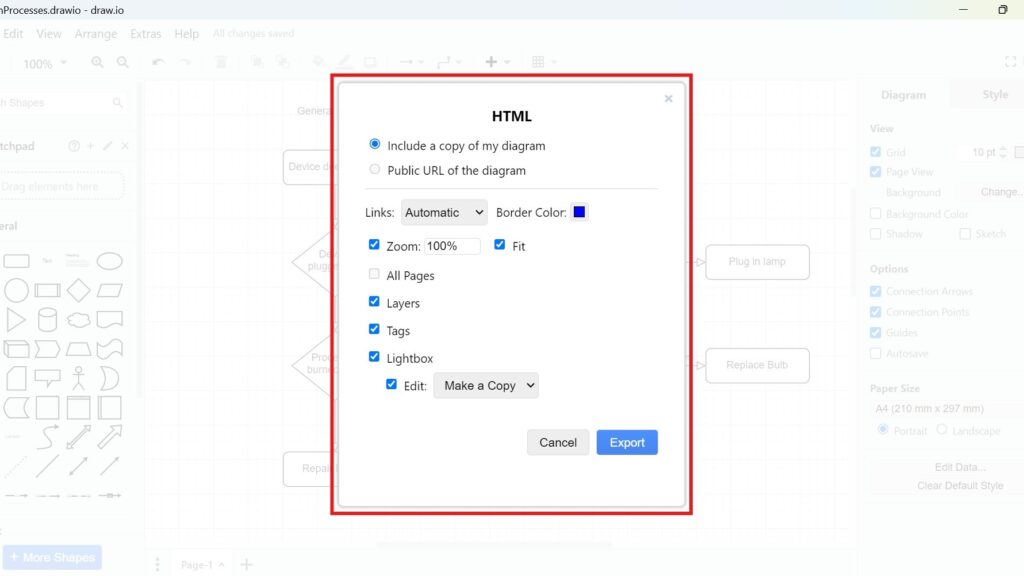
Windows “Save As” dialog with the “Save as type” dropdown open, showing options including “XML File (.drawio)” and others.

How to Save Files in draw.io

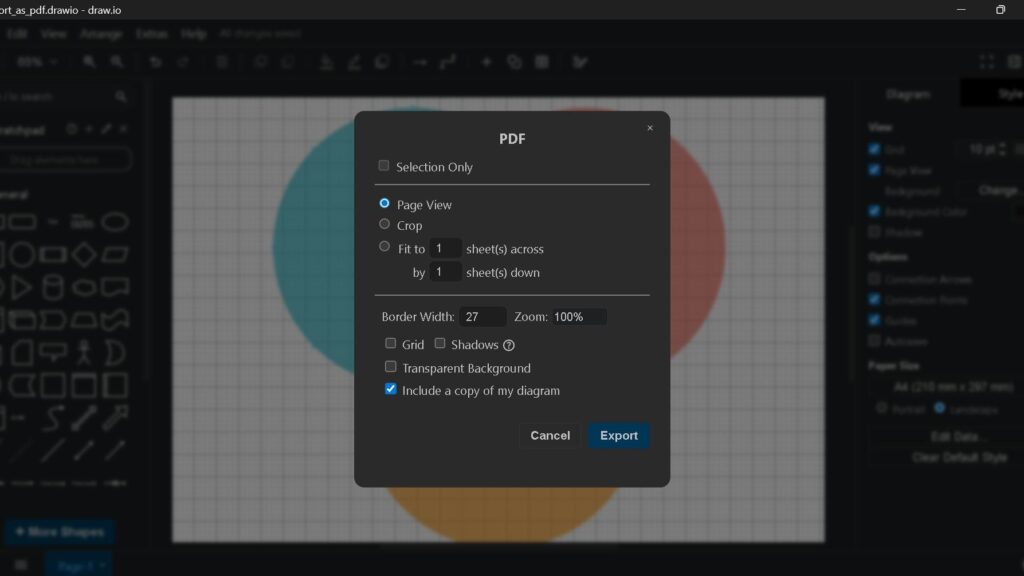
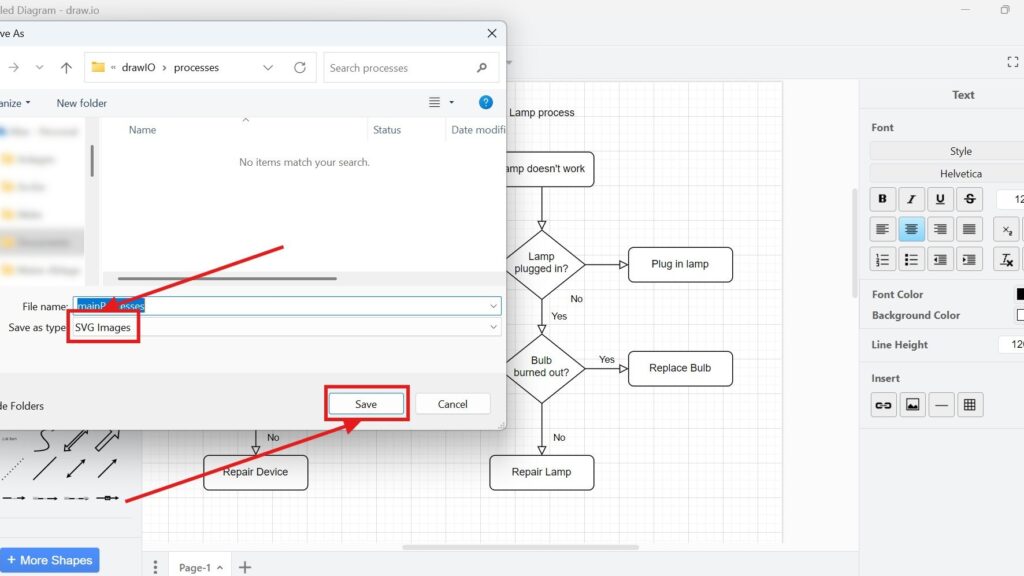
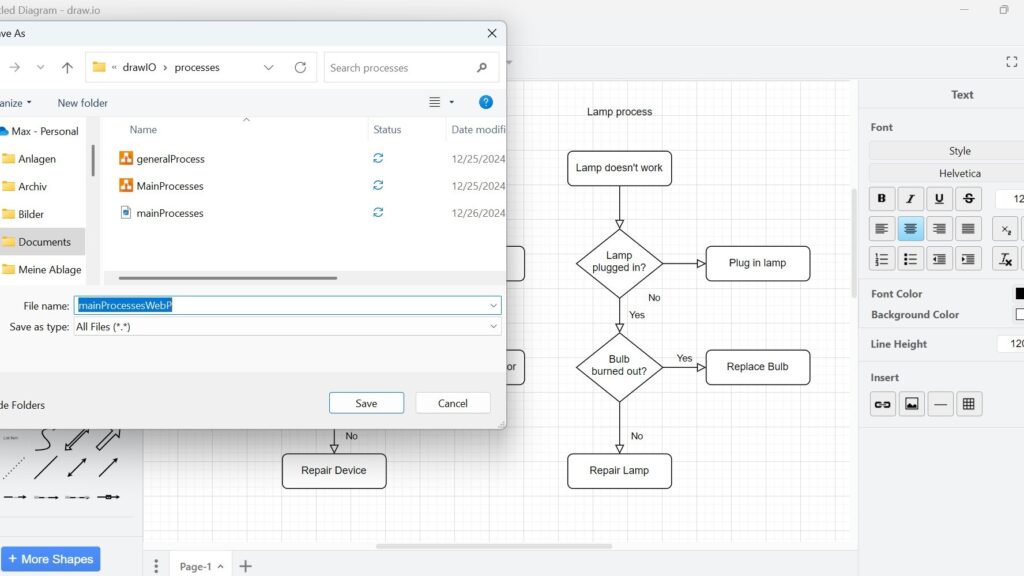
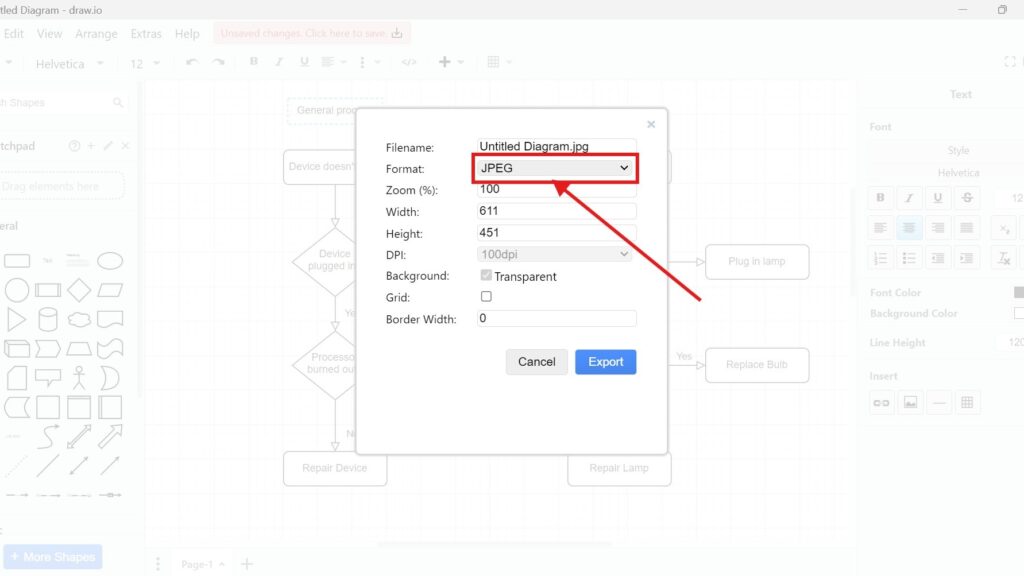
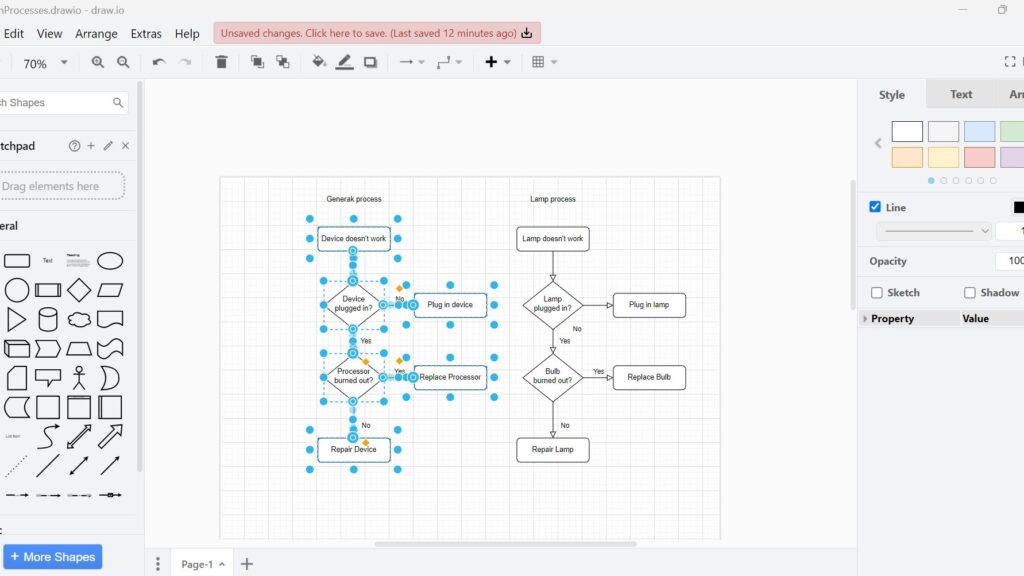
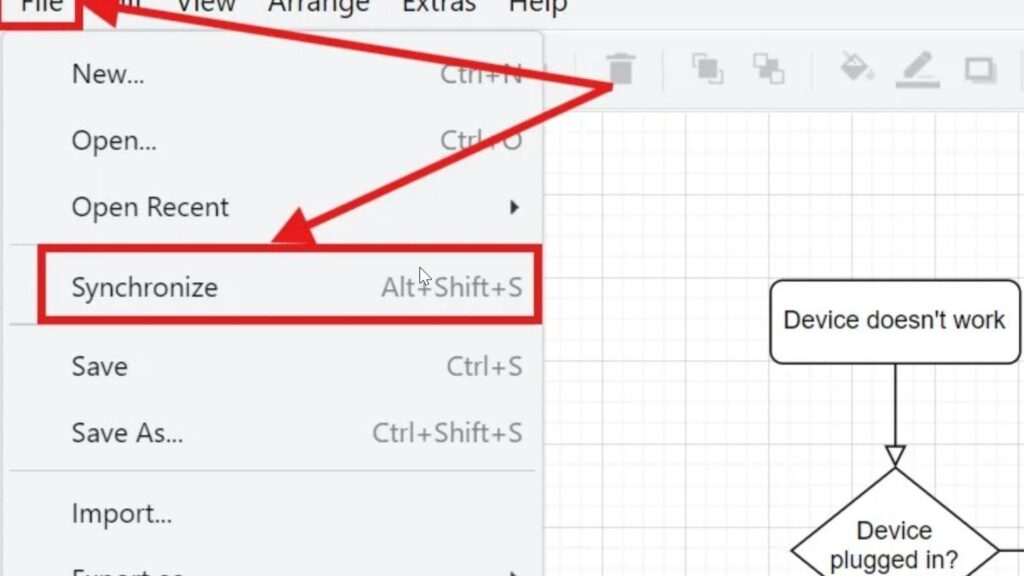
Saving my work in draw.io matters. I know how frustrating lost changes can feel. In this article, I explain How to Save Files in draw.io in a clear and practical way. You’ll learn where to save your diagrams, which options matter, and which formats help most. As a result, you can protect your work and continue later with confidence.

How to Save Files in draw.io Read More »

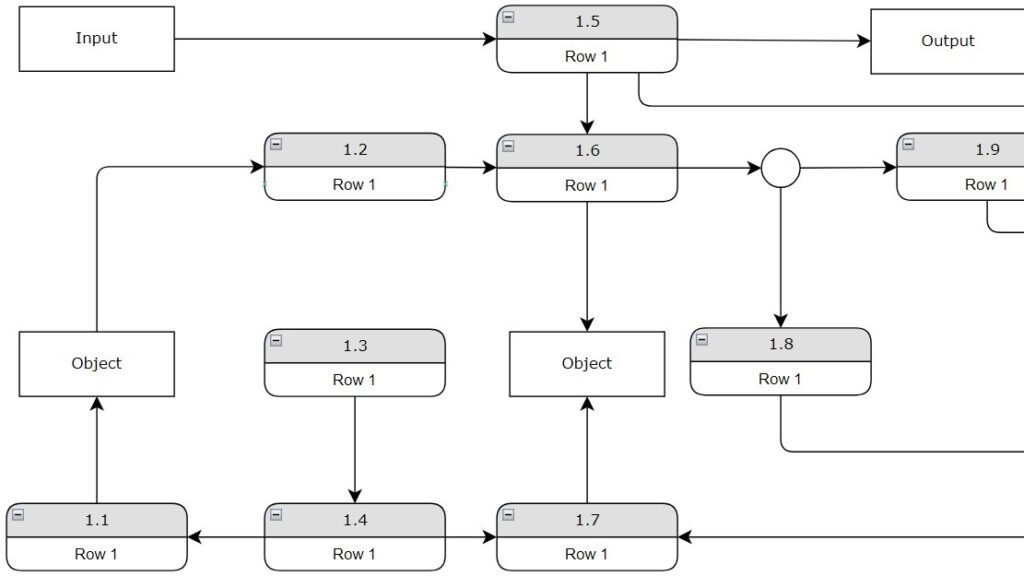
Flow diagram with boxes “Input,” “Output,” and “Object,” plus rounded steps labeled “1.1” to “1.9” each showing “Row 1.”

Requirements Modeling with Dynamic Views

When developing a system, understanding requirements is essential. It’s like constructing a house — the blueprint must come first. I’ve learned that dynamic views in requirements modeling are powerful for illustrating how a system behaves over time. They reveal interactions, processes, and reactions between components. By using dynamic views, we gain a deeper understanding of system logic and performance. Let’s explore how this approach brings models to life and connects design with real behavior.

Requirements Modeling with Dynamic Views Read More »

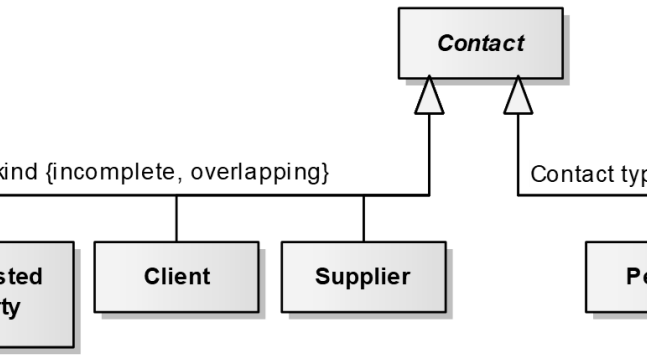
Cropped class diagram snippet with a box labeled “Contact” above boxes including “Client” and “Supplier”, plus text “kind {incomplete, overlapping}”.

Understanding UML Generalization and Specialization

UML (Unified Modeling Language) is a powerful tool for modeling complex systems, and one of its most useful concepts is UML generalization and specialization. These ideas help organize and simplify relationships by showing how broader classes can share common traits with more specific ones. In this article, I’ll explain how UML generalization and specialization work in practice, using clear examples and a real business case to make these concepts easy to understand and apply.

Understanding UML Generalization and Specialization Read More »

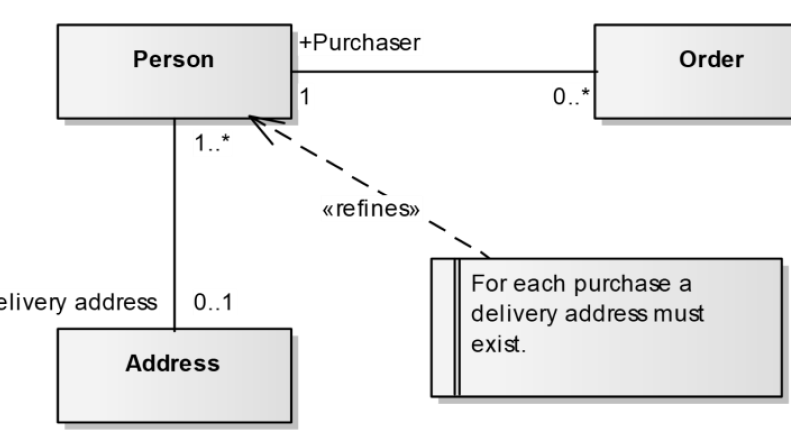
Cropped class diagram with “Person”, “Order”, and “Address”, multiplicities (1, 0.., 1.., 0..1), and a note saying “For each purchase a delivery address must exist.”

4 Practical Tips for UML Modeling – Making Your Diagrams Speak for Themselves

Creating UML diagrams can seem overwhelming at first, but with the right approach, it becomes much easier. In this article, I’ll share practical tips for UML modeling to help you create clear and meaningful diagrams. These tips for UML modeling focus on avoiding common mistakes, improving consistency, and enhancing communication across teams. By following them, you’ll gain confidence in turning complex ideas into structured visual models that truly represent your system.

4 Practical Tips for UML Modeling – Making Your Diagrams Speak for Themselves Read More »

Scroll to Top
WordPress Cookie Plugin by Real Cookie Banner