
Jira is more than a project tracking tool. For me as a Requirements Engineer, it’s a complete environment for managing tasks, requirements, and collaboration. It helps me plan, prioritize, and visualize progress — all in one place.
This section gathers all my articles about Jira. Each text guides me from the basics to advanced techniques, showing how to make Jira a key part of effective project management.
1. Getting Started with Jira
Before I can manage workflows, I need to understand the basics. Jira offers many features, but learning step by step makes it simple.
These articles help me start from scratch — from creating a project to building my first issues and learning how Jira structures work.

Dive in!
- How to Access Confluence and Jira for Free
- How to Create a Jira Issue: A Step-by-Step Guide
- How to Create a Project in Jira
- Introduction to Jira Projects: Streamline Your Workflow with Ease
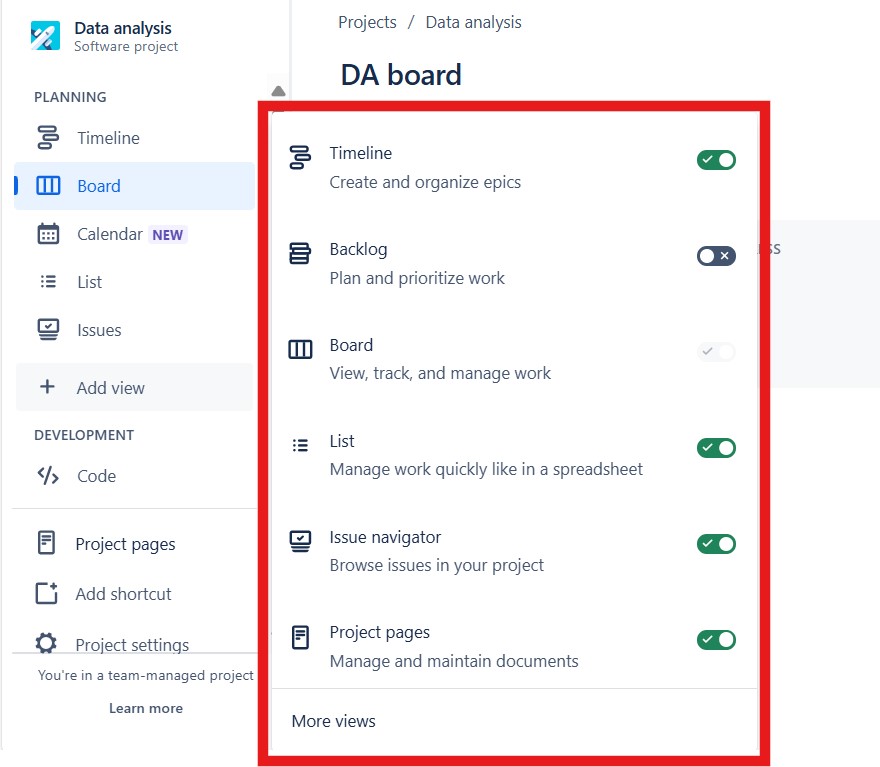
2. Productivity and Navigation
Jira becomes powerful when I know how to navigate it efficiently. Shortcuts, filters, and custom views make my work faster and clearer.
In these articles, I learn how to set up personalized views, use quick actions, and create filters that help me focus on what matters most.
Dive in!
- How to Use Shortcuts in Jira to Boost Your Productivity
- How to Create a New View in a Jira Project
- How to Create a Filter in Jira: A Quick Guide
3. Managing Issues and Tasks
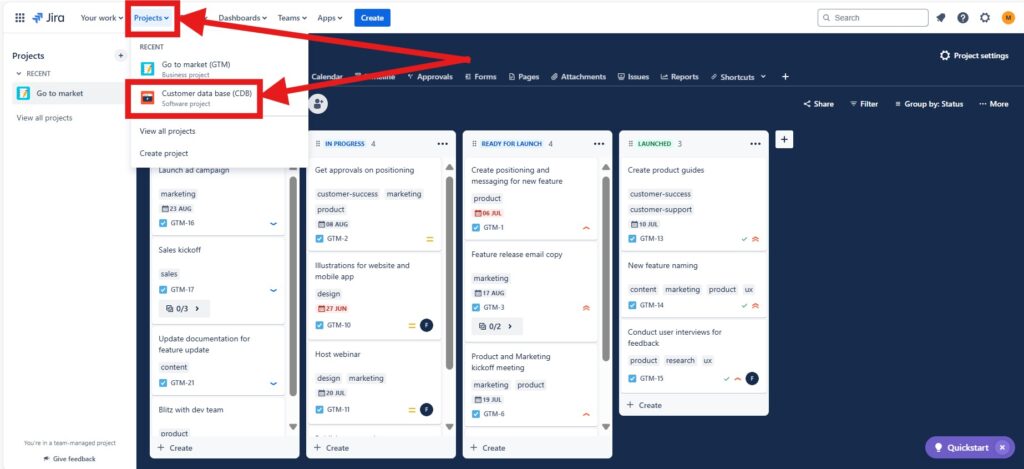
Issues are the core of every Jira project. They represent everything I need to do, track, and deliver.
These texts teach me how to create, manage, and connect issues. They also explain how to use Jira Query Language (JQL) for powerful searches and automation.
Dive in!
- Introduction to Issues in Jira
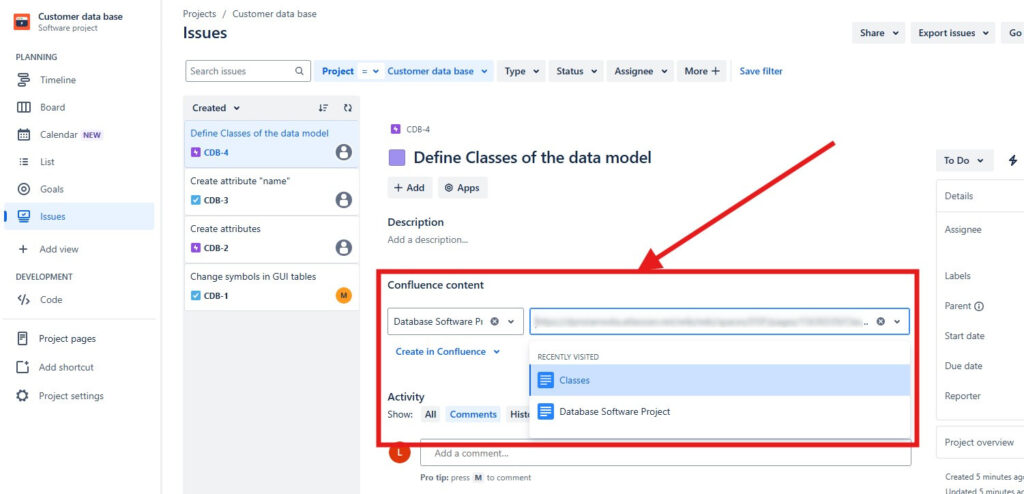
- How to Create a Jira Issue in a Confluence Page
- Introduction to JIRA Query Language (JQL)
4. Integration with Confluence
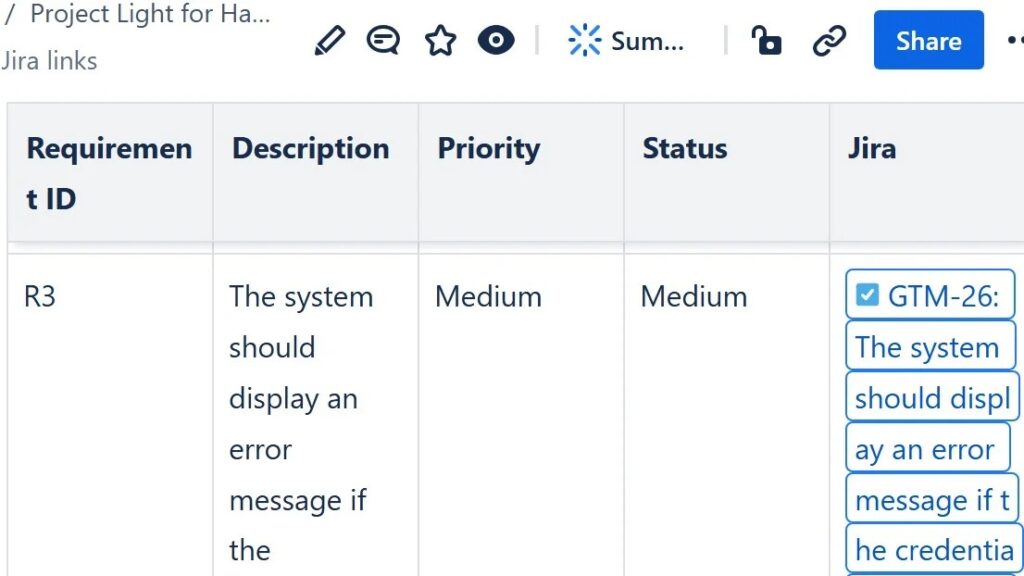
Jira and Confluence work best together. Integrating both tools connects documentation with execution — giving me a clear overview of every requirement, task, and outcome.
These articles show how to combine them effectively and how to build seamless collaboration between content and workflow.
Dive in!
- How to Structure a Confluence Page for Requirements Validation
- How to Create a Jira Issue in a Confluence Page
- Comparison of Confluence & Jira: A Comprehensive Guide
- How Do Confluence and Jira Differ?
5. Exploring Jira’s Capabilities
Once I know the basics, I can use Jira as a complete project management platform. It helps me align people, manage priorities, and measure progress visually.
These texts highlight Jira’s strengths in planning, coordination, and agile teamwork.
Dive in!
- Exploring the Capabilities of Jira in Project Management
- The Advantages of Using Jira: A Game Changer for Teams
- Why Should I Use Jira?
6. Advanced Techniques for Professionals
Jira offers deep functionality — automation, reporting, and customization. Advanced features save time and support data-driven decisions.
These articles teach me how to refine workflows, integrate automation, and use data to make better project decisions.
Dive in!
- Introduction to JIRA Query Language (JQL)
- How to Create a Filter in Jira: A Quick Guide
- Exploring the Capabilities of Jira in Project Management
Continue Your Journey
Jira empowers me to manage projects with precision and clarity. From tracking progress to integrating documentation, it helps me keep everything connected and transparent.
If you’re just getting started, begin with the essentials: How to Create a Project in Jira
It’s the perfect first step to understanding how Jira organizes your work.
Every other article on the Jira page expands on this foundation — from creating issues to integrating with Confluence.
Explore all Jira Articles and discover how to plan, track, and deliver projects with maximum efficiency.