All Confluence Articles

This page presents Confluence articles. Confluence is a versatile tool. It manages projects and documentation. Teams collaborate and edit simultaneously. Real-time updates reduce version issues. Spaces, pages, labels organize information. Integration with Jira enhances planning. Plugins extend features and adaptability. Strong search ensures quick retrieval. History tracks progress and changes. User-friendly design fosters sharing. Confluence strengthens workflows and communication.

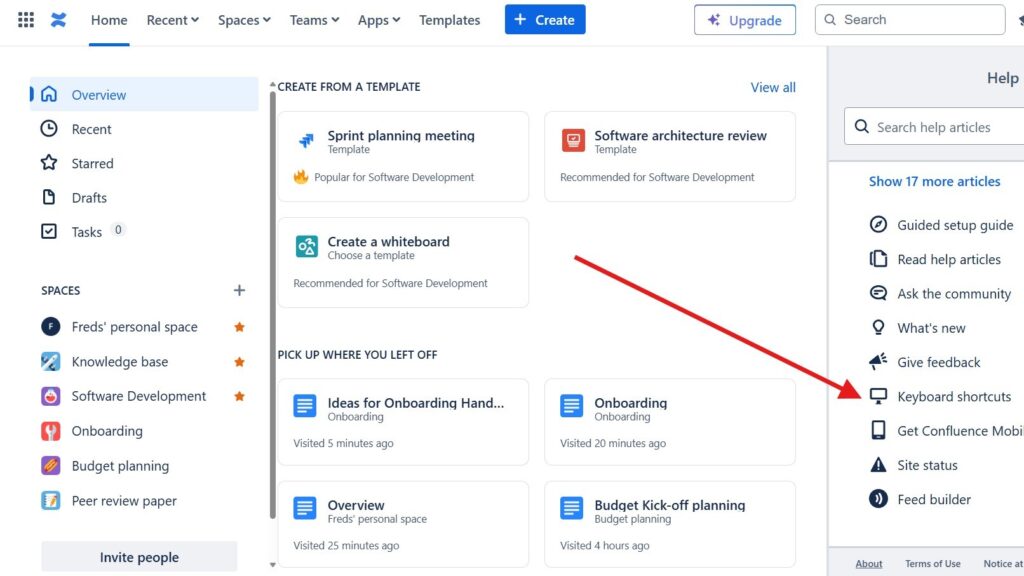
Page with a right-side “Help” panel open; a red arrow points to the “Keyboard shortcuts” option in the help list.

How to Use Shortcuts in Confluence

In the fast-paced world of digital teamwork, efficiency matters. Confluence shortcuts make your daily work faster and easier. They help you navigate pages, edit content, and manage tasks with minimal effort. By mastering Confluence shortcuts, you can streamline your workflow and save valuable time. In this guide, I’ll show you how to access the complete list of shortcuts directly within Confluence and boost your productivity like never before.

How to Use Shortcuts in Confluence Read More »
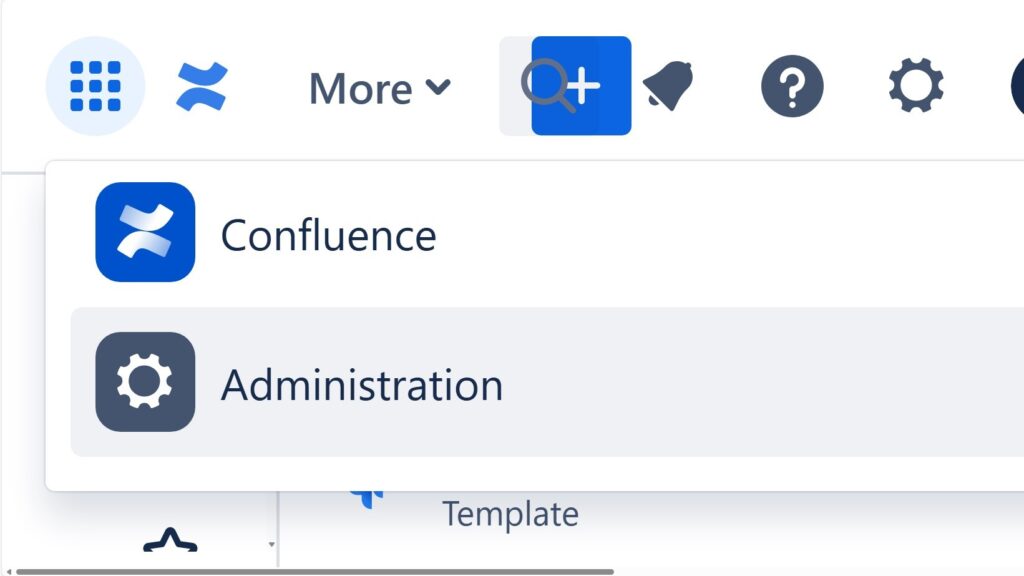
Cropped dropdown/menu showing “Confluence” and “Administration,” with “Administration” highlighted.

The Power of Confluence

The power of Confluence lies in its ability to connect people, projects, and knowledge in one central place. It serves as a unified hub for documentation, collaboration, and task management. This integration removes the need for separate tools, making teamwork more efficient. On the-requirements-engineer.com, I explore the power of Confluence in detail, showing how it streamlines workflows and enhances productivity across teams.

The Power of Confluence Read More »

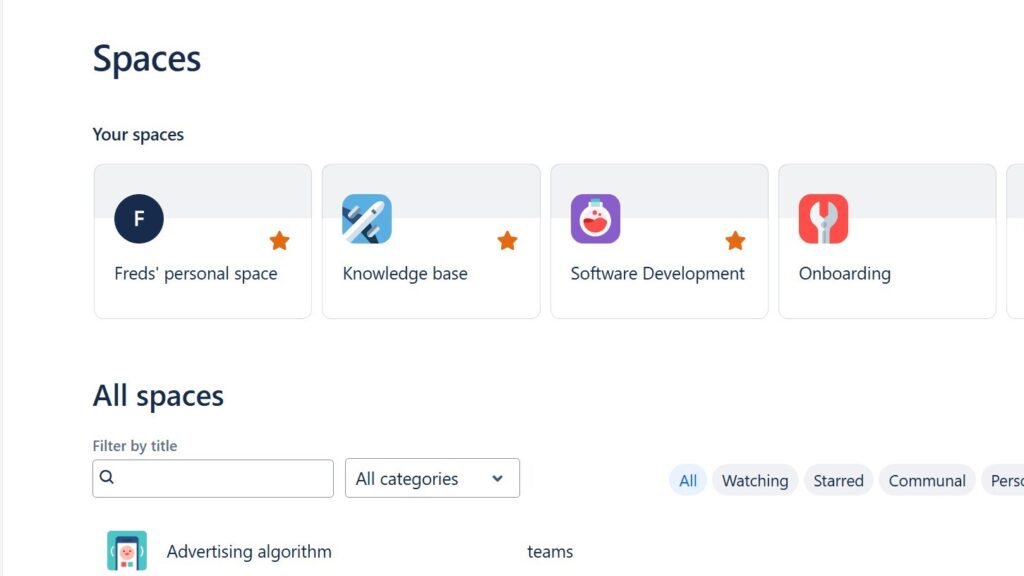
Confluence “Spaces” page showing “Your spaces” cards (Freds’ personal space, Knowledge base, Software Development, Onboarding) and an “All spaces” filter area.

How to Create a Space in Confluence

Learning how to create a Space in Confluence is an essential step for organizing your team’s work efficiently. A space functions as a container for pages, allowing you to group related content and collaborate with clarity. Whether it’s for a project, department, or topic, spaces help structure information and keep communication streamlined. Follow this step-by-step guide to easily set up your own space and start building a productive collaborative environment.

How to Create a Space in Confluence Read More »

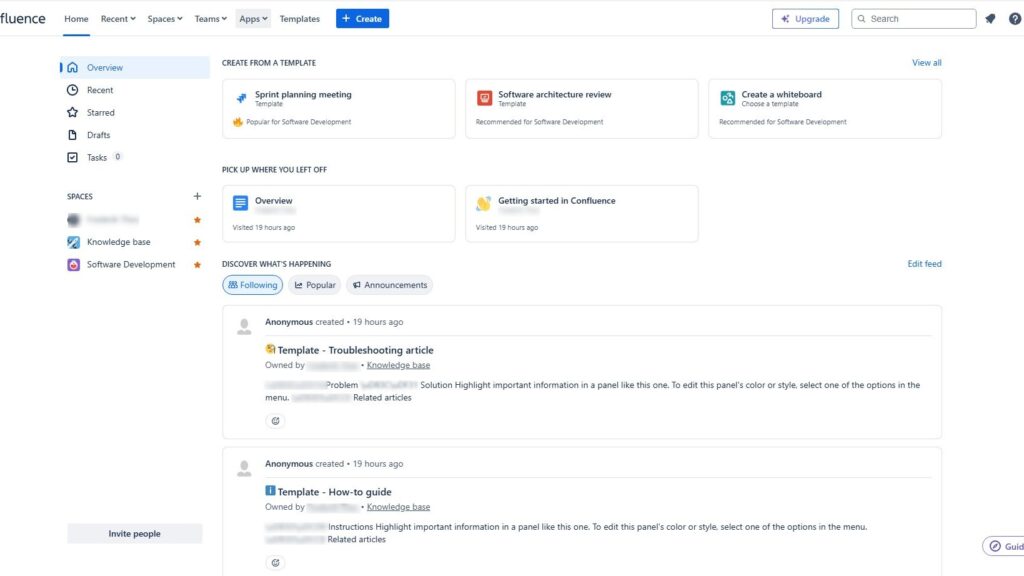
Confluence home dashboard with left navigation (Overview, Recent, Starred, Drafts, Tasks), template cards at the top, and an activity feed below.

The Confluence Dashboard

The introduction to the Confluence Dashboard begins with understanding it as your central workspace. It’s the main hub where you find updates, general information, and navigation to all other areas. The dashboard helps teams collaborate efficiently and stay aligned. For new members, it’s the first point of contact — a space that sets the tone for teamwork. That’s why creating a clear, well-structured, and welcoming dashboard is essential for successful collaboration.

The Confluence Dashboard Read More »

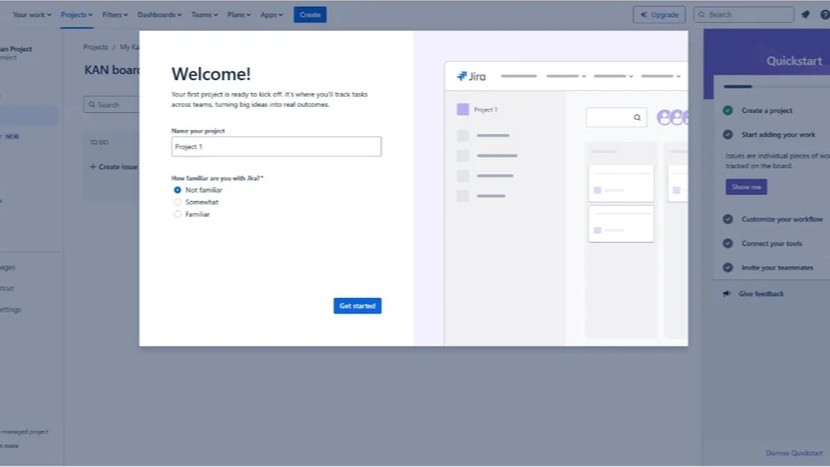
Jira screen with a centered “Welcome!” dialog to name a project and a right-side “Quickstart” panel listing setup steps.

How to Access Confluence and Jira for Free

Jira and Confluence are powerful Atlassian tools that simplify project management and boost collaboration. Confluence helps teams collect, organize, and share knowledge effectively, while Jira streamlines communication through clear, trackable tickets. Together, they create harmony between documentation and teamwork. In this guide, you’ll learn how to access Confluence and Jira for free and start improving your project efficiency right away.

How to Access Confluence and Jira for Free Read More »

Scroll to Top
WordPress Cookie Plugin by Real Cookie Banner