Massimo

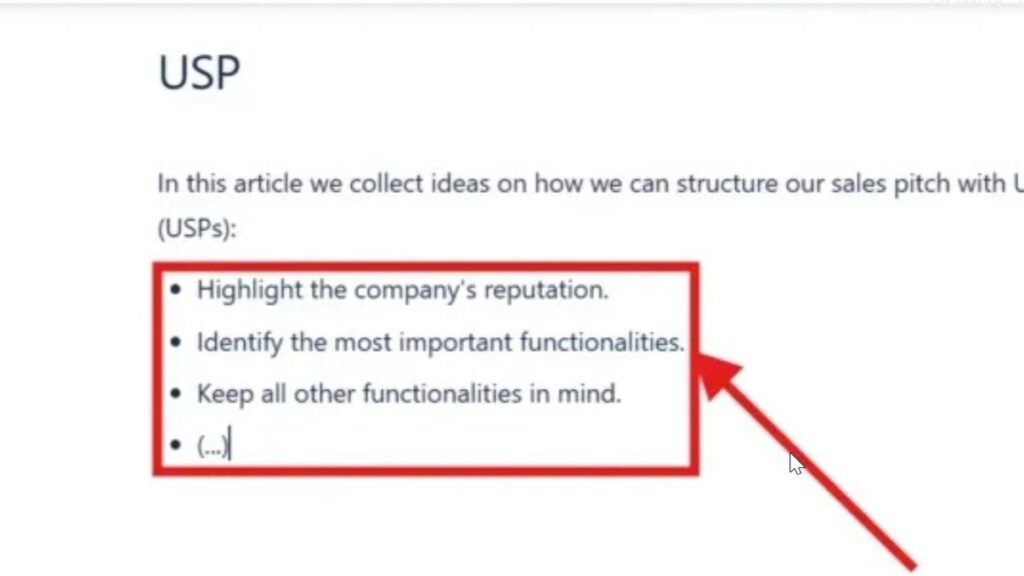
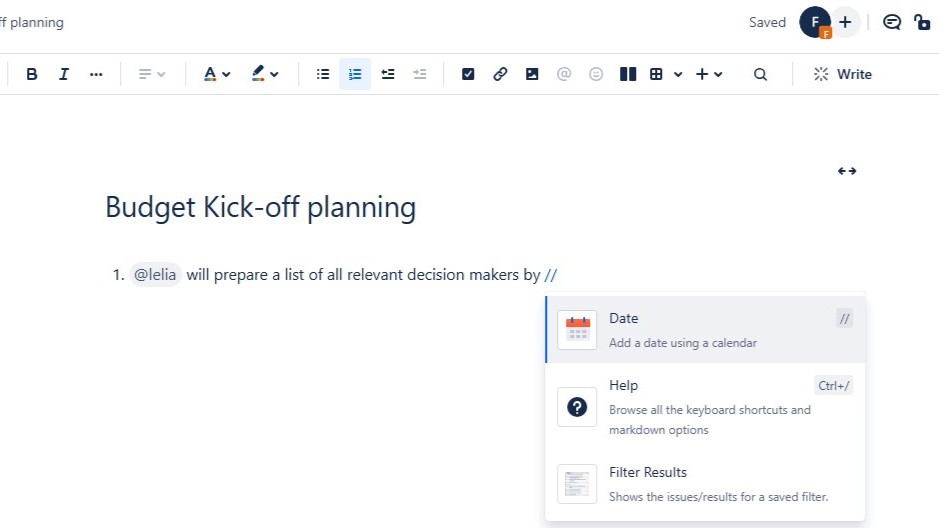
Zoomed-in bullet list inside a red rectangle with an arrow pointing at the list items.

How to Make Lists in Confluence

Confluence helps me organize team information in a clear way. When I make lists in Confluence, I can structure steps, ideas, tasks, and key points so readers understand them faster. Bullet lists and numbered lists make pages easier to scan. In this guide, I show you how to create lists and use simple shortcuts for cleaner documentation.

How to Make Lists in Confluence Read More »
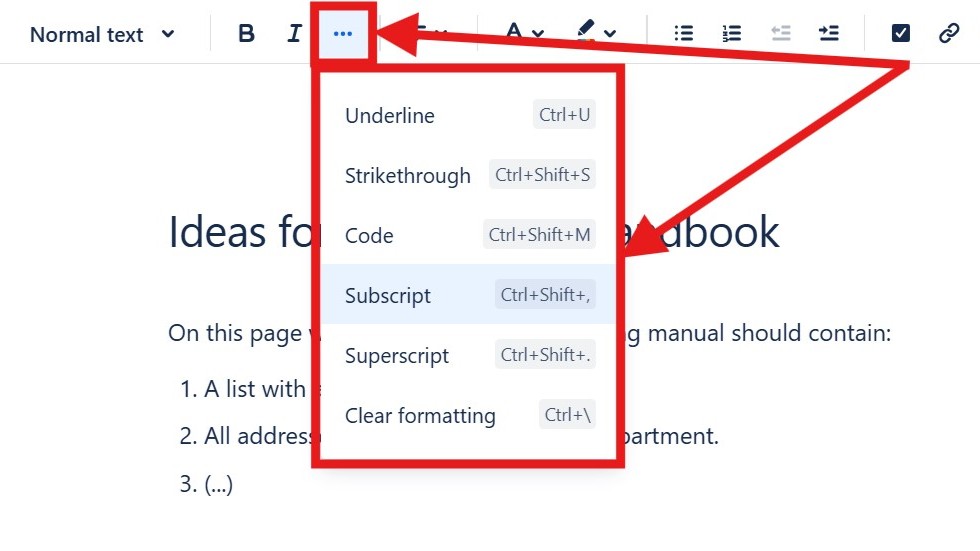
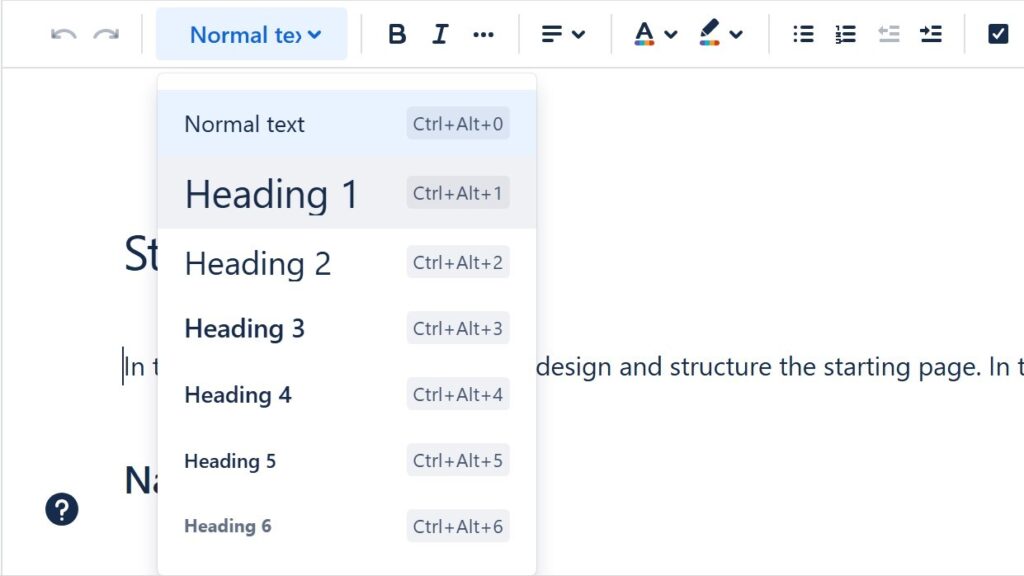
Editor “more options” menu open showing “Underline,” “Strikethrough,” “Code,” “Subscript,” “Superscript,” and “Clear formatting.”

How to Format Text in Confluence

Confluence helps me create clear and professional team pages. When I know how to format text in Confluence, I can structure information, highlight key points, and improve readability. Formatting also helps readers scan content faster and understand important details. In this guide, I show you the essential options and shortcuts for cleaner Confluence pages.

How to Format Text in Confluence Read More »

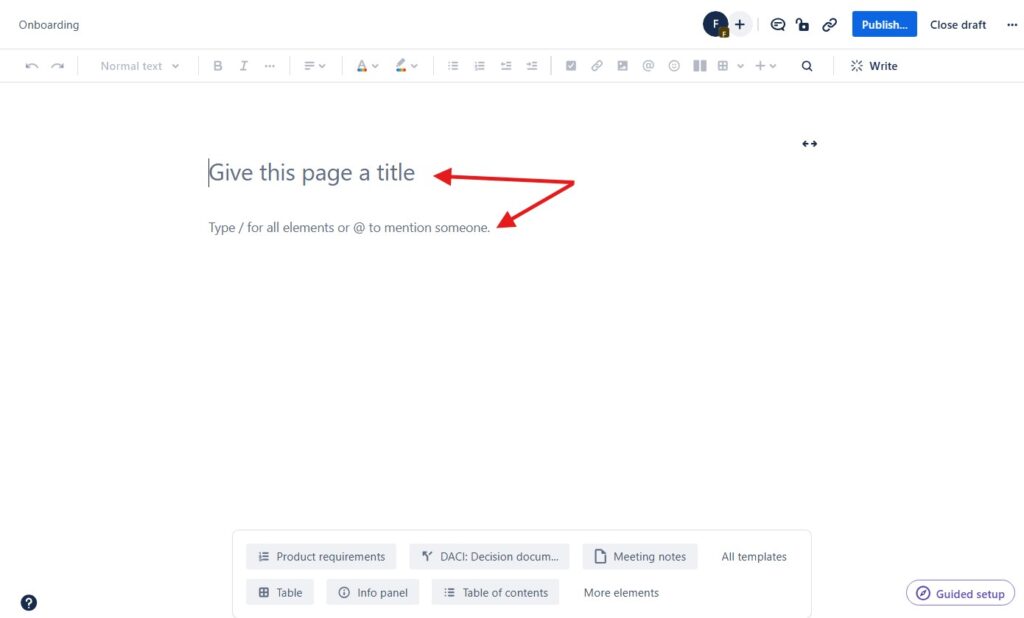
Blank page editor with the placeholder text “Give this page a title,” marked by red arrows.

How to Create a Confluence Page

Learning how to create a Confluence page is easy, but a few tips make the process smoother. I use Confluence to document projects, coordinate teams, and structure knowledge clearly. Therefore, a good page needs more than text. It needs purpose, order, and readability. In this guide, I show you how to create useful pages and improve collaboration.

How to Create a Confluence Page Read More »

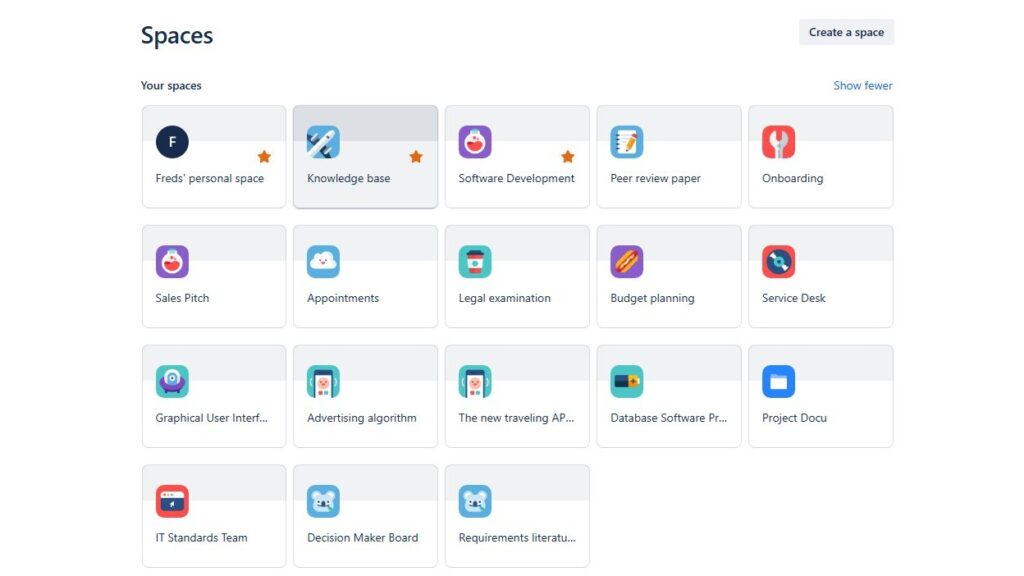
“Spaces” overview grid showing multiple space tiles such as “Freds’ personal space,” “Knowledge base,” “Software Development,” and “Onboarding.”

Spaces in Confluence

In this introduction to confluence spaces, I explain how spaces help teams organize work in Confluence. Spaces give each project, team, or topic a clear home. As a result, I can create, share, and manage content with less confusion. They support better structure, smoother collaboration, and easier access to important knowledge.

Spaces in Confluence Read More »

Requirements Determination from Existing Systems: A Key to Successful Software Development

In today’s software world, clear documentation of what people need is crucial. Yet, we often overlook old systems and past solutions that still hold valuable insights. These legacy systems can reveal what works well and what causes trouble. By studying them, we gain ideas that improve new projects. In this article, you’ll learn more about requirements determination from existing systems and how it leads to smarter software development.

Requirements Determination from Existing Systems: A Key to Successful Software Development Read More »

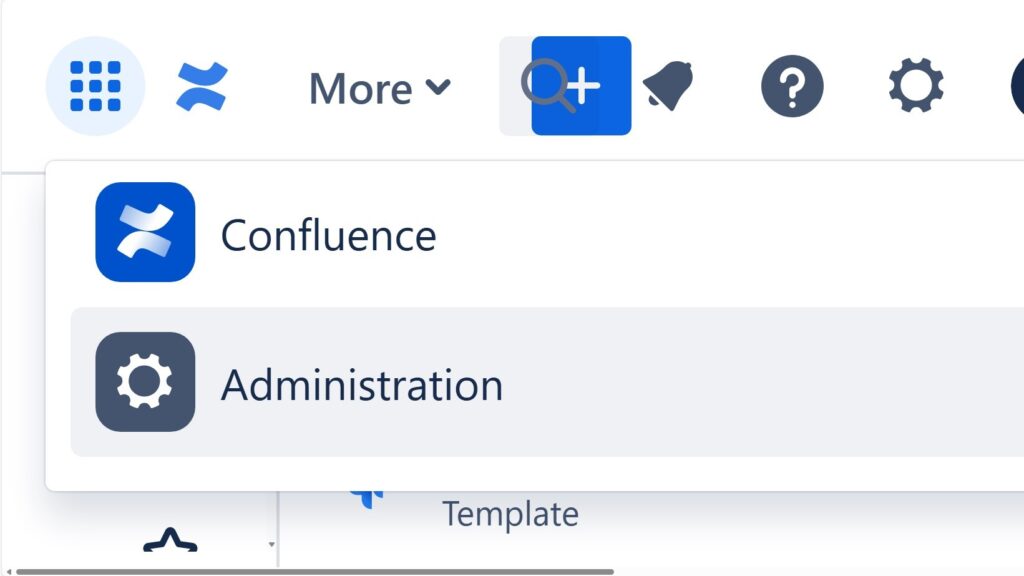
Cropped dropdown/menu showing “Confluence” and “Administration,” with “Administration” highlighted.

What Confluence Can Do for Team Collaboration and Knowledge Sharing

The power of confluence helps me turn scattered project knowledge into one reliable workspace. I use Confluence to document decisions, requirements, meeting notes, risks, and tasks in a clear structure. Therefore, my team finds facts faster, avoids repeated questions, and works with shared context. In this article, I show how Confluence supports collaboration, project documentation, requirements engineering, and transparent knowledge management.

What Confluence Can Do for Team Collaboration and Knowledge Sharing Read More »

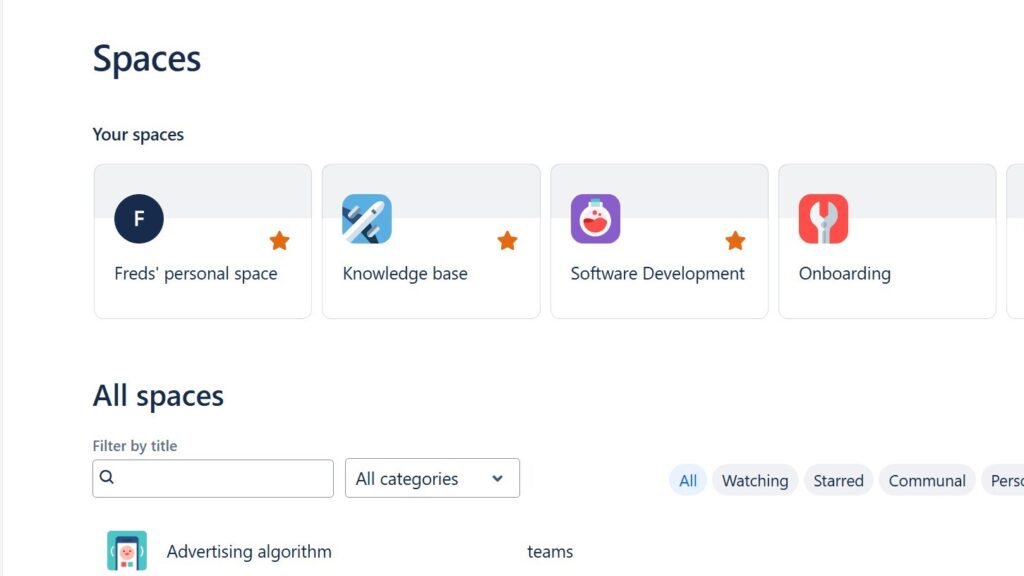
Confluence “Spaces” page showing “Your spaces” cards (Freds’ personal space, Knowledge base, Software Development, Onboarding) and an “All spaces” filter area.

How to Create a Space in Confluence

Learning how to create a Space in Confluence helps me organize team content with clarity. A space works as a home for related pages, projects, departments, or topics. As a result, I can structure information, reduce confusion, and support smoother collaboration. In this guide, I show you the steps to set up a useful Confluence space.

How to Create a Space in Confluence Read More »

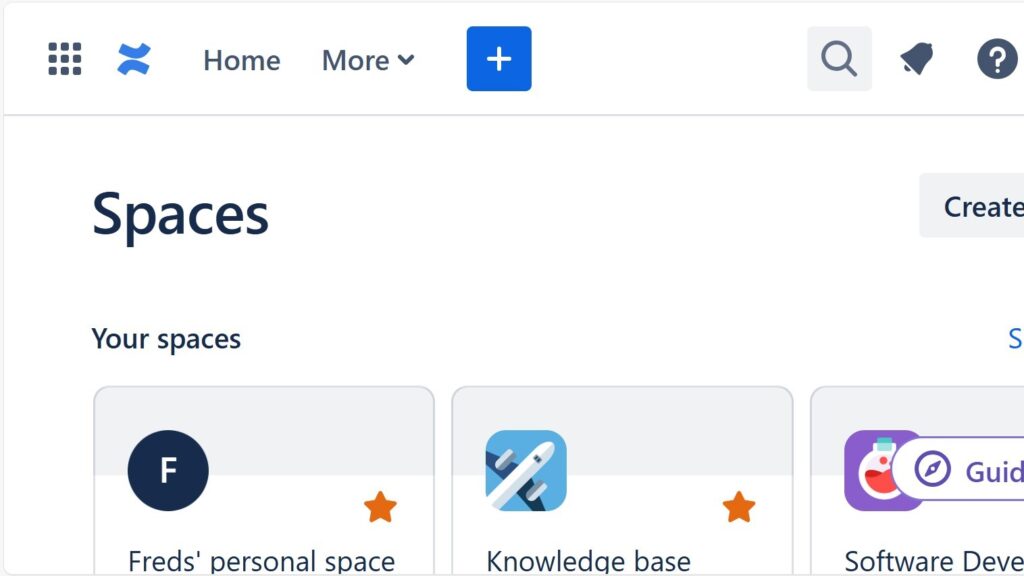
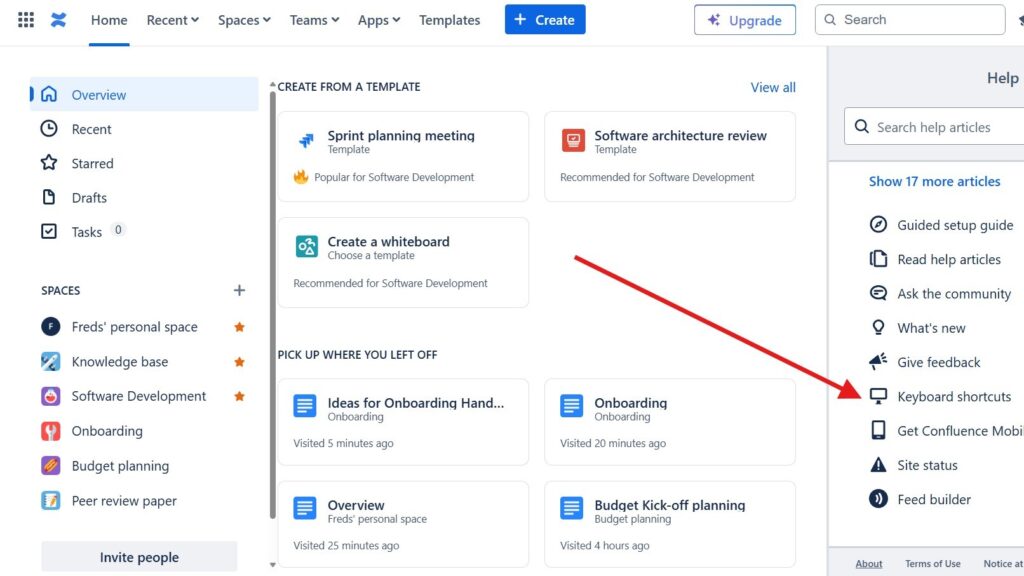
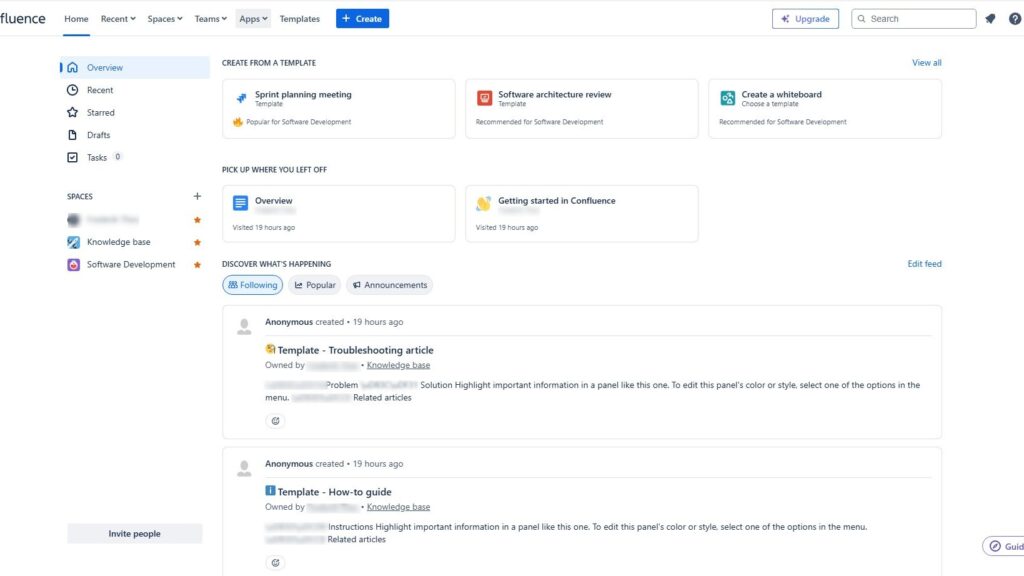
Confluence home dashboard with left navigation (Overview, Recent, Starred, Drafts, Tasks), template cards at the top, and an activity feed below.

The Confluence Dashboard

This introduction confluence dashboard guide shows the dashboard as your central workspace. It helps you find updates, key information, spaces, pages, and navigation in one place. As a result, teams stay aligned and new members get a clear first impression. A well-structured dashboard supports better collaboration from the start.

The Confluence Dashboard Read More »

Building and Maintaining Stakeholder Lists for Complex IT Projects

In complex business projects, stakeholder lists in requirements engineering help me identify everyone who can influence the system. I document customers, users, suppliers, teams, experts, decision makers, and affected groups. Therefore, I avoid gaps, manage expectations, and create shared clarity. In addition, I see interests, responsibilities, risks, and knowledge sources early. As a result, I build stronger requirements and guide the project with better information from the start from day one.

Building and Maintaining Stakeholder Lists for Complex IT Projects Read More »

Personas in Requirements Engineering and IT business analysis

When we build computer programs, they must fit the needs of the people who use them. Yet, it is often hard to speak with every future user directly. To solve this, we use imaginary but realistic characters that represent typical users. These characters help us understand goals, behaviors, and expectations. They make requirements clearer and more user-focused. In this article, you discover more about personas in requirements engineering.

Personas in Requirements Engineering and IT business analysis Read More »

Managing Stakeholder Roles and Communication in Requirements Engineering

Stakeholders in requirements engineering help me identify everyone who affects, uses, funds, supports, or accepts a system. I involve them early because they reveal goals, risks, constraints, conflicts, and hidden needs. Therefore, stakeholder work gives my requirements a clear business context. It also helps me avoid wrong assumptions and late rework. As a result, I create requirements that support real decisions, real users, and successful software projects.

Managing Stakeholder Roles and Communication in Requirements Engineering Read More »

Scroll to Top
WordPress Cookie Plugin by Real Cookie Banner