
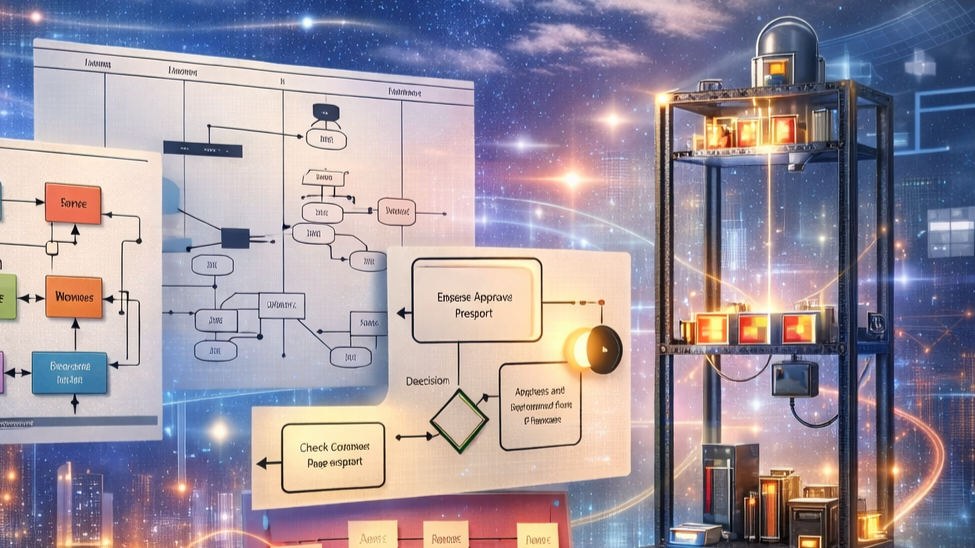
I define a Data Flow Diagram (DFD) as a visual model that shows how data moves through a system. I use the abbreviation DFD. First, I map the main elements. These include processes or functions. Then, I add data stores. Next, I draw data flows between items. Finally, I place external entities, called sources or sinks, at the boundary.
I use DFDs to model requirements from a data-oriented view. For example, I show inputs, outputs, and intermediate results. In addition, I show how external actors provide data to the system. Moreover, I model how the system sends data back to actors. Therefore, DFDs help me define interfaces. As a result, teams can agree on what data moves where.
I follow a basic rule. I show all input and all output data on the diagram. Because of that rule, I capture causal dependencies. For instance, a function can only execute when its inputs exist. However, I do not show explicit sequences of function execution in a DFD. Instead, I model sequence separately. For example, I pair DFDs with state transition diagrams or activity diagrams when I need order. Conversely, I keep the DFD focused on data and functionality. Otherwise, the diagram can become complex and hard to read.
I work with four core symbols. First, I use circles or boxes for processes. Second, I use open-ended rectangles for data stores. Third, I use arrows for data flows. Fourth, I use squares or terminators for external entities. In particular, I label each arrow with the name of the data. In addition, I give each process a clear name that starts with a verb. Thus, I maintain clarity and traceability.
I apply DFDs at different levels. First, I create a context diagram that shows the system as a single process. Next, I refine by creating levelled DFDs that break the system into sub-processes. Then, I detail data stores and flows. For example, when I model a navigation system, I show sensors as sources, functions like Calculate Route, and outputs such as Suggested Route.
I note the relationship to other models. For example, I can express data flow thinking in UML activity diagrams. Likewise, I can express linear processes with DFDs. Moreover, SysML block diagrams can show similar context information. However, some methods like Petri nets combine data and control flows. In that case, diagrams grow complex. Therefore, I avoid mixing too many concerns in one diagram.
I list practical tips. First, I keep diagrams simple at high levels. Second, I avoid showing terminators if the context already lists them. Third, I document the semantics of each element. Fourth, I review the diagram with stakeholders for correctness. Finally, I complement DFDs with state machines or sequence diagrams when I need timing or order.
I recommend DFDs when you want to clarify data movement, interfaces, and functional requirements. Yet, I warn that DFDs do not express control flow or timing by themselves. Therefore, use them together with other models for a full requirements view.
« Back to Glossary Index