
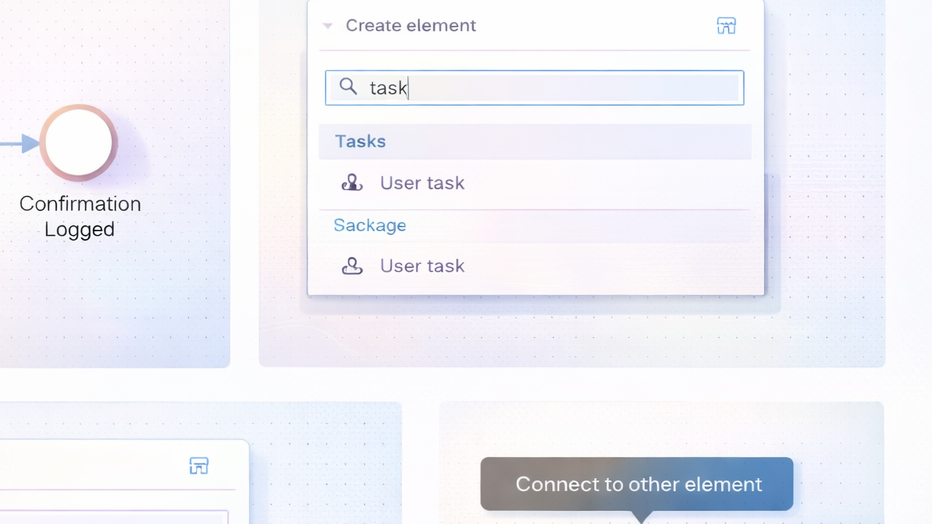
I use activity diagrams to model the control flow of actions in a system. Therefore, I start with a clear goal. Next, I identify the use case or system function to describe. Then, I draw a start node. After that, I add activities. Also, I add the end node. In addition, I show the control flow between the activities. That is how I use an activity diagram.
I model decisions with decision nodes. For example, I show branches with labeled guards. Moreover, I show parallel work with fork and join bars. Thus, I express concurrent processing. Consequently, readers understand which activities can run at the same time. Furthermore, I include synchronization when processes must wait for each other.
I represent data and objects when needed. Specifically, I add object nodes or pins to show inputs and outputs. For example, I show that the activity “Calculate Route” receives “Maps” and “Traffic messages”. Also, I mark data store accesses when the activity reads or writes stored data. However, I do not always show every data detail. Instead, I keep the diagram useful for communication. In contrast, I document full data definitions in the information structure models. Therefore, I use supplementary activity descriptions to reach completeness.
I link activity diagrams to use cases. First, I derive the main process steps from the use case flow. Then, I refine these steps into system functions. Next, I model the control flow of those functions with the activity diagram. Also, I show data dependencies between functions and actors where relevant. As a result, I create a clear bridge between user-level requirements and detailed system behavior.
I compare activity diagrams with data flow diagrams. Although both can show flows, I focus activity diagrams on control flow. Meanwhile, data flow diagrams focus on the movement of data between processes and stores. Therefore, I use activity diagrams when I want to express sequencing, decisions, and concurrency. Conversely, I use data flow diagrams when I must emphasize complete and consistent data movement.
I mention that UML activity diagrams support responsibility modeling. For example, I use swimlanes to assign actions to actors or system components. Likewise, I use partitions to highlight areas of responsibility. Moreover, I label actions clearly so stakeholders can read the flow quickly. Thus, I improve communication between analysts, developers, and users.
I follow a simple notation. First, I use rounded rectangles for activities. Next, I use filled circles for start nodes. Then, I use rings for end nodes. In addition, I use diamonds for decisions. Also, I use bars for forks and joins. Specifically, I add pins on activity borders to indicate inputs and outputs. Consequently, the diagram stays readable and consistent.
I keep diagrams concise. Therefore, I split complex flows into smaller diagrams. For example, I create one diagram per use case scenario or system function. Furthermore, I link diagrams to detailed specifications. Finally, I validate the diagrams with stakeholders. As a result, I ensure the model reflects real requirements and supports implementation.
« Back to Glossary Index