

Event Management in ITIL Service Operations helps me keep digital services stable and reliable. It focuses on detecting, analyzing, and responding to events that affect performance. As part of ITIL, it supports business goals, improves efficiency, and reduces service risks. In this post, I’ll explain how event management works and why it matters for smooth IT operations.
What Is ITIL Event Management?
I use ITIL Event Management to identify changes that matter for an IT service or configuration item.
An event can describe normal operation. However, it can also warn me about a developing problem or indicate a failure.
For example:
- a backup completes successfully
- disk usage reaches a defined threshold
- a payment transaction becomes unusually slow
- a server becomes unavailable
- a security system detects suspicious activity
An event becomes important when its significance requires information, assessment, or action.
Therefore, I do not treat every technical message as an incident.
Monitoring vs. Event Management
Monitoring and event management work together. However, they have different purposes.
Monitoring continuously observes services and configuration items. For example, I may track availability, capacity, response time, or transaction performance.
Event management focuses on meaningful changes that monitoring or technical components detect.
For example, monitoring may continuously measure database capacity. If usage exceeds a threshold, the system creates an event. I can then assess its significance and trigger the correct response.
Monitoring shows me what is happening, while event management helps me decide what I need to do about it.
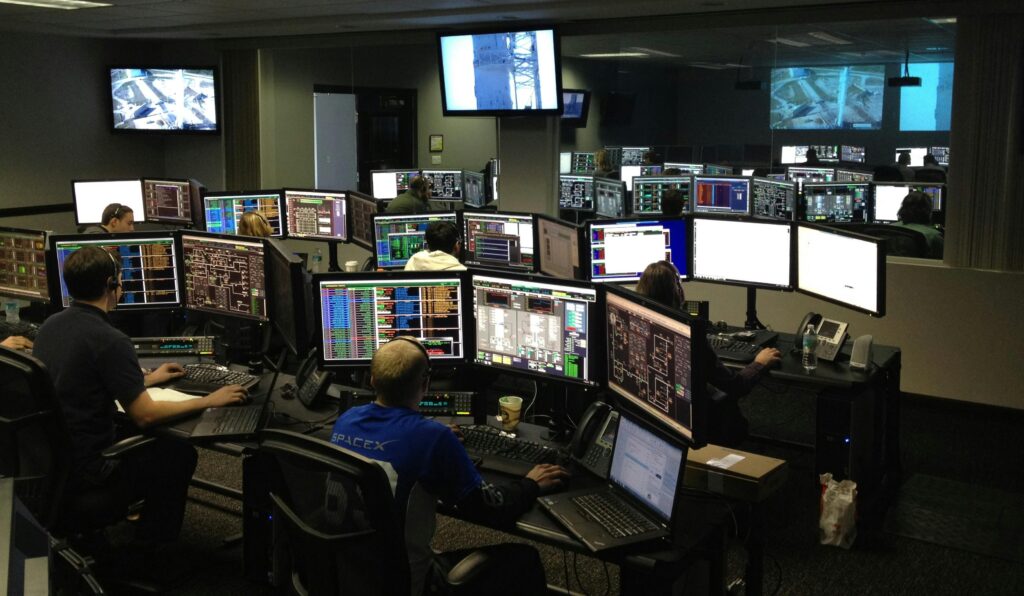
The Main Event Types
I can classify events into three practical categories.
Informational Events
Informational events confirm normal activity.
Examples include a successful backup, a completed job, or a normal service start.
Usually, I only record these events. However, they can support audits, reporting, troubleshooting, and trend analysis.
Warning Events
Warnings show that a service or component is approaching a condition that may require action.
For example, I may create a warning when disk utilization reaches 70 percent.
The service still works. However, the warning gives me time to intervene.
A useful warning helps me act before users experience a service disruption.
Exception Events
Exception events show that normal operating conditions have been exceeded.
Examples include:
- a server outage
- an application crash
- a failed transaction
- a lost network connection
- a serious security anomaly
These events normally require faster assessment. However, I still consider business impact and urgency before assigning priority.
How I Detect Events
I can detect events in two main ways.
First, a configuration item can send its own notification. For example, a server may report resource exhaustion or an application may report a failed transaction.
Second, a monitoring tool can actively check a component. For example, it can test whether a server responds or whether an application remains available.
This leads to two monitoring approaches.
Passive monitoring uses information that devices and applications generate themselves.
Active monitoring deliberately tests services or components.
For example, I can check availability, measure response time, or execute a synthetic transaction.
Therefore, I often combine both approaches.
I Focus Monitoring on Business-Critical Services
I do not monitor everything with the same intensity.
Instead, I consider business impact, service criticality, risk, and required response time.
For example, an unavailable payment gateway immediately affects revenue. In contrast, temporary downtime of an internal training portal may have little immediate impact.
Therefore, I monitor the payment service more closely and define faster escalation.
I prioritize monitoring according to business importance instead of treating every technical component equally.
This approach also reduces unnecessary alerts.
I Define Meaningful Thresholds
After I decide what to monitor, I define conditions that generate events.
For example:
- normal disk usage below 70 percent
- warning above 70 percent
- exception near critical capacity
- immediate exception when a critical application fails
However, I do not use arbitrary thresholds.
Instead, I consider normal system behavior, historical data, and the amount of time teams need to react.
If I set thresholds too low, I create excessive alerts. If I set them too high, I may identify risks too late.
A good threshold detects meaningful change early enough for useful action without creating unnecessary noise.
I Filter and Assess Events
Detection alone does not create value.
Therefore, I filter events and determine their significance.
Some events only need logging. Others require investigation or immediate action.
For example, I may simply record a successful backup. However, I may create a warning when backup duration rises sharply. If the backup fails, I may trigger an incident.
This filtering helps me separate meaningful signals from routine technical information.
I Define Clear Responses
Next, I define what should happen when specific events occur.
For example:
- informational event → log it
- warning → notify or create a low-priority incident
- critical exception → create and escalate an incident
- known condition → start an automated response
I also define ownership.
For example, infrastructure events may go to the server team, while security events go to the security team.
Clear event policies help me respond consistently instead of making the same decision again each time.

I Use Automation Where It Makes Sense
IT environments can generate large numbers of events. Therefore, automation plays an important role.
I can automate tasks such as:
- checking availability
- evaluating thresholds
- sending alerts
- creating incidents
- routing tickets
- escalating critical events
- executing predefined recovery actions
For example, a monitoring tool may detect that a critical application no longer responds. It can immediately create an incident and notify the responsible team.
However, I do not automate every decision. Unusual or complex situations may still require human assessment.
How Events Connect to Incidents
An event and an incident are not the same.
An event describes a significant change of state.
An incident involves an interruption or reduction in service quality.
For example, rising disk utilization may create a warning event. If I respond early, I can increase capacity before the service fails.
If I do nothing and the disk becomes full, the application may stop working. At that point, I may have an incident.
Effective ITIL Event Management can help me prevent incidents instead of only reacting after a service has already failed.
Business Example: E-Commerce Monitoring
Imagine that I manage an e-commerce service.
The website and payment function are business-critical. Therefore, I monitor availability, response time, transaction performance, and system capacity.
During a sales campaign, transaction times begin to increase.
Monitoring detects the change and generates a warning event.
The system notifies the responsible team. As a result, they can investigate before customers experience failed payments.
If the service becomes unavailable, the event changes in significance. I can then trigger a high-priority incident and escalation.
In contrast, I may apply less urgent rules to an internal training portal.
The technical event may look similar, but business impact determines how urgently I respond.
Why ITIL Event Management Matters
A structured approach helps me:
- detect risks earlier
- reduce unnecessary alerts
- prevent avoidable incidents
- improve service reliability
- automate routine responses
- assign clear responsibilities
- focus teams on important events
- identify recurring operational problems
Event records can also support problem management and continuous improvement. For example, repeated capacity warnings may reveal that a service needs additional resources or a technical change.
Therefore, event management supports both immediate operations and long-term service improvement.
Conclusion
ITIL Event Management helps me turn technical signals into controlled operational action.
First, I identify the services and configuration items that matter most. Then, I monitor them with suitable methods and thresholds. Next, I classify and assess events. Finally, I trigger the right response through policies, responsibilities, and automation.
Not every event needs action. Likewise, not every event becomes an incident.
What’s Next?!
Now that I understand how Event Management in ITIL Service Operations helps me detect and respond to service events, I can move into practical monitoring. Events show that something has happened. However, monitoring helps me see those signals early and react with more control.
In the next article, I’ll explore ITIL Monitoring and Event Management: A Hands-On Guide. I’ll show how monitoring and event management work together to improve visibility, reduce risks, and support reliable IT services.
Click the next article to continue your journey and learn how hands-on monitoring turns event data into smarter operational action.
Management That Turns Work into Clear Business Value
Management helps me guide goals, requirements, services, and processes with more clarity. In the main article on Management, I explore how organizations create structure, make better decisions, and improve results. First, I explain Management as a broad foundation. Then I connect it with Requirements Management in the IREB CPRE context, Service Management in the ITIL context, and Process Management in the BPMN context. As a result, I can show how management helps me improve quality, strengthen IT services, optimize workflows, and create lasting business value.
Credits: Photo by Vlada Karpovich from Pexels