
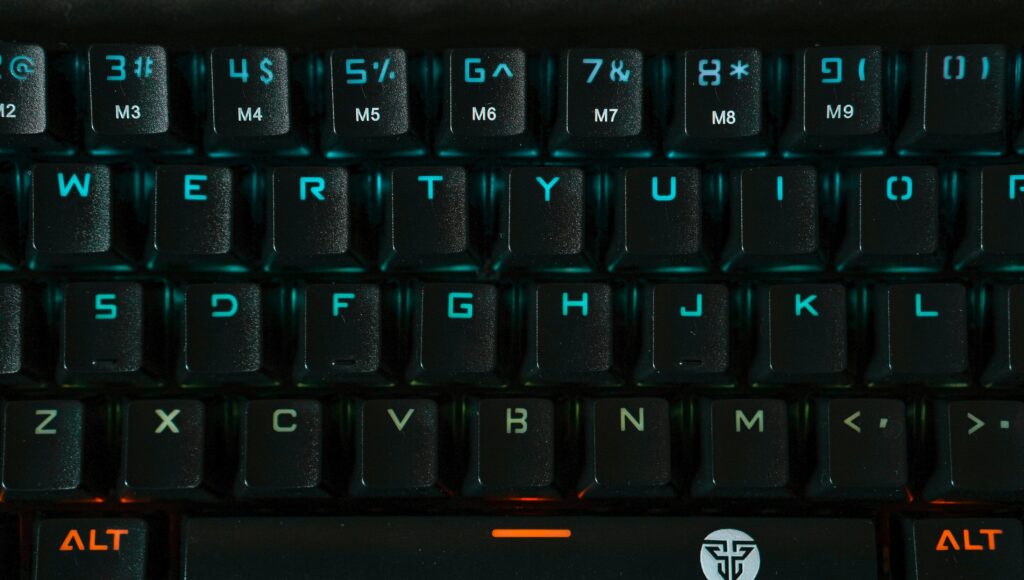
The In-/Output Interface connects a computer with its environment. It lets keyboards, screens, storage devices, and other hardware exchange data quickly and reliably. In this article, I explain how the In-/Output Interface works, why it matters, and how it helps devices communicate smoothly with the computer system.
Understanding the Role of the In-/Output Interface
I start with a simple idea: every digital action begins with a signal. I send that signal through an input device, and the computer reacts. Although this sounds straightforward, the underlying process requires precise coordination. The In-/Output Interface manages this coordination and keeps the entire system responsive.
I work with many input devices, and each one sends data in a different way. However, the interface handles them consistently. Because of this, I can switch between devices without thinking about compatibility or timing.
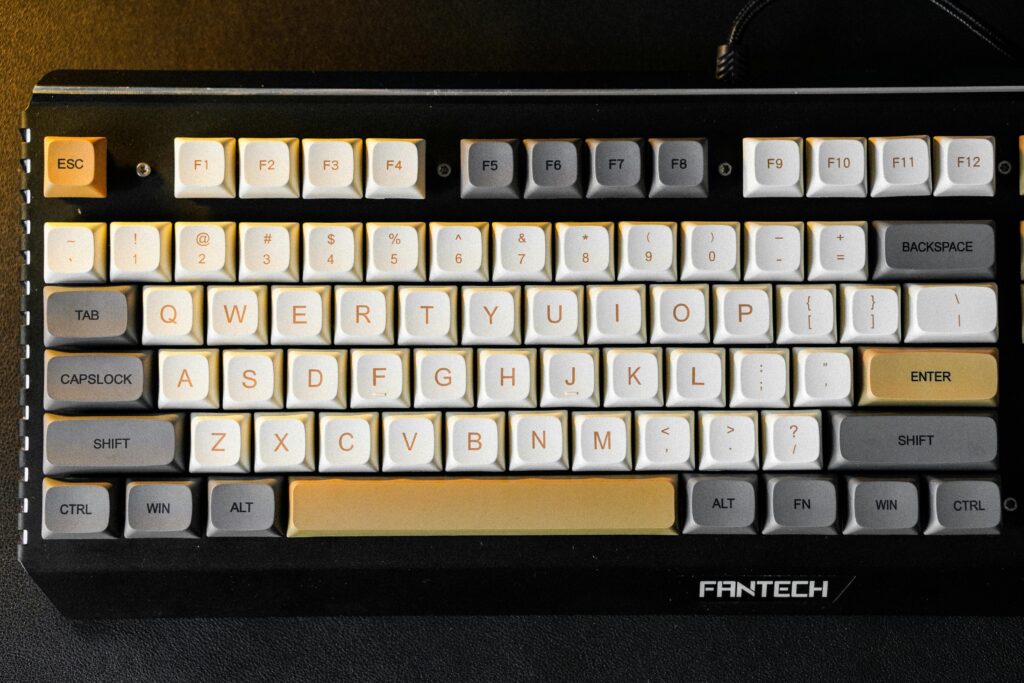
Input Devices: How I Send Data to the System
I use input devices to trigger actions. Each device has a clear purpose, and each one relies on the interface to deliver its signals correctly.
- Keyboard devices let me enter text and commands.
- Pointing devices help me navigate visual content.
- Composite devices combine touch and gesture.
- Game controllers give me precise control.
- Visual devices capture images.
- Audio devices record sound.
Although these devices differ, they all depend on the same interface. The interface ensures that every input reaches the processor quickly and without confusion.
Output Devices: How the System Responds to Me
After the system processes my input, it sends results back through output devices. I see these results on screens, hear them through speakers, or receive them through printers and storage devices. Because the interface manages both directions, I experience a continuous loop: I act, the system reacts, and I move on.
Why Direct Data Transfer Matters
When I work with large files or high‑speed devices, I need efficient data movement. This is where advanced mechanisms help me.
First, Direct Memory Access moves data between memory and devices without forcing the CPU to handle every step. As a result, the processor stays free for more complex tasks. Direct Memory Access increases performance and reduces unnecessary delays.
Second, an Input/Output Processor can take over structured data transfers. This processor specializes in communication tasks. Therefore, it offloads repetitive work from the CPU and keeps the system responsive.
Because modern systems combine these techniques, I benefit from faster operations and smoother workflows.
How Modern Systems Improve the Interface
Today’s processors still follow the same principles, yet they execute them more efficiently. I notice this when I connect multiple devices at once. The system handles parallel transfers, prioritizes tasks, and avoids bottlenecks. Consequently, I can run demanding applications without losing speed.
Modern In-/Output Interfaces allow me to interact with complex systems as easily as with simple ones.
Final Thoughts
I depend on the In-/Output Interface every time I use my computer. It connects my actions to the system and returns results without delay. Because it manages input, output, and data transfer, it keeps my workflow stable and predictable.
By understanding how the interface works, I gain a clearer view of the hidden processes that support every digital task I perform.
If you want, I can refine the tone further, adjust the length, or tailor the article for SEO, technical readers, or beginners.
What’s Next?!
Now that I understand computer memory, I can explore how data moves faster inside a system. Normal data transfers can keep the CPU busy. However, Direct Memory Access can move data between memory and devices with less CPU involvement. Therefore, the next article, “Direct Memory Access: Speed Up Your System Like a Pro,” is the perfect next step. Read it next to see how DMA improves performance, speeds up transfers, and helps computers work more efficiently.
Discover How Technology Powers Modern Computing
Technology becomes clearer when I follow the path from data to execution and security. In my main article on Technology, I explore operands, switching systems, the ALU, the control unit, the program counter, Von Neumann architecture, RISC vs. CISC, machine instructions, assembly language, memory, input and output interfaces, offsets, buses, processor registers, stack pointers, and encryption algorithms.
Therefore, this guide helps me understand how computers process data, manage memory, execute instructions, connect devices, and protect information. As a result, I strengthen my knowledge of computer architecture, processor behavior, data flow, low-level programming, system communication, and digital security.
Credits: Photo by Nguyễn Sơn Tùng from Pexels