

When I first studied computer architecture, the term processor register stood out. A processor register stores small pieces of data directly inside the CPU. This allows fast access during calculations and instruction processing. In this article, I’ll explain how processor registers work, which types exist, and why they are essential to processor performance.
Why registers matter
I learned early that registers shape performance. First, they reduce memory traffic. Second, they lower latency for arithmetic and logic. Third, they enable the CPU to keep more live values close to execution units. Therefore, register design influences compiler decisions and assembly-level coding. Good register use shortens critical paths and raises instruction throughput.
Types of registers — clear and compact
I group registers into three practical types. Each type serves a distinct role.
Data registers
- I use data registers to hold operands and results.
- They act as the CPU’s working set.
- Modern CPUs provide many general-purpose registers. Keeping hot values in data registers speeds arithmetic and logic operations.
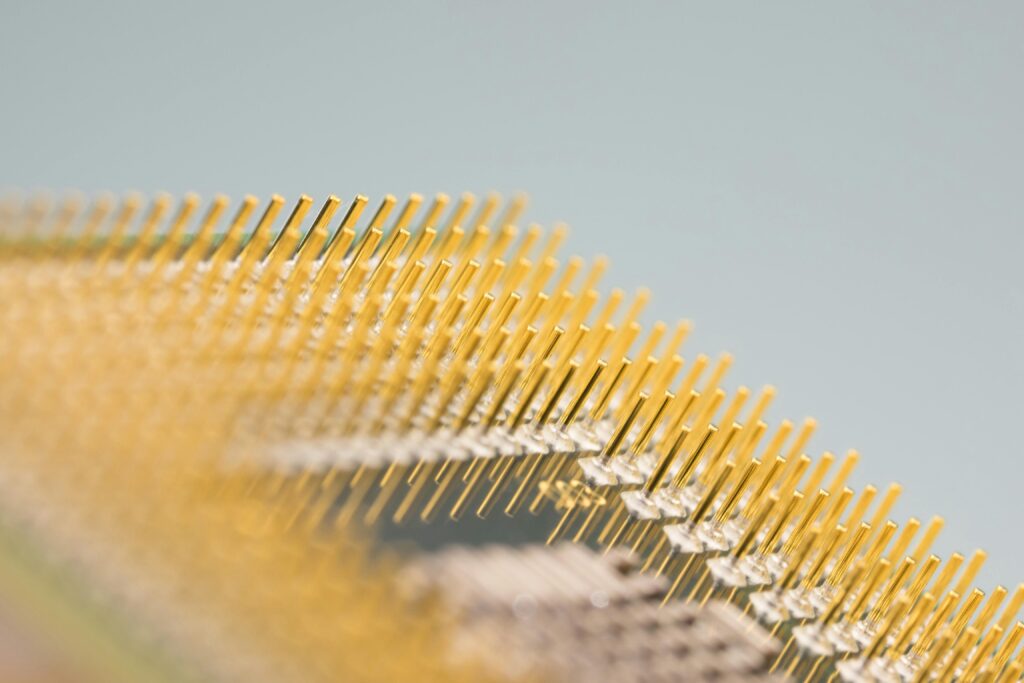
Address registers
- I use address registers to compute and hold memory addresses.
- They participate in base-plus-offset and indexed addressing.
- The program counter also functions as an address register for instruction flow. Address registers reduce the number of memory accesses and simplify pointer arithmetic.
Control registers
- I use control registers to manage execution state.
- Examples include the program counter, status flags, and stack pointer.
- Some control registers remain hidden from user code. Control registers coordinate instruction sequencing, exception handling, and privilege transitions.
Practical implications for programmers
First, compilers allocate registers to minimize loads and stores. Next, I write code that favors register reuse in hot loops. Then, I avoid spilling frequently used variables to memory. Consequently, I reduce cache pressure and pipeline stalls. Optimizing register allocation often yields larger gains than micro-optimizing arithmetic.
Optimization strategies I use
- Reserve registers for loop indices and frequently used temporaries.
- Prefer simple addressing modes that the hardware implements efficiently.
- Unroll small loops when register pressure allows it.
- Use compiler intrinsics or inline assembly only when the compiler fails to allocate registers well.
- Profile and inspect generated assembly to confirm register usage. Measure before and after; empirical data guides safe optimizations.
Common pitfalls and how I avoid them
Many developers rely on defaults and miss register-level opportunities. For example, excessive function calls can force spills. Also, mixing large data structures into hot paths increases register pressure. To avoid these issues, I refactor hot code, reduce live ranges, and let the compiler perform register allocation when possible. Reducing live ranges lowers spill frequency and improves throughput.
Quick reference
- Data registers: hold operands and results.
- Address registers: compute and hold addresses.
- Control registers: manage flow and state.
- Optimization: reduce spills; keep hot values in registers; profile.
Final thoughts
I aim for clarity and utility. Therefore, I focused on what matters to performance and to real code. Use registers deliberately. Measure the impact. Registers are where software meets hardware; efficient register use makes code faster and more predictable.
What’s Next?!
Now that you understand processor registers, the next step is the problem counter. Registers store fast-access data inside the CPU, but the problem counter shows how a processor keeps track of the next instruction. It helps the computer follow a program step by step.
Therefore, continue with What is a Problem Counter and How Does It Work? to see how instruction flow works inside a processor. This next article will help you understand how computers move through program instructions and keep execution organized.
Explore Technology from the Processor Up
Technology becomes easier to understand when I connect the small building blocks with the larger system. In my main article on Technology, I explore operands, switching systems, the ALU, the control unit, the program counter, Von Neumann architecture, RISC vs. CISC, machine instructions, assembly language, memory, input and output interfaces, offsets, buses, processor registers, stack pointers, and encryption algorithms.
These foundations show how computers execute instructions, control data flow, handle memory, communicate with devices, and protect information. Therefore, this overview helps me strengthen my understanding of computer architecture, processor behavior, low-level programming, system communication, and digital security.
Credits: Photo by Pixabay from Pexels